

README
QR Code Generator
Extension for AUTOMATIC1111's Stable Diffusion web UI.
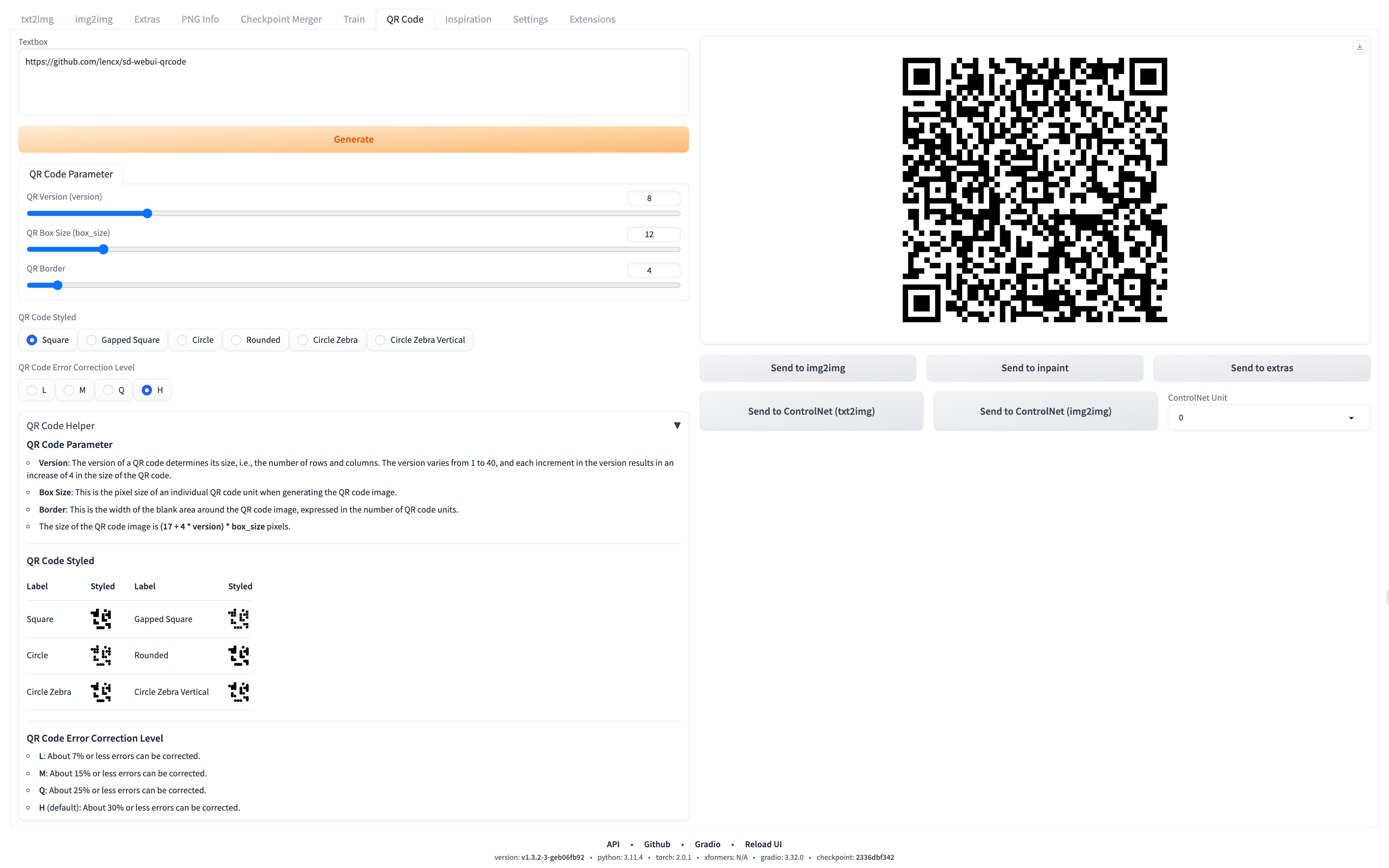
Usage
- Begin by installing the Stable Diffusion web UI.
- Once installation is complete, navigate to the
Extensionstab. - Within the
Extensionstab, locate and open theInstall from URLsub-tab. - In the provided field, input the following URL for the extension's Git repository:
https://github.com/lencx/sd-webui-qrcode.git. - Click on the
Installbutton. Post-installation, a message will appear stating, "Installed into~/stable-diffusion-webui/extensions/sd-webui-qrcode. Use theInstalledtab to restart." - Navigate to the
Installedtab and click onApply and restart UIto initialize the changes. - For future upgrades, within the
Installedtab, select theCheck for updatesbutton. Observe theUpdatecolumn in the displayed table, and select the plugins that need an upgrade. To apply these updates, click onApply and restart UI, finalizing the upgrade process.
Sponsor
You can choose a way to support my open source work. Thank you.
<a href="https://www.buymeacoffee.com/lencx" target="_blank">

</a>