

Repository
ai-agents-101
AI Agents 101 - Interactive Training Platform for building production-ready AI agents
README
AI Agents 101 - Interactive Training Platform
Master the art of building AI agents through 8 progressive, interactive labs




Created by Yuval Avidani (@hoodini) - AI Builder, Speaker & Educator
📚 Table of Contents
- Overview
- Architecture Diagram
- Key Features
- Real-World Use Cases
- Lab Structure
- Technology Stack
- Prerequisites
- Installation
- Configuration
- Running the Application
- Deployment
- Project Structure
- Learning Path
- Troubleshooting
- Contributing
- License
- About the Creator
🎯 Overview
AI Agents 101 is a comprehensive, browser-based interactive training platform designed to teach developers how to build production-ready AI agents from the ground up. Through 8 progressively complex labs, you'll learn everything from basic LLM interactions to orchestrating multi-agent systems.
What Makes This Unique?
- 100% Browser-Based: No backend required - everything runs in your browser using WebAssembly and client-side APIs
- Real LLM Integration: Work with actual LLM providers (Groq, Cohere, OpenAI) using your own API keys
- Interactive Code Cells: Monaco Editor integration for hands-on coding experience
- Progressive Learning: Each lab builds on previous concepts with increasing complexity
- Visual Learning: Interactive diagrams and visualizations for complex concepts like RAG and multi-agent systems
- Progress Tracking: Your progress is saved locally, pick up where you left off
🏗️ Architecture Diagram
graph TB
    subgraph "Browser Environment"
        subgraph "React Application Layer"
            App[App Component]
            Homepage[Homepage]
            LabNav[Lab Navigation]

            subgraph "Lab Components"
                Lab1[Lab 1: Components]
                Lab2[Lab 2: Prompt/Response]
                Lab3[Lab 3: System Prompts]
                Lab4[Lab 4: Memory]
                Lab5[Lab 5: Knowledge Base]
                Lab6[Lab 6: RAG]
                Lab7[Lab 7: Multi-Agent]
                Lab8[Lab 8: Orchestrator]
            end

            subgraph "UI Components"
                CodeCell[Code Cell
Monaco Editor]
                Terminal[Terminal Output]
                Modal[API Key Modal]
                ModelSelector[Model Selector]
                Visualizations[RAG/Multi-Agent
Visualizations]
            end
        end

        subgraph "State Management"
            Zustand[Zustand Store]
            LocalStorage[(Local Storage
API Keys & Progress)]
        end

        subgraph "LLM Integration Layer"
            LLMFactory[LLM Factory]

            subgraph "Provider SDKs"
                Groq[Groq SDK]
                Cohere[Cohere SDK]
                OpenAI[OpenAI Compatible]
            end

            LangChain[LangChain.js
Agent Framework]
        end
    end

    subgraph "External Services"
        GroqAPI[Groq API
Llama 3.1/3.3]
        CohereAPI[Cohere API
Command Models]
        OpenAIAPI[OpenAI API
GPT Models]
        WikiAPI[Wikipedia API
RAG Data Source]
    end

    App --> Homepage
    App --> LabNav
    App --> Lab1 & Lab2 & Lab3 & Lab4 & Lab5 & Lab6 & Lab7 & Lab8

    Lab1 & Lab2 & Lab3 & Lab4 & Lab5 & Lab6 & Lab7 & Lab8 --> CodeCell
    Lab1 & Lab2 & Lab3 & Lab4 & Lab5 & Lab6 & Lab7 & Lab8 --> Terminal
    Lab6 --> Visualizations
    Lab7 & Lab8 --> Visualizations

    App --> Modal
    App --> ModelSelector

    Zustand  LocalStorage
    App --> Zustand
    Lab1 & Lab2 & Lab3 & Lab4 & Lab5 & Lab6 & Lab7 & Lab8 --> Zustand

    CodeCell --> LLMFactory
    LLMFactory --> Groq & Cohere & OpenAI
    LLMFactory --> LangChain

    Groq --> GroqAPI
    Cohere --> CohereAPI
    OpenAI --> OpenAIAPI
    LangChain --> WikiAPI

    style App fill:#61dafb,stroke:#333,stroke-width:2px,color:#000
    style Zustand fill:#f4a261,stroke:#333,stroke-width:2px
    style LLMFactory fill:#e76f51,stroke:#333,stroke-width:2px
    style LangChain fill:#2a9d8f,stroke:#333,stroke-width:2px
    style GroqAPI fill:#264653,stroke:#00d4ff,stroke-width:3px,color:#fff
    style CohereAPI fill:#264653,stroke:#00d4ff,stroke-width:3px,color:#fff
    style OpenAIAPI fill:#264653,stroke:#00d4ff,stroke-width:3px,color:#fff
Component Flow Diagram
sequenceDiagram
    participant User
    participant App
    participant Lab
    participant CodeCell
    participant LLMFactory
    participant LangChain
    participant API as LLM API (Groq/Cohere/OpenAI)

    User->>App: Open Application
    App->>App: Check API Key in LocalStorage

    alt No API Key
        App->>User: Show Homepage & API Modal
        User->>App: Enter API Key
        App->>LocalStorage: Save API Key
    end

    User->>App: Select Lab
    App->>Lab: Render Lab Component
    Lab->>CodeCell: Render Code Editor

    User->>CodeCell: Write/Edit Code
    User->>CodeCell: Click "Run Code"

    CodeCell->>LLMFactory: createLLM(provider, apiKey, model)
    LLMFactory->>API: Validate API Key
    API-->>LLMFactory: Key Valid

    LLMFactory->>LangChain: Initialize Agent/Chain

    CodeCell->>LangChain: Execute Agent Code
    LangChain->>API: Send Prompt
    API-->>LangChain: Stream Response
    LangChain-->>CodeCell: Return Result

    CodeCell->>Terminal: Display Output
    Terminal-->>User: Show Results

    User->>Lab: Mark Complete
    Lab->>Zustand: Update Progress
    Zustand->>LocalStorage: Persist Progress
✨ Key Features
🎓 8 Progressive Labs
From basic concepts to advanced multi-agent orchestration:
- Agent Components - Understanding LLM, Tools, and Memory
- Simple Prompt/Response - Basic LLM interactions
- Custom System Prompts - Crafting specialized agent behaviors
- Conversation Memory - Building context-aware agents
- Knowledge Base - Integrating structured data
- RAG with Wikipedia - Retrieval-Augmented Generation with embeddings
- Multi-Agent Collaboration - Coordinating multiple specialized agents
- Orchestrator Agent - Advanced routing and task delegation
💻 Interactive Code Environment
- Monaco Editor - The same editor that powers VS Code
- Syntax Highlighting - Full TypeScript/JavaScript support
- Auto-completion - Intelligent code suggestions
- Error Handling - Real-time error feedback
- Execution Output - Terminal-style output display
🔌 Multi-Provider LLM Support
- Groq - Blazing-fast inference (Llama 3.1 70B, Llama 3.3 70B)
- Cohere - Command models optimized for agents
- OpenAI - GPT-3.5/GPT-4 compatibility
🎨 Modern UI/UX
- Futuristic cyberpunk-inspired design with light/dark theme toggle
- Smooth animations and transitions
- 100% Mobile Responsive - Optimized for all screen sizes with collapsible navbar and sidebar
- Custom hero images for each lab with responsive scaling
- Progress tracking with visual indicators
- Clickable hexagonal module grid for quick lab access
- Multilingual support (English & Hebrew with RTL support)
- Fixed-position navbar controls for consistent UX
- Glass-morphism effects with Apple-style blur
🔐 Privacy-First
- API keys stored only in browser's localStorage
- No backend servers - all processing client-side
- No data collection or tracking
- Full control over your credentials
🌍 Real-World Use Cases
1. Customer Support Automation
Scenario: Build an intelligent customer service agent that handles inquiries, searches knowledge bases, and escalates complex issues.
Labs Applied:
- Lab 2: Basic response generation
- Lab 4: Remember customer conversation history
- Lab 5: Access product documentation knowledge base
- Lab 8: Route complex queries to specialized agents
Example Output:
// Customer Support Agent
const supportAgent = new Agent({
  llm: groqLLM,
  memory: conversationMemory,
  tools: [searchKnowledgeBase, createTicket, checkOrderStatus],
  systemPrompt: "You are a helpful customer support agent..."
});

await supportAgent.chat("My order #12345 hasn't arrived");
// Agent: checks order status, provides tracking, offers solutions
2. Research Assistant
Scenario: Create an AI research assistant that can search Wikipedia, synthesize information, and generate comprehensive reports.
Labs Applied:
- Lab 3: System prompts for research focus
- Lab 6: RAG to retrieve and synthesize Wikipedia content
- Lab 7: Multiple specialized agents (researcher, writer, fact-checker)
Example Output:
// Research Agent with RAG
const researchAgent = await createRAGAgent({
  llm: cohereLLM,
  topic: "quantum computing",
  sources: ["wikipedia", "arxiv"],
  outputFormat: "detailed-report"
});

const report = await researchAgent.research(
  "Explain quantum entanglement and its applications"
);
// Returns: Comprehensive report with citations
3. Content Creation Pipeline
Scenario: Multi-agent system for content creation with specialized agents for ideation, writing, editing, and SEO optimization.
Labs Applied:
- Lab 7: Multi-agent collaboration
- Lab 8: Orchestrator to coordinate workflow
Example Output:
// Content Pipeline with Orchestrator
const contentPipeline = new OrchestratorAgent({
  agents: {
    ideator: new IdeaAgent(),
    writer: new WriterAgent(),
    editor: new EditorAgent(),
    seoOptimizer: new SEOAgent()
  }
});

await contentPipeline.execute({
  task: "Create blog post about AI trends 2025",
  workflow: "ideate → write → edit → optimize"
});
// Output: SEO-optimized, edited blog post
4. Code Review Assistant
Scenario: Automated code review system that analyzes code quality, suggests improvements, and checks best practices.
Labs Applied:
- Lab 2: Prompt engineering for code analysis
- Lab 5: Knowledge base of coding standards
- Lab 7: Multiple reviewers (security, performance, style)
Example Output:
// Code Review Multi-Agent
const codeReviewTeam = {
  securityReviewer: createAgent("security expert"),
  performanceReviewer: createAgent("performance specialist"),
  styleReviewer: createAgent("code style enforcer")
};

const reviews = await Promise.all(
  Object.values(codeReviewTeam).map(agent =>
    agent.review(codeSubmission)
  )
);
// Returns: Comprehensive review from multiple perspectives
5. Personal Learning Tutor
Scenario: Adaptive learning system that remembers student progress, adjusts difficulty, and provides personalized explanations.
Labs Applied:
- Lab 4: Memory to track learning progress
- Lab 3: Adaptive system prompts based on skill level
- Lab 5: Curriculum knowledge base
Example Output:
// Adaptive Tutor
const tutor = new AdaptiveTutor({
  llm: openaiLLM,
  memory: studentProgressMemory,
  curriculum: mathKnowledgeBase,
  adaptiveLevel: true
});

await tutor.teach("algebra", studentId);
// Adjusts explanations based on student's past performance
📖 Lab Structure
Each lab follows a consistent structure:
graph LR
    A[Lab Introduction] --> B[Conceptual Explanation]
    B --> C[Code Example]
    C --> D[Interactive Exercise]
    D --> E[Run & Test]
    E --> F[Mark Complete]

    style A fill:#00d4ff,stroke:#333,stroke-width:2px
    style D fill:#ff00ff,stroke:#333,stroke-width:2px
    style F fill:#00ff88,stroke:#333,stroke-width:2px
Lab Progression
Each lab features a unique custom-designed hero image to visually represent the concepts covered:
| Lab | Hero Image | Complexity | Concepts | Time |
|---|---|---|---|---|
| Lab 1 | 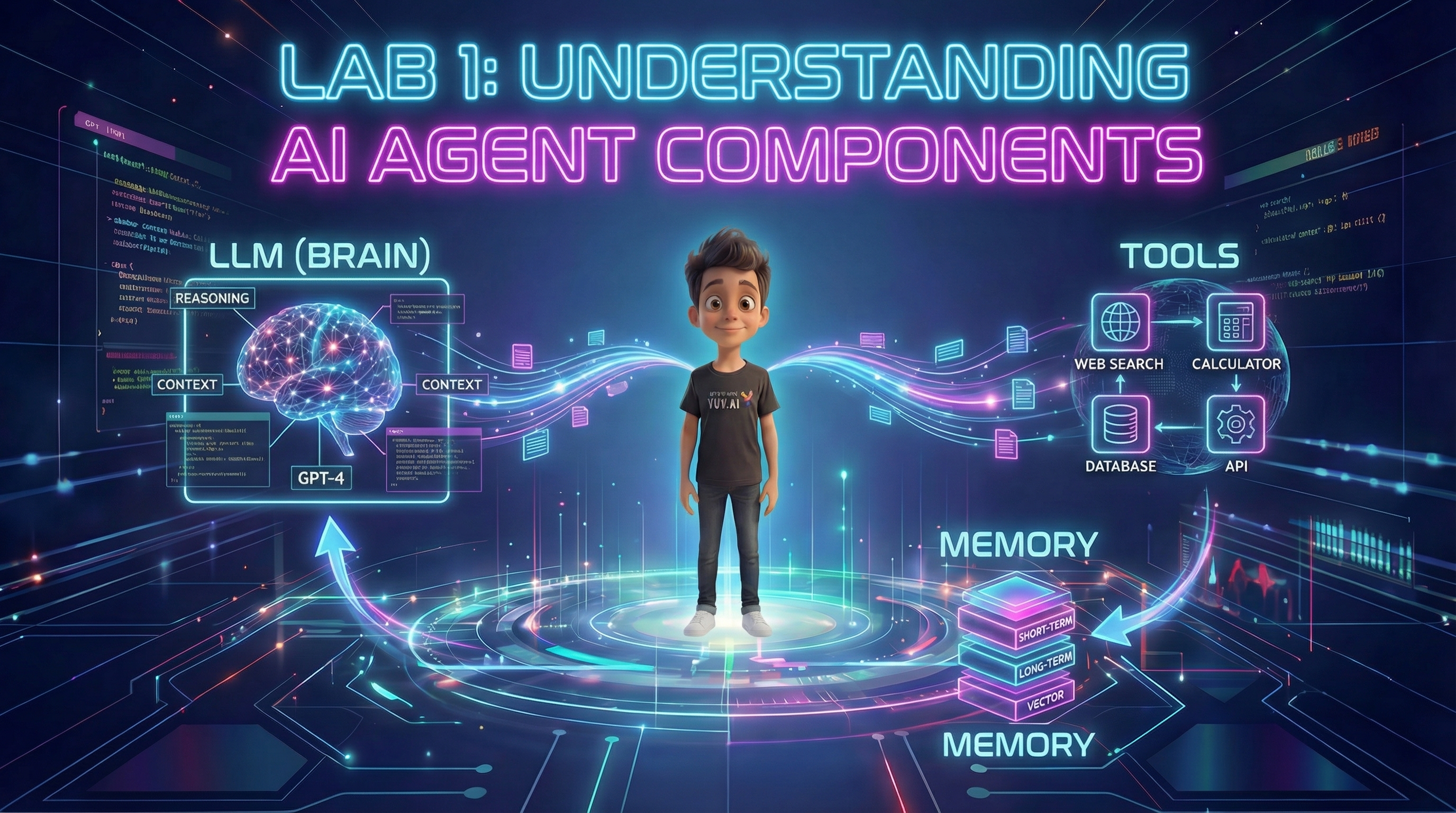 |
⭐ Beginner | LLM, Tools, Memory | 15 min |
| Lab 2 | 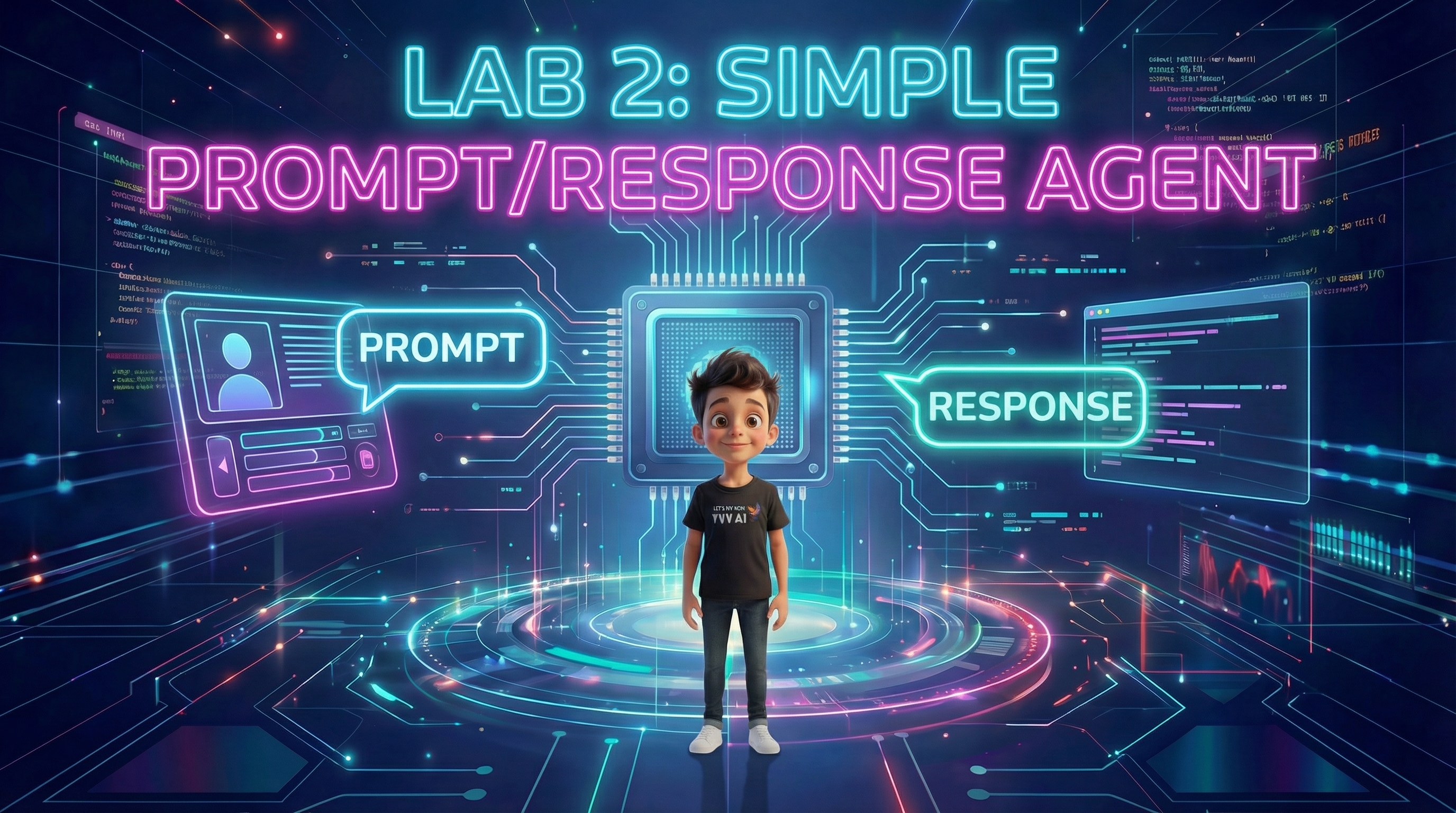 |
⭐ Beginner | Basic Chat, Prompts | 20 min |
| Lab 3 | 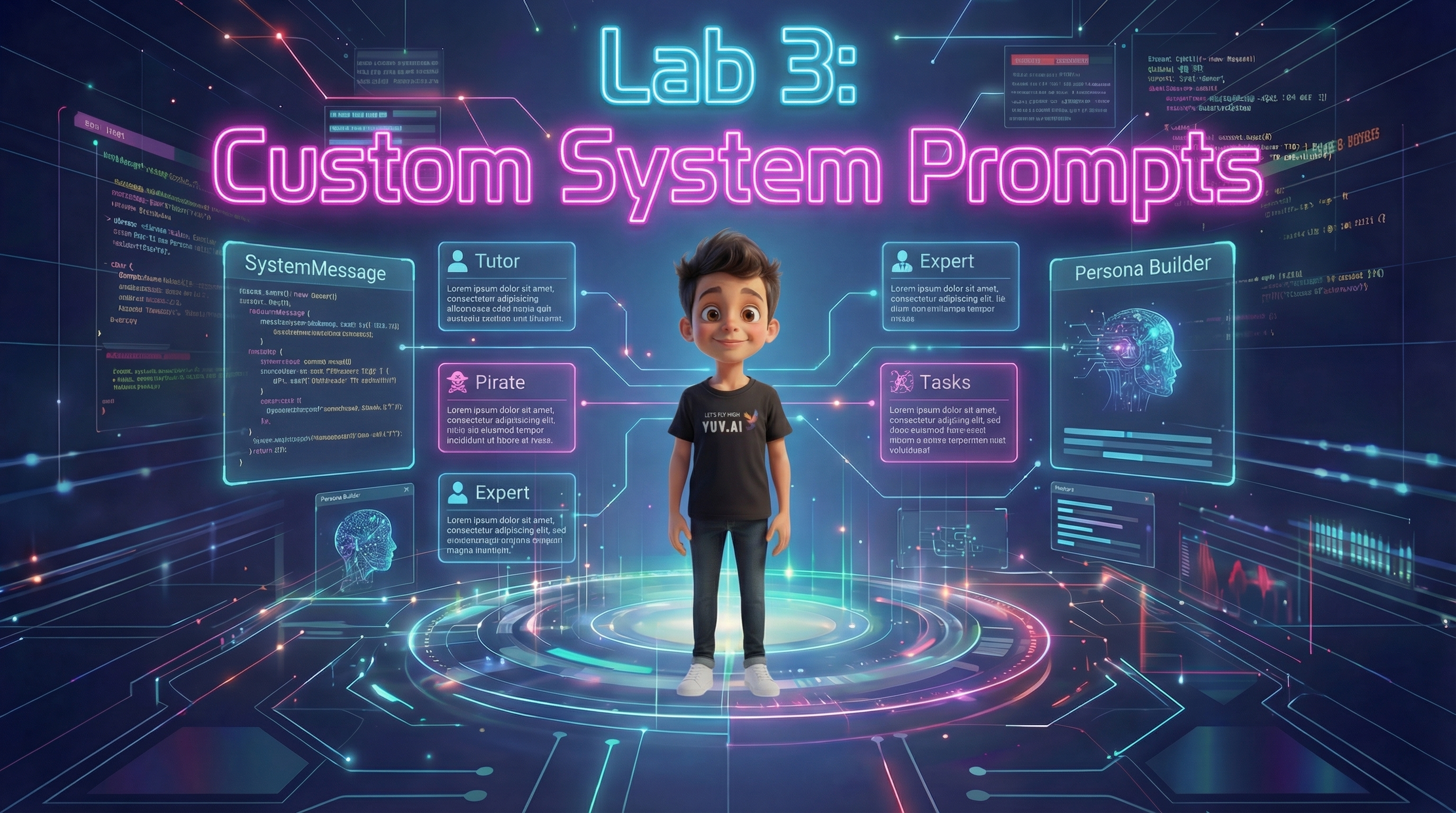 |
⭐⭐ Intermediate | System Prompts, Roles | 25 min |
| Lab 4 |  |
⭐⭐ Intermediate | Conversation History | 30 min |
| Lab 5 |  |
⭐⭐ Intermediate | Knowledge Bases | 30 min |
| Lab 6 | 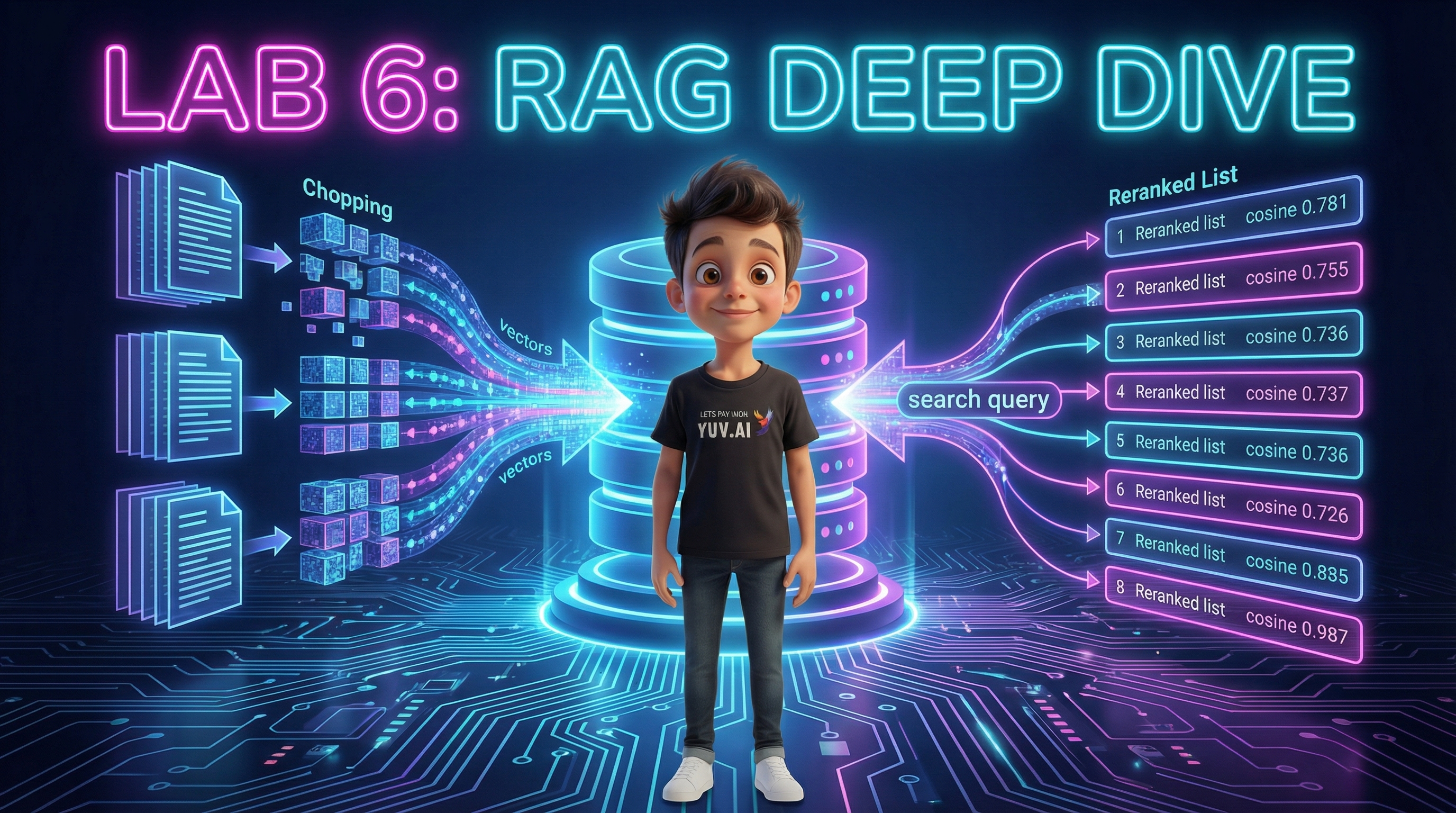 |
⭐⭐⭐ Advanced | RAG, Embeddings, Vector Search | 45 min |
| Lab 7 |  |
⭐⭐⭐ Advanced | Multi-Agent Systems | 40 min |
| Lab 8 | 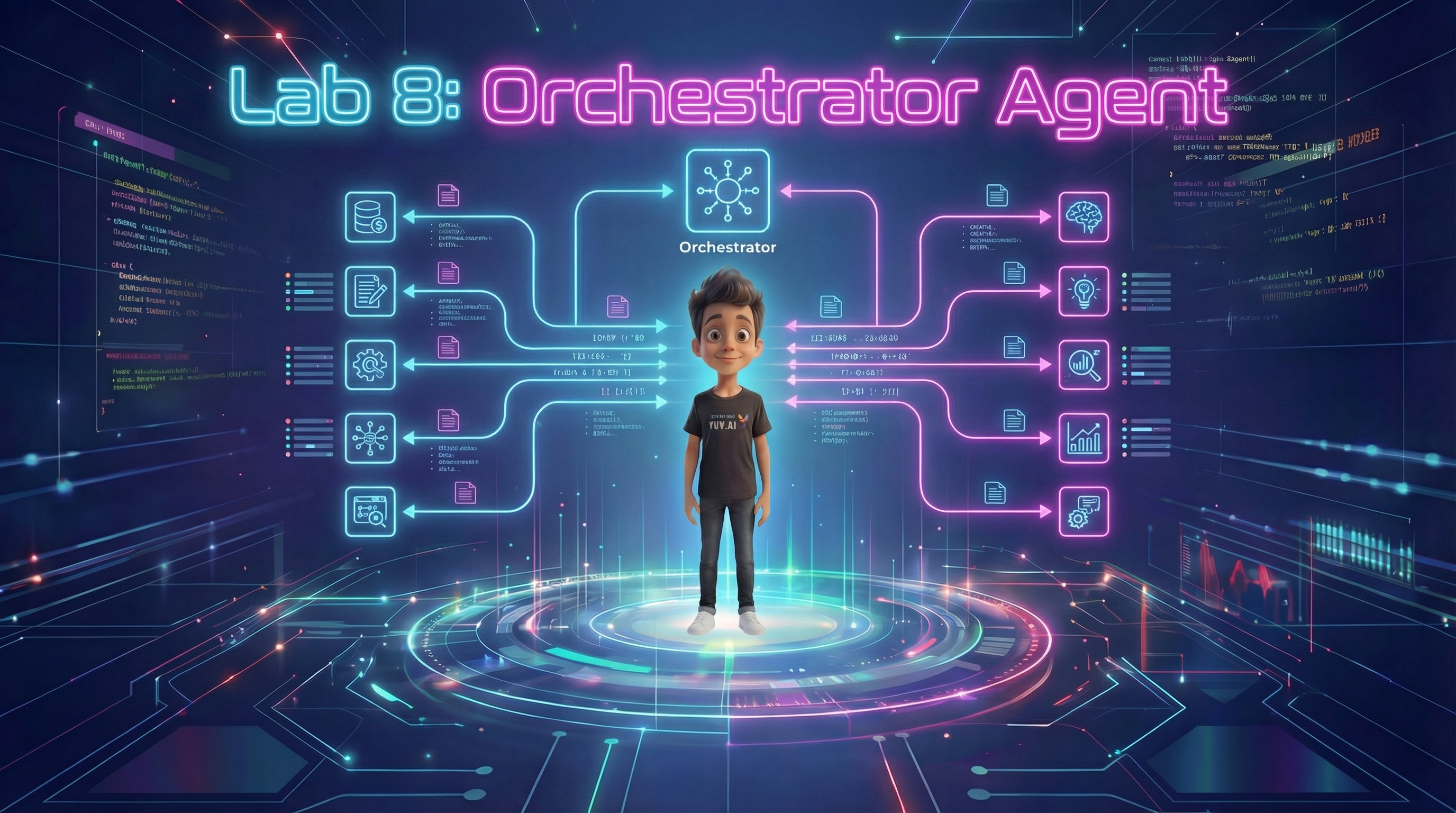 |
⭐⭐⭐⭐ Expert | Orchestration, Routing | 50 min |
🔧 Technical Deep Dive
Understanding how browser-based AI execution works with WebAssembly (Pyodide) and WebGPU (WebLLM). Learn the technical foundations that make running LLMs and Python code entirely in your browser possible.
🚀 Browser-Based AI Playground
Run LLMs (Phi-3.5, Llama 3.2, Qwen 2.5) and Python code entirely in your browser using WebLLM and Pyodide. No server required - everything runs locally on your machine with GPU acceleration via WebGPU.
🛠️ Technology Stack
Frontend Framework
- React 19.2 - Latest React with concurrent features
- TypeScript 5.9 - Type-safe development
- Vite 7.2 - Lightning-fast build tool
UI & Styling
- Tailwind CSS 3.4 - Utility-first CSS framework
- Lucide React - Modern icon library
- Custom CSS - Cyberpunk-themed animations and effects
State Management
- Zustand 5.0 - Lightweight state management
- LocalStorage API - Persistent storage
Code Editor
- Monaco Editor 4.7 - VS Code's editor in the browser
AI/ML Libraries
- LangChain.js 1.2 - Agent framework and orchestration
- @langchain/groq 1.0 - Groq provider integration
- @langchain/cohere 1.0 - Cohere provider integration
- @langchain/community 1.1 - Community tools and utilities
- groq-sdk 0.37 - Native Groq SDK
- cohere-ai 7.20 - Native Cohere SDK
Development Tools
- ESLint 9.39 - Code linting
- TypeScript ESLint 8.46 - TypeScript-specific linting
- PostCSS 8.5 - CSS processing
- Autoprefixer 10.4 - CSS vendor prefixing
📋 Prerequisites
Before you begin, ensure you have the following:
Required
- Node.js (v18.0.0 or higher)
- npm (v9.0.0 or higher) or yarn (v1.22.0 or higher)
- Git (for cloning the repository)
API Keys (at least one)
You'll need an API key from one of these providers:
-
Groq (Recommended for beginners)
- Free tier available
- Fast inference
- Sign up: https://console.groq.com
-
Cohere
- Free tier available
- Optimized for agents
- Sign up: https://dashboard.cohere.ai
-
OpenAI
- Paid service (pay-as-you-go)
- GPT-3.5 Turbo / GPT-4
- Sign up: https://platform.openai.com
Recommended
- VS Code or similar code editor
- Modern browser (Chrome, Firefox, Edge, Safari - latest version)
- Basic knowledge of JavaScript/TypeScript
- Understanding of async/await and promises
🚀 Installation
Step 1: Clone the Repository
git clone https://github.com/hoodini/ai-agents-101.git
cd ai-agents-101
Step 2: Navigate to Application Directory
cd agents-training-appStep 3: Install Dependencies
Using npm:
npm installUsing yarn:
yarn installThis will install all required dependencies including:
- React and React DOM
- TypeScript
- Vite
- Tailwind CSS
- LangChain and provider SDKs
- Monaco Editor
- All development tools
Step 4: Verify Installation
Check that all dependencies were installed correctly:
npm list --depth=0You should see all packages listed in package.json.
⚙️ Configuration
Environment Setup (Optional)
While the app works without environment variables (API keys are entered via UI), you can optionally create a .env.local file:
# .env.local (optional - for development convenience)
VITE_DEFAULT_PROVIDER=groq
VITE_GROQ_API_KEY=your_groq_api_key_here
VITE_COHERE_API_KEY=your_cohere_api_key_here
VITE_OPENAI_API_KEY=your_openai_api_key_hereImportant: The .env.local file is gitignored and should never be committed to version control.
Tailwind Configuration
Tailwind is pre-configured with custom colors and animations. Configuration file: tailwind.config.js
Custom theme includes:
- Cyberpunk color palette
- Neon glow effects
- Custom animations (particles, pulses, slides)
- Responsive breakpoints
Vite Configuration
The Vite config is minimal and optimized for React: vite.config.ts
🏃 Running the Application
Development Mode
Start the development server with hot module replacement:
npm run devThe application will be available at:
http://localhost:5173Features in dev mode:
- Hot Module Replacement (HMR)
- Fast refresh
- Source maps for debugging
- Error overlay
Production Build
Build the optimized production bundle:
npm run buildThis creates an optimized build in the dist/ directory with:
- Minified JavaScript and CSS
- Tree-shaking for smaller bundle size
- Asset optimization
- Source maps (optional)
Preview Production Build
Preview the production build locally:
npm run previewRunning Linter
Check code quality and style:
npm run lintFix auto-fixable issues:
npm run lint -- --fix🌐 Deployment
Deploy to Vercel (Recommended)
Vercel offers the easiest deployment for Vite apps:
-
Install Vercel CLI:
npm install -g vercel -
Deploy:
cd agents-training-app vercel -
Follow prompts:
- Link to existing project or create new
- Set build command:
npm run build - Set output directory:
dist
-
Production deployment:
vercel --prod
Deploy to Netlify
-
Install Netlify CLI:
npm install -g netlify-cli -
Build the app:
npm run build -
Deploy:
netlify deploy --prod --dir=dist
Deploy to GitHub Pages
Option 1: Using GitHub Pages Subdirectory (username.github.io/repo-name)
-
Install gh-pages:
npm install --save-dev gh-pages -
Add to package.json:
{ "scripts": { "predeploy": "npm run build", "deploy": "gh-pages -d dist" } } -
Update vite.config.ts for base path:
export default defineConfig({ base: '/your-repo-name/', // Replace with your repository name plugins: [react()], }) -
Deploy:
npm run deployYour site will be available at:
https://username.github.io/your-repo-name/
Option 2: Using Custom Domain (recommended)
If you want to use a custom domain like agents.yourdomain.com:
-
Install gh-pages (if not already installed):
npm install --save-dev gh-pages -
Update vite.config.ts for root path:
export default defineConfig({ base: '/', // Root path for custom domain plugins: [react()], }) -
Create CNAME file in
public/directory:echo "agents.yourdomain.com" > public/CNAMEImportant: Replace
agents.yourdomain.comwith your actual domain -
Add deploy scripts to package.json:
{ "scripts": { "predeploy": "npm run build", "deploy": "gh-pages -d dist" } } -
Deploy:
npm run deploy -
Configure DNS (Cloudflare, Route53, etc.):
Add a CNAME record:
Type: CNAME Name: agents (or your chosen subdomain) Target: username.github.io (your GitHub username) TTL: Auto or 300 -
Wait for SSL Certificate (automatic):
- GitHub Pages will automatically provision an SSL certificate via Let's Encrypt
- This takes 10-60 minutes after DNS propagation
- Check status at:
https://github.com/username/repo-name/settings/pages
-
Verify Deployment:
# Check GitHub Pages status
gh api repos/username/repo-name/pages
Your site will be available at:
https://agents.yourdomain.com/
Troubleshooting Custom Domain:
- SSL Certificate Error: Wait for GitHub to provision the certificate (can take up to 1 hour)
- 404 Error: Verify the CNAME file exists in the deployed
gh-pagesbranch - Images Not Loading: Use relative paths (
logo.png) instead of absolute paths (/logo.png) - DNS Not Resolving: Use
nslookup agents.yourdomain.comto verify DNS propagation
Deploy to AWS S3 + CloudFront
-
Build the app:
npm run build -
Upload to S3:
aws s3 sync dist/ s3://your-bucket-name --delete -
Invalidate CloudFront cache:
aws cloudfront create-invalidation --distribution-id YOUR_DIST_ID --paths "/*"
Environment Variables for Deployment
If using environment variables, set them in your deployment platform:
Vercel:
vercel env add VITE_GROQ_API_KEYNetlify:
- Go to Site Settings → Build & Deploy → Environment
- Add variables:
VITE_GROQ_API_KEY, etc.
Note: Since API keys are entered via UI, environment variables are optional.
📁 Project Structure
agents-training-app/
├── public/                          # Static assets
│   ├── hero.jpg                    # Homepage hero image
│   ├── logo.png                    # YUV.AI logo
│   ├── yuvai.png                   # Creator avatar
│   └── vite.svg                    # Vite icon
│
├── src/
│   ├── components/                 # React components
│   │   ├── ApiKeyModal.tsx        # API key configuration modal
│   │   ├── CodeCell.tsx           # Interactive code editor
│   │   ├── Homepage.tsx           # Landing page with clickable labs
│   │   ├── LabNavigation.tsx      # Lab sidebar navigation
│   │   ├── LanguageToggle.tsx     # Language switcher (EN/HE)
│   │   ├── ModelSelector.tsx      # LLM provider selector
│   │   ├── TerminalCodeCell.tsx   # Terminal output display
│   │   ├── ThemeToggle.tsx        # Dark/Light theme switcher
│   │   └── visualizations/        # Lab visualizations
│   │       ├── rag/               # RAG workflow diagrams
│   │       │   ├── ChunkingVisualization.tsx
│   │       │   ├── EmbeddingsVisualization.tsx
│   │       │   └── RAGWorkflowDiagram.tsx
│   │       └── multi-agent/       # Multi-agent diagrams
│   │           └── MultiAgentCollaborationFlow.tsx
│   │
│   ├── labs/                       # Lab components
│   │   ├── index.ts               # Lab exports
│   │   ├── Lab1.tsx               # Agent Components
│   │   ├── Lab2.tsx               # Simple Prompt/Response
│   │   ├── Lab3.tsx               # Custom System Prompts
│   │   ├── Lab4.tsx               # Conversation Memory
│   │   ├── Lab5.tsx               # Knowledge Base
│   │   ├── Lab6.tsx               # RAG with Wikipedia
│   │   ├── Lab7.tsx               # Multi-Agent Collaboration
│   │   └── Lab8.tsx               # Orchestrator Agent
│   │
│   ├── store/                      # State management
│   │   └── useStore.ts            # Zustand store
│   │
│   ├── types/                      # TypeScript types
│   │   └── index.ts               # Type definitions
│   │
│   ├── utils/                      # Utility functions
│   │   └── llmFactory.ts          # LLM provider factory
│   │
│   ├── App.tsx                     # Main app component
│   ├── main.tsx                    # App entry point
│   └── index.css                   # Global styles
│
├── .gitignore                      # Git ignore rules
├── eslint.config.js               # ESLint configuration
├── index.html                      # HTML entry point
├── package.json                    # Dependencies & scripts
├── postcss.config.js              # PostCSS config
├── tailwind.config.js             # Tailwind CSS config
├── tsconfig.json                   # TypeScript config (base)
├── tsconfig.app.json              # TypeScript config (app)
├── tsconfig.node.json             # TypeScript config (node)
└── vite.config.ts                 # Vite configuration
🎓 Learning Path
Recommended Progression
graph TD
    Start[Start Here] --> Lab1[Lab 1: Agent Components]
    Lab1 --> Decision1{Understand Components?}
    Decision1 -->|Yes| Lab2[Lab 2: Prompt/Response]
    Decision1 -->|No| Review1[Review Concepts]
    Review1 --> Lab1

    Lab2 --> Lab3[Lab 3: System Prompts]
    Lab3 --> Lab4[Lab 4: Memory]

    Lab4 --> Decision2{Build Simple Agent?}
    Decision2 -->|Yes| Lab5[Lab 5: Knowledge Base]
    Decision2 -->|No| Practice1[Practice Labs 2-4]
    Practice1 --> Lab4

    Lab5 --> Lab6[Lab 6: RAG]
    Lab6 --> Decision3{Understand RAG?}
    Decision3 -->|Yes| Lab7[Lab 7: Multi-Agent]
    Decision3 -->|No| Review2[Review RAG Concepts]
    Review2 --> Lab6

    Lab7 --> Lab8[Lab 8: Orchestrator]
    Lab8 --> Complete[Completion!]

    Complete --> Project[Build Your Own Agent]

    style Start fill:#00d4ff,stroke:#333,stroke-width:3px
    style Complete fill:#00ff88,stroke:#333,stroke-width:3px
    style Project fill:#ff00ff,stroke:#333,stroke-width:3px
Tips for Success
- Complete labs in order - Each builds on previous concepts
- Experiment - Modify the code examples and see what happens
- Read error messages - They're educational and help debug
- Take notes - Document your learnings for future reference
- Build projects - Apply concepts to real problems after completing labs
- Join community - Share your progress and learn from others
After Completion
Once you've completed all 8 labs, you'll be ready to:
- Build production-ready AI agents
- Implement RAG systems for knowledge retrieval
- Create multi-agent collaborations
- Design orchestrator systems for complex workflows
- Optimize agent performance and cost
- Deploy agents to production
Next Steps:
- Build a personal assistant agent
- Create a customer service automation
- Develop a research assistant
- Contribute to open-source AI projects
- Share your learnings with the community
🐛 Troubleshooting
Common Issues
1. API Key Not Working
Problem: "Invalid API key" error
Solutions:
- Verify API key is correct (copy-paste from provider)
- Check provider account has credits
- Ensure no extra spaces or characters
- Try regenerating the API key
2. Code Execution Errors
Problem: Code cell shows errors when running
Solutions:
- Check browser console for detailed errors
- Verify API key is configured
- Ensure internet connection is active
- Try refreshing the page
3. Monaco Editor Not Loading
Problem: Code editor doesn't appear
Solutions:
- Check browser compatibility (use modern browser)
- Disable ad blockers
- Clear browser cache
- Try different browser
4. Build Failures
Problem: npm run build fails
Solutions:
# Clear node_modules and reinstall
rm -rf node_modules
npm install

# Clear Vite cache
rm -rf node_modules/.vite
npm run build
5. TypeScript Errors
Problem: Type errors during development
Solutions:
# Regenerate TypeScript cache
rm -rf node_modules/.cache
npm run build
6. Port Already in Use
Problem: Port 5173 already in use
Solutions:
# Use different port
npm run dev -- --port 3000
Or kill the process using port 5173:
# Windows
netstat -ano | findstr :5173
taskkill /PID  /F

# Mac/Linux
lsof -ti:5173 | xargs kill -9
Getting Help
If you encounter issues not covered here:
- Check browser console - Look for detailed error messages
- Search issues - Check GitHub Issues
- Create issue - Open a new issue with:
- Error message
- Steps to reproduce
- Browser and OS version
- Screenshots if applicable
🤝 Contributing
Contributions are welcome! Here's how you can help:
Ways to Contribute
- Report Bugs - Open an issue with details
- Suggest Features - Share ideas for new labs or features
- Improve Documentation - Fix typos, clarify instructions
- Submit Pull Requests - Add features or fix bugs
Development Setup
- Fork the repository
- Create a feature branch:
git checkout -b feature/your-feature-name - Make your changes
- Test thoroughly
- Commit with clear messages:
git commit -m "feat: add new visualization for Lab 6" - Push to your fork:
git push origin feature/your-feature-name - Open a Pull Request
Code Style
- Follow existing code patterns
- Use TypeScript for type safety
- Write clear component names
- Add comments for complex logic
- Run linter before committing:
npm run lint
Commit Convention
Follow Conventional Commits:
feat:- New featurefix:- Bug fixdocs:- Documentation changesstyle:- Code style changes (formatting)refactor:- Code refactoringtest:- Test additions or changeschore:- Build process or tool changes
📄 License
All rights reserved © 2025 Yuval Avidani
This project is proprietary software created by Yuval Avidani. Unauthorized copying, modification, distribution, or use of this software, via any medium, is strictly prohibited without express written permission from the copyright holder.
For licensing inquiries, contact: https://yuv.ai
👨💻 About the Creator

Yuval Avidani (@hoodini)
AI Builder • Speaker • Educator
Founder of YUV.AI - Making AI practical, personal, and powerful
Connect
- 🌐 Website: https://yuv.ai
- 💼 LinkedIn: yuval-avidani-87081474
- 🐙 GitHub: @hoodini
- 🐦 Twitter: @yuvalav
- 📸 Instagram: @yuval_770
About YUV.AI
YUV.AI is dedicated to making artificial intelligence accessible, practical, and powerful for everyone. Through education, tools, and community building, we empower developers and businesses to harness the full potential of AI agents and automation.
Mission: Bridge the gap between AI research and practical implementation
Vision: A world where anyone can build sophisticated AI agents
Built with ❤️ by Yuval Avidani
If you found this helpful, consider:
- ⭐ Starring the repository
- 🔗 Sharing with your network
- 📝 Writing about your learning journey
- 🤝 Contributing improvements
Happy Agent Building! 🤖