

README
nano-t2i
A minimal, hackable, open codebase to train reproducibly a text-to-image (T2I) flow-matching model end-to-end on the MONET dataset (Apache-2.0) — on a single H200 GPU, under \$300.





Table of contents
Overview
nano-t2i is a small 1.3B DiT-style flow-matching text-to-image model with a Qwen3-4B text encoder and a latent VAE backbone, trained in two phases (512 → 1024) on the MONET synthetic captioned-image dataset. The model relies on AdaLN sharing and is initialized using AdaLN-Zero. It is built on top of PyTorch Lightning and diffusers, and is designed to be:
- Small enough to fit on a single H200 GPU (the
nanoconfig: 5 dual-stream + 5 single-stream DiT blocks, 24 attention heads, 128-dim heads with AdaLN sharing). - Hackable: every architectural choice lives in the YAML config (see
examples/trainings/configs/nano.yaml). - End-to-end reproducible: from MONET shards to a working Gradio demo, in two commands.
Note: This codebase also supports flash attention v3. We refer to flash-attn repo for proper installation in your own environment.
Results
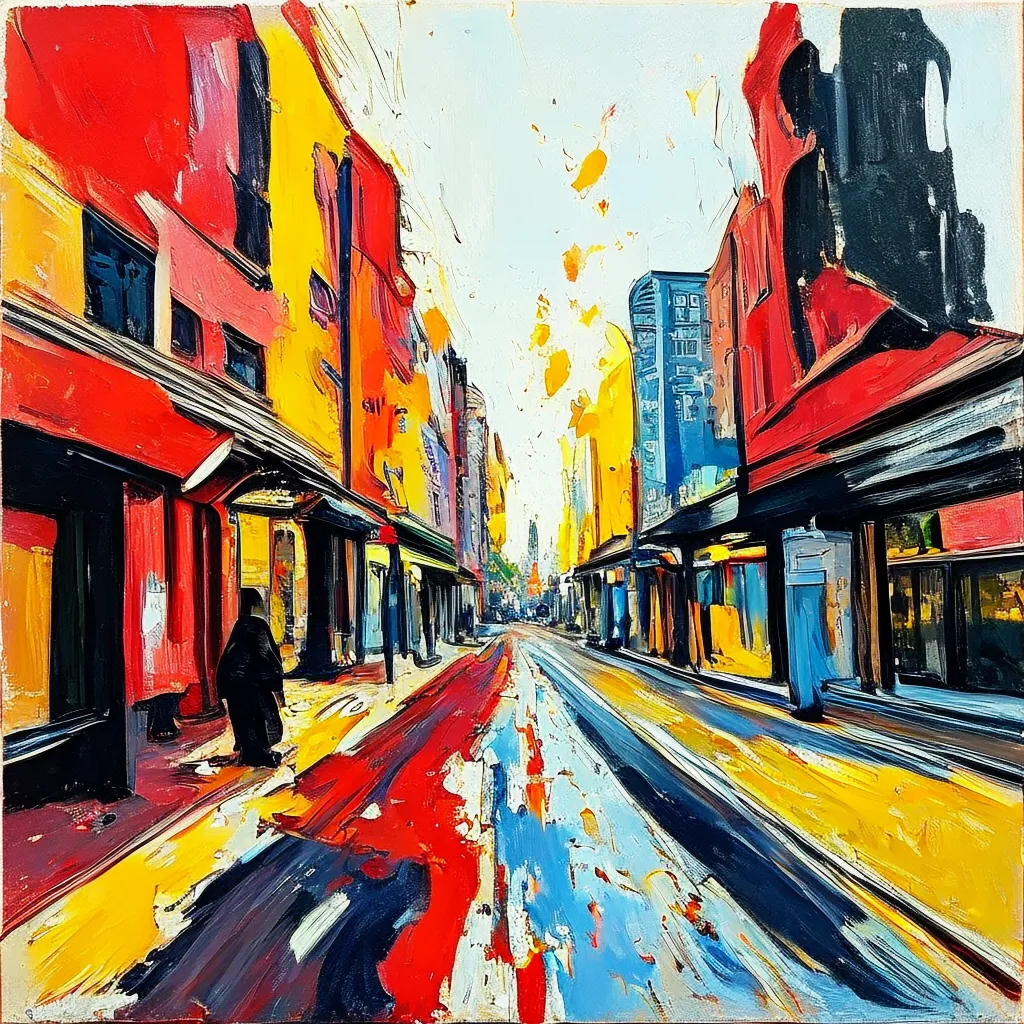
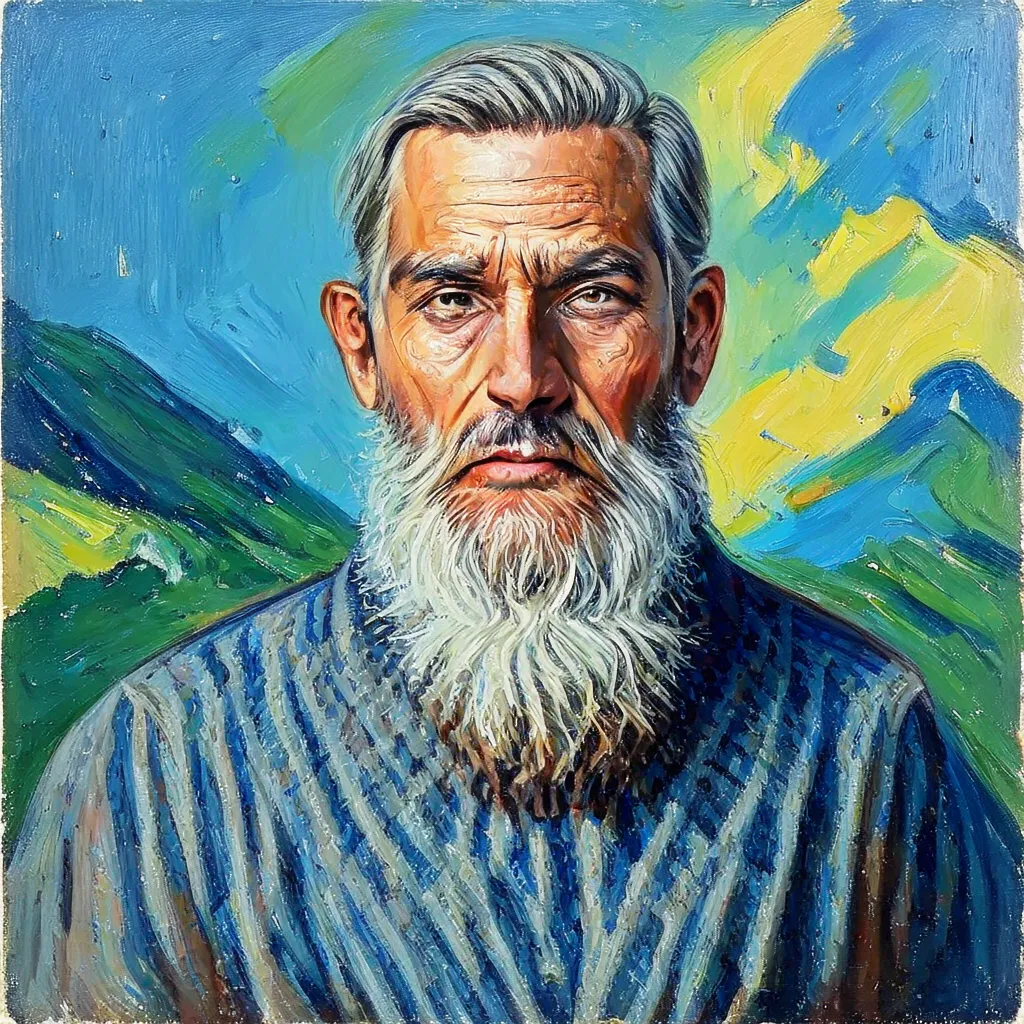
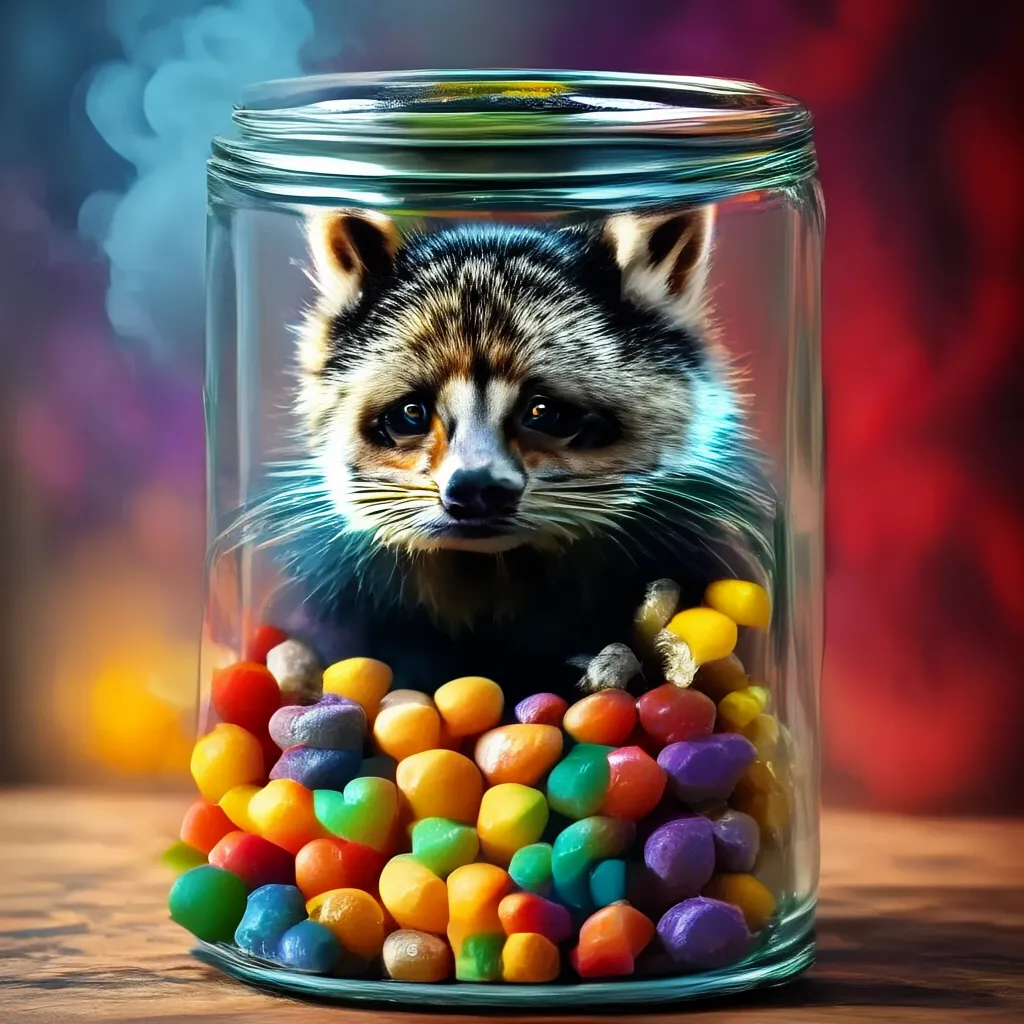
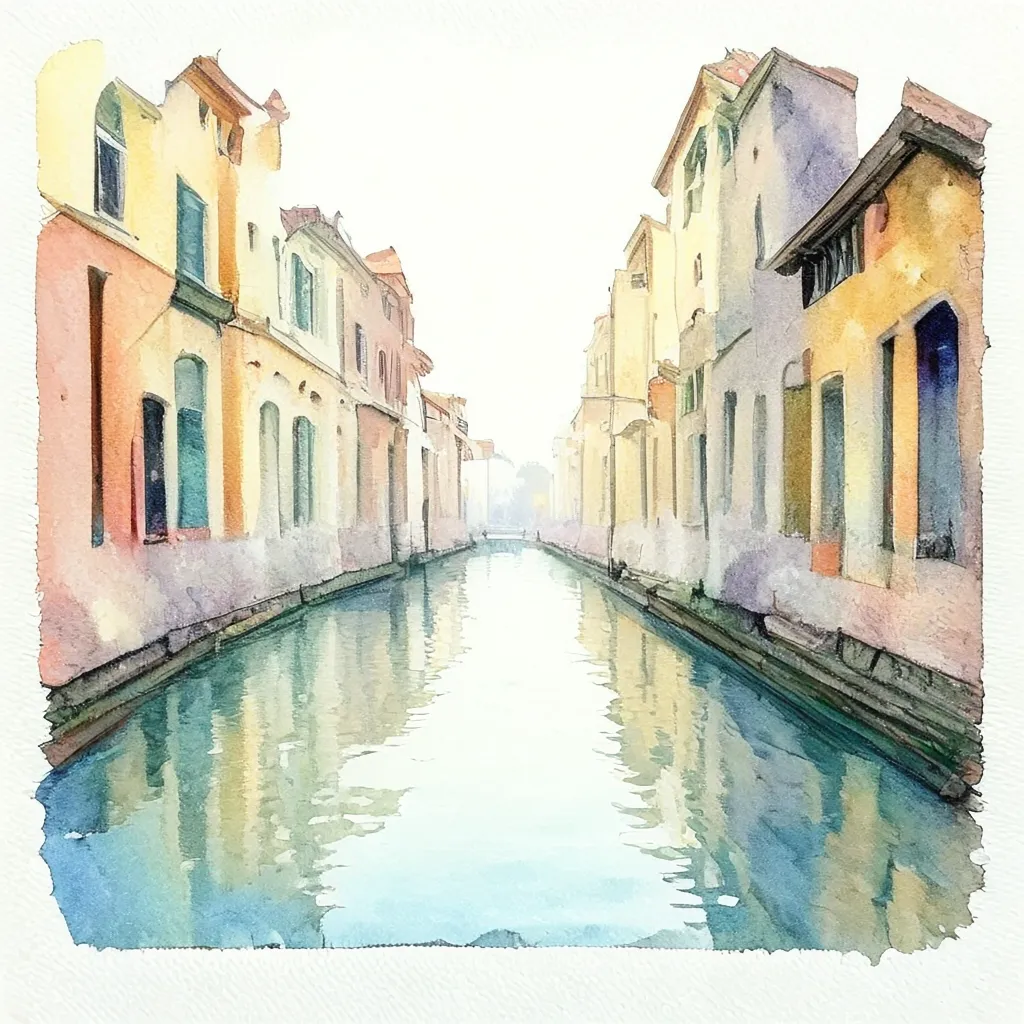
The figure below shows the training progress for two reference runs: 1×H200 and 8×H200.
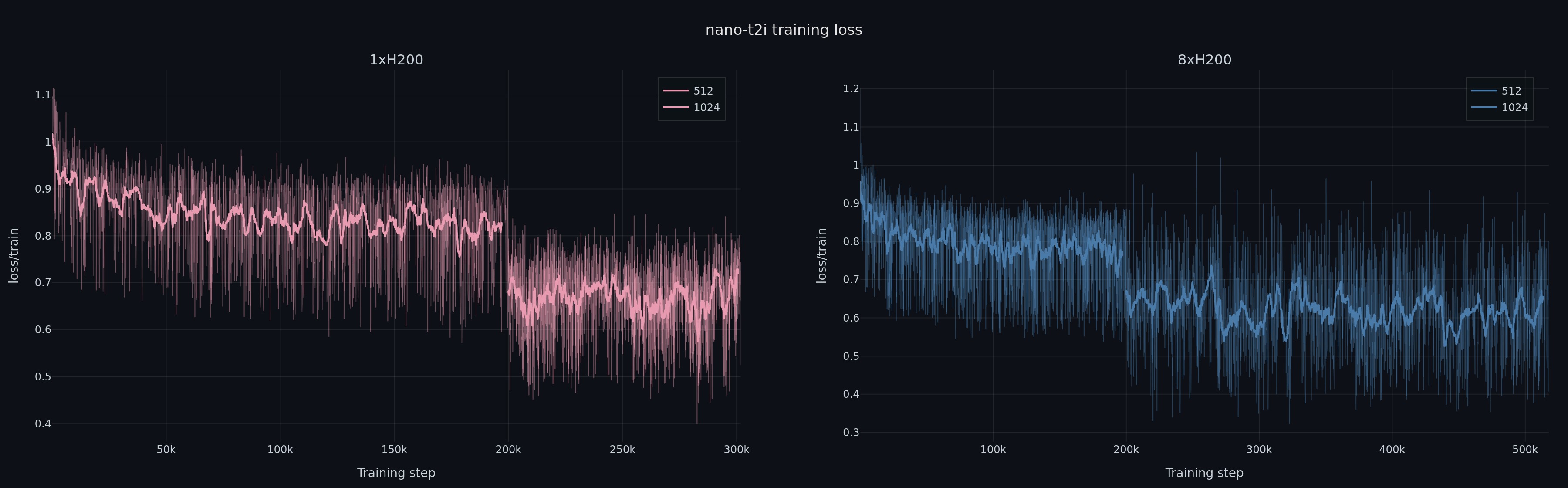
Note: This codebase can be used to train bigger models by modifying the training configs and/or the code itself. In particular, it was used to train a 4B model the results of which are available in our paper.
Runs
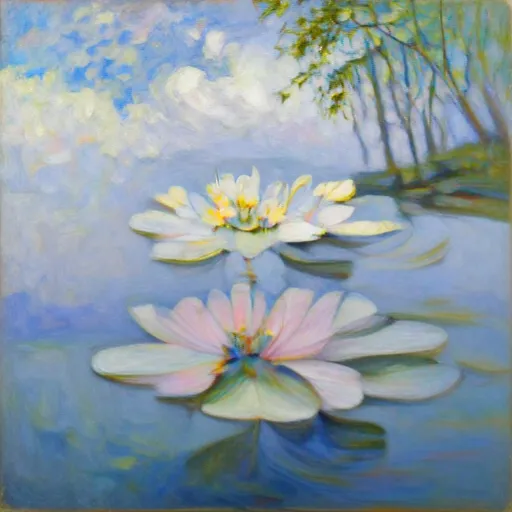
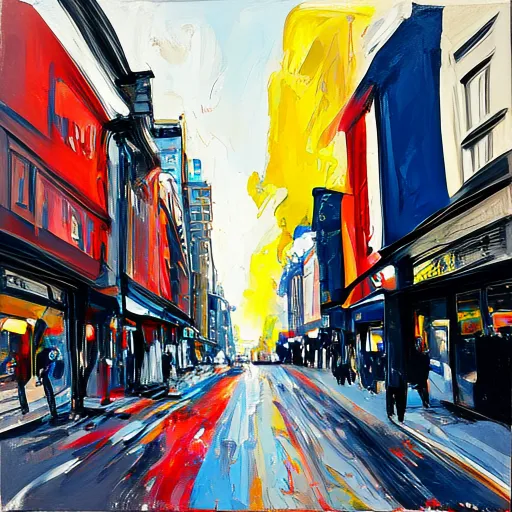
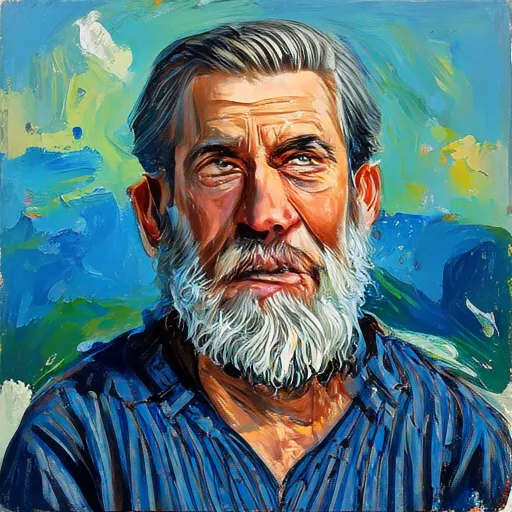
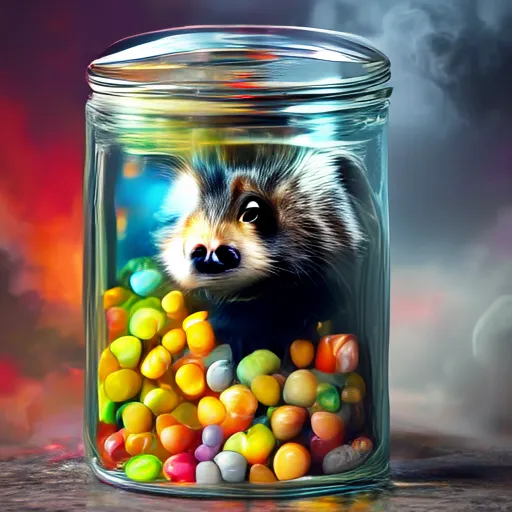
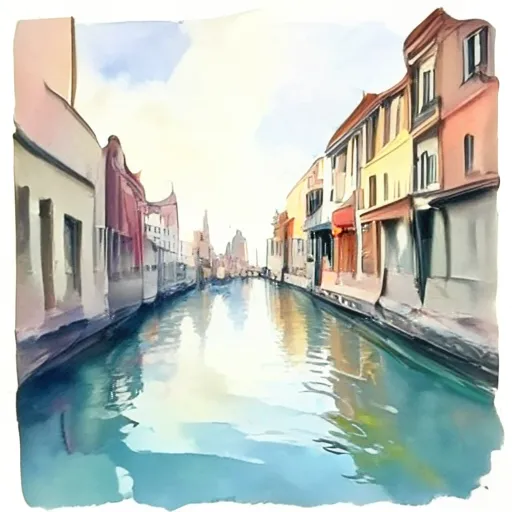
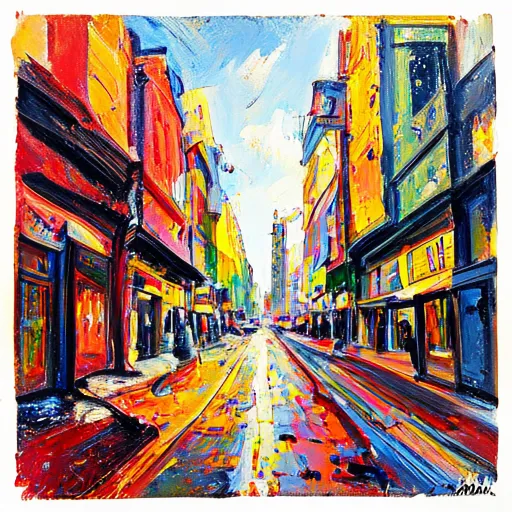
Cost is computed at ~\$3 / H200 / hour (representative of major cloud GPU providers; check your own pricing). Click a thumbnail to open the full-resolution image.
| Resolution | Hardware | Wall time | Cost | Example samples |
|---|---|---|---|---|
| 512 | 1×H200 | 24 h | ~\$72 | <a href="assets/24h/3.jpg"> |
</a> <a href="assets/24h/1.jpg">
</a> <a href="assets/24h/2.jpg">
</a> <a href="assets/24h/0.jpg">
</a><a href="assets/24h/4.jpg">

</a><a href="assets/24h/5.jpg">
</a> |
| 512 | 1×H200 | 36 h | ~\$108 | <a href="assets/36h/3.jpg">

</a> <a href="assets/36h/1.jpg">
</a> <a href="assets/36h/2.jpg">
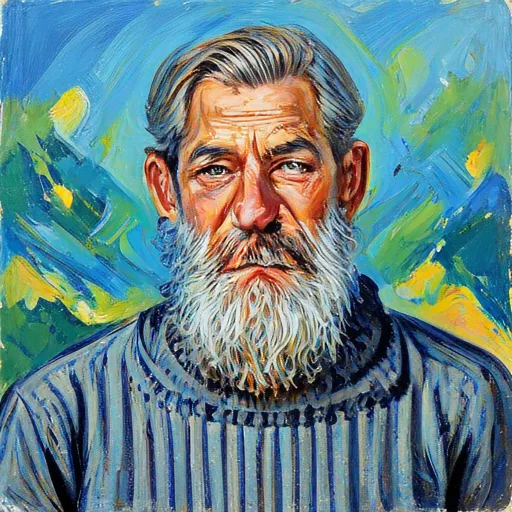
</a> <a href="assets/36h/0.jpg">
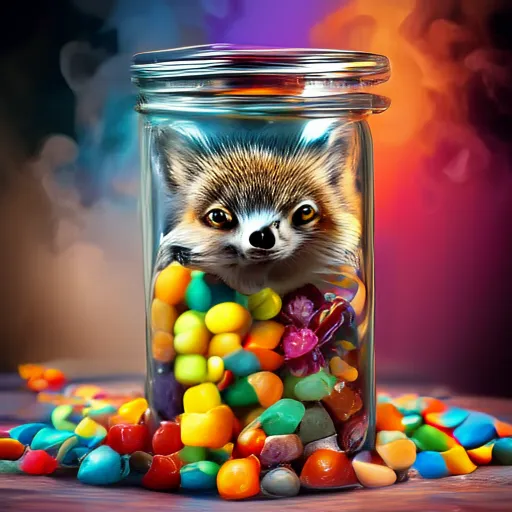
</a><a href="assets/24h/4.jpg">

</a><a href="assets/36h/5.jpg">
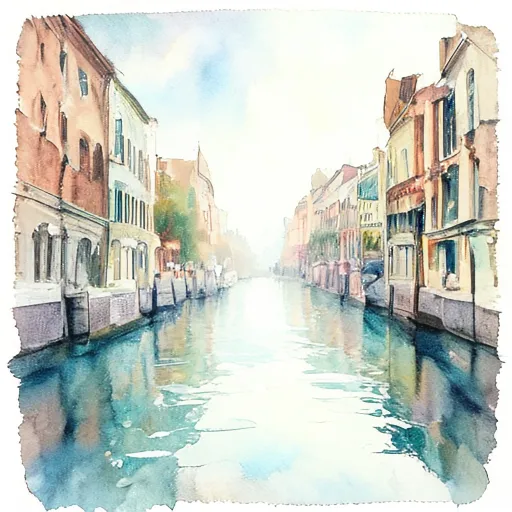
</a> |
| 1024 | 1×H200 | 48 h | ~\$144 | <a href="assets/48h/3.jpg">
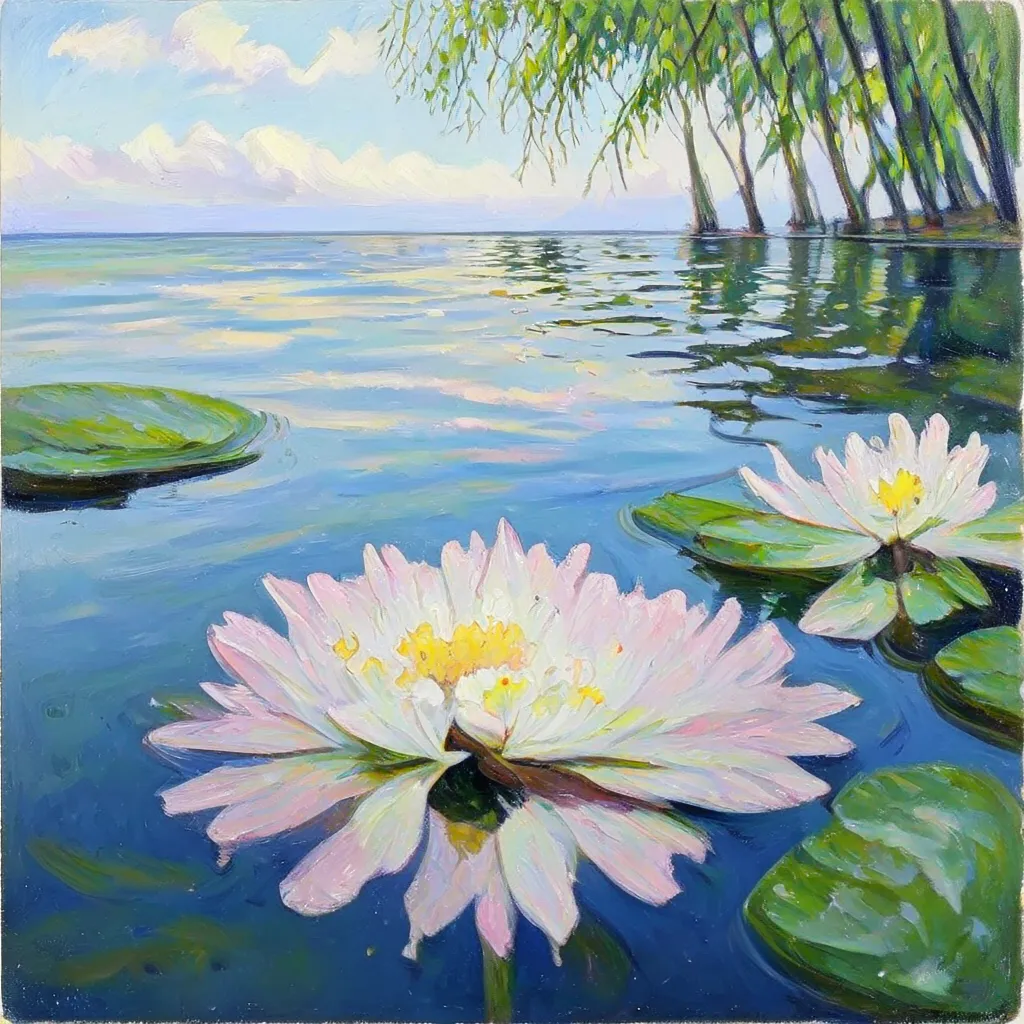
</a> <a href="assets/48h/1.jpg">
</a> <a href="assets/48h/2.jpg">
</a> <a href="assets/48h/0.jpg">
</a><a href="assets/24h/4.jpg">

</a><a href="assets/48h/5.jpg">
</a> |
| 1024 | 1×H200 | 60 h | ~\$180 | <a href="assets/60h/3.jpg">
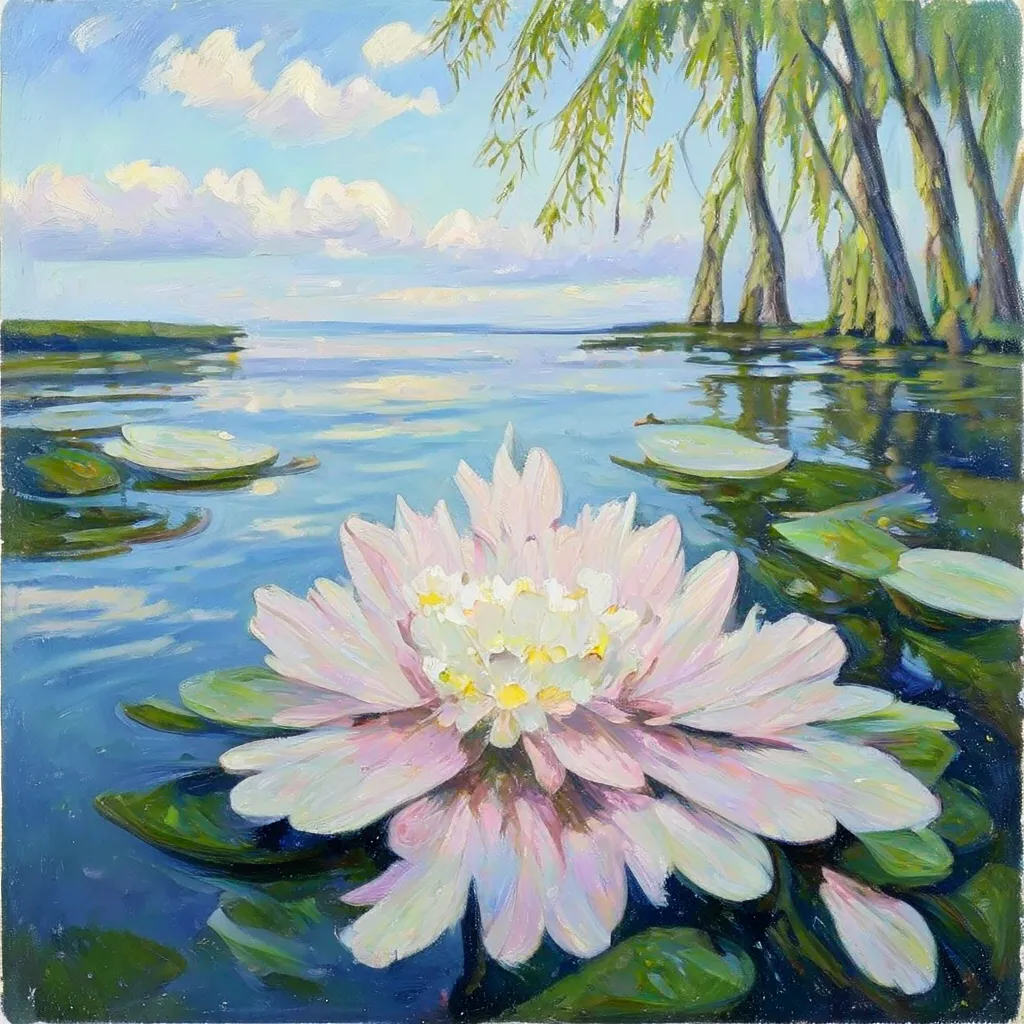
</a> <a href="assets/60h/1.jpg">
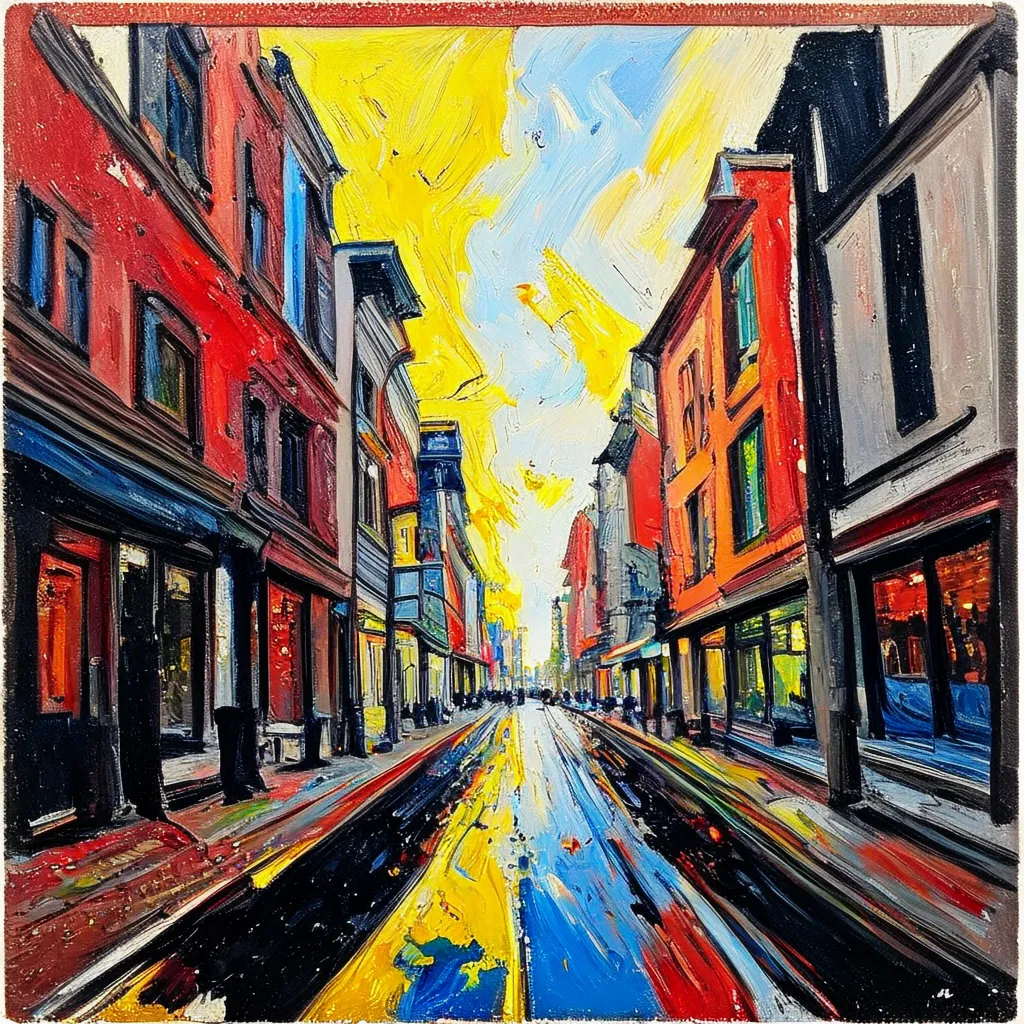
</a> <a href="assets/60h/2.jpg">
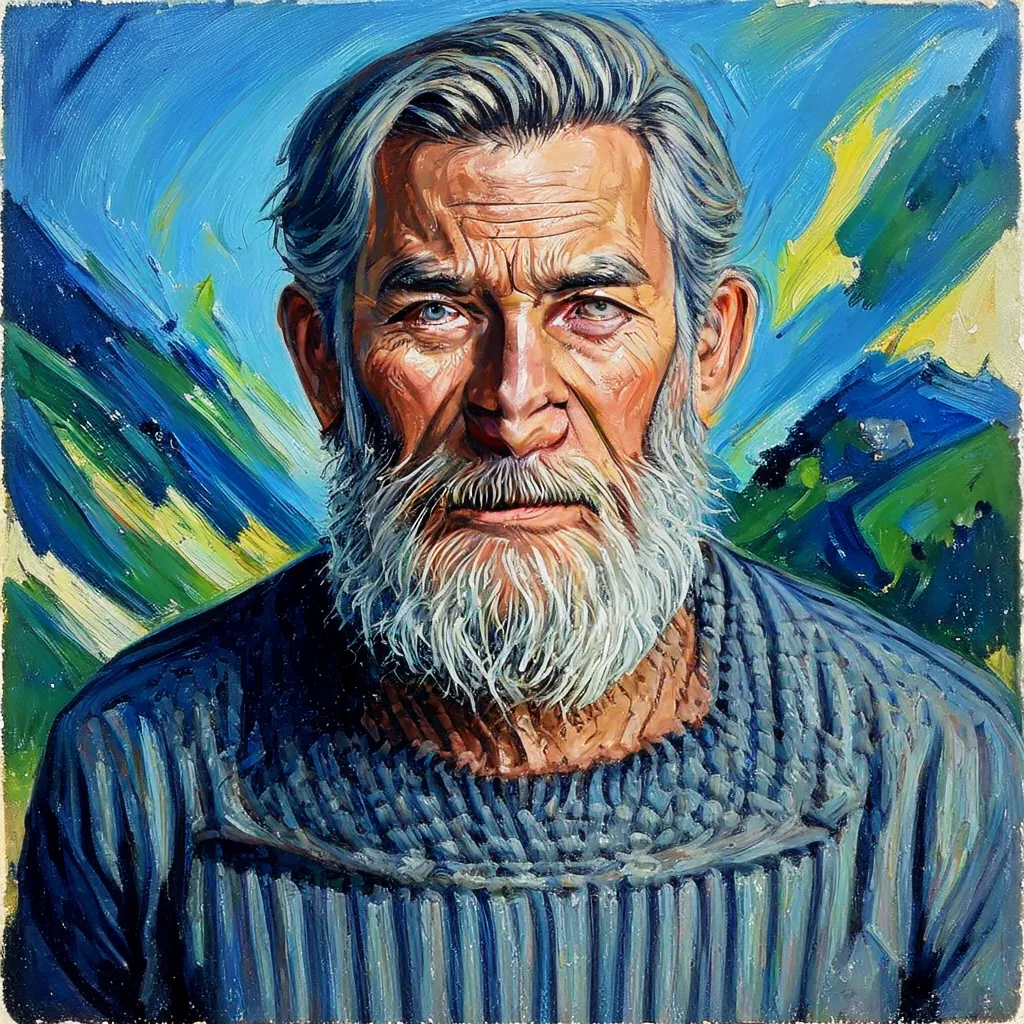
</a> <a href="assets/60h/0.jpg">
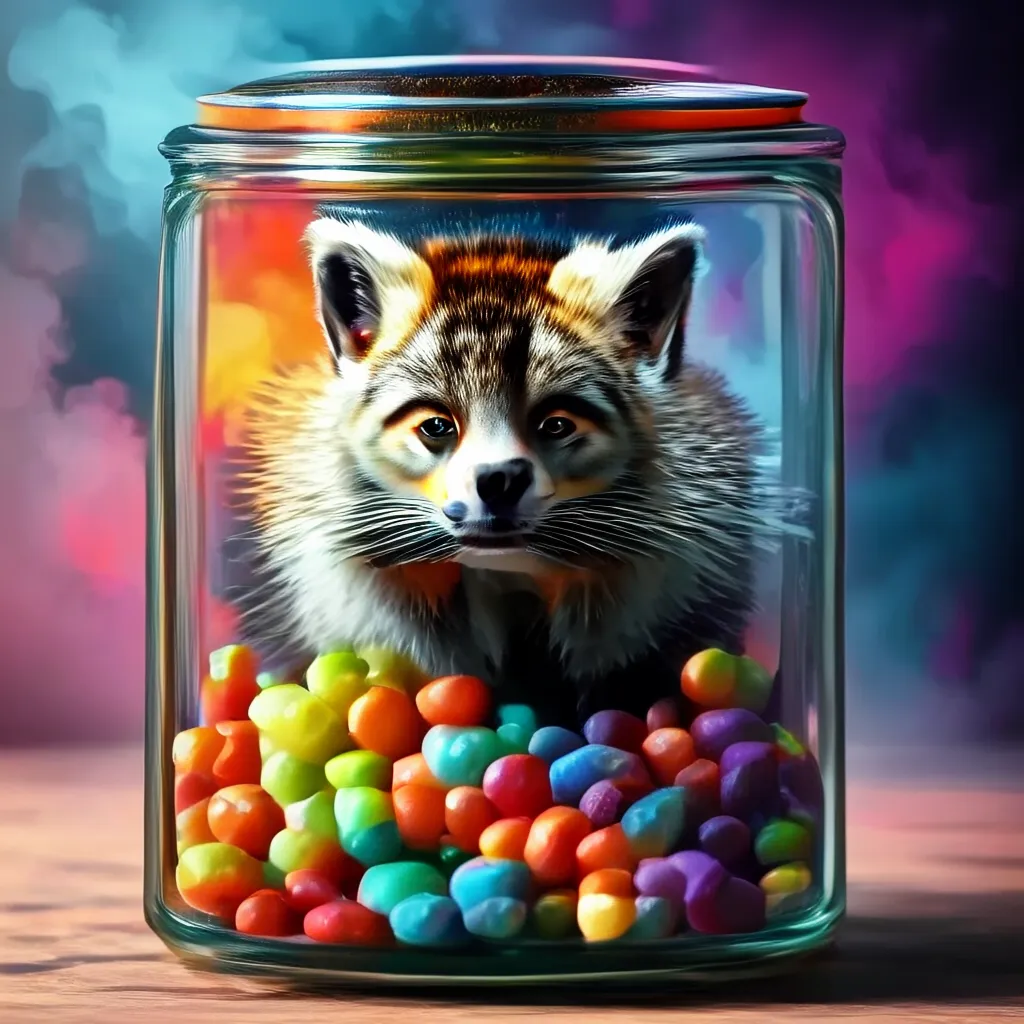
</a><a href="assets/60h/4.jpg">

</a><a href="assets/60h/5.jpg">
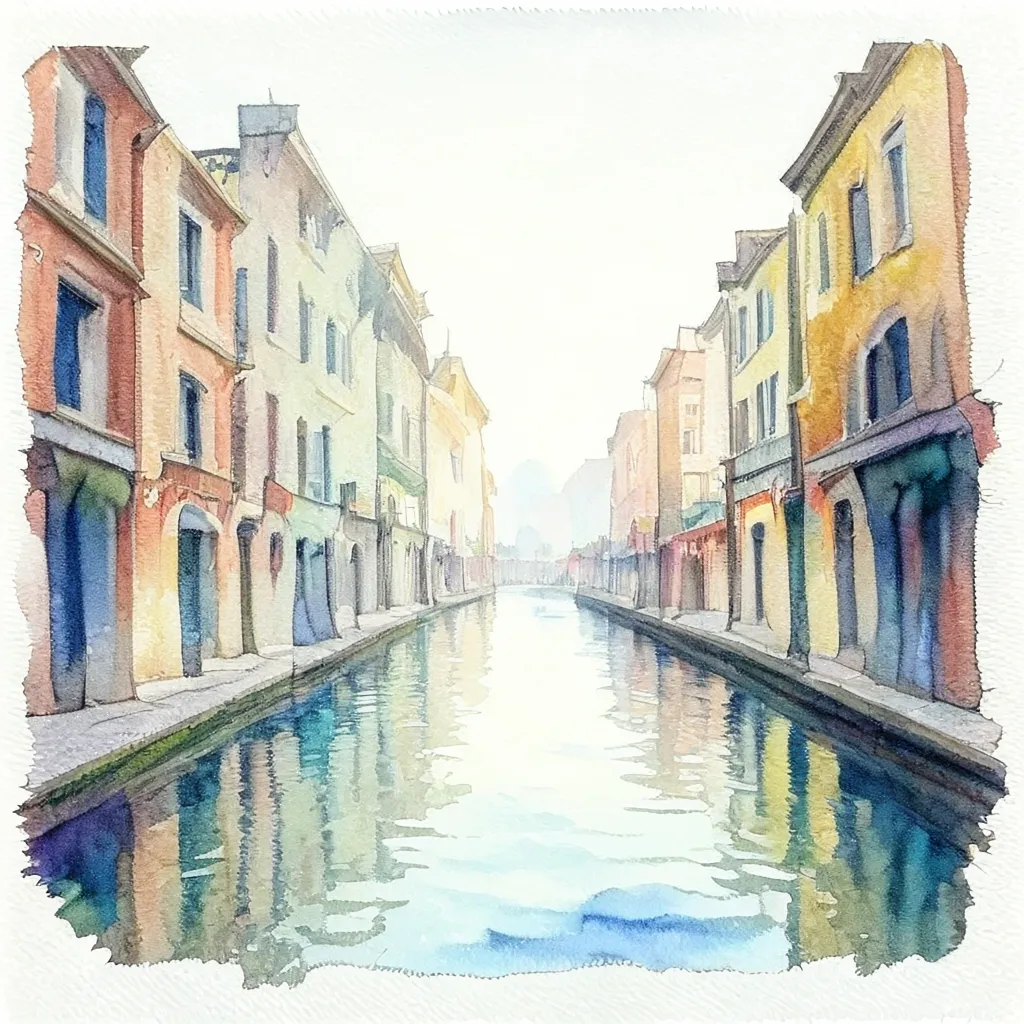
</a> |
| 1024 | 1×H200 | 72 h | ~\$216 | <a href="assets/72h/3.jpg">
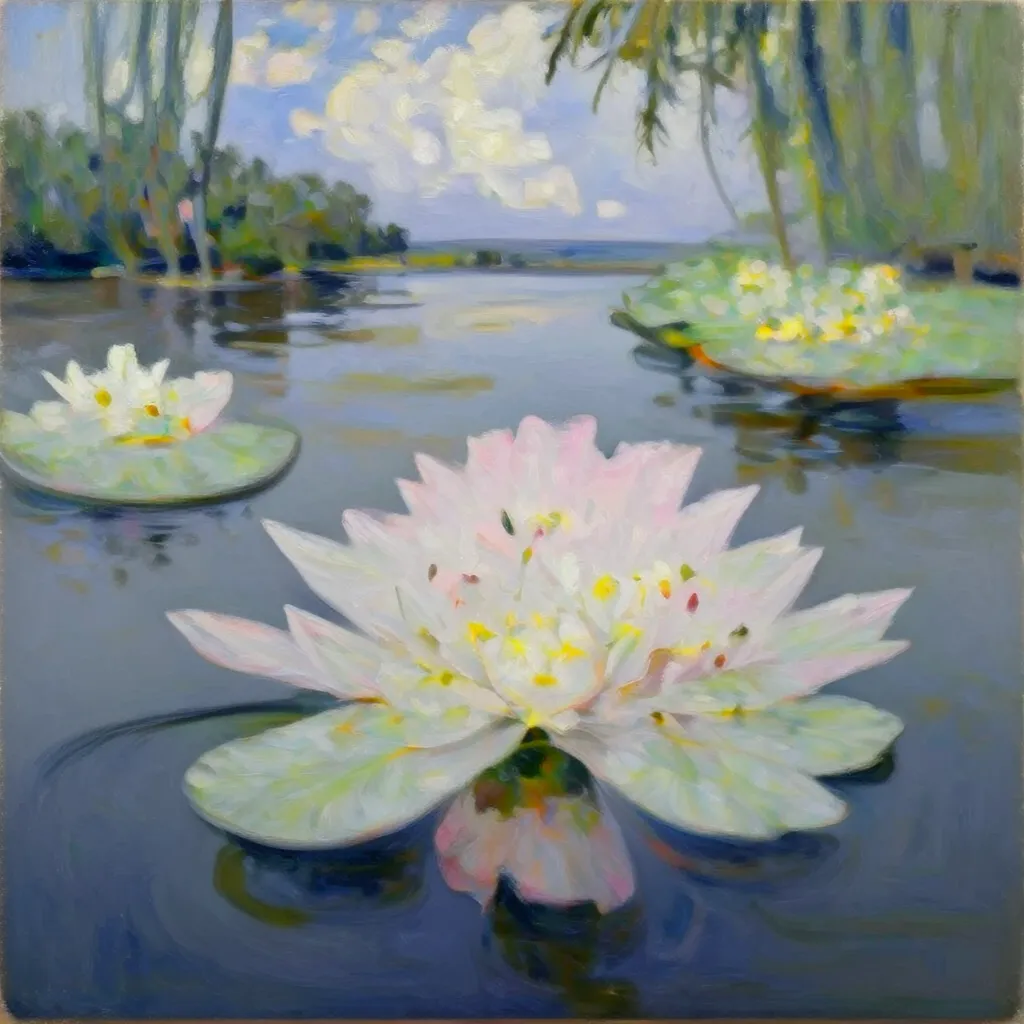
</a> <a href="assets/72h/1.jpg">
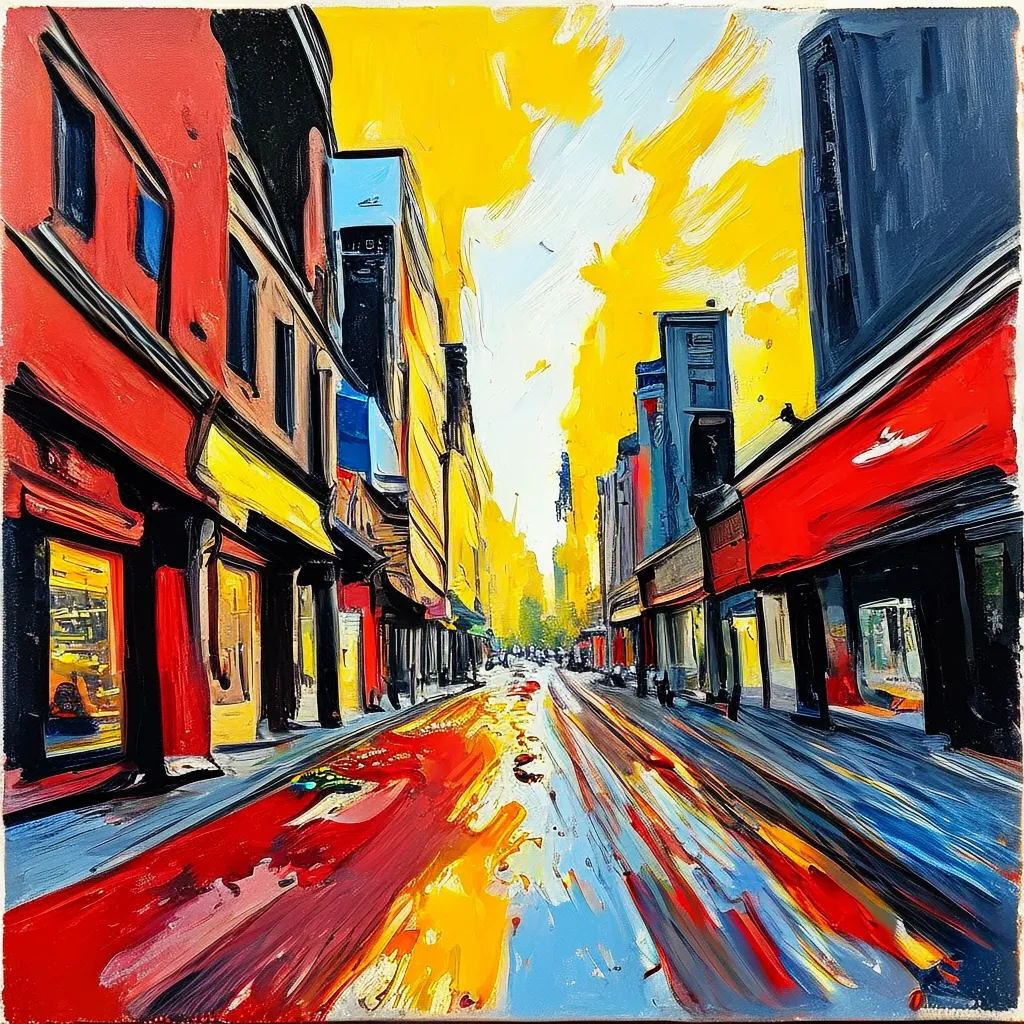
</a> <a href="assets/72h/2.jpg">
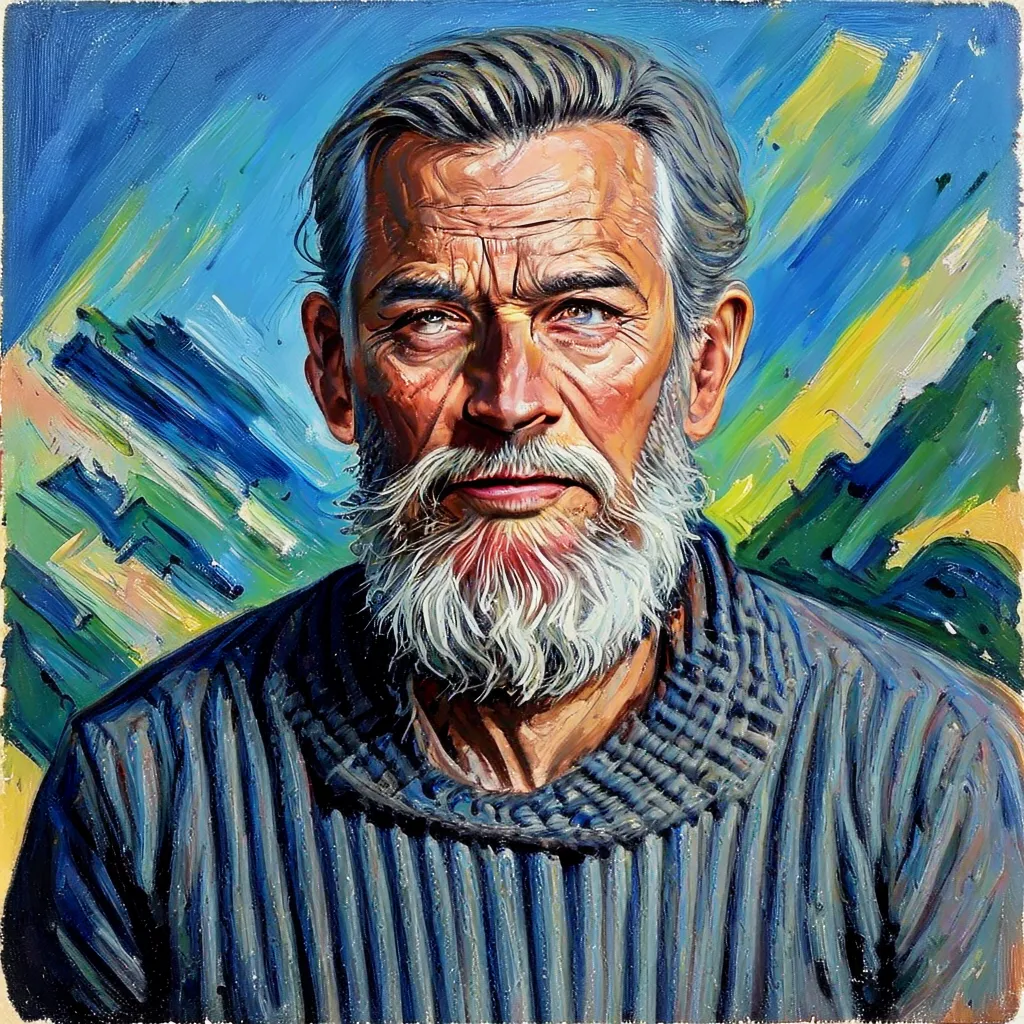
</a> <a href="assets/72h/0.jpg">

</a><a href="assets/72h/4.jpg">

</a><a href="assets/72h/5.jpg">
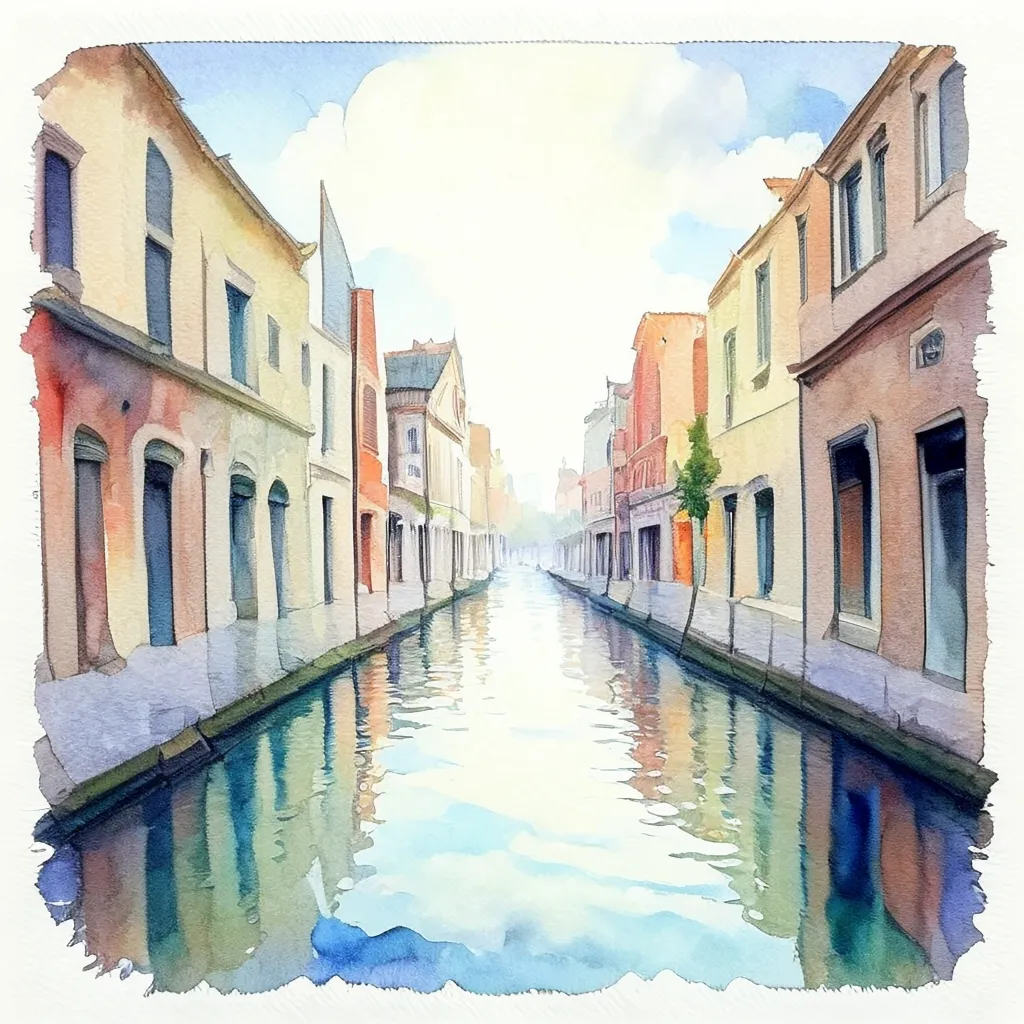
</a> |
Note: You may need to input long prompts to generate nice images at the begginging of the training.
Setup
You need Python >=3.13 and a CUDA 12.8-compatible driver (PyTorch 2.9 / cu128 wheels are pinned in requirements.txt).
Clone the repo first:
git clone https://github.com/gojasper/nano-t2i.git
cd nano-t2i
With uv
uv venv envs/nano-t2i --python 3.13
source envs/nano-t2i/bin/activate
uv pip install -e ".[training]"
<details>
<summary>Alternative install paths (<code>virtualenv</code>, <code>conda</code>)</summary>
With virtualenv
python3.13 -m virtualenv envs/nano-t2i
source envs/nano-t2i/bin/activate
pip install --upgrade pip
pip install -e ".[training]"
With conda
conda create -n nano-t2i python=3.13
conda activate nano-t2i
pip install --upgrade pip
pip install -e ".[training]"
</details>
Dataset
nano-t2i trains on MONET (Massive, Open, Non-redundant and Enriched Text-to-image dataset), a curated 104.9M image-text corpus distilled from 2.9B raw pairs across nine open sources (six real, three synthetic) with safety filtering, deduplication (pHash + SSCD), domain governance, and multi-VLM re-captioning. MONET is released under Apache-2.0 and ships pre-computed SANA-VAE latents for direct latent-diffusion training. See the dataset card for full details.
Training
Training configs live in examples/trainings/configs/; the main entrypoint is examples/trainings/training.py. The reference config is nano.yaml, which defines two sequential phases:
nano-512— 200k steps at 512×512.nano-1024— 500k steps at 1024×1024, resumed from phase 1.
python examples/trainings/training.py --path_config examples/trainings/configs/nano.yamlLogging with Weights & Biases
Training metrics are logged to W&B under the Nano-T2I project (configurable via logging.wandb_project in the YAML). To authenticate:
# interactive
wandb login
# or
export WANDB_API_KEY=...
Checkpoints
Checkpoints are written to the path specified by training.save_ckpt_path in each phase of the config (default: logs/nano/phase-1/ and logs/nano/phase-2/). Phase 2 resumes from logs/nano/phase-1/last.ckpt by default — make sure phase 1 has completed before launching it.
Demo
A Gradio demo is provided in examples/inference/demo/t2i_demo.py. It lets you pick a config file and a checkpoint name, and generate images interactively.
python examples/inference/demo/t2i_demo.pyContributing
We welcome bug reports, documentation improvements, config updates, and focused code changes. Please read CONTRIBUTING.md for development setup, code style, and the pull request process before opening a PR.
Acknowledgements
Built on the shoulders of PyTorch, PyTorch Lightning, diffusers, transformers, Qwen3, and the SANA VAE. The MONET dataset and reference runs are released by Jasper Research.
Citation
If you use this code or the MONET dataset in your research, please cite:
@article{aubin2026monet,
        title   = {MONET: A Massive, Open, Non-redundant and Enriched Text-to-image Dataset},
        author  = {Aubin, Benjamin and Quintana, Gonzalo I{\~n}aki and Tasar, Onur and Sreetharan, Sanjeev and Czerwinska, Urszula and Henry, Damien and Chadebec, Cl{\'e}ment},
        journal=  {arXiv preprint arXiv:2605.21272},
        year    = {2026},
        note    = {Jasper Research}
}
License
This codebase is released under the Apache 2.0 License. The MONET dataset has its own license — please consult the dataset card before redistributing.
Curious how Jasper Research is used in production?
<a href="https://developers.jasper.ai/docs/using-images?utm_source=JResearch&utm_medium=CTA&utm_campaign=MONET" target="_blank" rel="noopener noreferrer" aria-label="Discover Jasper APIs for image workflows">Discover Jasper APIs for image workflows</a>