

- Feature
- Description
- Exception Handling
- Exception Handling
- Reflection & Self-Correction
- Reflection & Self-Correction
- Task Decomposition
- Task Decomposition
Specs
- FeatureDescription
- Exception HandlingException Handling
- Reflection & Self-CorrectionReflection & Self-Correction
- Task DecompositionTask Decomposition
- Cross-App MemoryCross-App Memory
- Enhanced RecordingEnhanced Recording
- Progress ReportingProgress Reporting
README

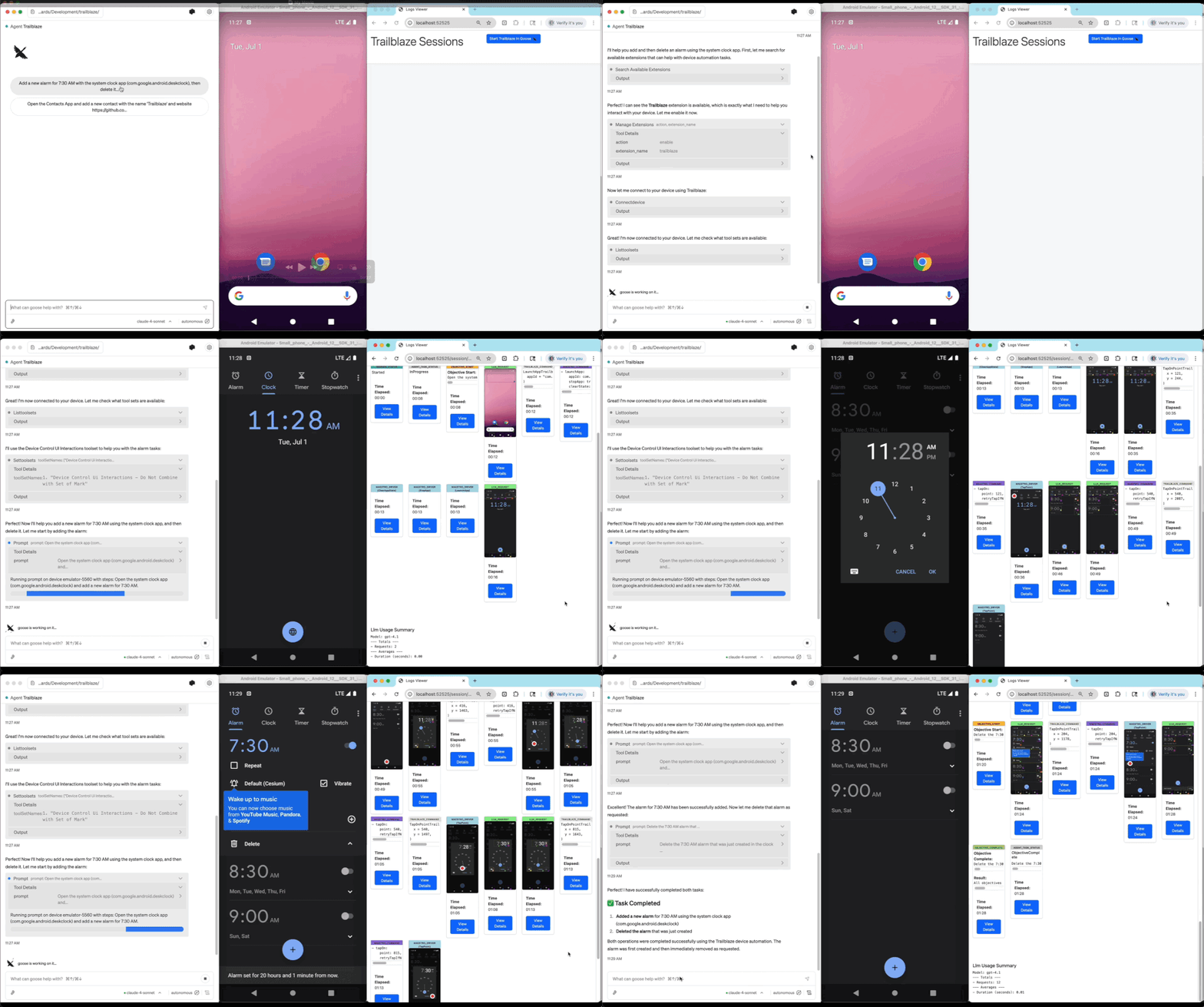
Current Vision
Trailblaze enables adoption of AI powered tests in regular Android on-device instrumentation tests.
This allows leveraging existing execution environments and reporting systems, providing a path to gradually adopt
AI-driven tests at scale.
Because Trailblaze uses Maestro Command Models for UI interactions it
enables a longer term vision of cross-platform ui testing while reusing the same authoring, agent
and reporting capabilities.
Core Features
- AI-Powered Testing: More resilient tests using natural language test steps
- On-Device Execution: Runs directly on Android devices using standard instrumentation tests (Espresso, UiAutomator)
- Custom Agent Tools: Extend functionality by providing app-specific
TrailblazeTools to the agent - Detailed Reporting: Comprehensive test execution reports
- Maestro Integration: Uses a custom on-device driver for Maestro to leverage intuitive, platform-agnostic UI interactions
Multi-Agent V3 Features (Mobile-Agent-v3 Inspired)
Trailblaze implements cutting-edge features from Mobile-Agent-v3 research:
| Feature | Description |
|---|---|
| Exception Handling | Automatically handles popups, ads, loading states, and errors |
| Reflection & Self-Correction | Detects stuck states and loops, backtracks when needed |
| Task Decomposition | Breaks complex objectives into manageable subtasks |
| Cross-App Memory | Remembers information across app switches for complex workflows |
| Enhanced Recording | Captures pre/post conditions for more robust replay |
| Progress Reporting | Real-time MCP progress events for IDE integrations |
Trail & Blaze Architecture
Trailblaze's unique "blaze once, trail forever" workflow:
- Blaze Mode: AI explores the app to achieve objectives, discovering the path dynamically
- Trail Mode: Replay recorded actions deterministically with zero LLM cost
- Hybrid Mode: Use recordings where available, fall back to AI when needed
┌─────────────────────────────────────────────────────────────┐
│                    First Run: BLAZE                          │
│  AI explores → Records actions → Generates .trail.yaml      │
└──────────────────────────┬──────────────────────────────────┘
                           │
                           ▼
┌─────────────────────────────────────────────────────────────┐
│                   Future Runs: TRAIL                         │
│  Replay recordings → Zero LLM cost → Fast CI/CD execution   │
└─────────────────────────────────────────────────────────────┘
Installation
curl -fsSL https://raw.githubusercontent.com/block/trailblaze/main/install.sh | bashGetting Started
Launch the Desktop App
trailblaze appMCP Server for Claude
Add Trailblaze as an MCP server so Claude can interact with connected devices:
trailblaze mcp install claudeOr manually add to your Claude config (claude_desktop_config.json or .mcp.json):
{
  "mcpServers": {
    "trailblaze": {
      "command": "trailblaze",
      "args": ["mcp"]
    }
  }
}
Documentation at <a href="https://block.github.io/trailblaze">block.github.io/trailblaze</a>
See Mobile-Agent-v3 Features Guide for detailed usage examples.
Documentation at <a href="https://block.github.io/trailblaze">block.github.io/trailblaze</a>
1