

Repository
organization-phone-118
This project allows users to search for contact information in an organization using Meilisearch. The PHP application connects to a Meilisearch database and provides an API endpoint for querying contact data. The web interface enables users to perform searches and view results in a user-friendly table.
README
Organization Phone 118
This project allows users to search for contact information in an organization using Meilisearch. The PHP application connects to a Meilisearch database and provides an API endpoint for querying contact data. The web interface enables users to perform searches and view results in a user-friendly table.
Features
- Search functionality for contact data including name, last name, phone, address, and position.
- User-friendly web interface with RTL (Right-to-Left) support for Persian.
- Dockerized setup for easy deployment.
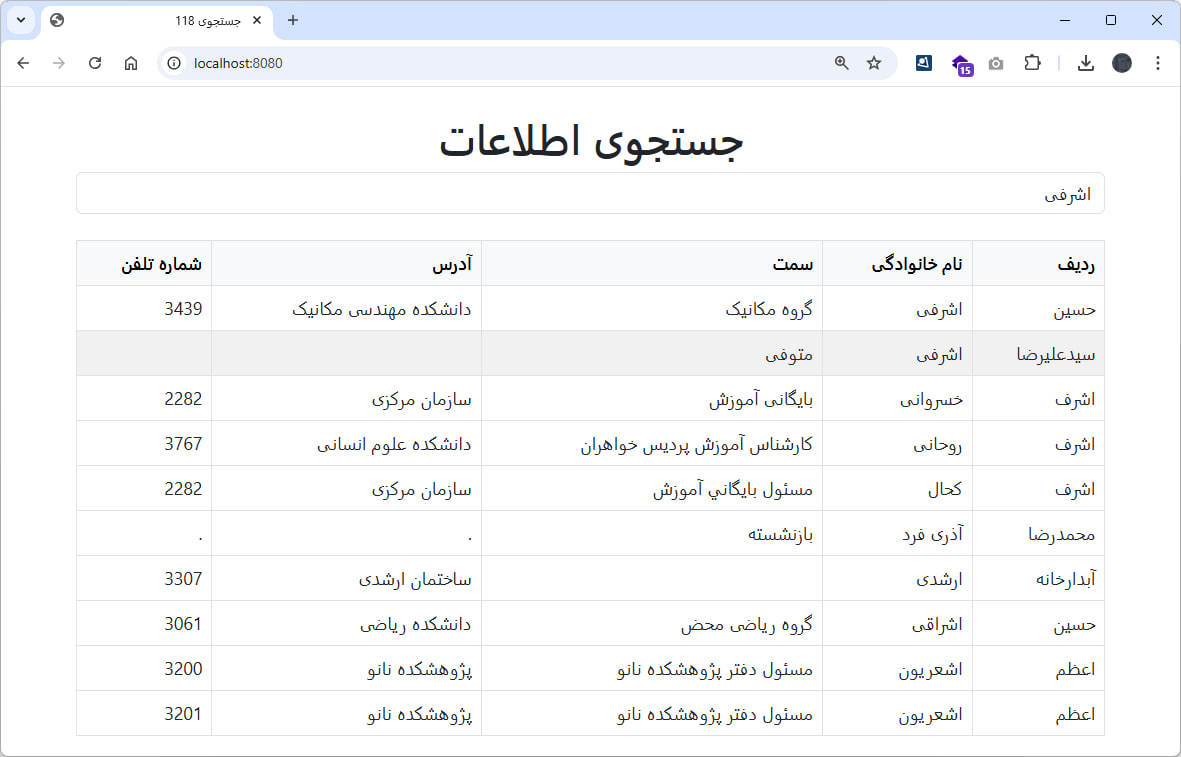
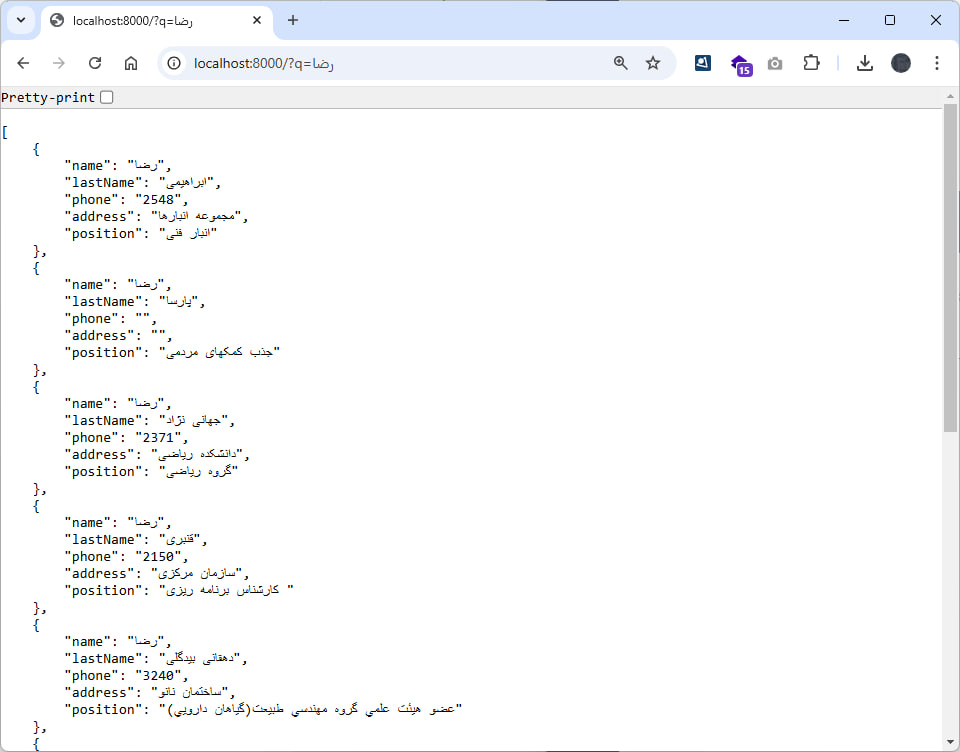
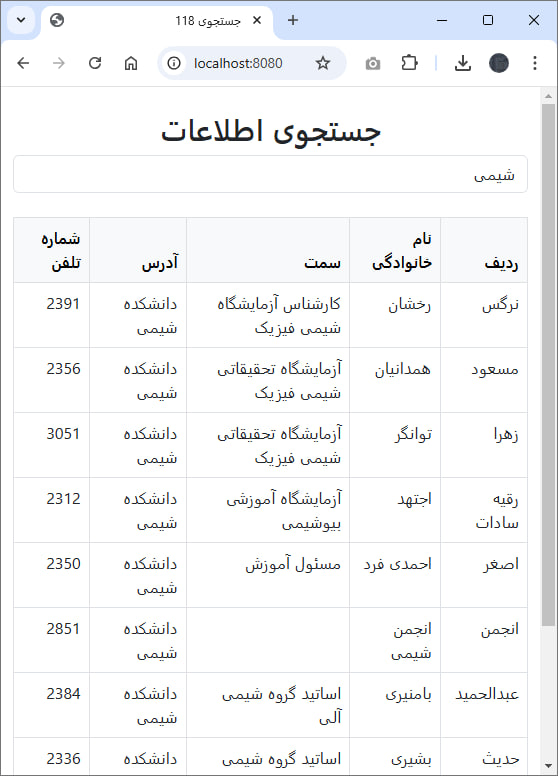
Screenshots
 |
 |
 |
|---|
Prerequisites
- Docker and Docker Compose installed on your system.
Setup Instructions
1. Clone the Repository
git clone https://github.com/BaseMax/organization-phone-118
cd organization-phone-118
2. Add Environment Variables
Update the following values in .env:
MEILISEARCH_URL: URL of the Meilisearch instance.API_KEY: Your Meilisearch API key.INDEX_NAME: Name of the index to query.
And run composer install and composer dump-autoload.
3. Start the Services
Run the following command to start the services:
docker-compose up --buildThis will start:
- Meilisearch on port 7700.
- Front-end application on port 8080.
- Back-end application on port 8000.
4. Access the Application
- Open the browser at
http://localhost:8000for the PHP application. - Open the browser at
http://localhost:8080for the Front-End application. - Meilisearch is available at
http://localhost:7700.
API Endpoint
Search Endpoint
URL: /search
Method: GET
Query Parameters:
q: The search query string.
Example Request:
curl -X GET "http://localhost:8000/search?q=John"Example Response:
[
  {
    "name": "John",
    "lastName": "Doe",
    "phone": "123456789",
    "address": "123 Street Name",
    "position": "Manager"
  }
]
Web Interface
The web interface is built with Bootstrap for styling and provides an intuitive search functionality. Users can enter a query in the search box and view results in a table format.
Example Usage
- Enter a search term in the input box.
- Click the "جستجو" button.
- View the results in the table below.
File Structure
.
├── data/                # PHP extract and import scripts
├── frontend/            # PHP extract and import scripts
├── meili_data/          # Meilisearch data persistence
├── docker-compose.yml   # Docker Compose configuration
├── Dockerfile           # PHP Dockerfile
├── README.md            # Project documentation
├── api.php              # API application file
└── load.php             # Loading .env data
License
This project is licensed under the MIT License. See the LICENSE file for details.
Copyright 2024, Max Base