

README
Mynah UI
A Data & Event Driven Chat Interface Library for Browsers and Webviews




Mynah UI is a data and event driven chat interface designed for browsers and webviews on IDEs or any platform supporting the latest web technologies. It is utilized by Amazon Q for VSCode, JetBrains, Visual studio and Eclipse.
Mynah UI operates independently of any framework or UI library, enabling seamless integration into any web-based project. This design choice ensures high configurability for theming, supporting various use cases. It functions as a standalone solution, requiring only a designated rendering location within the DOMTree.
Table of contents
Quick links
Setup, configuration and use
To set up your local development environment quickly, run the following command:
npm run devThis command will:
- Clean: Remove existing
distandnode_modulesdirectories to ensure you're working with a fresh environment. - Install: Reinstall all necessary dependencies for both the main project and the example project.
- Build: Compile the project using Webpack in production mode.
- Start Example: Install dependencies and build the example project, then start the development server with
watchmode enabled. The project will be served onlocalhost:9000usinglive-server. - Watch: Start the main project in
watchmode.
After running this command, any changes you make will automatically rebuild and refresh your development environment, allowing you to work seamlessly.
Guides and documentation
Please refer to the following guides:
- Startup guide
- Constructor properties
- Configuration
- Data model
- Usage
- Styling
- Testing
- Developer guidelines (contribution)
Preview
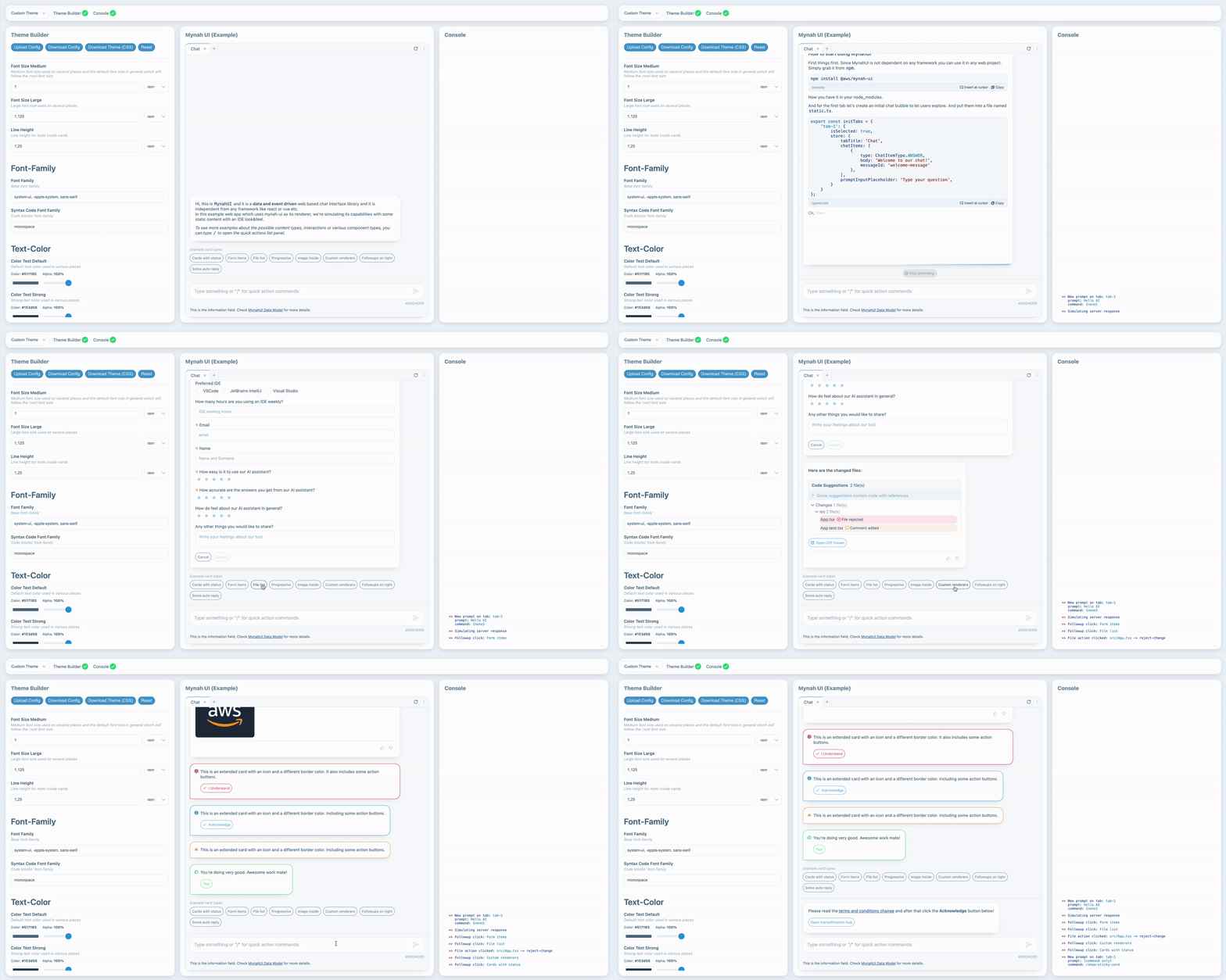
Supported Browsers
Mynah UI <em>- due to its extensive CSS structure -</em> supports only evergreen browsers, including WebKit-based WebUI renderers.
Security
See CONTRIBUTING for more information.