

Repository
avatar
VRM companion that lipsyncs and animates to AI, local LLMs, or any audio - desktop overlay & browser.
- Topic
- Links
- User guide
- User guide
- Getting started
- Getting started
- Download
- Download
Specs
- TopicLinks
- User guideUser guide
- Getting startedGetting started
- DownloadDownload
- Characters & stageCharacters & stage
- Motion & voiceMotion & voice
- VRoid HubVRoid Hub
- SettingsSettings
- ArchitectureArchitecture
- AssetsAssets
- CiteCite
README

Give a face to your AI — and anything else you listen to.



Animate cloud APIs, web apps, or local LLMs with a VRM character that lipsyncs and moves while you work. Or keep a companion on screen while you study, watch a video, hear a podcast, speech, or audiobook — a character that follows the audio instead of a blank background.
Quick Start · Download .exe · User guide · Documentation · Install · Avatars · Environments · Voice · VRoid Hub · Animations · Settings · Assets & Credits · Changelog · Cite
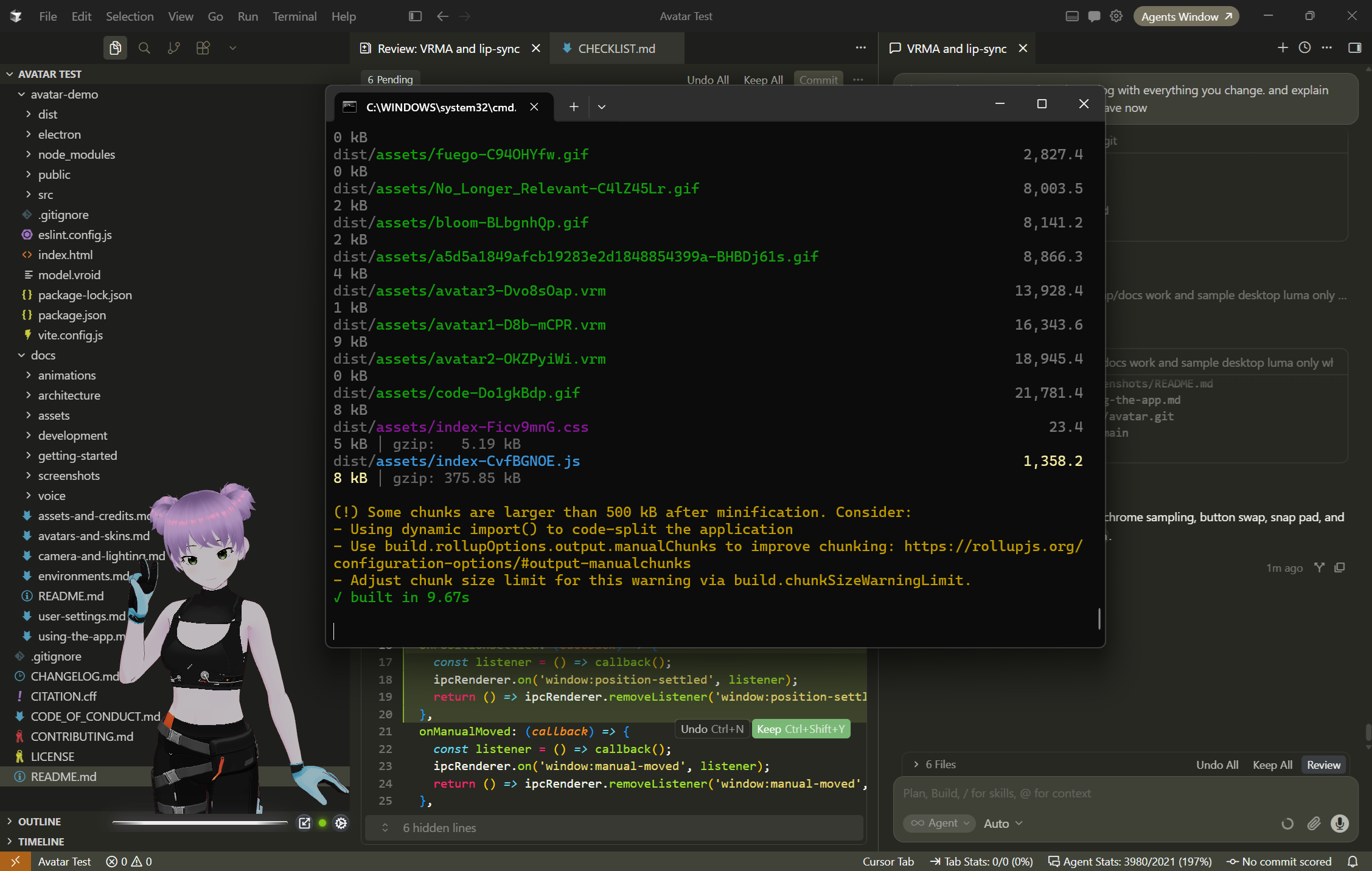
AVATAR is an open-source desktop companion from ARPA. The primary experience is the Electron transparent always-on-top overlay. A Windows .exe installer is available for end users. The browser / localhost Vite app is for development and contributors.
It renders .vrm models, plays .vrma motion, and drives mouth shapes from live audio — including system / device output on desktop.
What this is
- Electron desktop overlay — pin, snap, window scale, device loopback (user guide · settings)
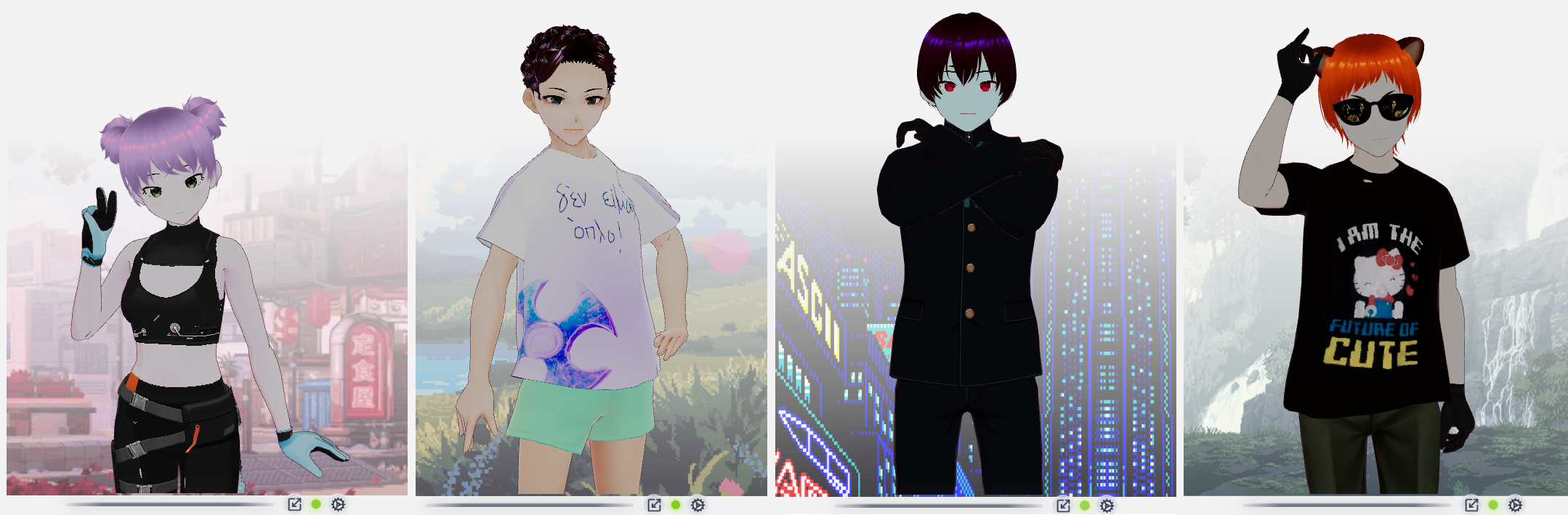
- VRM avatars — bundled samples, plus your own
.vrmfolder from Settings → Directories (avatars) - VRoid Hub — bring-your-own OAuth app; connect in Settings, pick characters in Appearance (VRoid Hub)
- Environments — built-ins, Custom folder from Settings → Directories, color fade, or none (environments)
- Persistent settings —
config.yamlacross launches (user settings) - VRMA animations — Default greeting + loop, plus clips (VRMA)
- Browser / localhost — for contributors (install)
Quick start
1. Windows installer (easiest)
Download AVATAR-Setup-0.4.0.exe — no Node.js. Run the installer, accept the EULA, launch AVATAR.
(All releases · install notes)
2. Desktop from source (Electron)
Requires Node.js 20+ and npm:
cd avatar-demo
npm install
npm run desktop
3. Web app (browser)
cd avatar-demo
npm install
npm run dev
Open http://localhost:5173. Prefer Electron when testing lip sync against system audio.
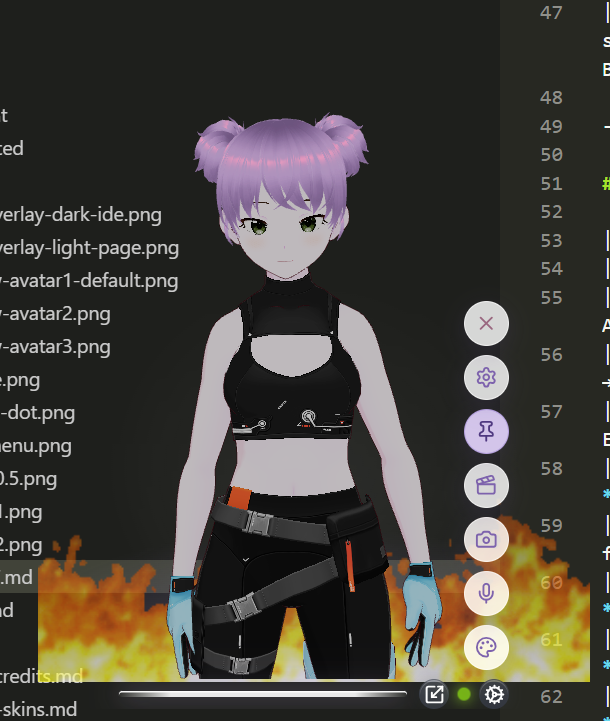
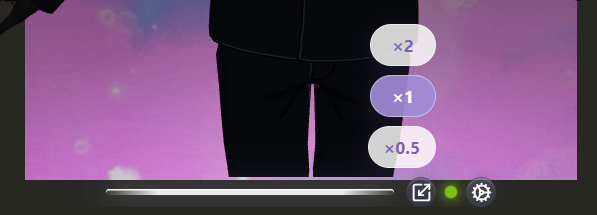
Gear menu: Appearance (Avatars · Environments) · Voice · Camera · Animations · Settings. Scale control sits next to the gear.
First launch behavior: Greeting once, then a looping motion set; desktop audio defaults to device output; preferences restore from config.yaml on later launches. Full walkthrough: Using the app · First session.
Try lip sync
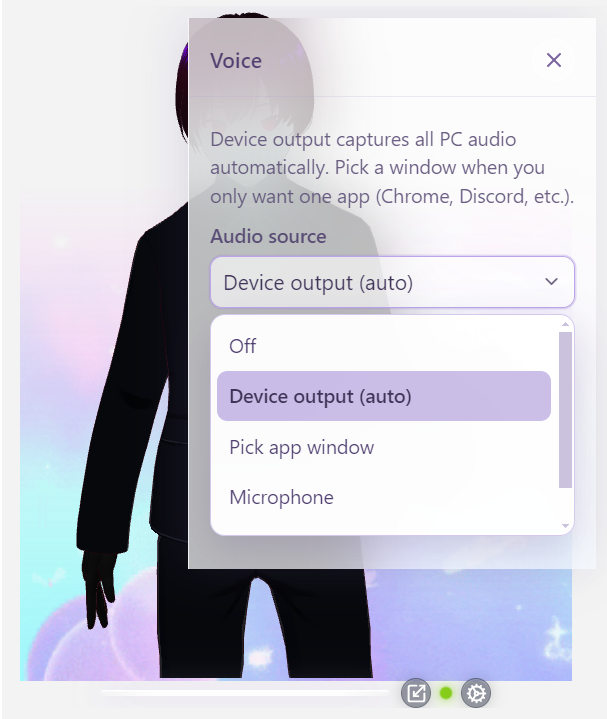
- Gear → Voice → Device output (desktop) or Microphone / Tab (browser)
- Green pulsating dot next to the gear = active
More: Audio sources · Lip sync · Using the app → Voice

Try animations
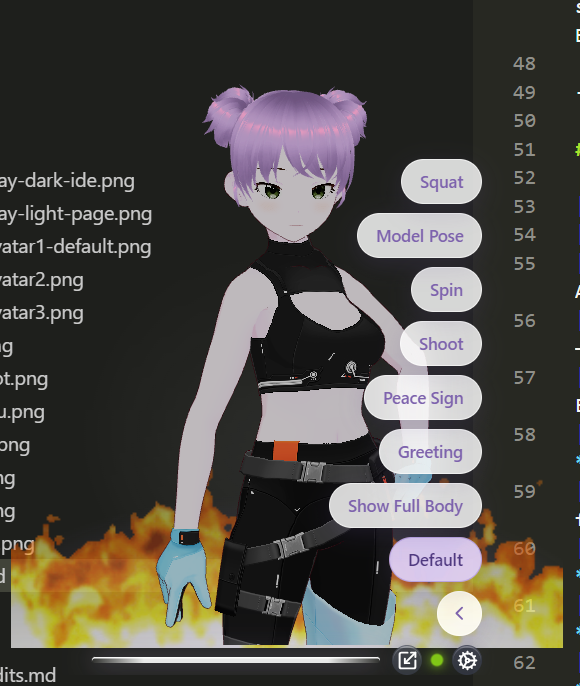
Gear → Animations → Default (greeting, then motion loop). Catalog: VRMA animations.
Swap avatars
Desktop / installer: Gear → Settings → Directories → Avatars → Custom, pick a folder of .vrm files. Appearance then shows that list. You can also use VRoid Hub under Appearance. Guide: Avatars · VRoid Hub.
From source (contributors): drop avatar4.vrm into avatar-demo/src/assets/avatars/ and restart — naming is covered in the avatars guide.
Custom environments
Desktop / installer: Gear → Settings → Directories → Environments → Custom, pick a folder of .gif / .png / .jpg / .jpeg. Built-ins stay; Appearance → Environments gains a Custom expander. Guide: Environments.
From source (contributors): trial files can also go in avatar-demo/src/assets/environments/custom/ while Directories is Default (local only; not shipped in the installer).
Documentation
| Topic | Links |
|---|---|
| User guide | Using the app |
| Getting started | Install · First session |
| Download | AVATAR-Setup-0.4.0.exe · v0.4.0 release |
| Characters & stage | Avatars · Environments · Camera & lighting |
| Motion & voice | VRMA · Audio sources · Lip sync |
| VRoid Hub | VRoid Hub connection |
| Settings | config.yaml & resets |
| Architecture | Overview · Layout |
| Assets | Assets & credits |
| Cite | CITATION.cff · Changelog |
Repository layout
avatar/
├── docs/
│   ├── using-the-app.md
│   ├── screenshots/
│   └── …
├── avatar-demo/
│   ├── electron/
│   ├── public/
│   └── src/
│       ├── assets/avatars/
│       └── assets/environments/
│           ├── stars.gif / code.gif / bloom.gif
│           └── custom/
├── CHANGELOG.md
├── CITATION.cff
└── README.md
Assets & licensing (summary)
Sample characters are made in VRoid Studio / VRoid Hub with free setups — no paid models or wearables are used in this repo.
Bundled motions are the 7 free VRMA files from the VRoid Project on BOOTH (2024). Copyright remains with pixiv Inc. Commercial use requires:
Animation credits to pixiv Inc.'s VRoid Project
(キャラクターアニメーション: ピクシブ株式会社 VRoidプロジェクト)
Full terms: docs/assets-and-credits.md · Rights holders: [email protected]
Beyond the bundled samples, you can bring your own characters and backdrops: Settings → Directories (local .vrm / image folders) and VRoid Hub (linked characters, session-only). See Avatars · Environments · VRoid Hub · Using the app.
Privacy
Runs locally. Audio uses Web APIs / Electron loopback; nothing is uploaded. See audio sources for capture options.
 Built & Maintained by ARPA Hellenic Logical Systems