README

module-federation4
webpack-plugin-module-federation for Webpack4, backport from https://github.com/ScriptedAlchemy/webpack-external-import
State
not production ready at present.
Usage
npm install --save-dev webpack-plugin-module-federationConfigure your webpack.config.js
const ModuleFederationPlugin = require('webpack-plugin-module-federation');

module.exports = {
    output: {
        publicPath: 'http://localhost:3002/',
    },
    plugins: [
        new ModuleFederationPlugin({
            name: '_federation_website2',
            library: 'website2',
            filename: 'remoteEntry.js',
            libraryTarget: 'global',
            remotes: {
                'website1': 'website1'
            },
            expose: {
                Title: './src/Title',
                App: './src/App'
            },
        }),
    ]
};
Import module from remote
In remote project, configure webpack.config.js.
const ModuleFederationPlugin = require('webpack-plugin-module-federation');

module.exports = {
    output: {
        publicPath: 'http://localhost:3001/',
    },
    plugins: [
        new ModuleFederationPlugin({
            name: '_federation_website1',
            library: 'website1',
            filename: 'remoteEntry.js',
            libraryTarget: 'global',
            remotes: {
                'website2': '_federation_website2'
            },
            expose: {
                App: './src/App'
            },
        }),
    ]
};
Add remoteEntry in your HTML
Then use dynamic import
import React, { lazy, Suspense, useState } from 'react';
import Footer from './Footer';

const Title = lazy(() => import('website2/Title')); // federated

export default () => {
    return (


This app loads the heading above from website2, and doesnt expose
                anything itself.


    );
};
Exmaple
See examples here.
git clone
yarn install
yarn build
yarn install:example
yarn dev:example
Open http://localhost:3001
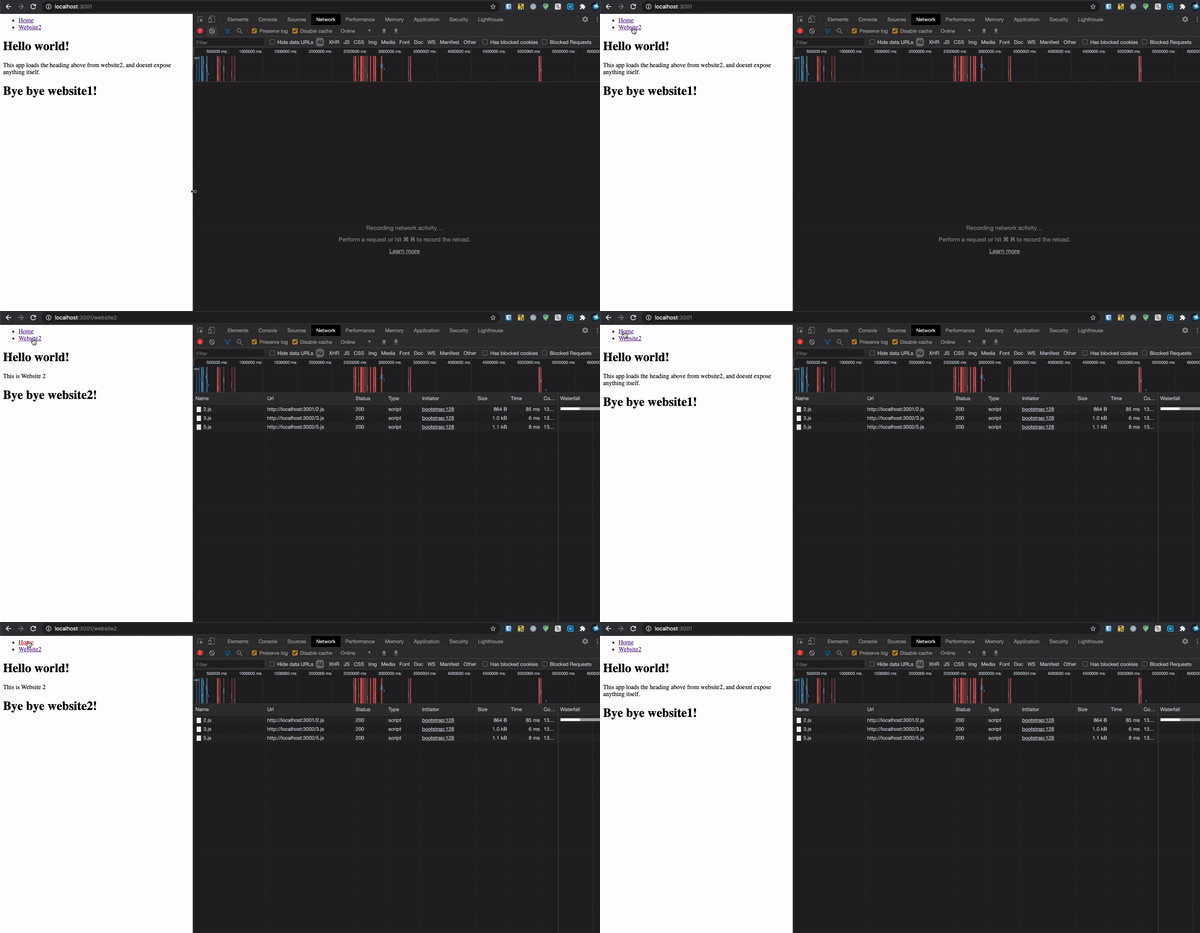
Preview