

YouTalk ✓
Interactive Q&A and relevant YouTube snippets.
Verdict
A quick read before you dig into the full page.
- Best if
- Interactive Q&A and relevant YouTube snippets
- Skip if
- Limited to YouTube
- Pick this when
- Chrome extension
Considering AskVideo instead? Compare side by side
Overview
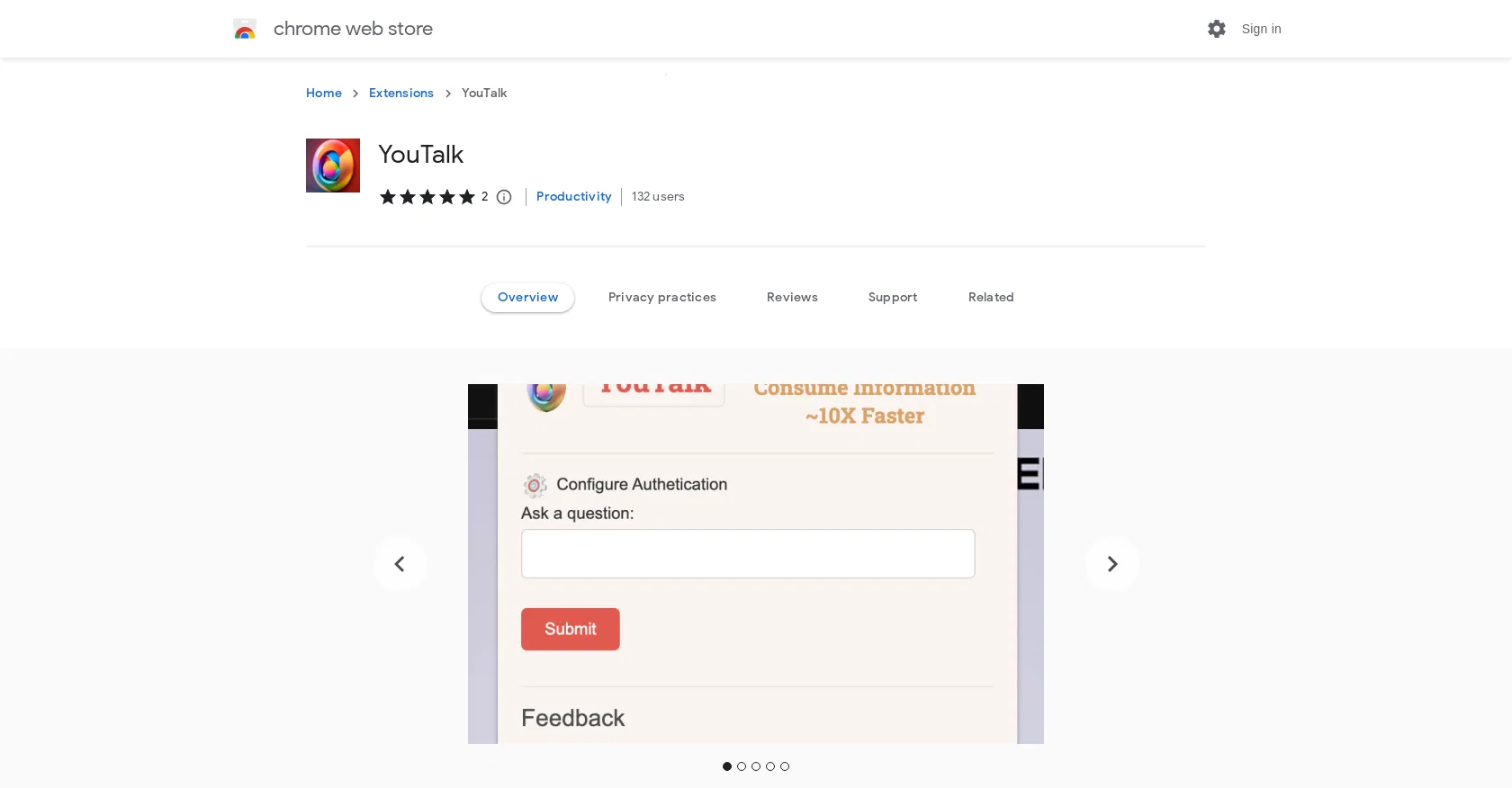
YouTalk is a Chrome extension that revolutionizes the YouTube experience by enabling users to interact with videos in a whole new way. With this tool, users can ask questions directly related to the video content and receive instant, relevant responses based on the video's content.
Additionally, YouTalk provides YouTube snippets, which are short video segments containing the most pertinent information related to the user's query.
This feature allows users to jump straight to the part of the video that matters most to them, eliminating the need for endless scrolling and searching.Key features of YouTalk include the ability to ask questions and receive real-time answers by typing or speaking while watching a video.
The tool utilizes advanced AI technology to extract the most relevant information from the video, ensuring accurate and helpful responses. YouTalk also saves users time and effort by eliminating the need to rewind, fast-forward, or scan through video transcripts.
It quickly and efficiently helps users find the information they need, allowing them to focus on learning and enjoying the content.One of the standout features of YouTalk is its voice recognition capability, allowing users to ask questions and interact with the video using their voice.
This feature enhances the YouTube experience by providing a seamless and hands-free interaction.Overall, YouTalk transforms the way users watch and learn from YouTube videos, making the experience more interactive and informative.
Access & connections
Where you can use YouTalk, and what it plugs into.
Platforms
Integrations
Capabilities
What this tool accepts, produces, and is strongest at.
Input
- Text
- Audio
Output
- Video
- Text
Pros & cons
Pros
- Chrome extension
- Interactive Q&A feature
- Real-time answers
- Advanced content extraction
- Intelligent YouTube snippets
- Works with variety of topics
- Saves time and effort
- Voice recognition commands
Show 9 more
- Direct interaction with videos
- Finds precise information
- No need for rewinding
- No need for fast-forwarding
- No transcript scanning needed
- Enhances learning experience
- Hands-free interaction
- Relevant clip suggestions
- Transforms YouTube experience
Cons
- Only for Chrome
- No mobile version
- Limited to YouTube
- Dependent on video quality
- May struggle with accents
- No multi-language support
- Possible delays in response
- Bias towards popular topics
Show 2 more
- Voice recognition inaccuracies
- Lacks text-to-speech feature
Compare alternatives
Similar tools in the catalog — with a clear reason to open each one.

AskVideo ✓
FreemiumYouTube video interactive learning engagement.
Why look Offers a public API
Full comparison


Releases 1
FAQ 12
What is YouTalk?
How does YouTalk work?
Are there any requirements to use YouTalk?
What is the 'YouTube Snippets' feature provided by YouTalk?
Can I use YouTalk on any YouTube video?
How accurate are the answers provided when I use YouTalk?
Does YouTalk support voice recognition and how to use it?
How do I install and start using YouTalk?
What is the 'Smart Content Extraction' that YouTalk uses?
How is the data from YouTalk used or stored?
Is YouTalk compatible with all devices?
How quick does YouTalk respond to a query?
Related tools
Recommended

Eightify
UnknownAI-powered YouTube video summarizer extracting key ideas for quick content assessment.

KeywordSearch ✓
FreemiumDiscover and target YouTube audiences.

GhostTheWriter
Free TrialSummon spirits to write for you while you watch.

2short ✓
FreemiumAI-powered YouTube Shorts generator for 10X faster growth.

SummYT - YouTube Summarized ✓
Free TrialInstant YouTube Summary Generator

Scisummary ✓
Free TrialCutting-edge scientific articles summarization.