Verdict

A quick read before you dig into the full page.

Best if
You are content creators and need: Restore and sharpen old or blurry family photographs
Skip if
You need enterprise SLAs or a fully managed team plan right away
Pick this when
Freemium · Free + from $3.33 per month

Overview

YouCam Online Editor is a browser-based AI photo and video editing platform from Perfect Corp. It helps users enhance blurry images, upscale photos and videos, remove unwanted objects and backgrounds, generate AI images, change outfits and hairstyles, create headshots, and turn images or text into videos. The platform works on desktop and mobile browsers without requiring heavy software downloads and includes both free and subscription-based tools.

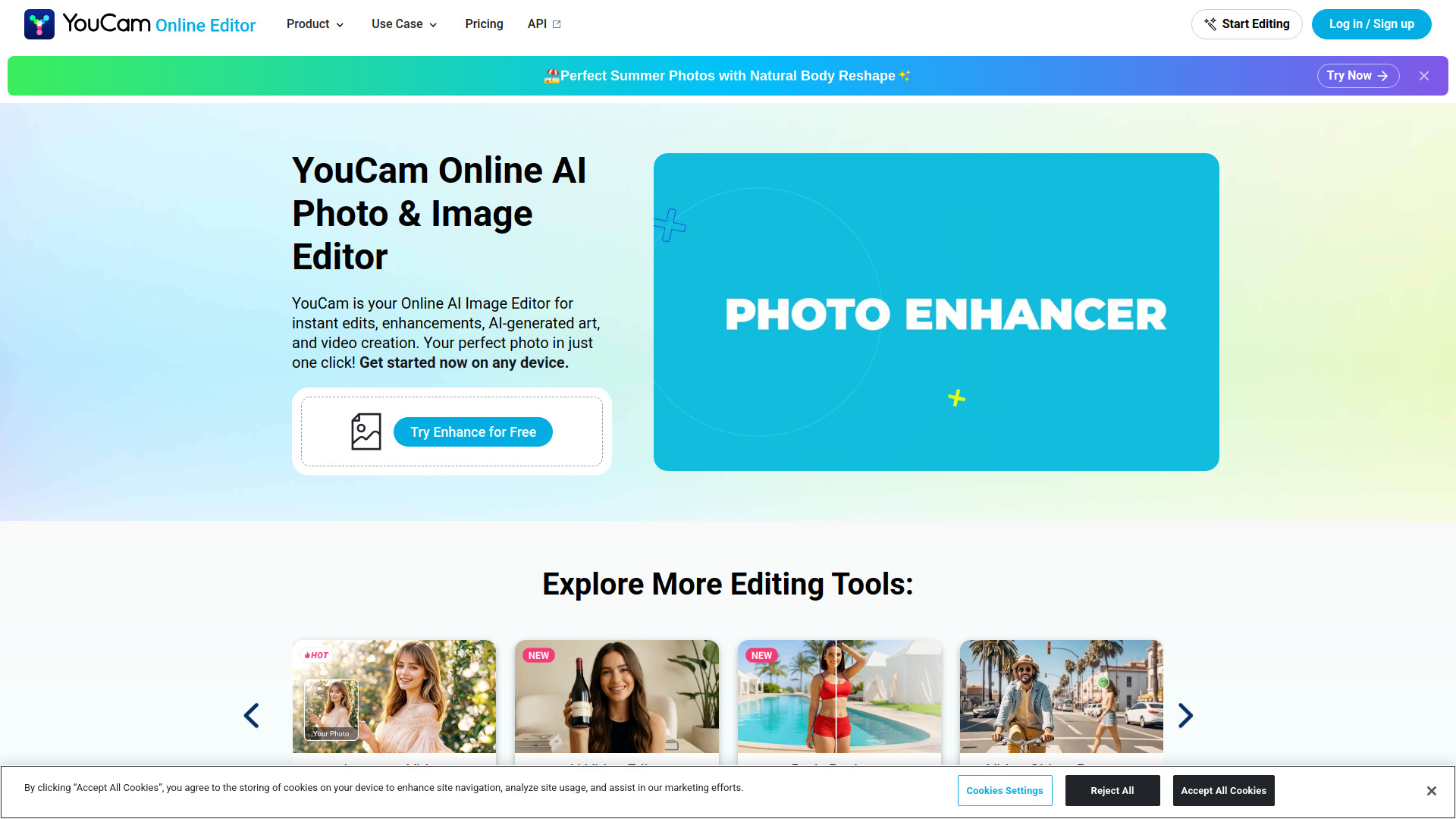
YouCam Online Editor screenshot

Best for

Short scenarios where YouCam Online Editor tends to shine.

  • Restore and sharpen old or blurry family photographs

    Best for Content creators

  • Remove photobombers, people, objects, power lines, and watermarks from images

    Best for Social media managers

  • Expand photos to fit social media posts, square layouts, or story formats

    Best for Influencers

  • Create AI-generated portraits, professional headshots, avatars, and studio images

    Best for Photographers

  • Preview hairstyles, hair colors, makeup, facial changes, and outfits before making real-world changes

    Best for Marketing professionals

  • Generate cinematic videos from still images or text prompts

    Best for Graphic designers

  • Enhance vacation photos and prepare polished images for social media

    Best for Video creators

  • Upscale low-resolution videos and improve blurry or low-light footage

    Best for E-commerce sellers

How it works

Open YouCam Online Editor in a browser, choose an editing or generation tool, and upload a photo, video, or text prompt. Apply the selected AI feature, such as enhancement, object removal, background replacement, hairstyle generation, image-to-video creation, or text-to-video generation. Preview the result and download it. Free users may receive limited credits and watermarked exports, while paid subscribers receive additional credits, more tool access, and watermark-free downloads.

Example outputs 1

Sample generations and before/after results for YouCam Online Editor.

Access & connections

Where you can use YouCam Online Editor.

Platforms

Web

Capabilities

What this tool accepts, produces, and is strongest at.

Highlights

  • AI photo enhancement, sharpening, unblurring, and 4K upscaling
  • AI video enhancement and image-to-video generation
  • AI object, people, watermark, and background removal
  • AI image generation from text prompts
  • AI hairstyle, hair color, beard, makeup, clothing, and face transformation tools
  • AI headshot, avatar, portrait, and studio image generation
  • AI image extender for expanding photo backgrounds and canvases
  • AI color correction, colorization, lighting adjustment, and portrait retouching
Show 2 more
  • Batch photo enhancement and batch image conversion
  • Browser-based editing on Windows, Mac, Linux, tablets, and mobile devices

People also view

Tools that often show up alongside YouCam Online Editor in collections and comparisons.

FAQ 12

What is YouCam Online Editor?
YouCam Online Editor is a browser-based AI photo and video editing platform from Perfect Corp. It helps users enhance blurry images, upscale photos and videos, remove unwanted objects and backgrounds, generate AI images, change outfits and hairstyles, create headshots, and turn images or text into videos. The platform works on desktop and mobile browsers without requiring heavy software downloads and includes both free and subscription-based tools.
How to use YouCam Online Editor?
Open YouCam Online Editor in a browser, choose an editing or generation tool, and upload a photo, video, or text prompt. Apply the selected AI feature, such as enhancement, object removal, background replacement, hairstyle generation, image-to-video creation, or text-to-video generation. Preview the result and download it. Free users may receive limited credits and watermarked exports, while paid subscribers receive additional credits, more tool access, and watermark-free downloads.
What is YouCam Online Editor used for?
It is used to edit, enhance, generate, and transform photos and videos with AI, including upscaling, object removal, portrait editing, background changes, and video generation.
Do I need to download software to use YouCam Online Editor?
No. YouCam Online Editor works in a web browser on Windows, Mac, Linux, tablets, and mobile devices.
Can YouCam fix blurry or low-resolution photos?
Yes. Its AI Photo Enhancer and Photo Repair tools can sharpen blurry images, reconstruct details, and upscale photos toward 4K quality.
Can I remove people or objects from a photo?
Yes. The AI Object Removal tool lets you brush over unwanted people, objects, power lines, or watermarks and generates a matching background.
Can YouCam turn a photo into a video?
Yes. The Image to Video tool can animate a still image, while additional AI video features can create effects such as hugs, dances, and cinematic movement.
Is YouCam Online Editor free?
Yes. The Free plan includes five signup credits and does not require a credit card, but free exports include a watermark and access is limited.
Does YouCam offer watermark-free downloads?
Yes. Plus and Pro subscribers can download images without watermarks.
Is commercial use allowed?
Commercial use is listed as an included benefit of the Pro plan.
Are uploaded photos used to train public AI models?
The website states that personal uploads are not used to train public models without explicit consent and that uploaded photos are processed securely.
Do YouCam AI tools require a powerful computer?
No. The website states that the intensive processing is performed on secure servers, so users only need a compatible browser and internet connection.
YouCam Online Editor Free + from $3.33 per month
