
Xtractly
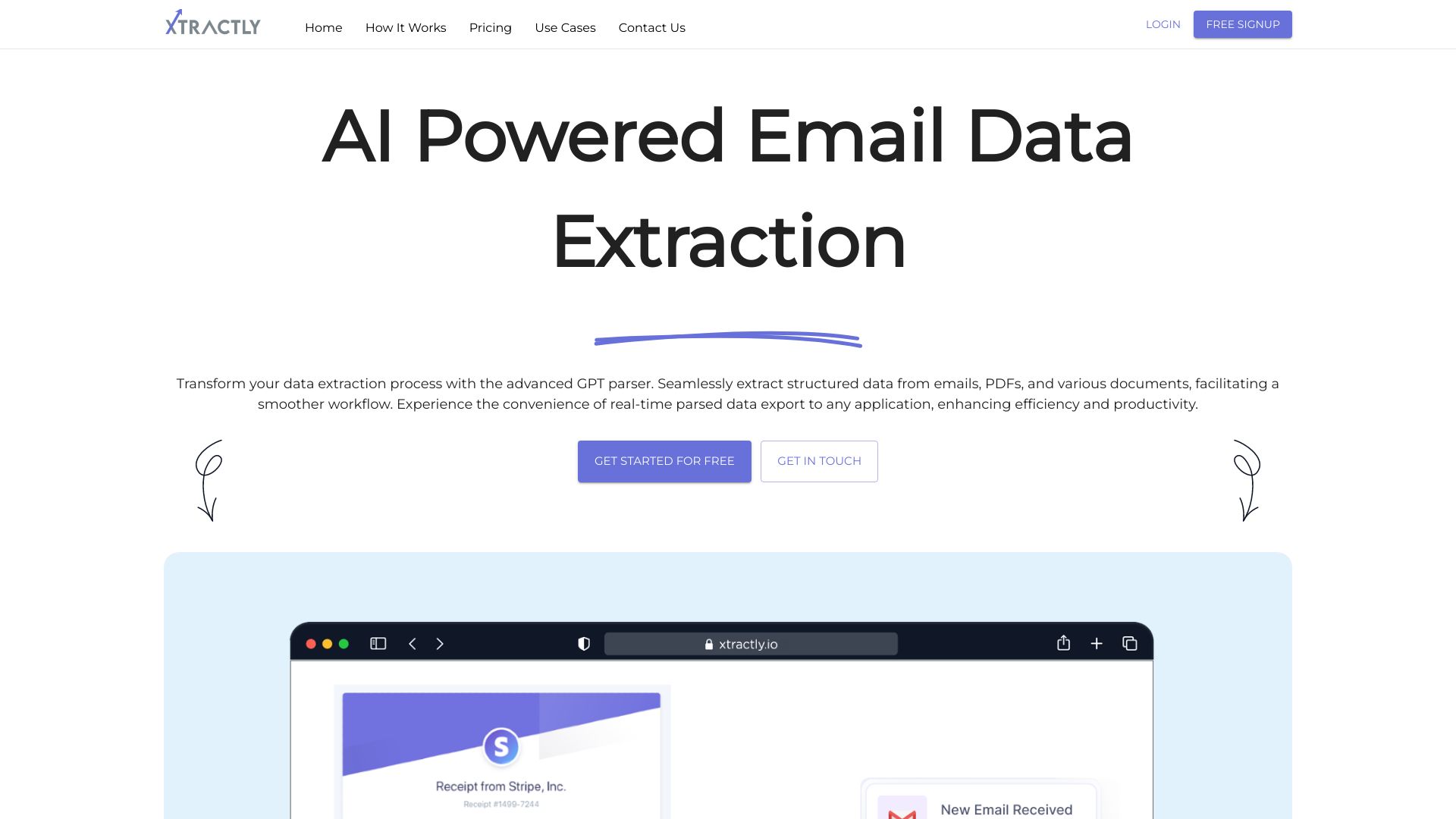
AI-powered email and document parser for automated data extraction and workflow streamlining.
Source rating 5.0
(88)
0 views
0 saves
Freemium
Free + from $10
Verdict
A quick read before you dig into the full page.
- Best if
- AI-powered email and document parser for automated data extraction and workflow streamlining
- Skip if
- You need enterprise SLAs or a fully managed team plan right away
- Pick this when
- Freemium · Free + from $10
Overview
Xtractly is an AI-powered email and document parser that helps users effortlessly extract valuable insights from emails and documents. It streamlines workflows, saves time, and enables data-driven decisions by automating data extraction from various sources like emails, PDFs, and other documents.
Access & connections
Where you can use Xtractly, and what it plugs into.
Platforms
Integrations
Capabilities
What this tool accepts, produces, and is strongest at.
Highlights
- Email Parsing
- PDF and OCR engine
- Data Protection
- Data Transformation Layer
- Webhooks
- Post Processing
- CSV Exports
FAQ 5
What is Xtractly?
Xtractly is an AI-powered email and document parser that helps users effortlessly extract valuable insights from emails and documents. It streamlines workflows, saves time, and enables data-driven decisions by automating data extraction from various sources like emails, PDFs, and other documents.
How to use Xtractly?
To use Xtractly, you can forward emails to a dedicated email address, upload documents directly to the dashboard, or utilize the API. Specify the data you want to extract using the extraction schema, and then export the data to Google Sheets, CSV, or integrate with other services via webhook or Zapier.
How does Xtractly protect my data?
All emails are promptly deleted from our servers. We also offer flexible data retention settings, allowing you to adjust the retention period to suit your preferences.
What types of documents can Xtractly parse?
Xtractly can parse emails, PDFs, and scanned documents using its PDF and OCR engine.
How can I export the extracted data?
You can export the data to Google Sheets, download it as a CSV, forward it via webhook to your preferred service, or integrate it with over 6,000 apps using Zapier.
Related tools
Recommended



Xtractly
Free + from $10