
xpander.ai
BaaS for deploying and managing AI agents in Slack.
Source rating 5.0
(70)
0 views
0 saves
Freemium
Free + from $49 / month
Verdict
A quick read before you dig into the full page.
- Best if
- BaaS for deploying and managing AI agents in Slack
- Skip if
- You need enterprise SLAs or a fully managed team plan right away
- Pick this when
- Freemium · Free + from $49 / month
Overview
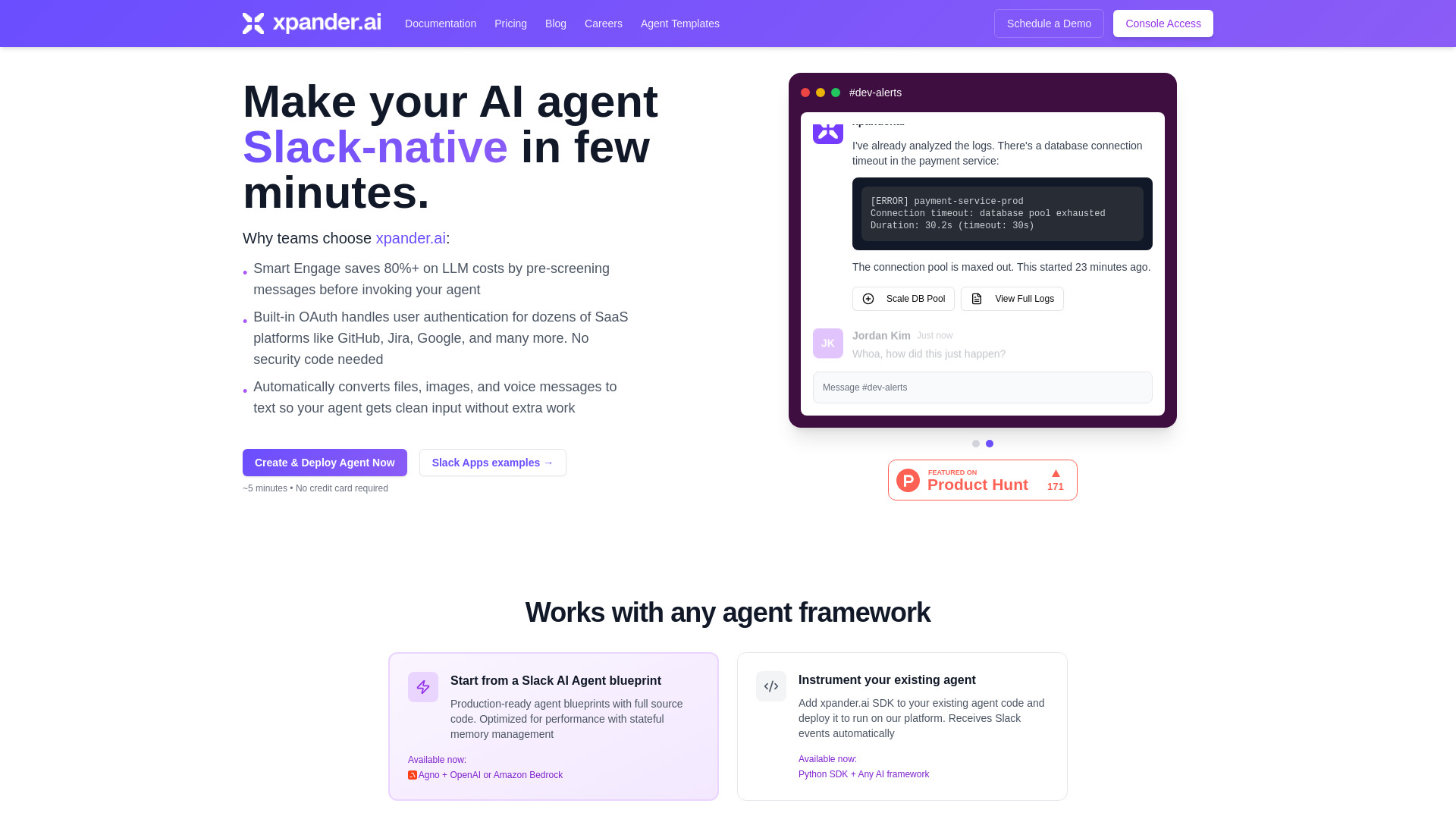
xpander.ai is a backend-as-a-service (BaaS) platform designed to help users deploy, manage, and scale AI agents, primarily integrating them as Slack teammates. It handles the underlying infrastructure, agent memory, tools, auto-engagement, LLM cost optimization, and user authentication, allowing AI agents to operate seamlessly within Slack workspaces without requiring users to manage complex backend systems.
Access & connections
Where you can use xpander.ai, and what it plugs into.
Platforms
Capabilities
What this tool accepts, produces, and is strongest at.
Highlights
- Deploy AI Agents to Slack in minutes
- Smart Engage for LLM cost optimization (saves 80%+)
- Built-in OAuth for user-authenticated actions (GitHub, Jira, Google)
- Automatic conversion of multimodal inputs (files, images, voice) to text
- Framework-agnostic runtime (supports LangChain, CrewAI, OpenAI, Claude, etc.)
- Persistent memory and thread management
- Auto-scaling infrastructure and real-time monitoring
FAQ 6
What is xpander.ai?
xpander.ai is a backend-as-a-service (BaaS) platform designed to help users deploy, manage, and scale AI agents, primarily integrating them as Slack teammates. It handles the underlying infrastructure, agent memory, tools, auto-engagement, LLM cost optimization, and user authentication, allowing AI agents to operate seamlessly within Slack workspaces without requiring users to manage complex backend systems.
How to use xpander.ai?
To use xpander.ai, you follow three simple steps: 1. Create a Slack Agent by starting from a blueprint or bringing your own code, selecting an AI framework and template. 2. Add Slack as a Task Source by connecting your deployed agent to Slack via the xpander.ai console, configuring Slack OAuth, and selecting the desired channels. 3. Once configured, your agent is instantly deployed and live in your Slack workspace, ready to receive messages and perform tasks.
What is Smart Engage and how does it save costs?
Smart Engage uses a lightweight model to pre-screen all Slack messages, only invoking your main AI agent when needed. This typically reduces LLM costs by 80%+ since your agent only processes relevant messages, not every 'thanks' or 'got it'.
How does user authentication work?
xpander.ai handles OAuth, token storage, and permission scoping automatically. Users connect their accounts (e.g., GitHub, Jira, Google) once, and the platform manages the secure per-user OAuth flow, eliminating the need for security code.
Can I use my existing AI agents?
Yes, you can add the xpander.ai SDK to your existing agent code and deploy it to run on their platform. It receives Slack events automatically, allowing you to leverage your current AI agent implementations.
How long does deployment take?
Deployment takes minutes. You can make your AI agent Slack-native in a few minutes, and it's instantly deployed and ready to use in your Slack workspace without additional setup.
Related tools
Recommended



xpander.ai
Free + from $49 / month