Media(93)

Wondershare Filmora ES

AI-powered video editing software for all skill levels with a wide range of features.

Source rating 5.0 (85) 606k views 606k/mo traffic 0 saves Paid
More categories (11)

Verdict

A quick read before you dig into the full page.

Best if
You are youTubers and need: Creating videos for YouTube, TikTok, and other social media platforms
Skip if
You need a free plan with no credit card
Pick this when
Paid · From €49.99 / month

Overview

Wondershare Filmora is an AI-based video editing software designed for users of all skill levels. It offers features like smart short clips, AI portrait cutout, auto subtitles, multi-camera editing, and a wide library of effects and transitions. Filmora aims to make video creation easy and fun.

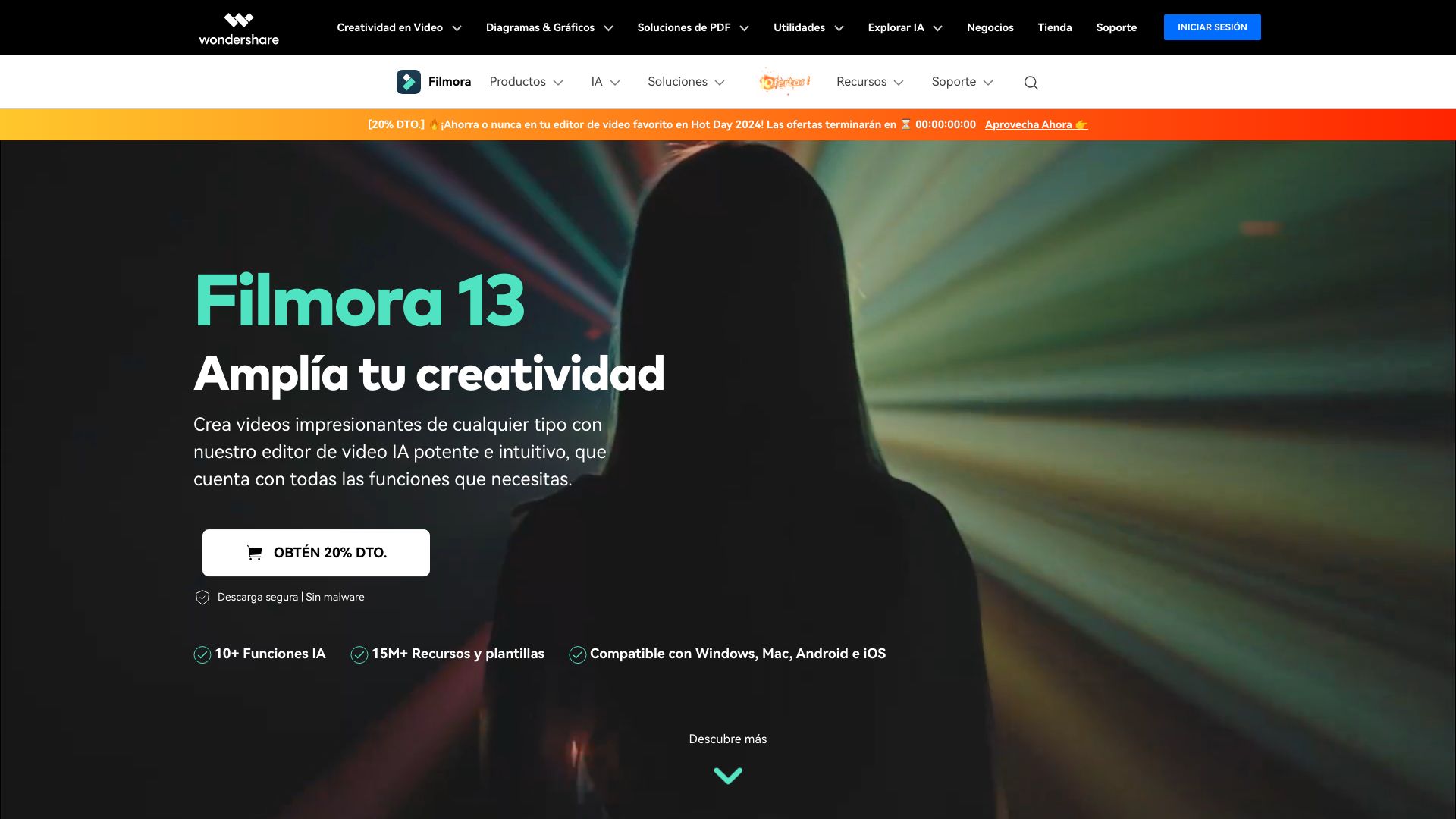
Wondershare Filmora ES screenshot

Best for

Short scenarios where Wondershare Filmora ES tends to shine.

  • Creating videos for YouTube, TikTok, and other social media platforms

    Best for YouTubers

  • Editing video CVs and brand videos

    Best for TikTok creators

  • Producing video tutorials and explainer videos

    Best for Influencers

  • Creating marketing and promotional videos

    Best for Freelancers

  • Editing event videos like weddings and New Year celebrations

    Best for SMBs

How it works

Download and install the Filmora software. Import your video clips, images, and audio. Use the intuitive interface to edit your video, add effects, transitions, and text. Export your finished video in various formats.

Example outputs 1

Sample generations and before/after results for Wondershare Filmora ES.

Access & connections

Where you can use Wondershare Filmora ES, and what it plugs into.

Platforms

Web

Integrations

Capabilities

What this tool accepts, produces, and is strongest at.

Highlights

  • AI-powered editing tools
  • Smart short clip generation
  • AI portrait cutout
  • Automatic subtitles
  • Multi-camera editing
  • Extensive library of effects and transitions
  • Text-based editing with AI

People also view

Tools that often show up alongside Wondershare Filmora ES in collections and comparisons.

FAQ 7

What is Wondershare Filmora?
Wondershare Filmora is an AI-based video editing software designed for users of all skill levels. It offers features like smart short clips, AI portrait cutout, auto subtitles, multi-camera editing, and a wide library of effects and transitions. Filmora aims to make video creation easy and fun.
How to use Wondershare Filmora?
Download and install the Filmora software. Import your video clips, images, and audio. Use the intuitive interface to edit your video, add effects, transitions, and text. Export your finished video in various formats.
Why should I choose Filmora Video Editor?
Filmora is easy to use, offers over 2.3 million built-in media resources, and provides professional-quality video effects. It includes custom templates, AI-based automation, and drag-and-drop editing.
Can Filmora resources be used for commercial purposes?
AI-generated resources labeled 'Commercially Available' can be used commercially. Other AI-generated resources are for non-commercial use. Non-AI resources labeled 'Commercially Available' can be used commercially.
What video export formats does Filmora support?
Filmora supports MP4, MOV, AVI, MKV, MPEG, and formats optimized for YouTube, Instagram, and Facebook.
Can I export videos directly to YouTube from Filmora?
Yes, Filmora has an integrated 'Upload to YouTube' option and a Social Video Planner for scheduling videos.
Is Filmora compatible with GPU acceleration?
Yes, Filmora supports GPU acceleration for faster rendering and editing.
Wondershare Filmora ES From €49.99 / month
