
Whimsey: AI Scheduling Assistant
AI-powered scheduling tool that integrates with Google Workspace for seamless meeting coordination.
Source rating 5.0
(62)
0 views
0 saves
Unknown
Verdict
A quick read before you dig into the full page.
- Best if
- AI-powered scheduling tool that integrates with Google Workspace for seamless meeting coordination
- Pick this when
- AI-powered scheduling tool that integrates with Google Workspace for seamless meeting coordination
Overview
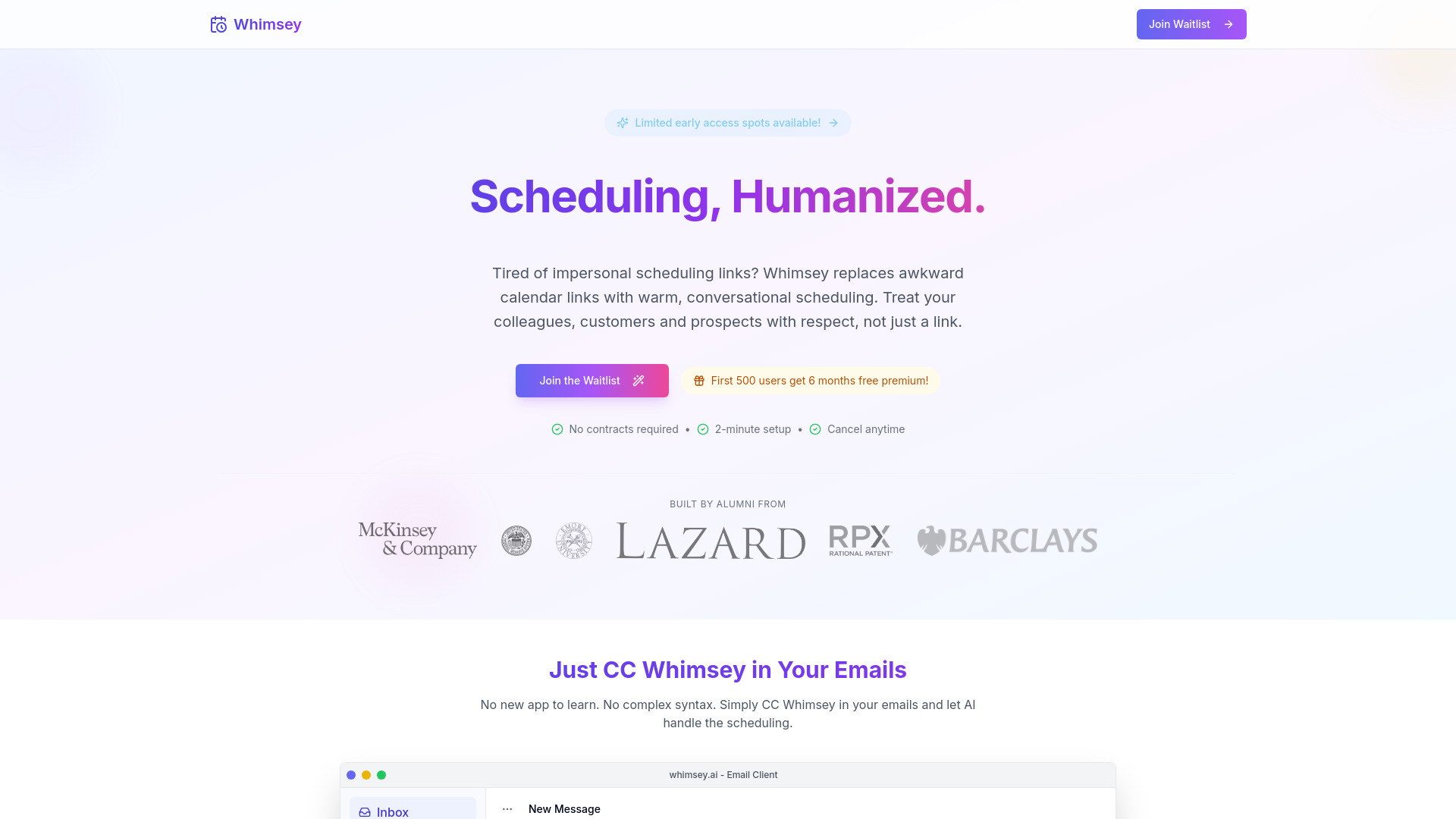
Whimsey Scheduler is a smart calendar management tool that streamlines scheduling by integrating with Google Workspace. It replaces traditional scheduling links with conversational AI, allowing users to schedule meetings by simply CC'ing [email protected] in their emails. Whimsey automatically coordinates times, suggests slots, and creates calendar events, eliminating scheduling headaches for teams across time zones.
Access & connections
Where you can use Whimsey: AI Scheduling Assistant, and what it plugs into.
Platforms
Integrations
Capabilities
What this tool accepts, produces, and is strongest at.
Highlights
- Email-based scheduling using AI
- Automatic time coordination and suggestion
- Seamless integration with Google Workspace (Calendar, Gmail, Meet)
- One-click rescheduling
- Cross-timezone support
FAQ 6
What is Whimsey Scheduler?
Whimsey Scheduler is a smart calendar management tool that streamlines scheduling by integrating with Google Workspace. It replaces traditional scheduling links with conversational AI, allowing users to schedule meetings by simply CC'ing [email protected] in their emails. Whimsey automatically coordinates times, suggests slots, and creates calendar events, eliminating scheduling headaches for teams across time zones.
How to use Whimsey Scheduler?
To use Whimsey, simply CC [email protected] in your scheduling emails. Whimsey will scan everyone's calendar, suggest suitable time slots, and automatically create the calendar event once a time is agreed upon.
How does Whimsey work?
You simply CC [email protected] in your scheduling emails. Whimsey then scans everyone's calendar, suggests time slots, and creates the calendar event once a time is agreed upon.
Does Whimsey integrate with Google Workspace?
Yes, Whimsey seamlessly integrates with Google Calendar, Gmail, and Meet.
Do I need to learn a new app or syntax to use Whimsey?
No, you don't need to learn anything new. Simply CC Whimsey in your emails.
Is Whimsey secure?
Yes, Whimsey uses bank-level encryption and secure authentication.
Related tools
Recommended


Whimsey: AI Scheduling Assistant