Verdict

A quick read before you dig into the full page.

Best if
You are virtual YouTubers and need: Virtual YouTubing without expensive devices
Skip if
You need a free plan with no credit card
Pick this when
Paid · From $1.99 / month

Overview

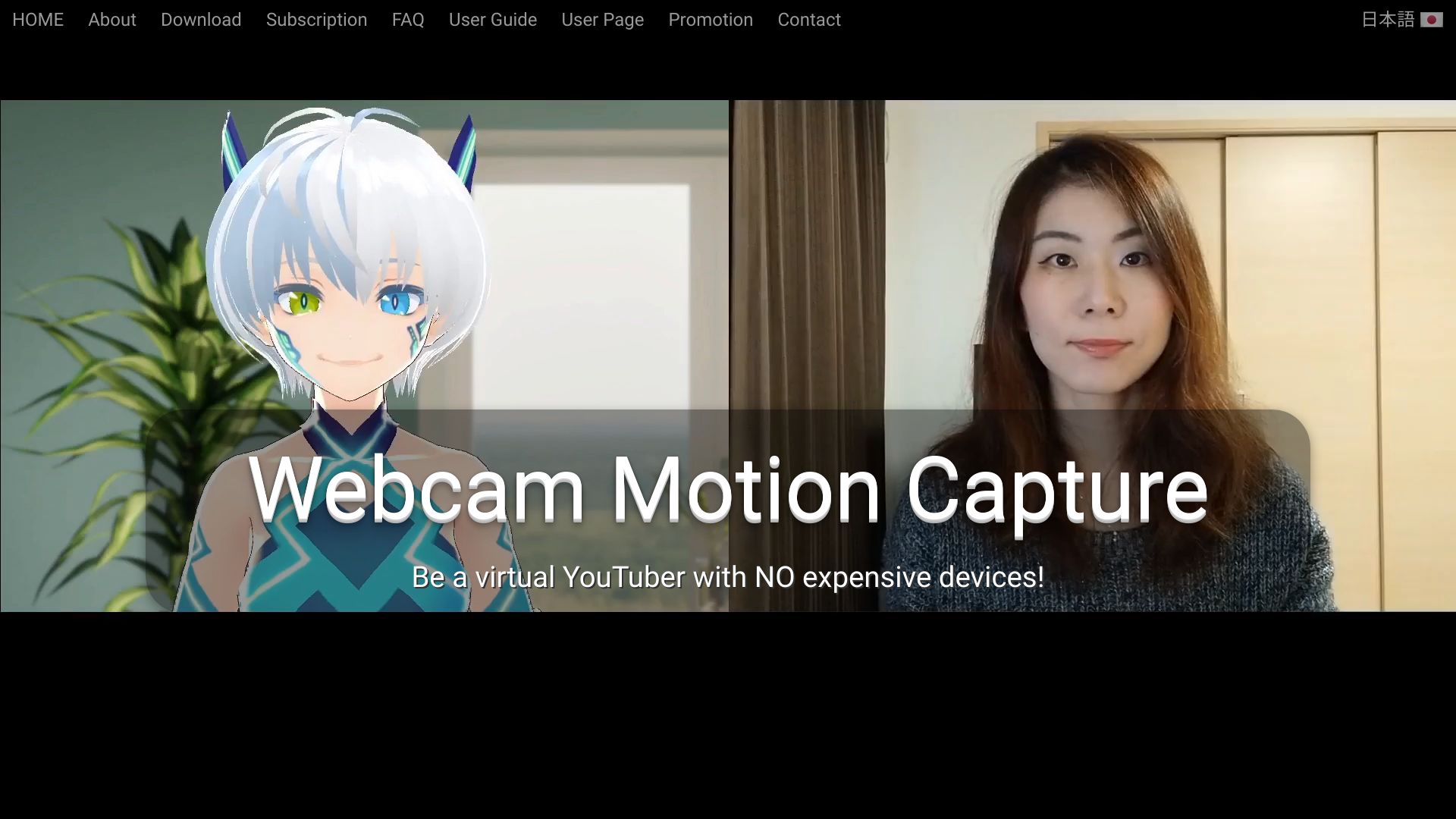
Webcam Motion Capture is an AI-powered software that allows users to control 3D avatars using only a webcam. It eliminates the need for expensive motion capture devices, making virtual YouTubing and character animation accessible to a wider audience. The software tracks hand and finger movements, head and facial expressions, eye gaze, and upper body movements, and can send this data to external applications via VMC Protocol or save it to FBX files.

Webcam Motion Capture screenshot

Best for

Short scenarios where Webcam Motion Capture tends to shine.

  • Virtual YouTubing without expensive devices

    Best for Virtual YouTubers

  • Creating character animations

    Best for Animators

  • Adding hand tracking to VTuber apps like VSeeFace

    Best for Game developers

  • Realtime webcam-based hand tracking in external apps (Unity / Unreal Engine)

    Best for Motion capture artists

Example outputs 1

Sample generations and before/after results for Webcam Motion Capture.

Access & connections

Where you can use Webcam Motion Capture.

Platforms

Web

Capabilities

What this tool accepts, produces, and is strongest at.

Highlights

  • High-quality hand and finger tracking with only a webcam
  • Head tracking, facial expression tracking, eye gaze tracking, eye blink detection, lip sync, and upper body tracking
  • VMC Protocol support for sending tracking data to external apps
  • FBX file export for motion capture data
  • Compatibility with Face Tracking Apps supporting Perfect Sync

People also view

Tools that often show up alongside Webcam Motion Capture in collections and comparisons.

FAQ 9

What is Webcam Motion Capture?
Webcam Motion Capture is an AI-powered software that allows users to control 3D avatars using only a webcam. It eliminates the need for expensive motion capture devices, making virtual YouTubing and character animation accessible to a wider audience. The software tracks hand and finger movements, head and facial expressions, eye gaze, and upper body movements, and can send this data to external applications via VMC Protocol or save it to FBX files.
How to use Webcam Motion Capture?
Download the software for Windows or MacOS, unzip the downloaded file, and run the WebcamMotionCapture.exe (or the Mac equivalent). Follow the User Guide for setup and usage instructions. The software tracks your movements via webcam and applies them to a 3D avatar.
Can I use Webcam Motion Capture for live stream on YouTube?
Yes. You can live stream on YouTube using OBS Studio. See Set Up OBS Studio for details.
Can I use Webcam Motion Capture to create my own video using 3D avatars?
Yes. You can do it using OBS Studio. See Set Up OBS Studio for details.
My computer is not fast enough. Can I still use Webcam Motion Capture?
Yes. Because Webcam Motion Capture can control your 3D avatar not only from your webcam but also from your video! First shoot a video using your smartphone. Then, use the video on Webcam Motion Capture as an input. In this way, you can control your 3D avatar according to your move even on relatively slow computers. Learn from here for more detail.
How can I create my own 3D avatar?
Use VRoid Studio. It is free easy-to-use software to create 3D avatars, which does not require any special skills! Export your avatar as vrm file. Then import it to Webcam Motion Receiver.
Can I set a video as a background?
Yes. You can make the Webcam Motion Receiver's background transparent and set your preferred video as the background in OBS Studio. See Set Up OBS Studio for details.
Do I need to subscribe?
You can use all the tracking features without subscription. You need to subscribe if you would like to hide the UIs (for live stream, creating videos, etc.) or use the tracking data on external apps (by sending the tracking data using VMC protocol or saving as an FBX file).
Can I use Webcam Motion Capture commercially?
Yes, you can use Webcam Motion Capture to commercially create and monetize digital content, such as live streams, videos, animations, and games. However, you are not allowed to resell, redistribute, or incorporate the app as part of any other products, including but not limited to software, games, or digital services.
Webcam Motion Capture From $1.99 / month