Marketing

WA Export

Free Download WhatsApp Group Number & Extract Contact to Excel/CSV/VCard. Best WhatsApp Number Export & Save WhatsApp Contact Tool.

Source rating 5.0 (77) 24k views 24k/mo traffic 0 saves Free

Verdict

A quick read before you dig into the full page.

Best if
You are growth Marketers and need: Optimize lead generation process
Skip if
You need enterprise SLAs or a fully managed team plan right away
Pick this when
Free · Free

Overview

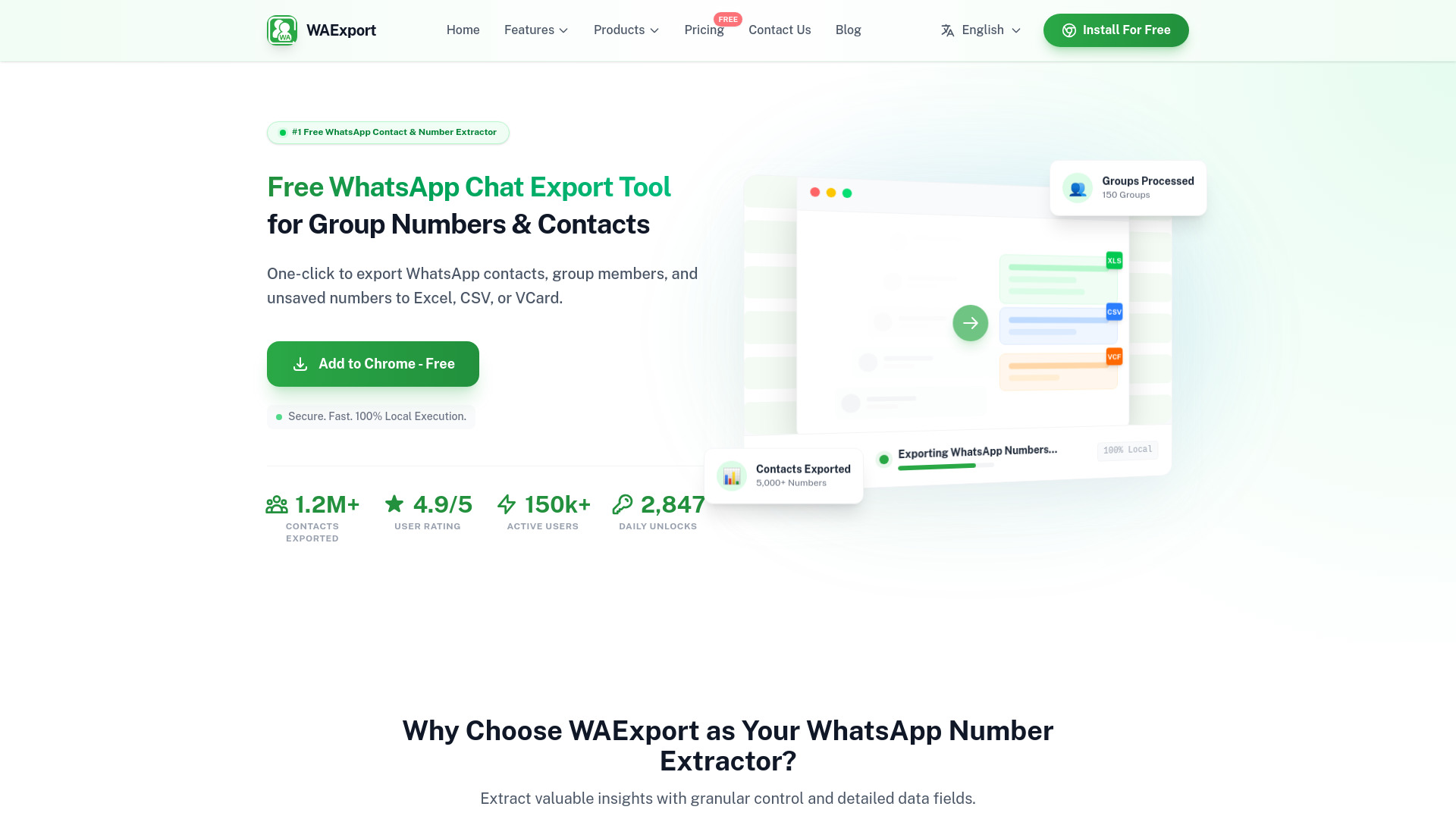
This extension is the ultimate solution for WhatsApp Export needs, designed to Download WhatsApp Number and Save WhatsApp Number instantly. With just one click, you can complete a WhatsApp Export of all contacts to WhatsApp Number to Excel, WhatsApp Contacts to CSV, or WhatsApp Contacts to VCard/VCF.

WA Export screenshot

Best for

Short scenarios where WA Export tends to shine.

  • Optimize lead generation process

    Best for Growth Marketers

  • Improve user marketing experience

    Best for Sales Managers

  • Increase account security

    Best for Small Business Owners

Example outputs 1

Sample generations and before/after results for WA Export.

Access & connections

Where you can use WA Export, and what it plugs into.

Platforms

Web

Integrations

Capabilities

What this tool accepts, produces, and is strongest at.

Highlights

  • Bulk Export WhatsApp Group Numbers & Members
  • WhatsApp Chat Export for Contact Extraction
  • Download WhatsApp Number to Excel with Full Contact Details
  • Smart Filters to Save WhatsApp Contacts Efficiently

People also view

Tools that often show up alongside WA Export in collections and comparisons.

FAQ 7

What is WA Export?
This extension is the ultimate solution for WhatsApp Export needs, designed to Download WhatsApp Number and Save WhatsApp Number instantly. With just one click, you can complete a WhatsApp Export of all contacts to WhatsApp Number to Excel, WhatsApp Contacts to CSV, or WhatsApp Contacts to VCard/VCF.
How to use WA Export?
1. Pin the extension to your toolbar to start using it instantly
2. Open WhatsApp Web & Launch
3. Choose Format & Filter
4. Export from Groups
5. Export from Chat List
Is this WhatsApp Chat Export tool completely free to use?
Yes! WAExport is a completely free WhatsApp export tool. Unlike other extensions that charge specifically for bulk exports, we allow you to export WhatsApp group numbers and contacts unlimitedly without any hidden costs.
Is it safe? Will I get banned for using this WhatsApp Number Extractor?
No, you will not get banned. Our tool operates 100% locally on your browser. It does not engage in any automated scraping behavior that violates WhatsApp's policies. It simply extracts the data already loaded in your web session, making it the safest WhatsApp number extractor available.
How to bulk export WhatsApp group numbers to Excel?
It's easy. Open the extension, navigate to the 'Export From Group' section, select the groups you want to scrape, and click export. You can instantly download WhatsApp phone numbers from multiple groups into a single Excel or CSV file.
Does this tool support WhatsApp Chat Export for messages?
Currently, we focus on helping you export contacts from your WhatsApp chat list, including metadata like the Last Message and date. While full message history backup is coming soon, this feature is perfect for building lead lists from your active conversations.
Can I convert WhatsApp contacts to VCard or CSV?
Absolutely. We support multiple formats. You can easily convert WhatsApp number to Excel, WhatsApp contacts to CSV, or even VCard (VCF) format for easy import into your phone or CRM software.
WA Export Free
