
Vois
Offline desktop AI voice studio with unlimited generation, voice cloning, and multi-track mastering.
Free + from $9 / mo
Verdict
A quick read before you dig into the full page.
- Best if
- You are podcasters and need: Creating professional audiobooks with ACX-ready mastering
- Skip if
- You need enterprise SLAs or a fully managed team plan right away
- Pick this when
- Freemium · Free + from $9 / mo
Overview
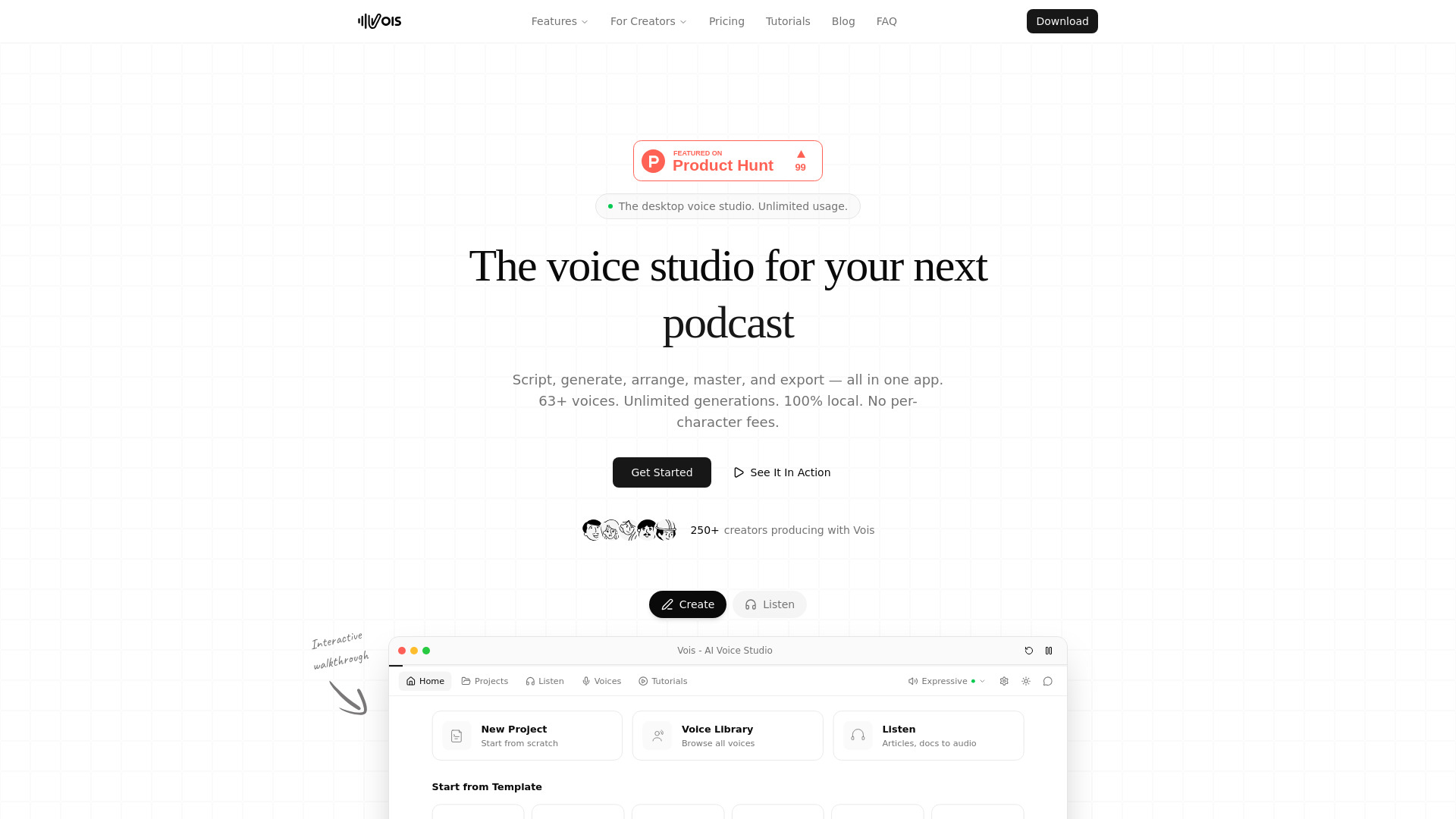
Vois is a professional desktop AI voice studio designed for high-quality audio production. It allows users to transform scripts, ebooks, articles, and podcasts into natural-sounding speech using over 63 expressive voices and voice cloning technology. Unlike cloud-based competitors, Vois operates 100% locally on the user's laptop or desktop, meaning there are no per-character fees, no usage caps, and complete privacy for uploaded scripts. It functions as an all-in-one production suite where users can write scripts with multi-speaker support, generate audio, arrange clips on a multi-track timeline, and apply professional mastering tools like LUFS normalization, de-esser, and EQ.
Best for
Short scenarios where Vois tends to shine.
-
Creating professional audiobooks with ACX-ready mastering
Best for Podcasters
-
Producing multi-speaker podcasts without recording equipment
Best for Audiobook Authors
-
Generating voiceovers for faceless YouTube channels and tutorials
Best for YouTube Creators
-
Developing immersive game NPC dialogue and character voices
Best for Documentary Makers
-
Creating multi-language e-learning and training content
Best for E-learning Developers
Example outputs 1
Sample generations and before/after results for Vois.
Access & connections
Where you can use Vois.
Platforms
Capabilities
What this tool accepts, produces, and is strongest at.
Highlights
- 100% local and offline processing for total privacy
- Unlimited voice generation with no per-character fees
- Voice cloning from a 5-60 second audio sample
- Multi-track timeline for arranging and editing audio clips
- Professional mastering suite including LUFS normalization, EQ, and de-esser
- Support for 23 languages with multilingual voice capabilities
- Script editor with multi-speaker 'cast' support
People also view
Tools that often show up alongside Vois in collections and comparisons.
