Text to speech

Voice Out

Text-to-speech Chrome extension for reading aloud digital content in multiple languages.

Source rating 5.0 (54) 67k views 67k/mo traffic 0 saves Freemium
More categories (9)

Free + from $3 / mo (Billed as one payment of $36 USD)

Verdict

A quick read before you dig into the full page.

Best if
You are students and need: Listening to articles while commuting
Skip if
You need enterprise SLAs or a fully managed team plan right away
Pick this when
Freemium · Free + from $3 / mo (Billed as one payment of $36 USD)

Overview

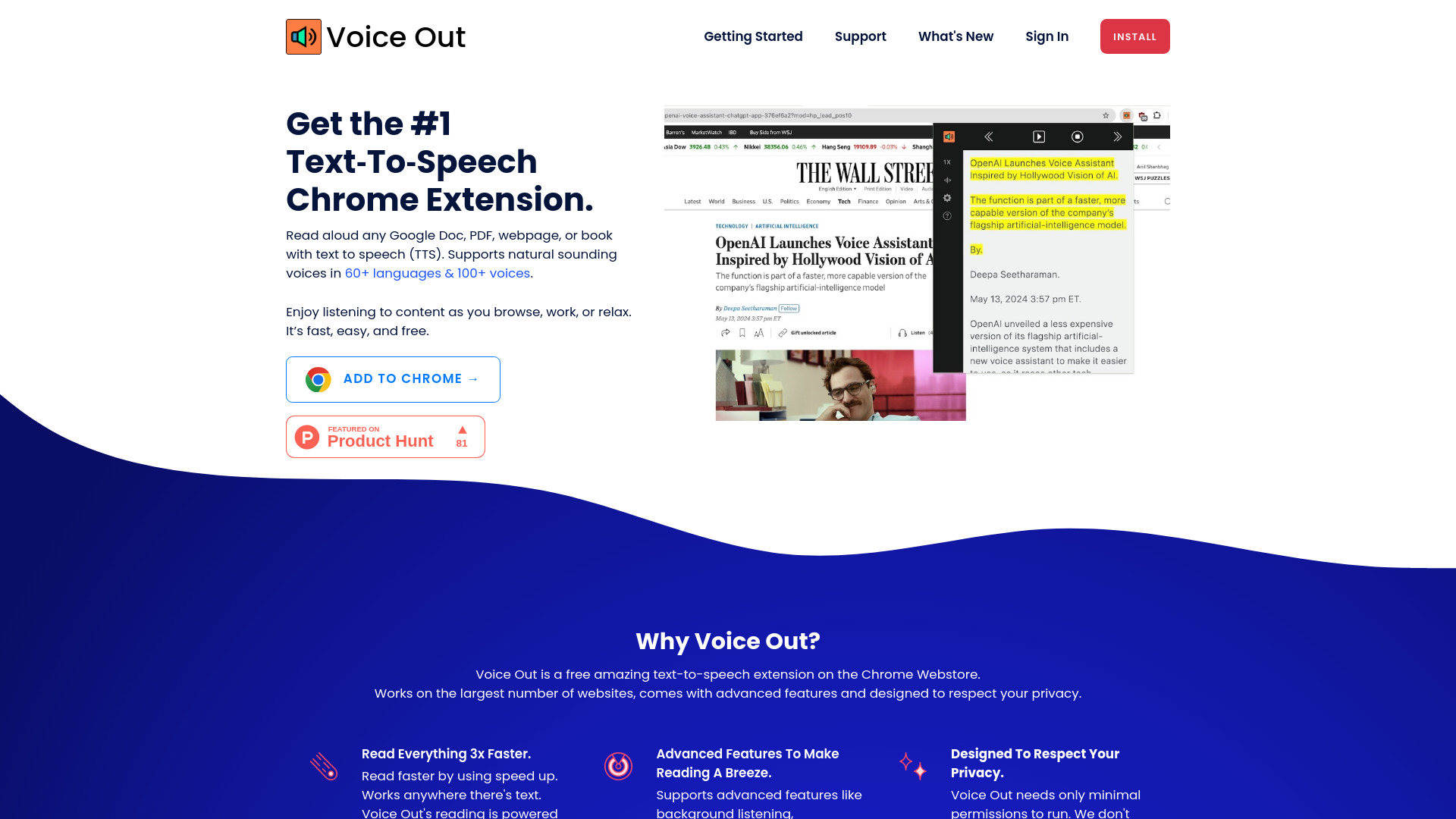
Voice Out is a text-to-speech Chrome extension that reads aloud Google Docs, PDFs, webpages, or books in 60+ languages with 100+ voices. It's designed to be fast, easy, and free, allowing users to listen to content while browsing, working, or relaxing.

Voice Out screenshot

Best for

Short scenarios where Voice Out tends to shine.

  • Listening to articles while commuting

    Best for Students

  • Proofreading written content

    Best for Professionals

  • Learning a new language

    Best for Language learners

  • Accessibility for users with reading disabilities

    Best for Individuals with reading disabilities

Example outputs 1

Sample generations and before/after results for Voice Out.

Access & connections

Where you can use Voice Out, and what it plugs into.

Platforms

Integrations

Capabilities

What this tool accepts, produces, and is strongest at.

Highlights

  • Text-to-speech functionality
  • Support for 60+ languages and 100+ voices
  • Compatibility with various document types and websites
  • Advanced features like background listening and highlighting

People also view

Tools that often show up alongside Voice Out in collections and comparisons.

In the news

Launch coverage and community mentions for Voice Out.

FAQ 9

What is Voice Out?
Voice Out is a text-to-speech Chrome extension that reads aloud Google Docs, PDFs, webpages, or books in 60+ languages with 100+ voices. It's designed to be fast, easy, and free, allowing users to listen to content while browsing, working, or relaxing.
How to use Voice Out?
1. Open a webpage, Google Doc, PDF, or ebook. 2. Click the Voice Out button to start text-to-speech. 3. Enjoy listening to the content.
How can I pay?
We accept most major debit or credit cards (Visa, MasterCard, Maestro, American Express, Discover, JCB, Diners Club, China Union, Apple Pay and Google Pay).
How do I manage my subscription?
To manage your account, go to Account Settings. To cancel your subscription, on the same page click on “Cancel Subscription” within your account profile. If you cancel before the end of your subscription period, you will still be able to use your Voice Out Premium account (up to the last day of the subscription).
Is it possible to transfer my license to a different account?
Of course! If you need to change ownership of your license, please contact us and we’ll proceed with the change.
How does Voice Out keep my data safe?
For security, Voice Out does not store any of text on our servers.
What permissions are needed to use Voice Out?
Voice Out is built with security and privacy in mind. Voice Out doesn't need any special permissions. Voice Out gains access to a webpage only when you start Voice Out.
Where can I learn more about the features listed above?
The only feature currently is access to premium voices. You will find them in the voice selector in options. We plan to release a guide at a later date.
I need help with Voice Out
Need help with Voice Out? You may find answers in our Help Center. You can contact us at [email protected].
Voice Out Free + from $3 / mo (Billed as one payment of $36 USD)
