
Voco Speech
Offline AI voice generator and unlimited voice cloning app for Mac.
Source rating 5.0
(87)
2.6k views
2.6k/mo traffic
0 saves
Freemium
Free + from $9.90 / year
Verdict
A quick read before you dig into the full page.
- Best if
- Offline AI voice generator and unlimited voice cloning app for Mac
- Skip if
- You need enterprise SLAs or a fully managed team plan right away
- Pick this when
- Freemium · Free + from $9.90 / year
Overview
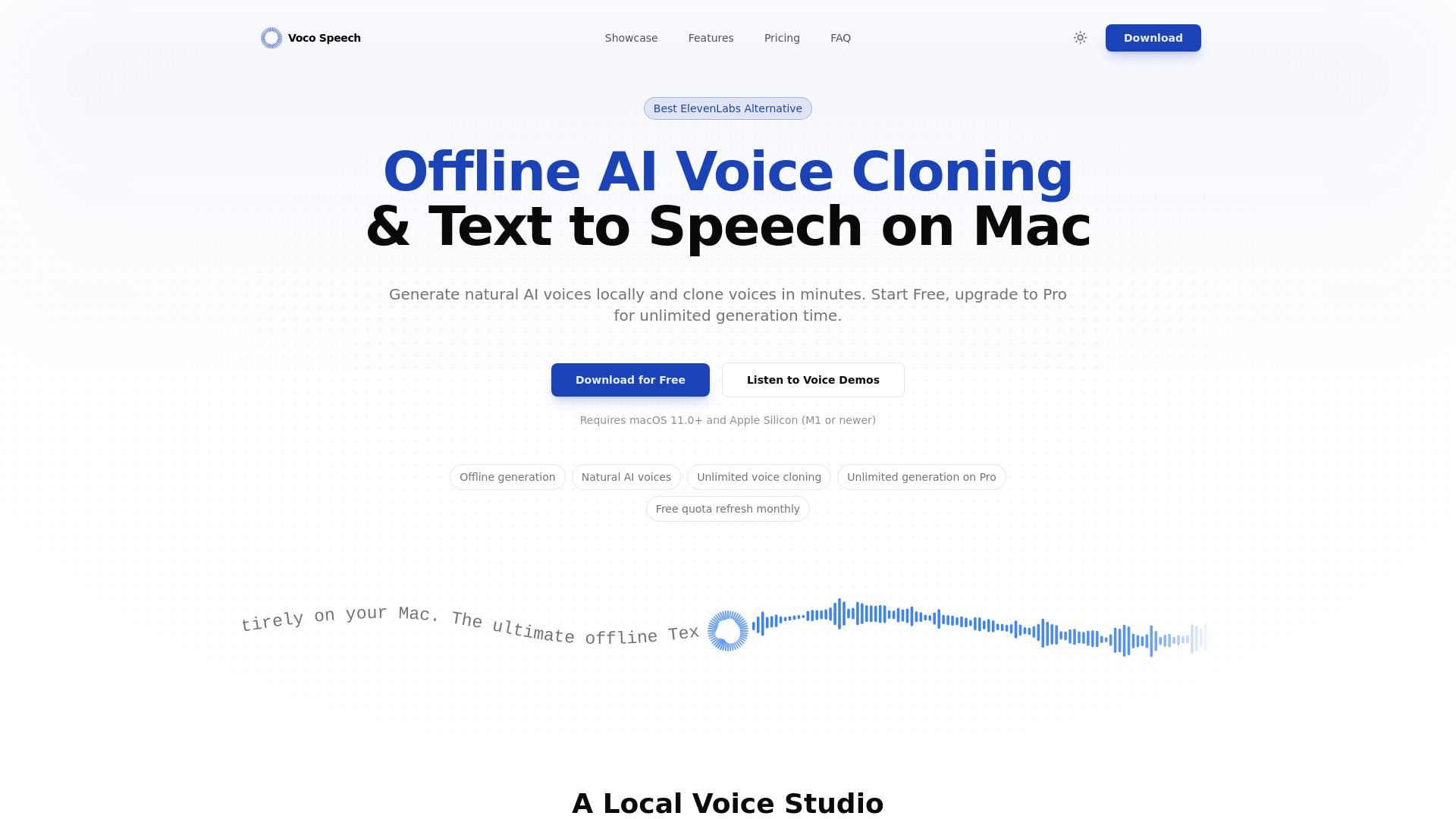
VocoSpeech is a native macOS application designed for high-quality, offline AI voice generation and instant voice cloning. It serves as a local alternative to cloud-based services like ElevenLabs, running 100% on Apple Silicon to ensure that sensitive audio data remains private and secure. The app allows users to create natural-sounding text-to-speech (TTS) for various content types, including videos, podcasts, and tutorials, while providing granular controls over emotions, sound tags, and speaking styles.
Access & connections
Where you can use Voco Speech.
Platforms
macOS
Capabilities
What this tool accepts, produces, and is strongest at.
Highlights
- 100% Local processing on Apple Silicon
- Unlimited voice cloning (available on both Free and Pro tiers)
- Natural AI text-to-speech with expressive delivery
- Granular controls including Sound Tags and Emotion Selection
- Privacy-focused workflow with no cloud uploads
FAQ 6
What is VocoSpeech?
VocoSpeech is a native macOS application designed for high-quality, offline AI voice generation and instant voice cloning. It serves as a local alternative to cloud-based services like ElevenLabs, running 100% on Apple Silicon to ensure that sensitive audio data remains private and secure. The app allows users to create natural-sounding text-to-speech (TTS) for various content types, including videos, podcasts, and tutorials, while providing granular controls over emotions, sound tags, and speaking styles.
How to use VocoSpeech?
To use VocoSpeech, download and install the app on a Mac with Apple Silicon (M1 or newer). Once installed, you can enter text to generate speech or use the cloning feature to create custom voices. The application operates entirely offline, allowing you to fine-tune generations with emotion and style controls directly on your device.
Does Voco Speech work fully offline on Mac?
Yes. Core text-to-speech and voice cloning run locally on macOS, so your source audio and generated files stay on your device.
What are the system requirements for VocoSpeech?
It requires macOS 11.0 or newer and Apple Silicon (M1, M2, M3, etc.).
Is voice cloning limited for free users?
No, free users can clone voices without clone-count limits.
What is the difference between Free and Pro?
Free users get 5 minutes of generation per month, while Pro users get unlimited generation time and commercial-ready workflows.
Related tools
Recommended


Voco Speech
Free + from $9.90 / year