
VocalRemover.co
AI vocal remover and audio splitter for music remixing and karaoke creation.
Free + from $1.19 / song
Verdict
A quick read before you dig into the full page.
- Best if
- You are dJs and need: Creating karaoke versions of songs
- Skip if
- You need enterprise SLAs or a fully managed team plan right away
- Pick this when
- Freemium · Free + from $1.19 / song
Overview
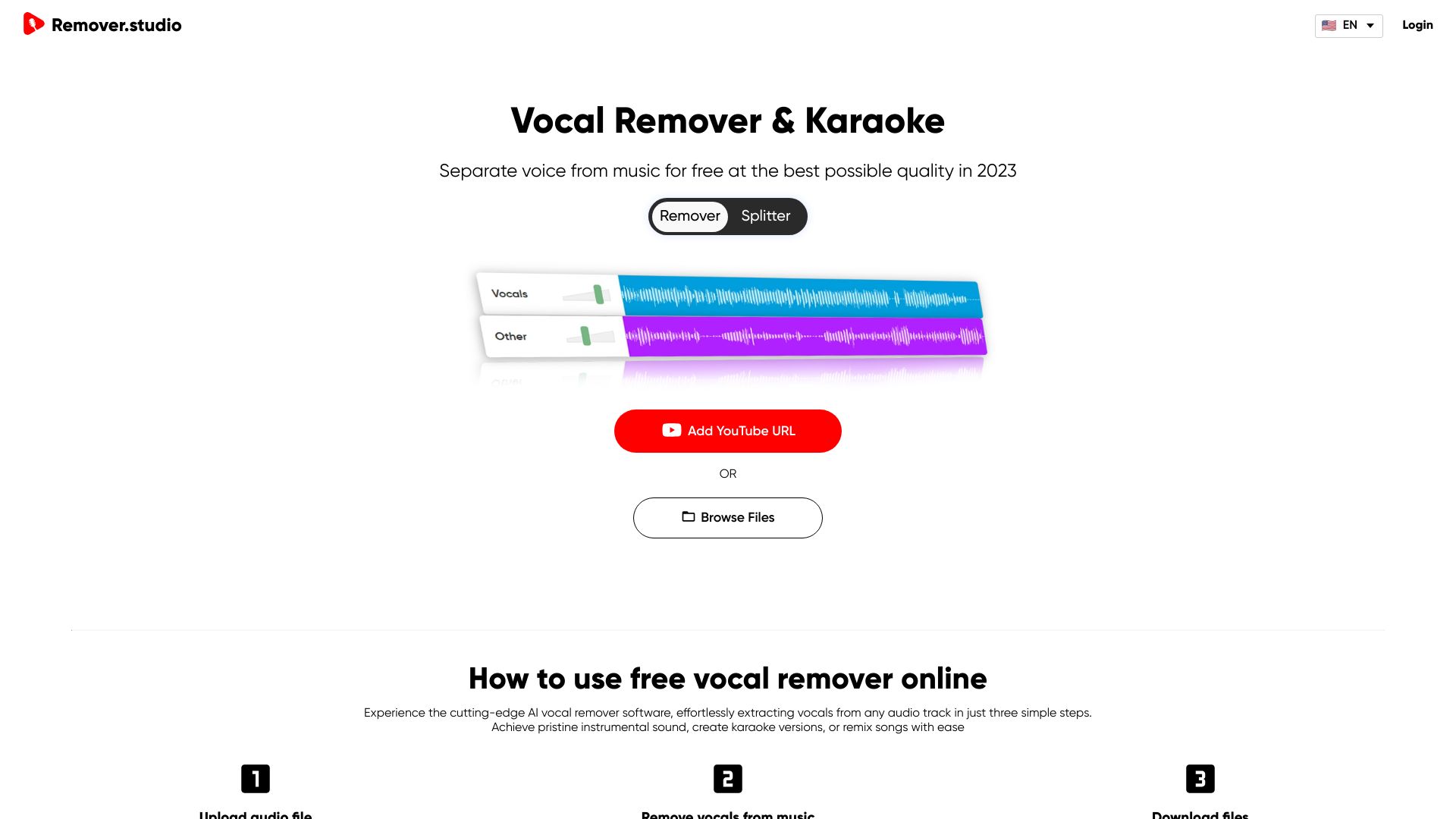
Remover.studio is an AI-powered vocal remover and audio splitter that allows users to separate songs into stems, including vocals, drums, bass, and other instruments. It caters to DJs, music producers, and karaoke enthusiasts, enabling them to remix songs, create karaoke versions, or isolate specific instruments. The service supports various audio formats like MP3, WAV, and FLAC, and also allows uploading directly from YouTube URLs.
Best for
Short scenarios where VocalRemover.co tends to shine.
-
Creating karaoke versions of songs
Best for DJs
-
Remixing songs by isolating specific instruments
Best for Music producers
-
Practicing singing with instrumental tracks
Best for Karaoke lovers
-
Isolating vocals for acapella creation
Best for Singers
-
Creating background music tracks
Best for Content creators
Example outputs 1
Sample generations and before/after results for VocalRemover.co.
Access & connections
Where you can use VocalRemover.co.
Platforms
Capabilities
What this tool accepts, produces, and is strongest at.
Highlights
- AI-powered vocal removal and audio splitting
- Support for multiple audio formats (MP3, WAV, FLAC)
- Direct upload from YouTube URLs
- Stem isolation (vocals, drums, bass, other)
- Karaoke lyrics display
People also view
Tools that often show up alongside VocalRemover.co in collections and comparisons.

