Vocal remover

Vocal Remover Online

AI-powered online vocal and accompaniment separator.

Source rating 5.0 (57) 8.4k views 8.4k/mo traffic 0 saves Freemium
More categories (6)

Verdict

A quick read before you dig into the full page.

Best if
You are musicians and need: Creating karaoke versions of songs
Skip if
You need enterprise SLAs or a fully managed team plan right away
Pick this when
Freemium · Free + from $4.9

Overview

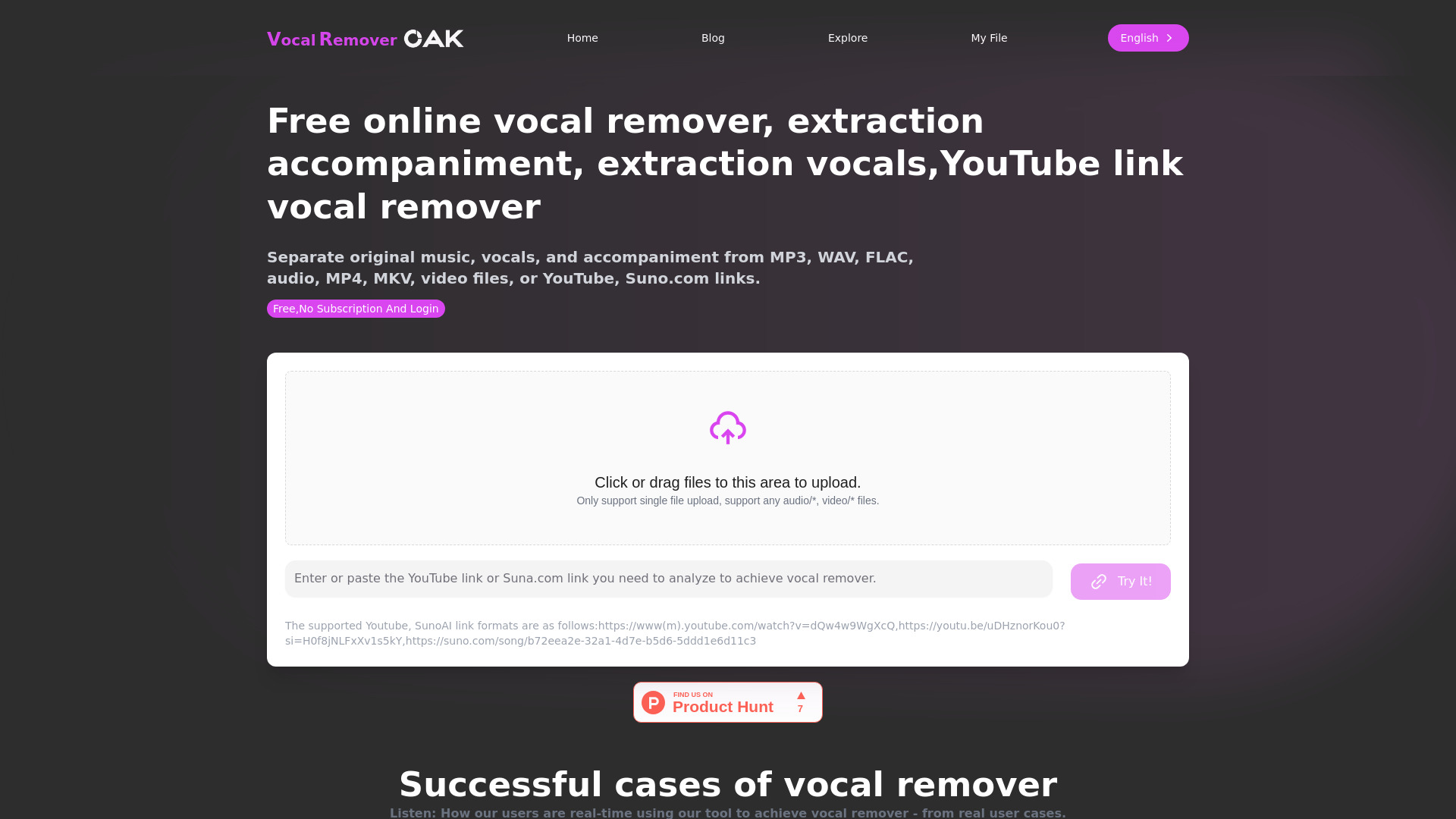
Vocal Remover Oak is an online tool that uses advanced AI technology to separate vocals and accompaniment from audio and video files. It supports various formats, including MP3, WAV, MP4, and links from YouTube and Suno.com. The platform offers free basic services and paid options for advanced features and batch processing.

Vocal Remover Online screenshot

Best for

Short scenarios where Vocal Remover Online tends to shine.

  • Creating karaoke versions of songs

    Best for Musicians

  • Extracting instrumental tracks from YouTube videos

    Best for DJs

  • Separating vocals for remixing or sampling

    Best for Karaoke enthusiasts

  • Removing background music from videos

    Best for Video makers

Example outputs 1

Sample generations and before/after results for Vocal Remover Online.

Access & connections

Where you can use Vocal Remover Online.

Platforms

Web

Capabilities

What this tool accepts, produces, and is strongest at.

Highlights

  • AI-based vocal and accompaniment separation
  • Support for multiple audio and video formats
  • YouTube and Suno.com link integration
  • Deep learning-based vocal remover

People also view

Tools that often show up alongside Vocal Remover Online in collections and comparisons.

FAQ 8

What is Vocal Remover Oak?
Vocal Remover Oak is an online tool that uses advanced AI technology to separate vocals and accompaniment from audio and video files. It supports various formats, including MP3, WAV, MP4, and links from YouTube and Suno.com. The platform offers free basic services and paid options for advanced features and batch processing.
How to use Vocal Remover Oak?
Users can upload local audio or video files, or paste a YouTube or Suno.com link. The AI will process the file and separate the vocals and accompaniment.
What types of files can I upload to your website for vocal remover?
We support a variety of audio and video formats, including but not limited to MP3, WAV, and MP4. You can directly upload files or provide YouTube video links, Suna.com links.
Is there a cost to use your vocal remover service?
We offer basic vocal remover services for free use. For advanced features and batch processing, we may charge a certain fee. For specific details, please refer to our pricing page.
How long does vocal remover take?
The process of vocal remover usually takes a few minutes, the specific time depends on the size of the uploaded file and the current server processing load. We strive to ensure that all users receive results as soon as possible.
What is the quality of the vocal remover track?
We use advanced AI technology to ensure high-quality vocal remover. In most cases, the separated vocals and accompaniment will remain clear and retain the original sound quality.
Can I delete the files I uploaded?
To facilitate other customers to directly download the separated audio, we will default to save and publicly share the separated audio files. However, after the separation is completed, you can choose to immediately delete your files. We promise that when you choose to delete, we will immediately permanently delete them from the server.
What should I do if I am not satisfied with the vocal remover result?
If you are not satisfied with the vocal remover result, we recommend that you re-upload the file and try different settings, or contact our customer service team for assistance. We are committed to ensuring that every user receives the best service experience.
Vocal Remover Online Free + from $4.9
