
VisFlow
VisFlow: Create flowcharts and mindmaps with multimedia support and AI assistance.
Source rating 5.0
(52)
0 views
0 saves
Unknown
Verdict
A quick read before you dig into the full page.
- Best if
- VisFlow: Create flowcharts and mindmaps with multimedia support and AI assistance
- Pick this when
- VisFlow: Create flowcharts and mindmaps with multimedia support and AI assistance
Overview
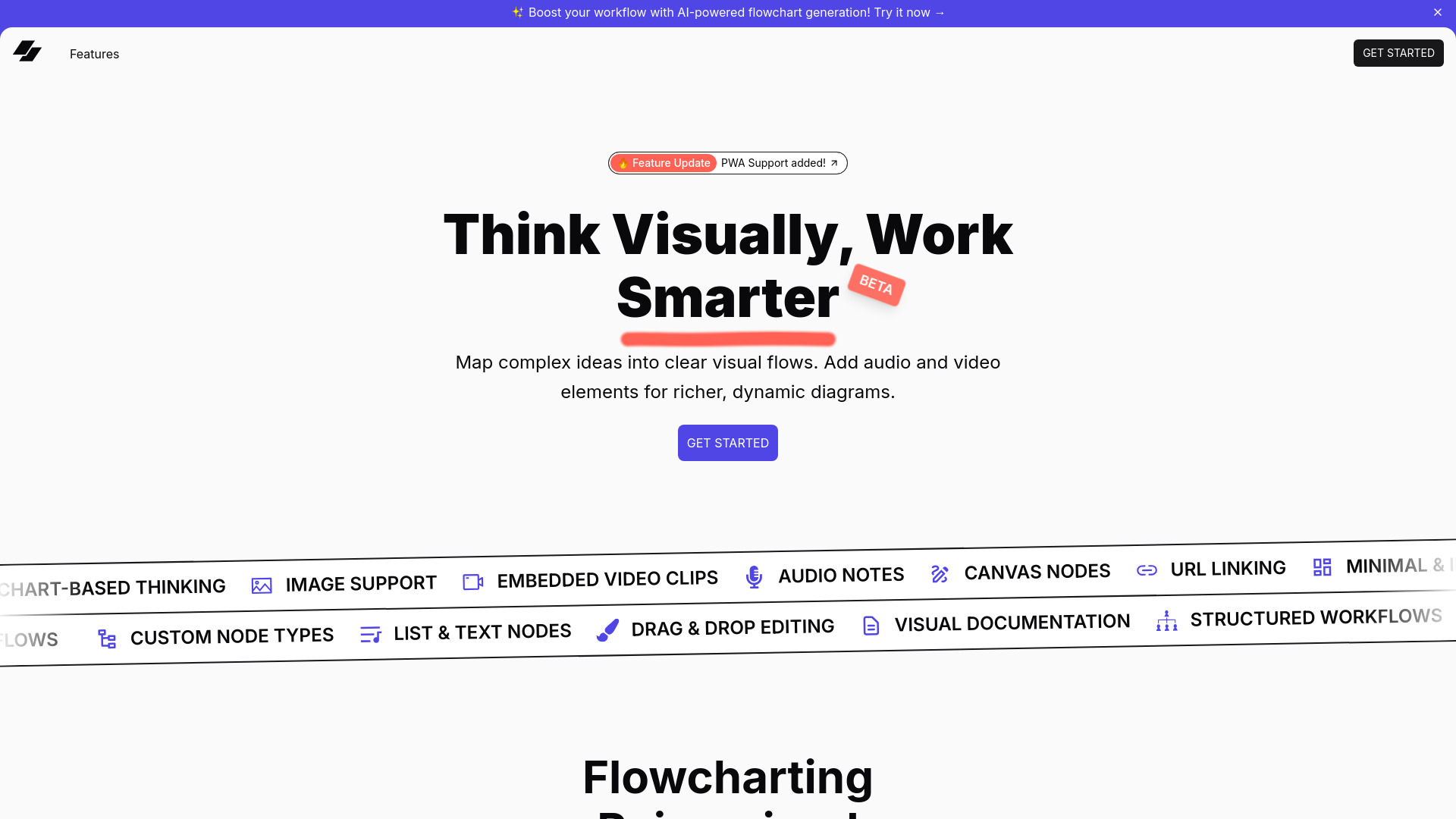
VisFlow is an easy-to-use app for creating beautiful flowcharts and mindmaps. It offers multimedia support, AI assistance, and collaborative features, with all data stored locally on your device. VisFlow allows users to visualize ideas with flowcharts, mindmaps, and multimedia elements, boosting workflow with AI-powered flowchart generation.
Access & connections
Where you can use VisFlow.
Platforms
Capabilities
What this tool accepts, produces, and is strongest at.
Highlights
- Multimedia Nodes: Add images, videos, and audio inside flowcharts.
- AI-powered flowchart generation
- Real-time collaboration
- Local-first privacy
- Drag & Drop Editing
- Custom Node Types
FAQ 5
What is VisFlow?
VisFlow is an easy-to-use app for creating beautiful flowcharts and mindmaps. It offers multimedia support, AI assistance, and collaborative features, with all data stored locally on your device. VisFlow allows users to visualize ideas with flowcharts, mindmaps, and multimedia elements, boosting workflow with AI-powered flowchart generation.
How to use VisFlow?
Use VisFlow to map complex ideas into clear visual flows. Add audio and video elements for richer, dynamic diagrams. Drag and drop editing, custom node types, and structured workflows are supported. Collaborate in real-time while keeping data secure on your device.
What kind of multimedia can I add to my flowcharts?
You can add images, video clips, and audio notes to enhance your workflow.
Is my data stored in the cloud?
No, your data stays on your device with local storage, ensuring full privacy.
Does VisFlow support collaboration?
Yes, you can collaborate on flowcharts and mind maps in real-time.
Related tools
Recommended

VisFlow