
Vidix
macOS productivity tool automating tasks with AI prompts and shortcodes.
Source rating 5.0
(57)
689 views
689/mo traffic
0 saves
Paid
From $19.99 / month
Verdict
A quick read before you dig into the full page.
- Best if
- macOS productivity tool automating tasks with AI prompts and shortcodes
- Skip if
- You need a free plan with no credit card
- Pick this when
- Paid · From $19.99 / month
Overview
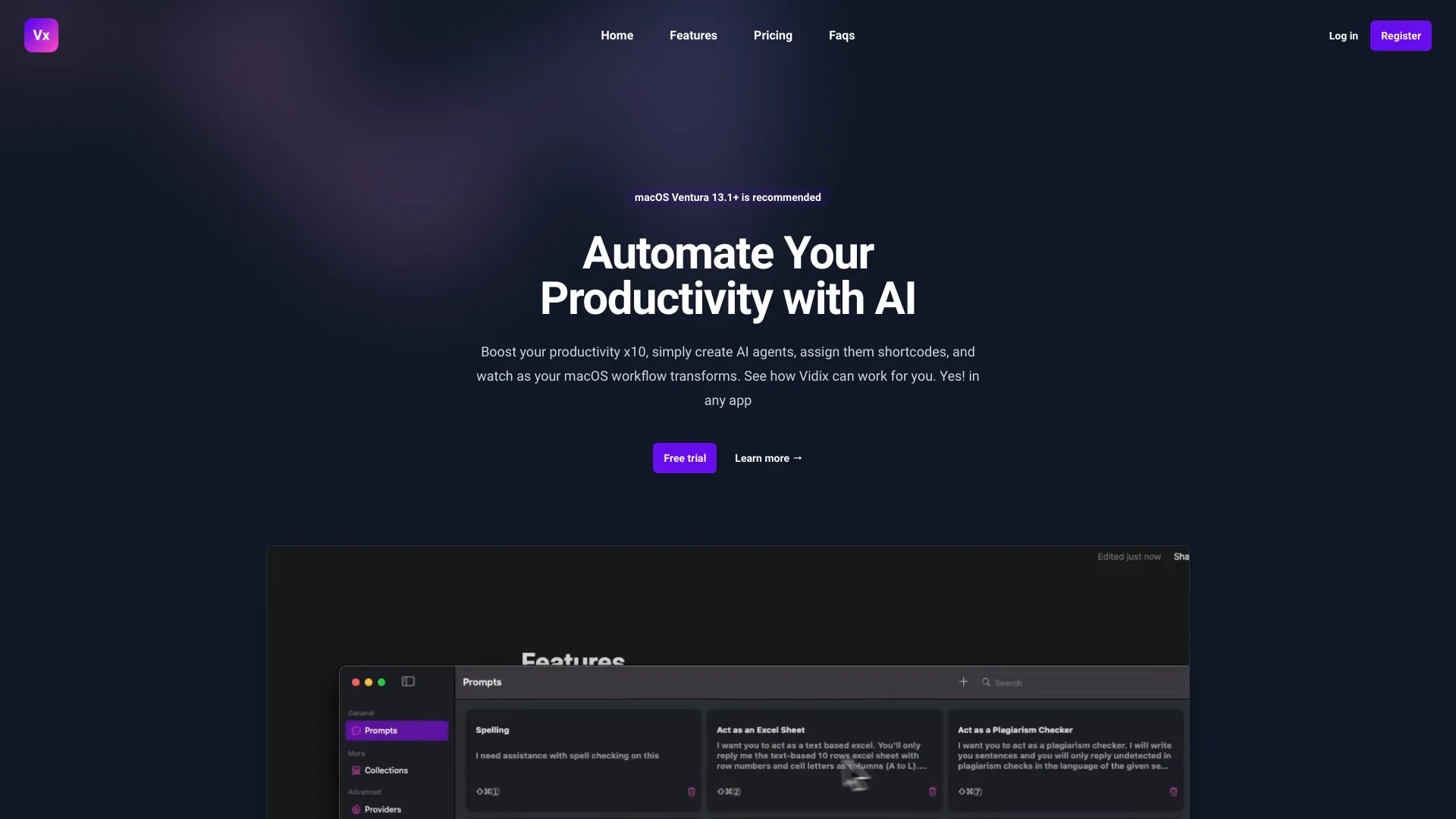
Vidix is a macOS tool that enhances productivity by automating tasks using AI-driven prompts and shortcodes. It allows users to create AI agents, assign them shortcodes, and use them across all macOS applications to transform workflows. Vidix offers Basic and Advanced modes, facilitating model and prompt creation for customized AI agent results. It also features Spotlight, enabling on-the-fly AI agent launching without pre-registration.
Access & connections
Where you can use Vidix.
Platforms
macOS
Capabilities
What this tool accepts, produces, and is strongest at.
Highlights
- Automated task execution via AI agents and shortcodes
- Basic and Advanced modes for different user needs
- Model and prompt creation for customized AI results
- Spotlight feature for launching AI agents on the fly
- Real-time content transformation and optimization
FAQ 5
What is Vidix?
Vidix is a macOS tool that enhances productivity by automating tasks using AI-driven prompts and shortcodes. It allows users to create AI agents, assign them shortcodes, and use them across all macOS applications to transform workflows. Vidix offers Basic and Advanced modes, facilitating model and prompt creation for customized AI agent results. It also features Spotlight, enabling on-the-fly AI agent launching without pre-registration.
How to use Vidix?
Users create AI agents, assign shortcodes, and then activate these agents in any macOS application using the predefined key combination. Vidix then transforms or optimizes content in real-time, either maintaining or replacing text as needed.
What macOS version is recommended for Vidix?
Ventura 13.1+ is recommended.
What are the modes of use for Vidix?
Vidix offers two modes of operation: Basic Mode for direct and simplified access, and Advanced Mode for customizing the use of external providers and specific AI models.
How do I launch AI agents on the fly?
Use the Spotlight feature by pressing cmd + shift + k.
Related tools
Recommended



Vidix
From $19.99 / month