
VideoPlus Studio
Free subtitle editor and translator with dynamic avatar presenters.
Source rating 5.0
(57)
522 views
522/mo traffic
0 saves
Unknown
Verdict
A quick read before you dig into the full page.
- Best if
- Free subtitle editor and translator with dynamic avatar presenters
- Pick this when
- Free subtitle editor and translator with dynamic avatar presenters
Overview
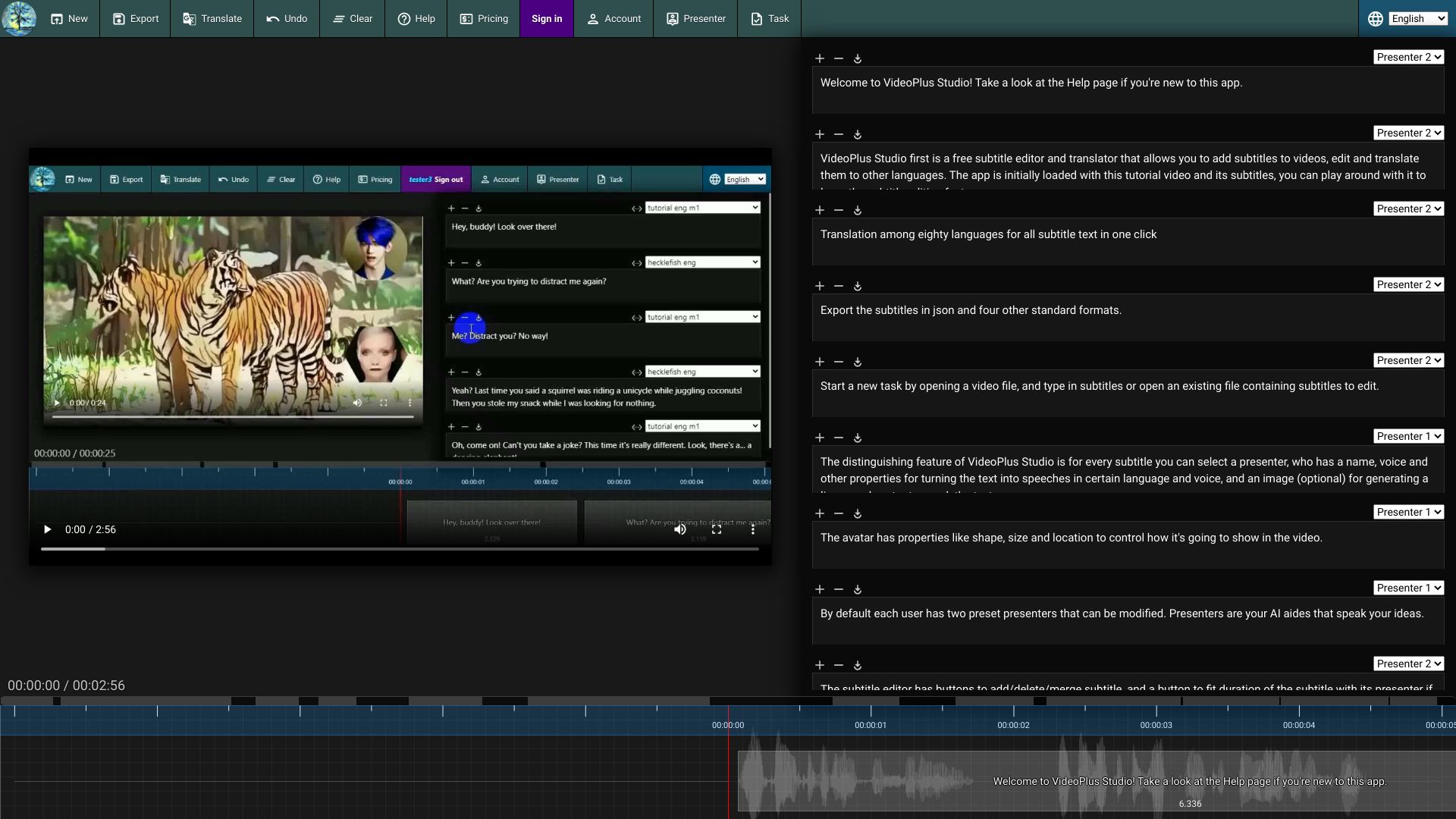
VideoPlus Studio is a free subtitle editor and translator that allows users to add subtitles to videos, edit them, and translate them into other languages. A key feature is the ability to select a presenter for each subtitle, complete with properties for text-to-speech conversion in various languages and voices, and an optional avatar for lip-synced speech.
Access & connections
Where you can use VideoPlus Studio.
Platforms
Capabilities
What this tool accepts, produces, and is strongest at.
Highlights
- Free subtitle editor and translator
- Dynamic avatar presenters with text-to-speech
- Subtitle translation into multiple languages
- Subtitle export in various formats
- Auto duration adjustment for subtitles
FAQ 6
What is VideoPlus Studio?
VideoPlus Studio is a free subtitle editor and translator that allows users to add subtitles to videos, edit them, and translate them into other languages. A key feature is the ability to select a presenter for each subtitle, complete with properties for text-to-speech conversion in various languages and voices, and an optional avatar for lip-synced speech.
How to use VideoPlus Studio?
Start by opening a video or subtitle file. Add, edit, or translate subtitles. Select a presenter for each subtitle to add a speaking avatar. Submit the task to process and view the resulting video.
What is VideoPlus Studio?
VideoPlus Studio is a free subtitle editor and translator that allows you to add subtitles to videos, edit and translate them to other languages. It also features dynamic avatars that can speak the subtitles.
How do I use VideoPlus Studio?
Start a new task by opening a video/subtitle file. You can then edit, translate, and add presenters to your subtitles. Once you're done, submit the task for processing.
What is the distinguishing feature of VideoPlus Studio?
The distinguishing feature is the ability to select a presenter for every subtitle, who has a name, voice, and other properties for turning the text into speeches in certain language and voice, and an image (optional) for generating a lip-synced avatar to speak the text.
What file formats can I export subtitles in?
You can export the subtitles in json and four other standard formats.
Related tools
Recommended


VideoPlus Studio