

Educational videos 2026 Rank: #1897
VideoLlama ✓
Transform scripts into professional videos with AI in minutes.
from $10
Verdict
A quick read before you dig into the full page.
- Best if
- Transform scripts into professional videos with AI in minutes
- Skip if
- Potentially costly for creators
- Pick this when
- Long-form video creation
Considering X-Pilot AI instead? Compare side by side
Overview
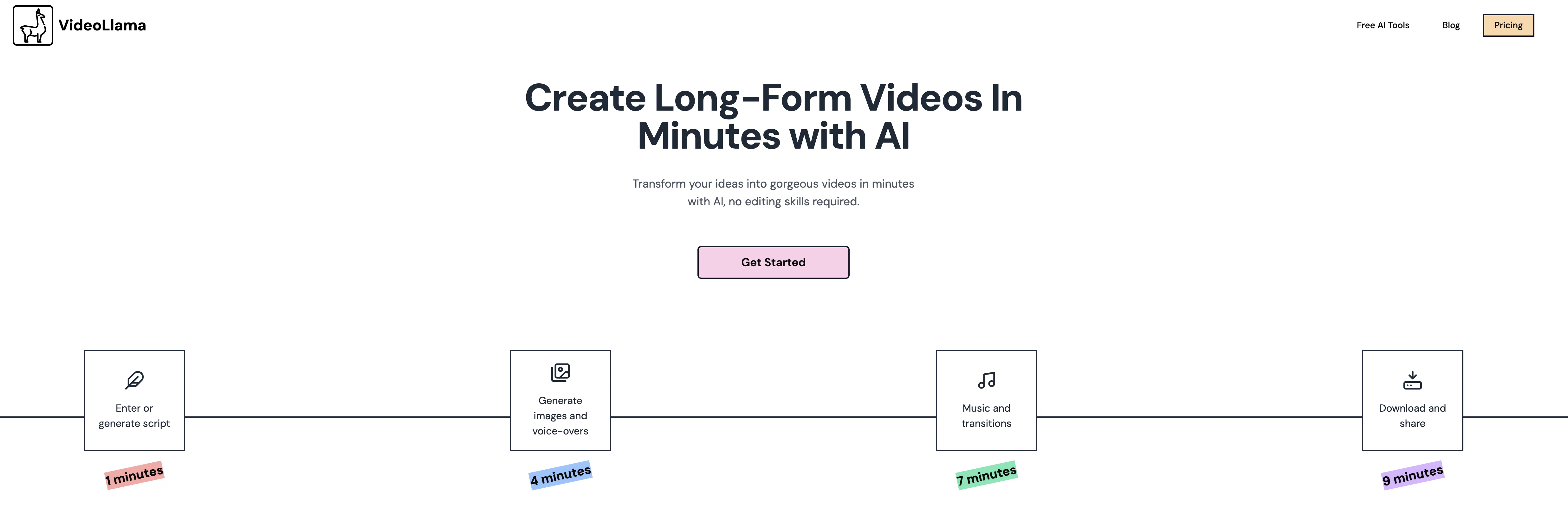
VideoLlama is a tool designed for the creation of long-form video content with the assistance of artificial intelligence. It empowers users to transform text into video, skipping the need for complex editing skills or software.
The platform can convert a broad range of topics into video form, from history and science to spirituality and horror. Unique to VideoLlama is its capability to shift beyond short-form content, making the creation of a 20-minute video as simple as a 30-second clip.
VideoLlama provides the raw materials while allowing users full control over the content generated and the final product. Users can experiment with different visual styles such as pixel art, anime, and comic and improvise the assets with a click of a button.
The platform also supports script writing; all a user needs to do is input an idea or a website URL, and a custom script is generated for them. VideoLlama's uses are versatile and can be applied to various tasks like building a YouTube channel, conveying concepts, or narrating stories.
Features include generating scripts, images, clips, voiceovers, and video segment editing. The tool also allows for the addition of music and transitions to enhance the video's appeal.
Access & connections
Where you can use VideoLlama.
Platforms
Capabilities
What this tool accepts, produces, and is strongest at.
Input
- Tabular
- Text
Output
- Video
Supported features
- Video Generation
- Text Generation
- Image Generation
- TTS
- Video Edit
- Styling
Pros & cons
Pros
- Long-form video creation
- Minimal effort required
- Broad array of topics
- Generates video assets
- Various video styles
- Generates scripts from prompts
- Script modification support
- Add/remove video segments
Show 43 more
- Video music management
- Video transitions management
- Video sharing options
- Supports diverse use cases
- Varied visual style options
- Text to video conversion
- No complex editing skills needed
- Regenerate video assets
- Script generation from URL
- Video segment editing
- Handles video editing
- Versatile style generation
- Automatic script style generation
- Creates YouTube content
- Concept explanation support
- Engaging storytelling features
- Image, clips, voiceovers generation
- Music and transitions addition
- Generates educational videos
- Generates documentary-style videos
- Transforms stories into videos
- Generates explainer videos
- Creates extended videos
- Add/Remove video segments
- Creates professional videos
- Can process large scripts
- Unlocks information from text
- Promotes engaging content
- Designed for storytellers
- Accelerates video creation process
- Customizable videos
- Supports multiple languages
- Variety of video assets
- Generates YouTube compatible videos
- Script writing support for ideas
- Helps in building audience
- Video content at speed of thoughts
- Credit-based pricing
- Frequently asked questions support
- Generates video in minutes
- Choose your storytelling style
- Richer, more engaging content
- Super easy style creation
Cons
- No multi-language support
- No clear copyright terms
- Potentially costly for creators
- Credit-based pricing
- No documented video quality levels
- No specified file output formats
- No offline functionality
- No collaborative features
Show 2 more
- No direct YouTube upload support
- Doesn't mention accessibility features
Compare alternatives
Similar tools in the catalog — with a clear reason to open each one.

X-Pilot AI ✓
FreemiumTurn Documents into Accurate Video Course Series
Why look Freemium alternative
Full comparison
animanic ✓
FreemiumBring your ideas to life with AI-powered animation.
Why look Freemium alternative
Full comparison
EduViz ✓
Free TrialTurn one math idea into a reusable animation clip.
Free + from $23.25/mo
Full comparison
Pixo ✓
Free TrialYour personal AI agent for long-form video creation
Free + from $9.90/mo
Full comparison
Street Interview AI ✓
Free TrialGenerate realistic street interview videos instantly with AI.
Free + from $10
Full comparison
Vidnix | AI Image to Video Generator ✓
Free TrialTurn text into stunning AI videos.
Why look Typically cheaper
Full comparisonReleases 1
FAQ 12
What kind of videos can VideoLlama help create?
Does VideoLlama require users to have video editing skills?
How does VideoLlama generate video assets?
In what specific styles can VideoLlama create videos?
Can VideoLlama aid in script creation?
What are the steps to add or remove video segments in VideoLlama?
Can VideoLlama allow video sharing?
What kind of use cases can VideoLlama be used for?
How does VideoLlama process text information to generate videos?
Can VideoLlama generate scripts from a website URL?
Does VideoLlama provide options to manage music and transitions?
In what video styles can VideoLlama create videos?
Related tools
Recommended

Denovo ✓
FreemiumTurn your idea into a real business in minutes.

FaceFinder ✓
PaidFind anyone by photo with AI-powered face search.

Rocket ✓
FreemiumThink It. Type It. Launch It.

Reztune ✓
FreemiumInstantly rewrite and format your resume for any job

Seedance ✓
FreemiumMulti-shot video generation from text and image.

ShortFast ✓
Free TrialFaceless videos on auto-pilot for viral growth.