Verdict

A quick read before you dig into the full page.

Best if
You are content creators and need: Create unique images from text prompts like fantasy maps, anime art, logos, or tattoos
Skip if
You need enterprise SLAs or a fully managed team plan right away
Pick this when
Freemium · Free + from $3.99 USD

Overview

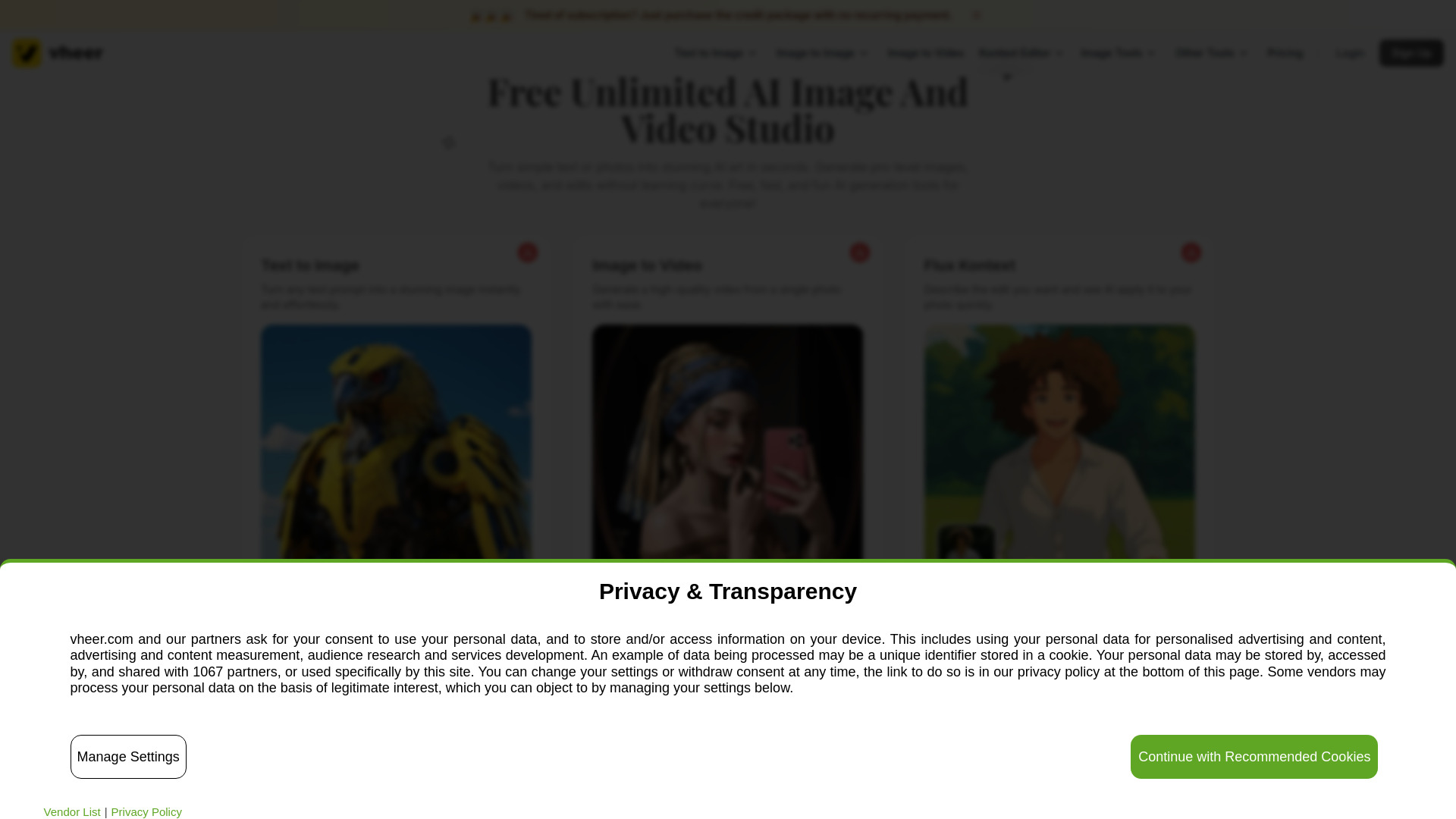
Vheer is a free online AI platform that enables users to instantly generate stunning AI images and videos from text or photos. It provides a comprehensive suite of AI-powered tools, including text-to-image generation, image-to-video conversion, the Flux Kontext editor for context-aware photo editing, image-to-image restyling, and background removal (including batch processing). Many of its core tools are offered for free and are unlimited, requiring no signup, making them suitable for both personal and commercial use. Advanced features and Pro/Max models are accessible through subscription plans or credit packages.

Vheer screenshot

Best for

Short scenarios where Vheer tends to shine.

  • Create unique images from text prompts like fantasy maps, anime art, logos, or tattoos.

    Best for Content creators

  • Generate cinematic videos from single still photos.

    Best for Marketers

  • Seamlessly edit photos by describing desired changes, such as replacing colors, adding/removing objects, or editing text.

    Best for Social media managers

  • Reimagine photos while retaining their original structure and layout, adjusting lighting, style, or background.

    Best for Designers

  • Remove backgrounds from multiple images for product highlights or professional graphics.

    Best for Artists

  • Generate detailed image descriptions and prompts for recreating similar visuals.

    Best for Students

  • Design custom avatars, profile pictures, and fashion sketches.

    Best for Small business owners

  • Create custom music album covers or wallpapers.

    Best for Photographers

How it works

To use Vheer, simply enter a text prompt to generate images or videos, or upload a photo to transform it into a video. For photo editing, describe the desired changes to the Flux Kontext editor. For image-to-image transformations, upload a photo, add a prompt, and adjust settings. Background removal involves uploading up to 20 images simultaneously. Many free tools do not require an account or signup.

Example outputs 1

Sample generations and before/after results for Vheer.

Access & connections

Where you can use Vheer.

Platforms

Web

Capabilities

What this tool accepts, produces, and is strongest at.

Highlights

  • AI Text-to-Image Generator
  • AI Image-to-Video Generator
  • Flux Kontext Editor (context-aware photo editing)
  • AI Image-to-Image Generator (restyling photos)
  • AI Background Remover (including batch processing)
  • AI Image Describer

People also view

Tools that often show up alongside Vheer in collections and comparisons.

FAQ 12

What is Vheer?
Vheer is a free online AI platform that enables users to instantly generate stunning AI images and videos from text or photos. It provides a comprehensive suite of AI-powered tools, including text-to-image generation, image-to-video conversion, the Flux Kontext editor for context-aware photo editing, image-to-image restyling, and background removal (including batch processing). Many of its core tools are offered for free and are unlimited, requiring no signup, making them suitable for both personal and commercial use. Advanced features and Pro/Max models are accessible through subscription plans or credit packages.
How to use Vheer?
To use Vheer, simply enter a text prompt to generate images or videos, or upload a photo to transform it into a video. For photo editing, describe the desired changes to the Flux Kontext editor. For image-to-image transformations, upload a photo, add a prompt, and adjust settings. Background removal involves uploading up to 20 images simultaneously. Many free tools do not require an account or signup.
What is Vheer AI and what can it do?
Vheer AI is a free AI platform that lets you generate images from text, turn photos into videos, and edit pictures with AI-powered tools. It also includes features to enhance image quality with one click, helping anyone create professional visuals quickly and easily.
How does the Text-to-Image Generator work?
Simply enter a prompt, and Vheer’s AI will generate high-quality visuals from your text. You can create portraits, logos, tattoos, anime avatars, fantasy maps, and more with speed and precision.
Can I create videos from a single image?
Yes. Vheer’s image-to-video tool transforms a single still photo into a cinematic video. No additional reference images are needed.
Can I remix or restyle existing images?
Yes. With the image-to-image tool, you can restyle photos while keeping their layout and details. Adjust lighting, style, or background to create consistent variations.
How does the Batch Background Remover work?
You can upload up to 20 images at once. Vheer’s AI detects and removes backgrounds automatically, handling fine details such as hair, jewelry, or thin objects with professional accuracy.
What is an AI Image Describer?
AI Image Describer analyzes an image and generates a detailed description of its content. It identifies key elements, objects, and styles, creating prompts for generating similar visuals or new variations.
What types of photo edits does Flux Kontext support?
Flux Kontext supports edits like color changes, filters, object replacement, text editing, colorizing old photos, and style transfer. It applies edits intelligently based on context, making adjustments precise and effortless.
Do I need technical or design skills to use Vheer?
No. Vheer is designed to be intuitive and beginner-friendly. You can generate images, videos, or edits easily without any prior technical or design experience.
What about the commercial use?
It must be clear that the Quality Model of Kontext Editor is currently only for personal use, you can upgrade to Pro/Max for commercial use and better quality. The Quality model of Text-to-Image is free and unlimited for personal use. You can subscribe to our plan for commercial use and unlock the Pro/Max models.
What are credits on Vheer?
Credits are used when generating images with the Pro or Max models in 'Text to Image' and 'Kontext Editor'. All other tools are free to use. Supporting us through a subscription helps us continue offering free features and developing new tools.
Vheer Free + from $3.99 USD
