
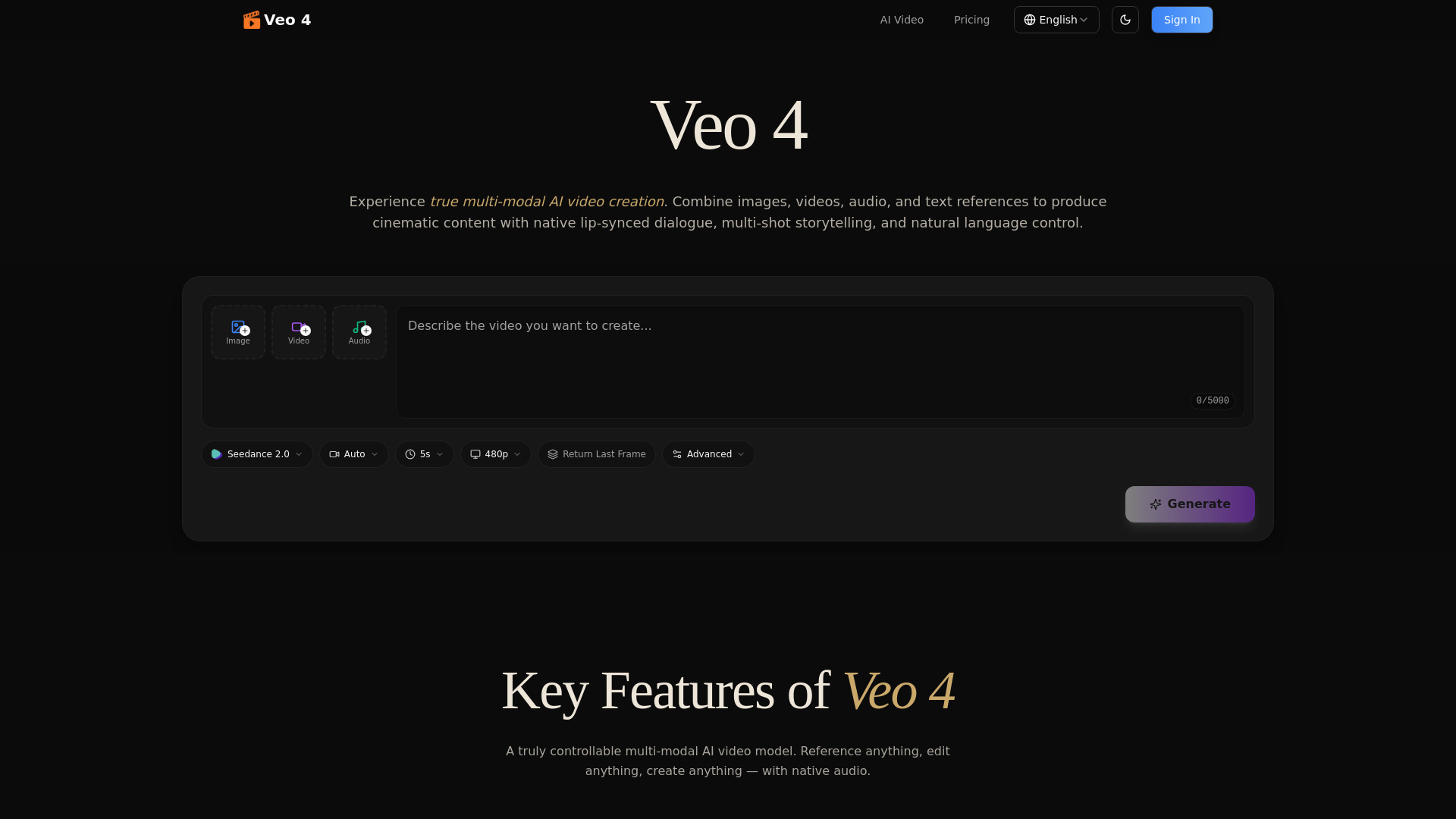
Veo 4 - 1
Multi-modal AI video generator with native audio, character consistency, and precise motion control.
Verdict
A quick read before you dig into the full page.
- Best if
- You are content Creators and need: Advertising & Marketing: Replicating successful ad templates with custom products and branding
- Pick this when
- Multi-modal AI video generator with native audio, character consistency, and precise motion control
Overview
Veo 4 is a next-generation multi-modal AI video generation model that allows creators to generate cinematic videos by combining text, images, video, and audio. Unlike traditional AI video tools, Veo 4 supports true multi-modal inputs, enabling users to reference motion, camera movements, characters, and sounds from uploaded files to produce cohesive multi-shot stories. It features native audio generation, including lip-synced dialogue and Foley effects, and maintains high visual consistency for faces, clothing, and styles across sequences ranging from 4 to 15 seconds per shot. It also offers advanced video editing capabilities, such as extending existing clips and replacing specific characters or elements within a scene.
Best for
Short scenarios where Veo 4 - 1 tends to shine.
-
Advertising & Marketing: Replicating successful ad templates with custom products and branding.
Best for Content Creators
-
Creative Storytelling: Crafting short films and music videos with consistent cinematic styles.
Best for Filmmakers
-
Social Media Content: Generating viral-style Reels or TikToks by referencing trending templates.
Best for Marketing Professionals
-
Motion & Dance: Applying reference choreography from a dance video to a new AI character.
Best for Social Media Managers
-
Film Pre-Visualization: Testing camera movements and transitions before actual production.
Best for Video Editors
Example outputs 1
Sample generations and before/after results for Veo 4 - 1.
Access & connections
Where you can use Veo 4 - 1.
Platforms
Capabilities
What this tool accepts, produces, and is strongest at.
Highlights
- Multi-Modal Input: Combine text, images, video clips, and audio in a single generation.
- Native Audio Generation: Produces lip-synced dialogue, Foley effects, and background music automatically.
- Multi-Shot Storytelling: Compose logical scene sequences with consistent characters and lighting across cuts.
- Precise Motion & Camera Replication: Upload reference videos to replicate complex choreography and cinematic camera moves.
- Video Extension & Editing: Smoothly extend clips or edit specific segments like replacing characters or adding elements.
- Watermark-Free Downloads: All generated content is professional quality and free of branding.
People also view
Tools that often show up alongside Veo 4 - 1 in collections and comparisons.
