
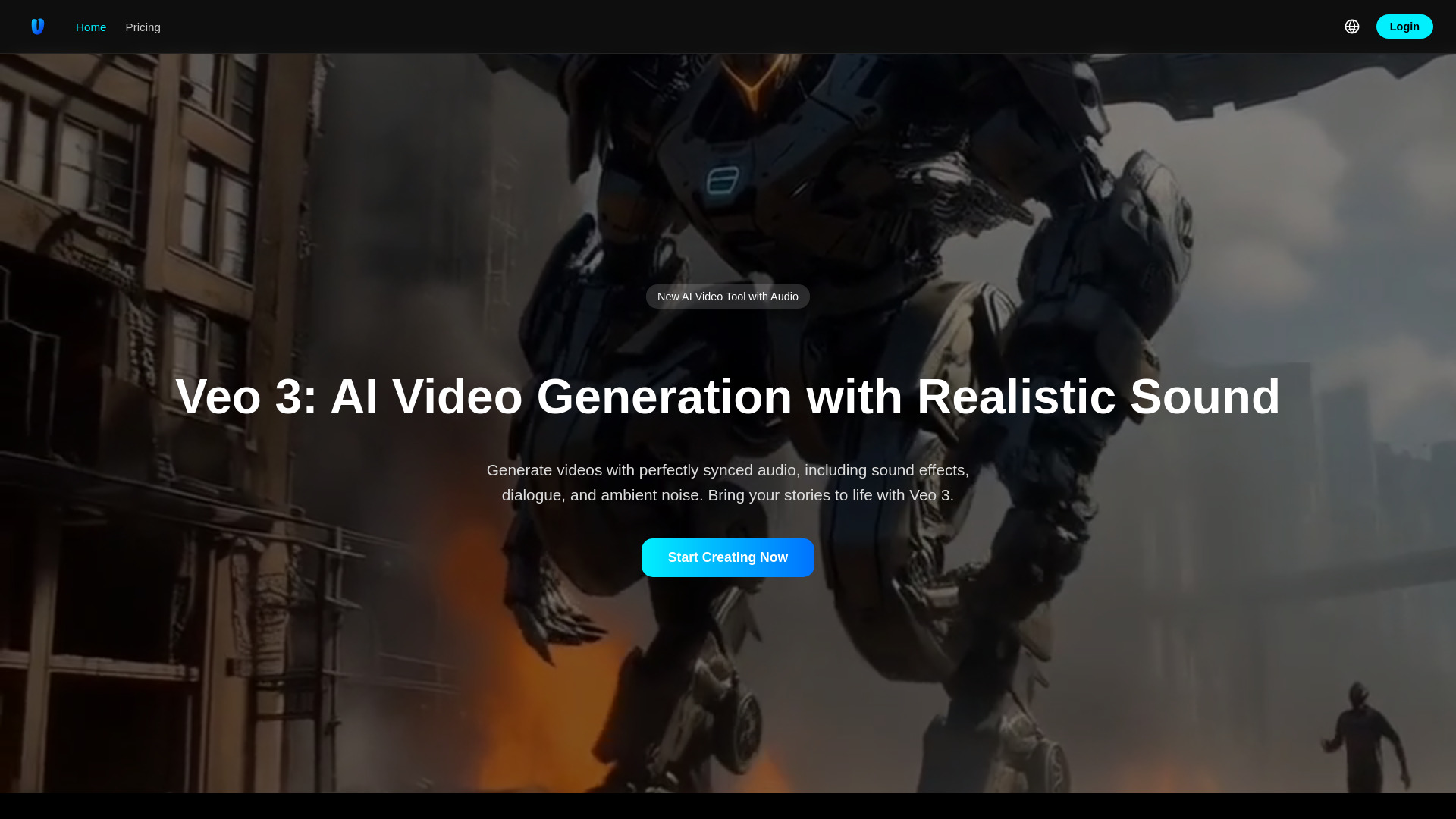
Veo 3 video generator
AI video generator with realistic sound, dialogue, and ambient noise.
Source rating 5.0
(76)
4.1k views
4.1k/mo traffic
0 saves
Paid
From $49.90
Verdict
A quick read before you dig into the full page.
- Best if
- AI video generator with realistic sound, dialogue, and ambient noise
- Skip if
- You need a free plan with no credit card
- Pick this when
- Paid · From $49.90
Overview
Veo 3 is an advanced AI video generation tool designed to create high-quality videos with realistic, synchronized audio. It is described as the latest state-of-the-art video generation model, empowering filmmakers and storytellers with revolutionary audiovisual capabilities. Veo 3 can generate videos from text or image prompts, incorporating sound effects, dialogue, and ambient noise, along with features like enhanced character consistency, style control, and camera movement.
Access & connections
Where you can use Veo 3 video generator.
Platforms
Capabilities
What this tool accepts, produces, and is strongest at.
Highlights
- Audio-Visual Generation (synchronized audio, sound effects, dialogue, lip-syncing)
- 4K Cinematic Quality (physics-accurate simulations, film-grade output)
- Designed for greater control (camera movements, dynamic scene editing, prompt adherence)
- Multimodal Input Support (text, static images, video clips)
- Reference to Video and Consistent Characters
- Accurate Style Control
- Add and Remove Objects
- Flexible Motion Control
Show 1 more
- First and Last Frames (seamless transitions)
FAQ 8
What is Veo 3 video generator?
Veo 3 is an advanced AI video generation tool designed to create high-quality videos with realistic, synchronized audio. It is described as the latest state-of-the-art video generation model, empowering filmmakers and storytellers with revolutionary audiovisual capabilities. Veo 3 can generate videos from text or image prompts, incorporating sound effects, dialogue, and ambient noise, along with features like enhanced character consistency, style control, and camera movement.
How to use Veo 3 video generator?
To use Veo 3, users first log in with a Google account. Then, they enter a detailed text description or upload images to describe the desired video, adding instructions for sound effects, dialogue, or ambient noise. Finally, Veo 3 generates the video, which users can then preview and download.
What is Veo 3?
Veo 3 is the latest state-of-the-art AI video generation model designed to create high-quality videos from text or image prompts, with enhanced character consistency, style, and camera control, and native audio generation.
How does Veo 3 differ from its predecessor Veo 2?
Unlike Veo 2, Veo 3 generates native audio along with video, offers improved video quality with realistic physics, better lip-syncing, and enhanced understanding of complex narrative prompts.
What are Gems and Coins?
One Gem or one Coin is typically used per second of generated Veo 3 video, though costs can vary. Gems are part of monthly subscriptions, while Coins are purchased in packs.
Do Gems or Coins roll over?
Gems are part of your monthly subscription and expire at the end of each billing cycle, so they do not roll over. Coins purchased from Coin Packs never expire.
What payment methods do you accept?
Veo 3 accepts all major credit cards, including Visa, Mastercard, and American Express.
How can I get customer support?
Customer support can be reached by emailing [email protected].
Related tools
Recommended

Veo 3 video generator
From $49.90