

Userdoc ✓
Streamline requirements management with AI-powered collaboration
from $99/mo
Verdict
A quick read before you dig into the full page.
- Best if
- You are product Managers and need: Creating detailed software requirements 70% faster using AI
- Skip if
- Limited users per plan
- Pick this when
- Generates user stories
Considering GeniePM instead? Compare side by side
Overview
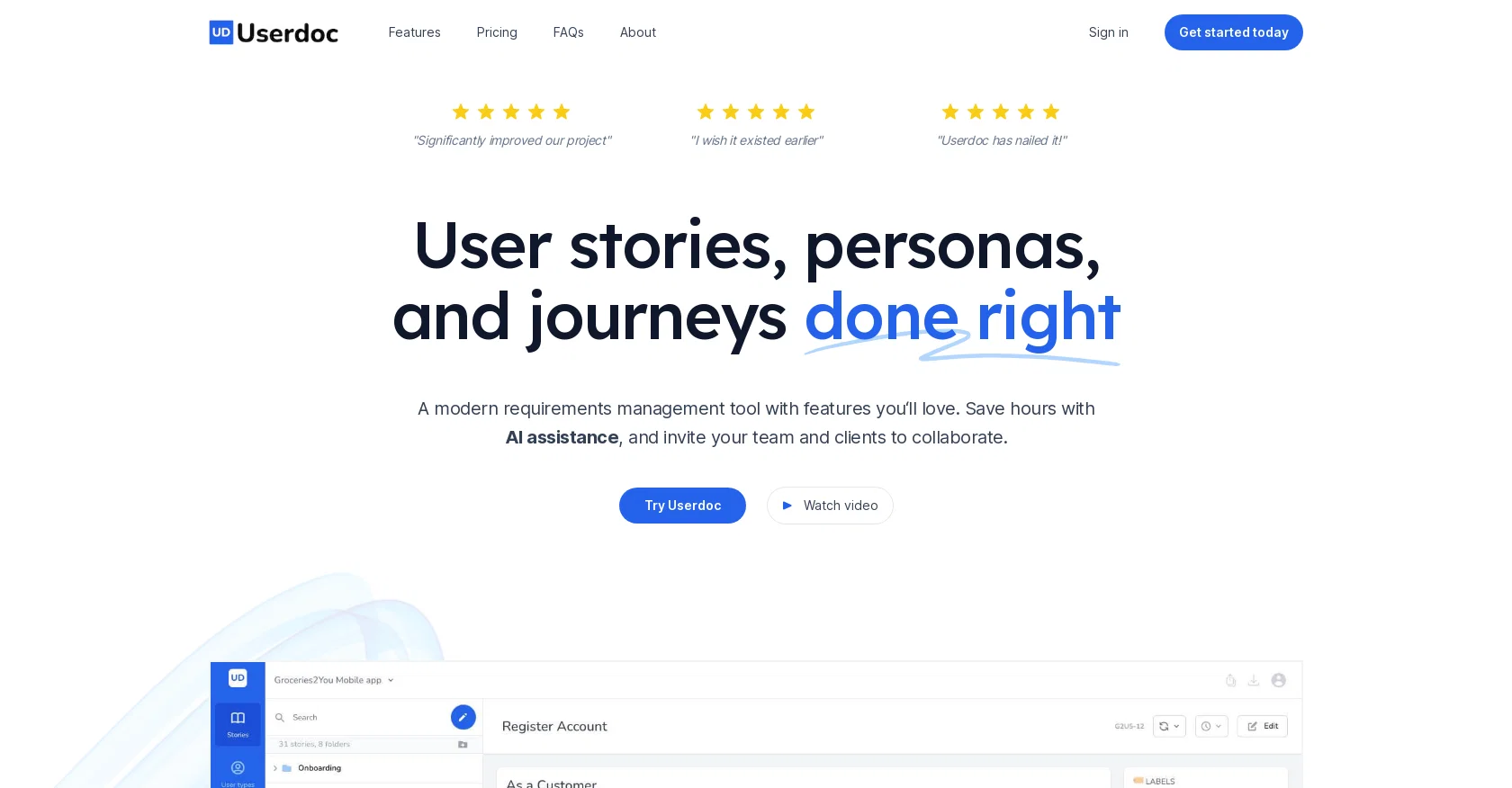
Userdoc is a modern requirements management tool that aims to simplify the process of creating and managing user stories, personas, and user journeys. The platform offers AI assistance, enabling users to save time generating user stories, personas, and acceptance criteria.
Userdoc allows users to centralize knowledge during the discovery, development, and system testing phases of the software development life cycle. The platform enables users to capture requirements in a standard way with user stories and acceptance criteria, all while keeping Userdoc as the source of truth.
Furthermore, Userdoc makes it easier to understand who the actual users are by creating fictional personas, including their backgrounds, motivations, and frustrations.
It also offers an intuitive way to explain detailed workflows through the system using user journeys. Userdoc can automatically generate user stories, acceptance criteria, personas, and user journeys, enabling users to save significant time during the requirements gathering phase.
The platform also offers features such as the ability to organize requirements by user type, folder, or label, build relationships between user stories, personas, and user journeys, and sync requirements to project management tools and other systems with ease.
Users can collaborate with team members, stakeholders, and clients while controlling access. Userdoc allows users to export requirements as Word docs, Excel spreadsheets, or CSV files.
The platform offers a free 14-day trial with no credit card required and has simple pricing plans starting at $12 USD per month.
Best for
Short scenarios where Userdoc tends to shine.
-
Creating detailed software requirements 70% faster using AI.
Best for Product Managers
-
Generating documentation from existing source code.
Best for Business Analysts
-
Managing software requirements for compliance and audits.
Best for Software Developers
-
Onboarding new team members with up-to-date documentation.
Best for Project Managers
-
Defining future features and sprints.
Best for Software Architects
Example outputs 1
Sample generations and before/after results for Userdoc.
Access & connections
Where you can use Userdoc, and what it plugs into.
Platforms
Integrations
Capabilities
What this tool accepts, produces, and is strongest at.
Input
- Tabular
- Text
Output
- Tabular
- Text
Pros & cons
Pros
- Generates user stories
- Automatic acceptance criteria
- Creates personas
- Creates user journeys
- Centralizes knowledge
- Standardizes requirements capturing
- Enables understanding of actual users
- Organizes requirements by user type
Show 38 more
- Organizes requirements by folder
- Organizes requirements by label
- Builds relationships among stories, personas, journeys
- Syncs to project management tools
- Syncs to other systems
- Allows collaboration with team members
- Allows collaboration with stakeholders
- Allows collaboration with clients
- Controls access during collaboration
- Exports requirements as Word docs
- Exports requirements as Excel spreadsheets
- Exports requirements as CSV files
- Free 14-day trial
- Simple pricing plans
- Seamless integration with other tools
- Features story approval statuses
- Provides version control for requirements
- Avoids knowledge silos
- Automatic generation of requirements
- Grouping requirements for ease of management
- Mapping of user system
- Ensures matching expectations
- Allows referencing of past requirements
- Not locked-in
- Simple, clean interface
- Helps avoid scope creep
- Helps capture client voices
- Improves workflow and focus
- Integration with project management tools
- Priority support in premium plan
- Unlimited user stories
- Unlimited user types & personas
- Unlimited user journeys
- Tailored plans for enterprise businesses
- Increases project process efficiency
- Helps engage all stakeholders
- Provides long-term business assets
- Facilitates a living knowledge base
Cons
- Limited free trial
- No native mobile app
- Doesn't offer unlimited projects
- Limited users per plan
- No direct data import
- No offline mode
Compare alternatives
Similar tools in the catalog — with a clear reason to open each one.

GeniePM ✓
Free TrialAI-powered product requirements magic
Why look Typically cheaper
Full comparison
Epicmatic ✓
Free TrialAI-powered epics and user stories for agile teams.
Why look Typically cheaper
Full comparison
Gluecharm ✓
FreemiumAgile teams collaborate on user story creation.
Why look Freemium alternative
Full comparisonPeople also view
Tools that often show up alongside Userdoc in collections and comparisons.

StoorAI ✓
PaidWrite user stories in minutes
Gluecharm ✓
FreemiumAgile teams collaborate on user story creation.
GeniePM ✓
Free TrialAI-powered product requirements magic
Epicmatic ✓
Free TrialAI-powered epics and user stories for agile teams.

Wonder Wisp ✓
Free TrialCreate personalized children's storybooks starring your child.

Wisary ✓
Free TrialAlign Your Team to Ship the Right Product Fast

Photo2Ads ✓
PaidTurn one product photo into ads.

GiftableSong ✓
FreemiumTurn a real memory into a song.
Releases 1
Imported reviews 1
A knowledge base that doesn’t tie to revenue impact (less churn / faster onboarding) often sits unused -> ~20–30% drop in retention vs teams that quantify value.
What metric are you using to prove Userdoc moves revenue, not just pages?
FAQ 12
What is Userdoc?
How does Userdoc's AI assistance help in generating user stories, personas, and acceptance criteria?
Can Userdoc sync requirements to other project management tools?
How does Userdoc assist in the software development life cycle?
What type of information can be exported from Userdoc?
How can Userdoc's platform centralize knowledge during the development phase?
Can Userdoc automatically generate user journeys?
What are the pricing plans available for Userdoc?
Is there a free trial offered for Userdoc?
How does Userdoc help in understanding the actual users?
How can users collaborate within the Userdoc platform?
What kind of AI features does Userdoc offer?
Related tools
Recommended

metastory AI ✓
FreemiumAI Product Management with Contextual Intelligence | Second Brain for Software Houses

Write My PRD ✓
FreeAI-powered PRD generation made simple.

Userpersona ✓
FreeGenerate ideal customer profiles from product descriptions.

LearningStudioAI ✓
Free TrialAI-powered authoring tool for effortless online course creation.

VenturusAI ✓
FreemiumBusiness idea analysis and reporting.

TutorAI ✓
FreemiumInstant knowledge on any topic