ai checker

Unspam AI

Free email spam checker and deliverability test tool with AI insights.

Source rating 5.0 (67) 48k views 48k/mo traffic 0 saves Unknown
More categories (11)

Verdict

A quick read before you dig into the full page.

Best if
You are email marketers and need: Ensuring emails land in the inbox instead of the spam folder
Pick this when
Free email spam checker and deliverability test tool with AI insights

Overview

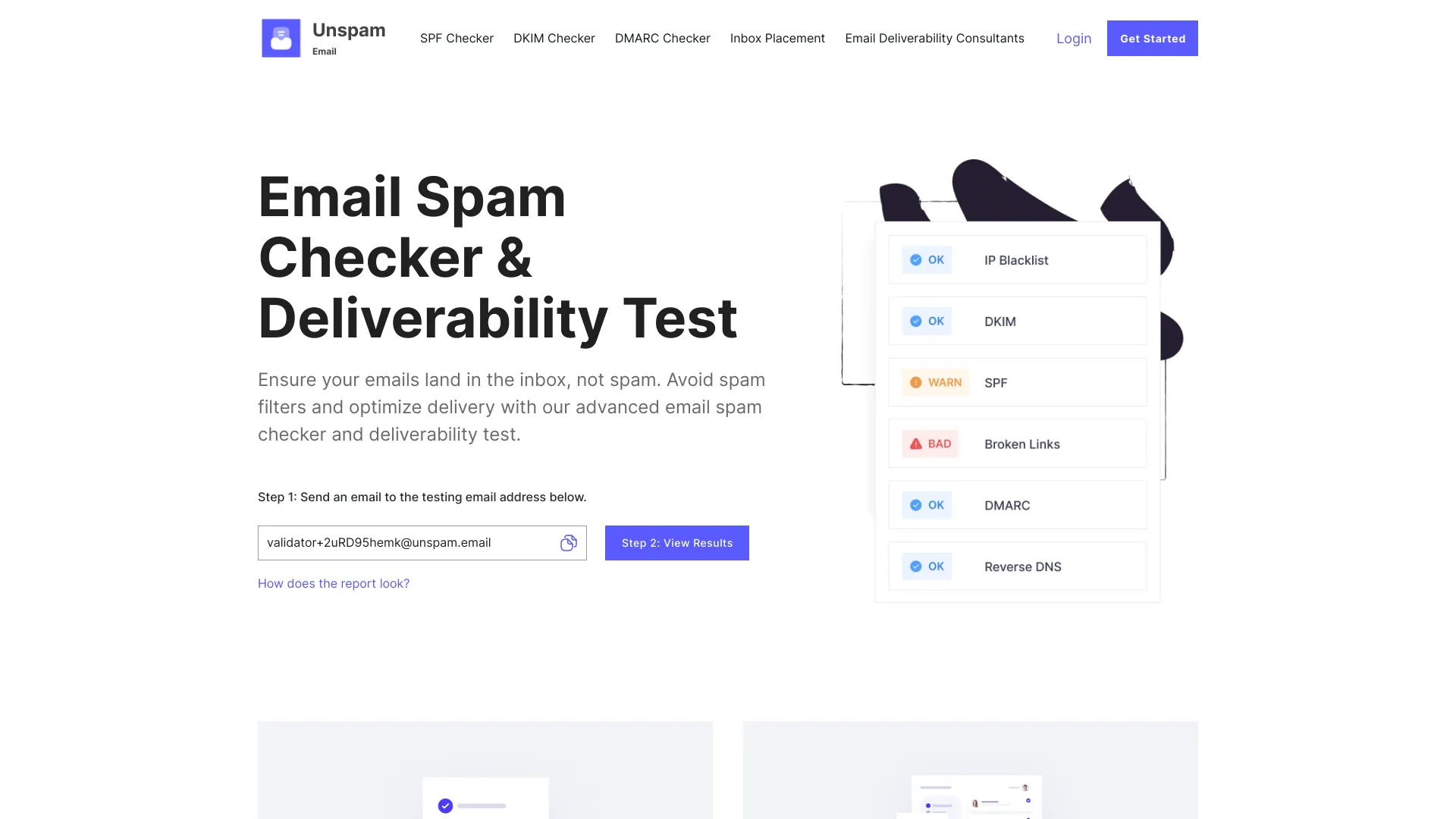
Unspam is a free email spam checker tool that includes an inbox placement insight tool and an AI email scanner, which shows you how your emails are read by your subscribers. It helps improve the deliverability of your emails by checking the spam score and testing various elements of your email newsletter.

Unspam AI screenshot

Best for

Short scenarios where Unspam AI tends to shine.

  • Ensuring emails land in the inbox instead of the spam folder.

    Best for Email marketers

  • Optimizing email deliverability across different email platforms.

    Best for Newsletter creators

  • Identifying and fixing deliverability issues before sending to subscribers.

    Best for Small business owners

  • Testing email accessibility to ensure readability for all recipients.

    Best for Marketing teams

  • Checking domain and IP reputation to avoid blacklists.

    Best for Email Deliverability Consultants

Example outputs 1

Sample generations and before/after results for Unspam AI.

Access & connections

Where you can use Unspam AI.

Platforms

Web

Capabilities

What this tool accepts, produces, and is strongest at.

Highlights

  • Email Spam Checker
  • Inbox Placement Test
  • AI Eye-Tracking Heatmap
  • Email Preview
  • Email, IP, Domain Blacklist Check
  • Email Accessibility Test
  • SPF, DKIM, DMARC Checkers

People also view

Tools that often show up alongside Unspam AI in collections and comparisons.

FAQ 10

What is Unspam?
Unspam is a free email spam checker tool that includes an inbox placement insight tool and an AI email scanner, which shows you how your emails are read by your subscribers. It helps improve the deliverability of your emails by checking the spam score and testing various elements of your email newsletter.
How to use Unspam?
To use Unspam, send an email to the provided testing email address. The tool will then generate a report with a spam score, blacklist checks, accessibility tests, and a heatmap preview of your email.
How do I run an email spam test?
Send an email to the testing email address provided by Unspam. The tool will then analyze your email and generate a report.
Can I use Unspam for free?
Yes, Unspam offers a free email spam checker and deliverability test tool.
How can I fix low deliverability rates?
Use the insights provided by Unspam's reports to refine your email strategy, fix broken links, ensure proper authentication (SPF, DKIM, DMARC), and avoid blacklists.
Should I spam-test every email before sending it?
Yes, it is recommended to spam-test every email before sending it to your subscribers to ensure it lands in the inbox and not the spam folder.
Why are my emails going to spam instead of the inbox?
Emails may go to spam due to various factors, including poor sender reputation, being blacklisted, broken links, lack of proper authentication (SPF, DKIM, DMARC), and spam complaints.
What should I do if my emails still land in spam even after testing?
Review the Unspam report for specific issues, refine your email content, improve your sender reputation, and ensure proper email authentication.
How do I improve my email spam score?
Address the issues identified in the Unspam report, such as broken links, missing authentication records, and spam trigger words.
Why is my email still landing in spam even after passing spam tests?
Even after passing spam tests, emails may still land in spam due to recipient-specific filters, content that triggers spam filters, or a poor sender reputation.
Unspam AI