Verdict

A quick read before you dig into the full page.

Best if
You are content creators and need: Removing backgrounds from video footage for content creation
Skip if
You need a free plan with no credit card
Pick this when
Paid · $ 1.98 per video minute

Overview

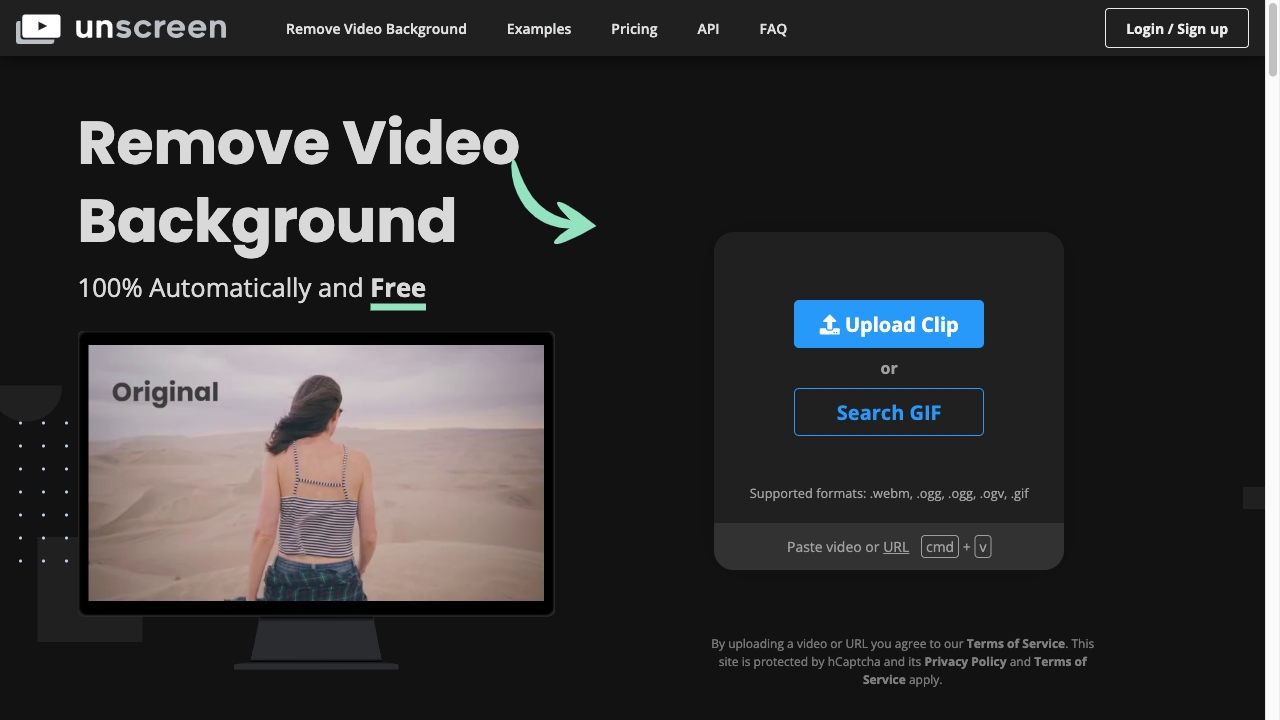
Unscreen is an online tool that automatically removes the background from videos. It eliminates the need for greenscreens or complex chroma keying techniques, allowing users to record footage anywhere and easily remove the background. Unscreen offers both free and paid options, with the paid version, Unscreen Pro, providing additional features like full HD resolution, no watermarks, API access, plugins, full-length clip support, video file downloads, and audio support.

Unscreen.com screenshot

Best for

Short scenarios where Unscreen.com tends to shine.

  • Removing backgrounds from video footage for content creation

    Best for Content creators

  • Creating transparent backgrounds for video editing

    Best for Video editors

  • Integrating background removal into automated workflows using the API

    Best for Social media marketers

Example outputs 1

Sample generations and before/after results for Unscreen.com.

Access & connections

Where you can use Unscreen.com.

API

Public API available

Browse other tools with an API

Capabilities

What this tool accepts, produces, and is strongest at.

Highlights

  • Automatic video background removal
  • Support for various video formats
  • API and plugins for integration with other software (Unscreen Pro)
  • Free and paid options

People also view

Tools that often show up alongside Unscreen.com in collections and comparisons.

FAQ 8

What is Unscreen?
Unscreen is an online tool that automatically removes the background from videos. It eliminates the need for greenscreens or complex chroma keying techniques, allowing users to record footage anywhere and easily remove the background. Unscreen offers both free and paid options, with the paid version, Unscreen Pro, providing additional features like full HD resolution, no watermarks, API access, plugins, full-length clip support, video file downloads, and audio support.
How to use Unscreen?
To use Unscreen, simply upload a video clip in a supported format (.webm, .ogg, .mp4, .gif) or paste a video URL. The website automatically analyzes the video and removes the background without requiring any manual selection or masking.
How does Unscreen remove video backgrounds?
Unscreen analyzes your video 100% automatically and generates a high-quality result without needing to pick pixels, select colors, paint masks, or move paths.
What file formats does Unscreen support?
Unscreen supports .webm, .ogg, .mp4, and .gif formats.
What are the benefits of Unscreen Pro?
Unscreen Pro offers Full HD Resolution, No Watermark, API + Plugins, Full Length Clips, Video File Download, and Audio Support.
How is Unscreen Pro billed?
Unscreen Pro is billed by the second for maximum flexibility. For Pay as you go purchases, the price is based on the number of seconds in your video. Subscriptions include a monthly amount of video minutes, however each video is deducted on a per-second basis.
Can I upgrade/downgrade/cancel my Unscreen Pro subscription?
Yes, you can cancel, downgrade or upgrade your subscription anytime.
What if I don't like the results of Unscreen Pro?
All subscriptions are covered by a 14 Day Money Back Guarantee: If you are unsatisfied with the results of Unscreen Pro within 14 days after your purchase, Unscreen will refund your payment.
Unscreen.com $ 1.98 per video minute