Verdict

A quick read before you dig into the full page.

Best if
You are students and need: Convert handwritten lecture notes and calculus equations into editable LaTeX
Skip if
You need enterprise SLAs or a fully managed team plan right away
Pick this when
Freemium · Free + from $4.99 per month

Overview

Underleaf is an AI-powered LaTeX writing and productivity platform for students, researchers, professors, and academic professionals. It helps users convert handwritten notes, mathematical equations, images, tables, and PDF documents into clean LaTeX code. The platform also provides AI assistance for academic writing, including abstract generation, thesis statements, paraphrasing, citation support, keyword generation, summarization, and LaTeX formatting. Additional tools include an AI LaTeX editor, Excel-to-LaTeX conversion, TikZ diagram generation, a 3D graphing calculator, a Typst editor, and a Chrome extension for working within existing writing workflows.

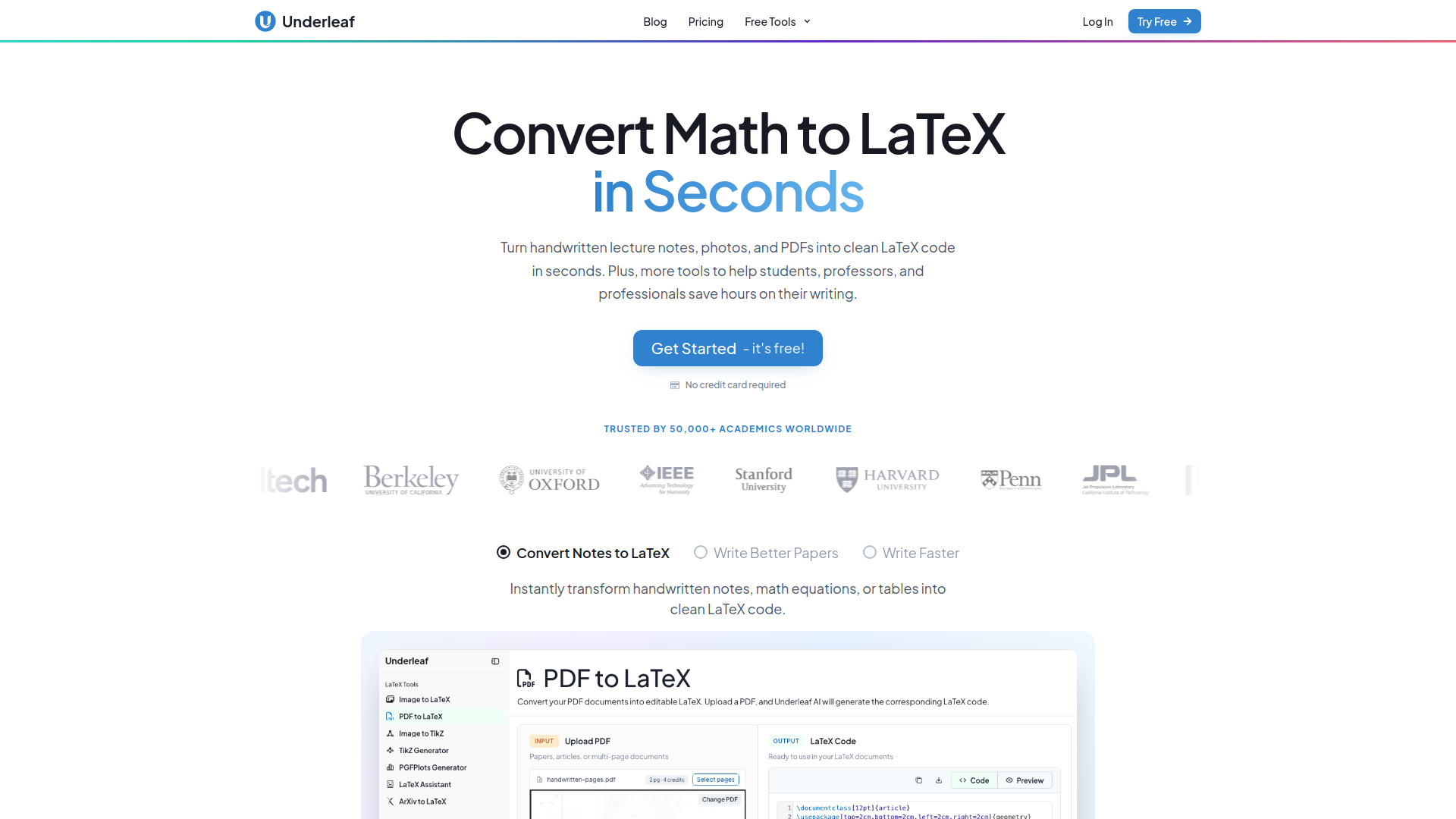
Underleaf screenshot

Best for

Short scenarios where Underleaf tends to shine.

  • Convert handwritten lecture notes and calculus equations into editable LaTeX

    Best for Students

  • Transform research PDFs into LaTeX documents

    Best for Researchers

  • Generate clean LaTeX tables from Excel spreadsheets

    Best for Professors

  • Create abstracts, thesis statements, and other academic writing drafts

    Best for Academic writers

  • Generate TikZ diagrams for research papers and presentations

    Best for Graduate students

  • Find citations and summarize academic material

    Best for Research assistants

  • Edit and improve LaTeX documents without leaving a browser-based workflow

    Best for Mathematicians

How it works

Create an Underleaf account or start with the available free credits, then choose a tool such as Image to LaTeX, PDF to LaTeX, or the AI writing assistant. Upload handwritten notes, equations, images, spreadsheets, or PDF files, or enter an academic writing request. Underleaf generates LaTeX code or written content that you can review, copy, edit, and use in your LaTeX workflow. The Chrome extension can also provide access to conversion, citation, generation, and editing features while browsing or working in an editor.

Example outputs 1

Sample generations and before/after results for Underleaf.

Access & connections

Where you can use Underleaf, and what it plugs into.

Platforms

Integrations

Capabilities

What this tool accepts, produces, and is strongest at.

Highlights

  • Convert handwritten notes and mathematical equations into LaTeX
  • Convert images, PDFs, and spreadsheets into LaTeX code and formatted tables
  • AI-powered LaTeX editor and writing assistant
  • Abstract, thesis statement, paraphrasing, and academic content generation
  • Citation generation, keyword generation, and AI summarization
  • TikZ diagram generation
  • 3D graphing calculator for surfaces and equations
  • Typst editor
Show 3 more
  • Chrome extension integration
  • Dark mode and smart LaTeX writing features
  • History access for previous conversions

People also view

Tools that often show up alongside Underleaf in collections and comparisons.

FAQ 9

What is Underleaf?
Underleaf is an AI-powered LaTeX writing and productivity platform for students, researchers, professors, and academic professionals. It helps users convert handwritten notes, mathematical equations, images, tables, and PDF documents into clean LaTeX code. The platform also provides AI assistance for academic writing, including abstract generation, thesis statements, paraphrasing, citation support, keyword generation, summarization, and LaTeX formatting. Additional tools include an AI LaTeX editor, Excel-to-LaTeX conversion, TikZ diagram generation, a 3D graphing calculator, a Typst editor, and a Chrome extension for working within existing writing workflows.
How to use Underleaf?
Create an Underleaf account or start with the available free credits, then choose a tool such as Image to LaTeX, PDF to LaTeX, or the AI writing assistant. Upload handwritten notes, equations, images, spreadsheets, or PDF files, or enter an academic writing request. Underleaf generates LaTeX code or written content that you can review, copy, edit, and use in your LaTeX workflow. The Chrome extension can also provide access to conversion, citation, generation, and editing features while browsing or working in an editor.
What is Underleaf used for?
Underleaf is used to convert notes, equations, images, PDFs, and spreadsheets into LaTeX, while also assisting with academic writing and research tasks.
Can Underleaf convert handwritten equations to LaTeX?
Yes. Users can upload images containing handwritten mathematical expressions or notes and receive clean, editable LaTeX code.
Does Underleaf support PDF-to-LaTeX conversion?
Yes. Underleaf can convert PDF content into LaTeX, with page limits depending on the subscription plan.
Is there a free version of Underleaf?
Yes. Users can start with 10 free credits, and no credit card is required to try the service.
What is the cheapest paid Underleaf plan?
The Essentials plan starts at $4.99 per month when billed monthly, or $63.99 when charged annually.
Does Underleaf offer tools beyond LaTeX conversion?
Yes. It includes academic writing tools, citation assistance, TikZ generation, 3D graphing, a Typst editor, and a Chrome extension.
Does Underleaf provide team plans?
Yes. The Team plan is intended for teams of five or more, research groups, and institutions, with discounted pricing and administrative features.
Underleaf Free + from $4.99 per month