
UnderlayX
Free AI image editor for adding effects, removing backgrounds, and object manipulation.
Verdict
A quick read before you dig into the full page.
- Best if
- You are content Creators and need: Creating YouTube thumbnails with eye-catching effects
- Pick this when
- Free AI image editor for adding effects, removing backgrounds, and object manipulation
Overview
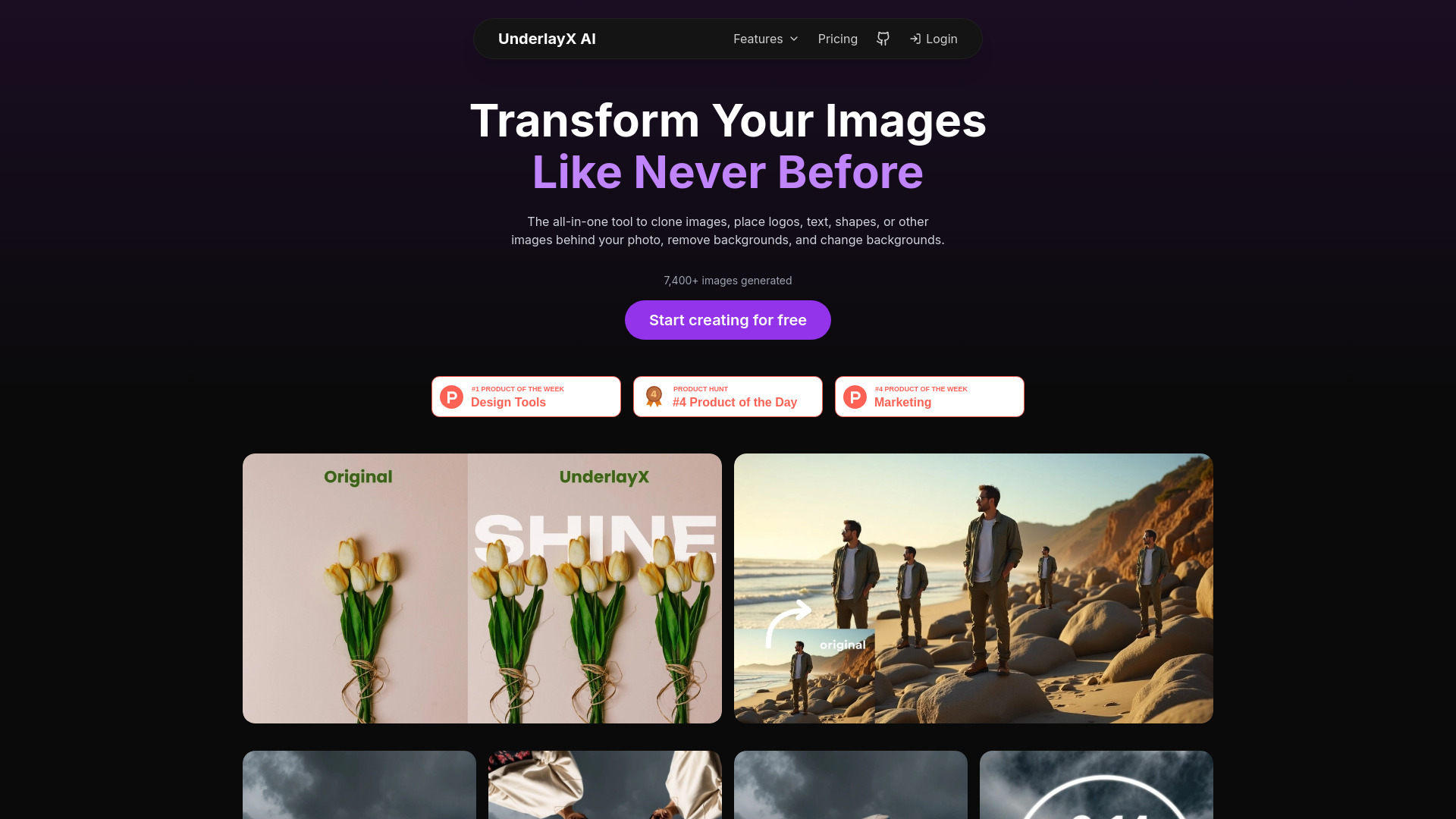
UnderlayX AI is an all-in-one free AI image editor that allows users to add text and shapes behind objects, create glowing effects, remove backgrounds, clone objects, change backgrounds, and customize stunning visuals effortlessly with professional-grade quality. It's designed for creators and designers to enhance their images with advanced editing tools.
Best for
Short scenarios where UnderlayX tends to shine.
-
Creating YouTube thumbnails with eye-catching effects
Best for Content Creators
-
Designing marketing materials with professional visuals
Best for Marketers
-
Transforming ordinary images into extraordinary works of art
Best for Photographers
Example outputs 1
Sample generations and before/after results for UnderlayX.
Access & connections
Where you can use UnderlayX.
Platforms
Capabilities
What this tool accepts, produces, and is strongest at.
Highlights
- Add text and shapes behind objects
- Remove and customize backgrounds
- Clone objects
- Create glowing text effects
- AI-powered background removal
People also view
Tools that often show up alongside UnderlayX in collections and comparisons.

