
TypeIMG
AI-powered image optimization tool for reducing image sizes without quality loss.
Source rating 5.0
(72)
0 views
0 saves
Paid
From $5.50 / mo
Verdict
A quick read before you dig into the full page.
- Best if
- AI-powered image optimization tool for reducing image sizes without quality loss
- Skip if
- You need a free plan with no credit card
- Pick this when
- Paid · From $5.50 / mo
Overview
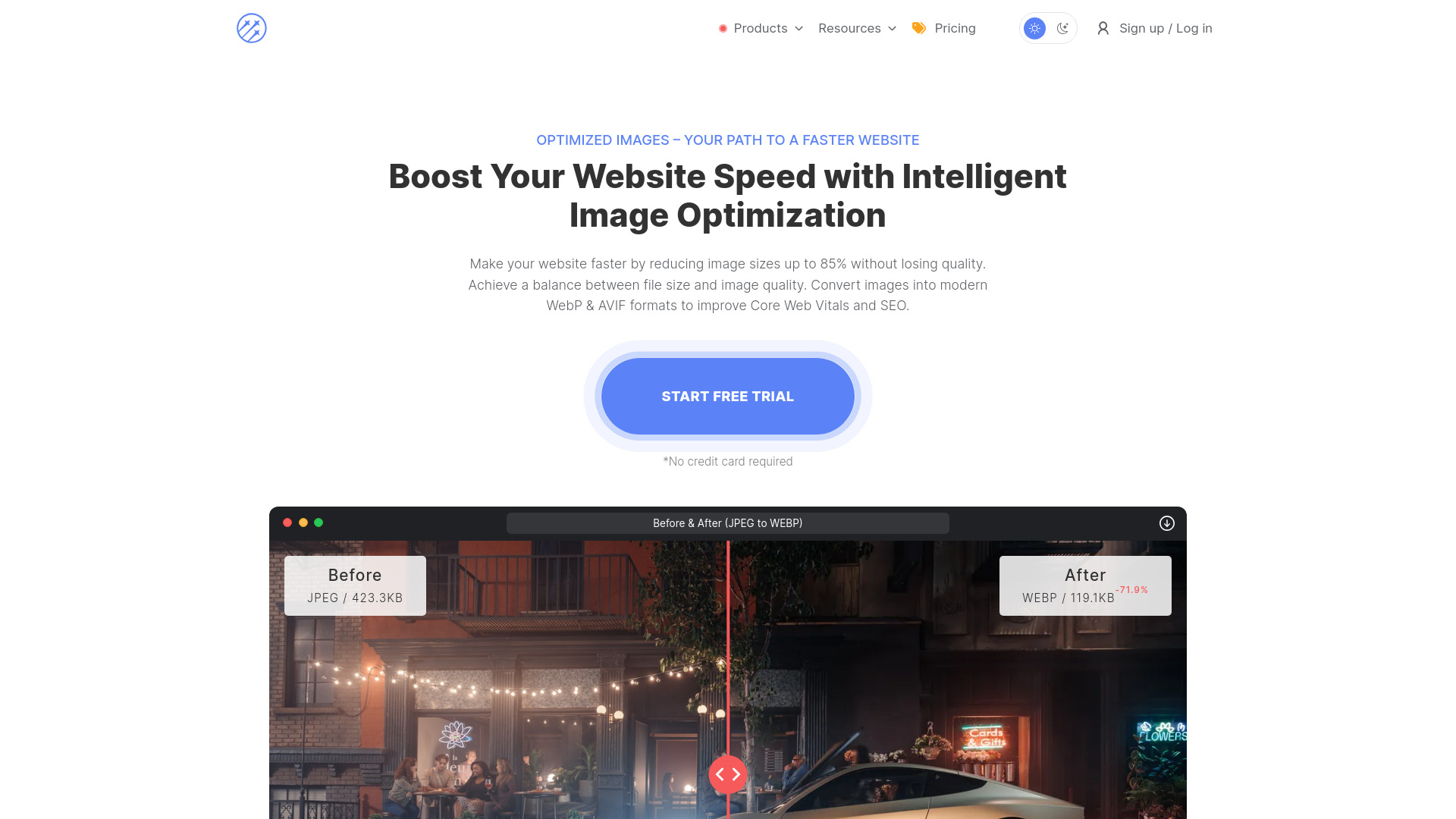
TypeIMG is an intelligent image optimization tool that reduces image sizes up to 85% without losing quality. It uses AI-powered optimization to convert images into modern WebP & AVIF formats, improving Core Web Vitals and SEO. TypeIMG offers a web interface, API reference, and plugins for Chrome and WordPress. It provides features like intelligent image optimization, safe mode, image resizing, batch image uploads, and EXIF metadata management.
Access & connections
Where you can use TypeIMG, and what it plugs into.
Platforms
Capabilities
What this tool accepts, produces, and is strongest at.
Highlights
- Intelligent Image Optimization
- Safe Mode
- Image Resizing
- Batch Image Uploads
- EXIF Metadata Management
- User-Friendly Interface
- WebP & AVIF Conversion
FAQ 5
What is TypeIMG?
TypeIMG is an intelligent image optimization tool that reduces image sizes up to 85% without losing quality. It uses AI-powered optimization to convert images into modern WebP & AVIF formats, improving Core Web Vitals and SEO. TypeIMG offers a web interface, API reference, and plugins for Chrome and WordPress. It provides features like intelligent image optimization, safe mode, image resizing, batch image uploads, and EXIF metadata management.
How to use TypeIMG?
Optimize images by uploading them to the TypeIMG web interface. The intelligent compression engine will automatically reduce the file size while preserving image quality. Users can also resize images, manage EXIF metadata, and upload images in batches.
What is Safe Mode and how does it protect images from quality loss during optimization?
Safe Mode is an intelligent mode for image protection that analyzes each image before and after optimization. If compression artifacts, loss of sharpness, color integrity issues, or other visual defects are detected, the system automatically performs re-optimization. If optimization without visible defects is not possible, the process stops to prevent quality loss.
What is the best image format for the web?
WebP is the most efficient modern image format for the web. Which supports: lossy and lossless compression, transparency, and animations. Compared to JPEG and PNG, WebP offers better compression and it decodes faster in modern browsers - improving image performance and reducing bandwidth usage.
How does the intelligent image optimization algorithm work?
TypeIMG uses an intelligent optimization engine that dynamically adapts to the content and structure of each image. The engine applies a selective compression method based on image analysis to reduce file size while preserving sharpness, color integrity, and visual detail - ensuring optimal balance between image quality and size.
Related tools
Recommended

TypeIMG
From $5.50 / mo