
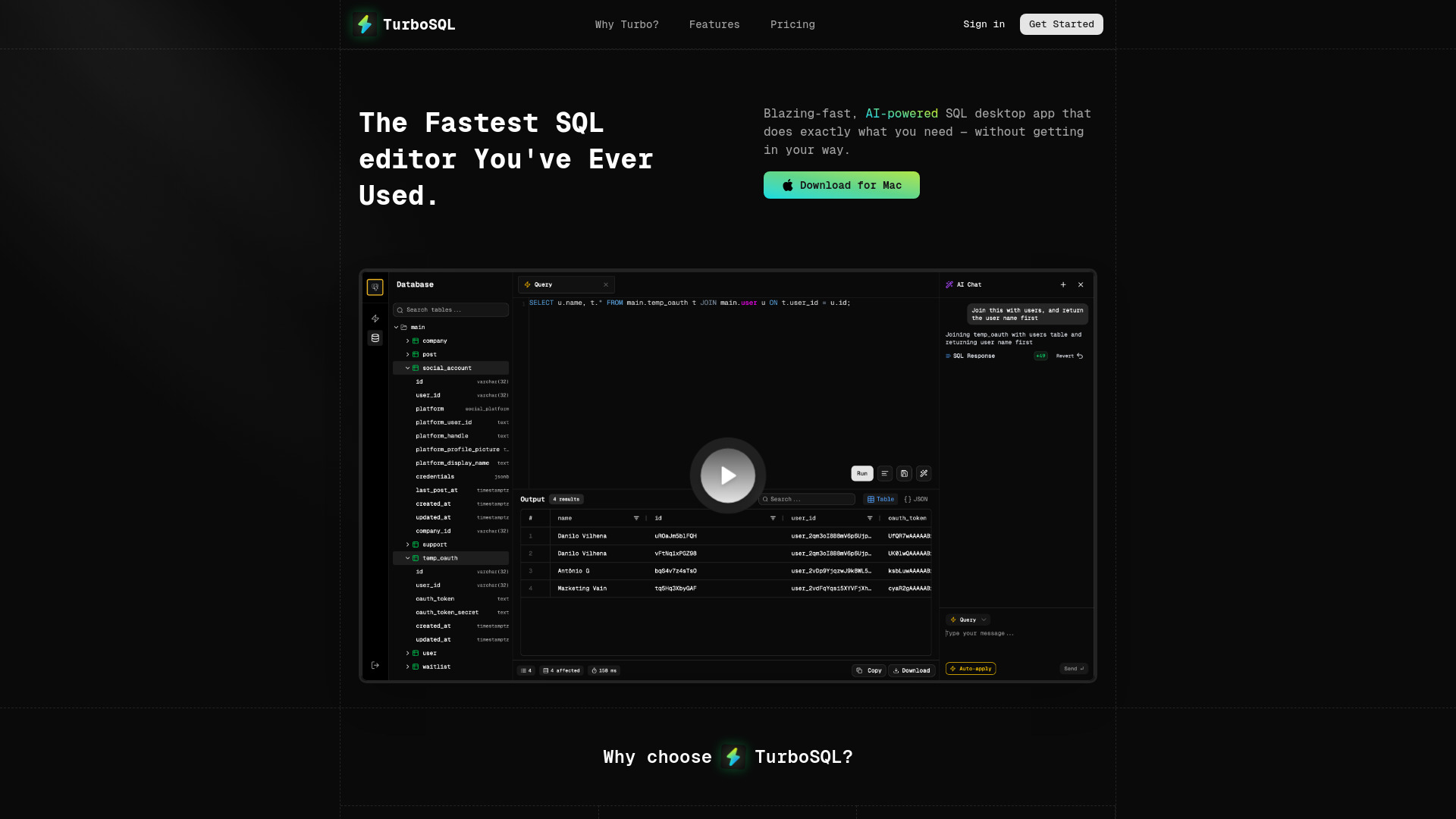
TurboSQL
AI-powered SQL desktop app for fast and efficient database management and query writing.
Source rating 5.0
(50)
0 views
0 saves
Paid
From $12 / month
Verdict
A quick read before you dig into the full page.
- Best if
- AI-powered SQL desktop app for fast and efficient database management and query writing
- Skip if
- You need a free plan with no credit card
- Pick this when
- Paid · From $12 / month
Overview
TurboSQL is a blazing-fast, AI-powered, and beautiful SQL desktop app designed for developers. It offers AI features that can assist in writing SQL queries, potentially eliminating the need to write SQL manually. TurboSQL supports multiple databases, including PostgreSQL, MySQL, MariaDB, and SQLite. It focuses on providing a local-first, secure experience with no sneaky data collection.
Access & connections
Where you can use TurboSQL, and what it plugs into.
Platforms
Integrations
Capabilities
What this tool accepts, produces, and is strongest at.
Highlights
- AI Query Assistant
- AI Autocomplete
- Native Performance
- Smart Organization
- Keyboard-First Design
- Table Viewer
- Inline Table Editor
- Inline JSON Viewer
Show 1 more
- Multi-Query Tabs
FAQ 12
What is TurboSQL?
TurboSQL is a blazing-fast, AI-powered, and beautiful SQL desktop app designed for developers. It offers AI features that can assist in writing SQL queries, potentially eliminating the need to write SQL manually. TurboSQL supports multiple databases, including PostgreSQL, MySQL, MariaDB, and SQLite. It focuses on providing a local-first, secure experience with no sneaky data collection.
How to use TurboSQL?
Download and install the TurboSQL desktop app. Connect to your database using a connection string or a simple form. Utilize the AI Query Assistant to generate queries from plain English or use AI Autocomplete for smart suggestions. Organize queries in folders and files for better management.
What makes TurboSQL faster than other SQL clients?
TurboSQL is built for speed, offering near-zero delay when running queries.
How good is the AI?
The AI features are designed to be highly effective, potentially eliminating the need to write SQL manually.
How do the AI features work?
The AI features include in-context auto-complete and the ability to generate queries from plain English.
What database types does TurboSQL support?
TurboSQL supports PostgreSQL, MySQL, MariaDB, and SQLite.
What's the difference between the plans?
The Community plan is free and includes core features. The Professional plan unlocks full AI capabilities and priority support.
What's included in the Free plan?
The Free plan includes unlimited connections, a modern table viewer & editor, and a 100% local-first & secure experience.
What if I don't like it?
TurboSQL offers a 30-day Money Back Guarantee. If you're not happy, you will be refunded, no questions asked.
What if I need help?
You can email [email protected] for assistance.
Is TurboSQL available for all operating systems?
Currently, TurboSQL is only available for Mac, with other platforms coming soon.
How secure is my database connection data?
TurboSQL is secure by design, with no sneaky data collection and a local-first experience.
Related tools
Recommended


TurboSQL
From $12 / month