Translation

TransLite

A lightweight macOS tool for instant, shortcut-based translation across all applications.

Source rating 5.0 (99) 91 views 91/mo traffic 0 saves Paid
More categories (5)

Verdict

A quick read before you dig into the full page.

Best if
A lightweight macOS tool for instant, shortcut-based translation across all applications
Skip if
You need a free plan with no credit card
Pick this when
Paid · From $4.95

Overview

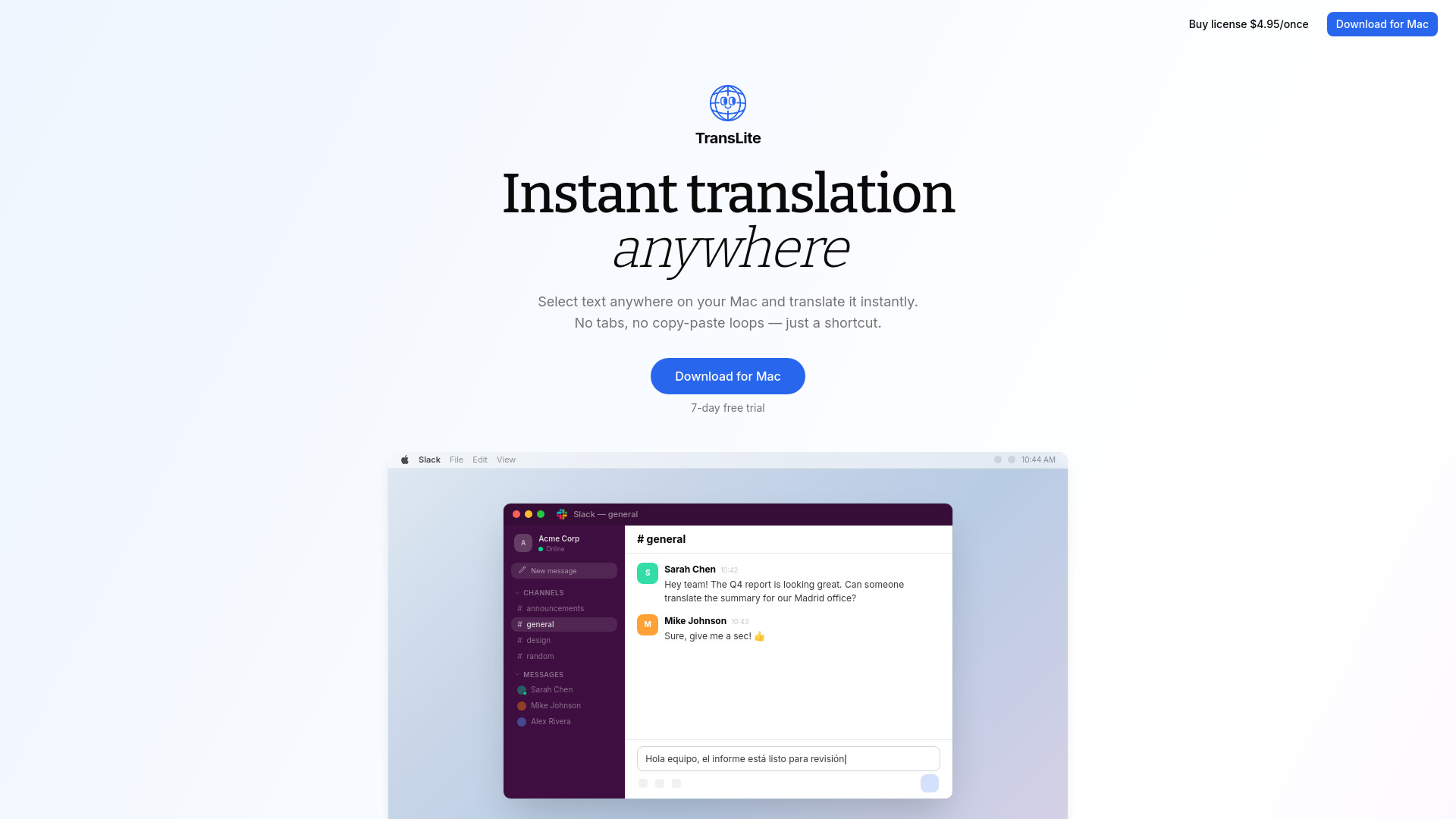
TransLite is a lightweight macOS translation tool designed to eliminate the friction of switching between apps to use services like ChatGPT. By using a single keyboard shortcut (⌘⇧T), it instantly replaces selected text with a translation in any application, such as Slack, WhatsApp, browsers, or email clients. It is built for focus and privacy, allowing users to bring their own OpenAI API keys so that data remains secure and never touches the developer's servers. It streamlines the traditional multi-step copy-paste process into a single, seamless action.

TransLite screenshot

Access & connections

Where you can use TransLite, and what it plugs into.

Platforms

macOS

Integrations

API

Public API available

Auth: API key

Browse other tools with an API

Capabilities

What this tool accepts, produces, and is strongest at.

Highlights

  • Instant translation with a single keyboard shortcut (⌘⇧T)
  • Auto-paste functionality into any application
  • Customizable translation tones (Formal, Casual, Concise, Original)
  • Privacy-focused 'Bring your own API key' model
  • Automatic source language detection
  • Minimalist menu bar interface

FAQ 5

What is TransLite?
TransLite is a lightweight macOS translation tool designed to eliminate the friction of switching between apps to use services like ChatGPT. By using a single keyboard shortcut (⌘⇧T), it instantly replaces selected text with a translation in any application, such as Slack, WhatsApp, browsers, or email clients. It is built for focus and privacy, allowing users to bring their own OpenAI API keys so that data remains secure and never touches the developer's servers. It streamlines the traditional multi-step copy-paste process into a single, seamless action.
How to use TransLite?
After installing, select any text on your Mac and press ⌘⇧T. The tool will instantly translate the clipboard or selected text and auto-paste the result right where you are typing. You can adjust the target language and tone (Formal, Casual, etc.) via the menu bar icon.
How does TransLite protect my privacy?
TransLite uses a 'Bring your own API key' model. Your texts are sent directly to the AI provider (like OpenAI) using your own key, ensuring your data never touches TransLite's servers.
Does TransLite work in all apps?
Yes, it is designed to work anywhere you can select text or type on your Mac, including Slack, browsers, and email clients.
Is there a recurring subscription?
No, TransLite is available for a one-time payment of $4.95 for a lifetime license.
TransLite From $4.95