What is ToonCrafter AI?
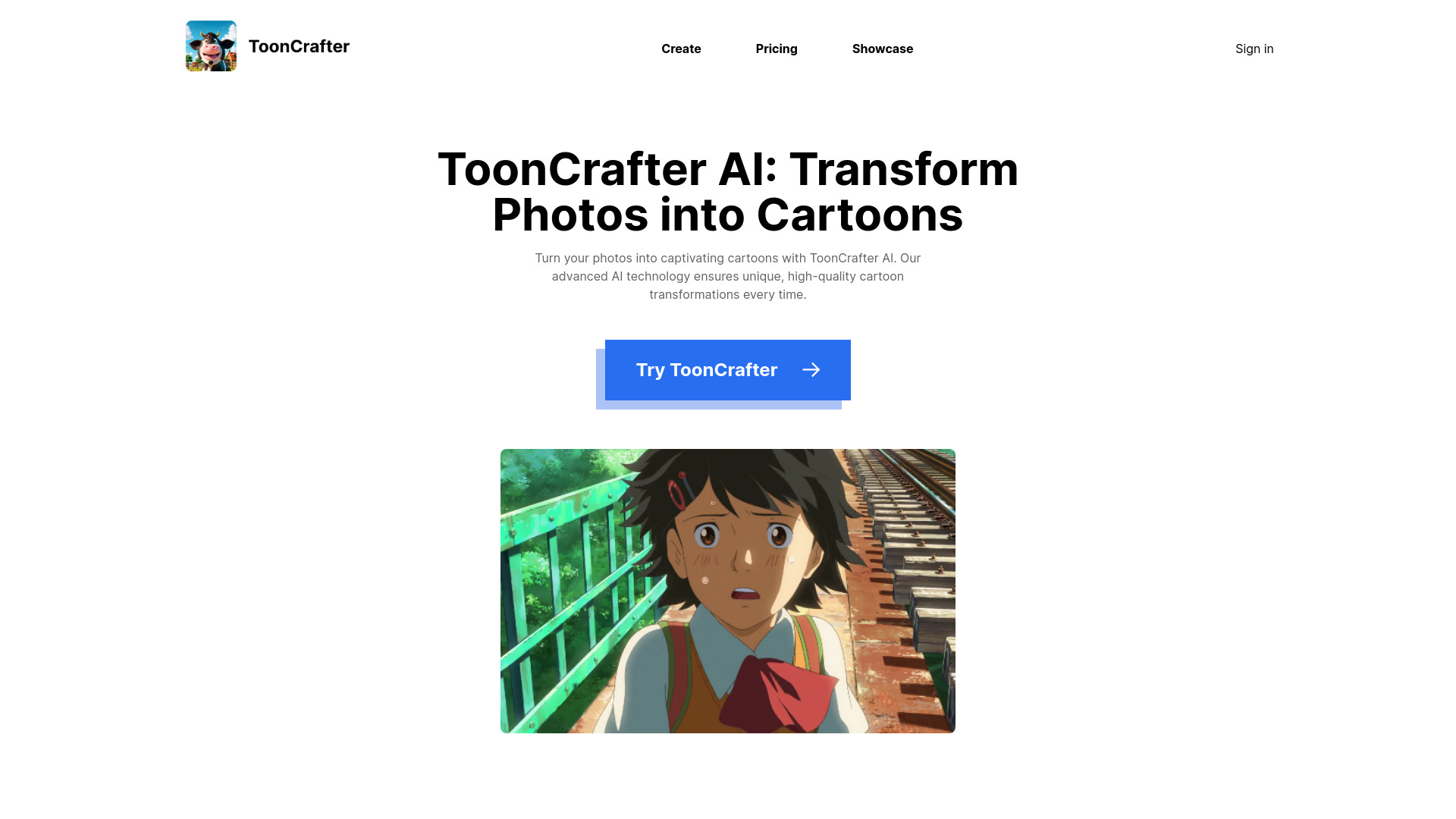
ToonCrafter AI is an innovative generative cartoon interpolation tool that utilizes pre-trained image-to-video diffusion models to seamlessly interpolate between two cartoon images, creating a fluid visual narrative. It allows users to transform static cartoons into dynamic 2-second animations by uploading two images. It also turns photos into captivating cartoons with advanced AI technology, ensuring unique, high-quality cartoon transformations every time. ToonCrafter AI is designed for various applications such as cartoon sketch interpolation, reference-based sketch colorization, and sparse sketch-guided generation.
How to use ToonCrafter AI?
To use ToonCrafter AI, select two key images, input a descriptive prompt to guide the AI, and then download the generated cartoon video.
What is ToonCrafter AI?
ToonCrafter AI is an innovative generative cartoon interpolation tool that utilizes pre-trained image-to-video diffusion models to seamlessly interpolate between two cartoon images, creating a fluid visual narrative.
Who is behind the creation of ToonCrafter AI?
ToonCrafter AI was developed by a collaborative effort from researchers at The Chinese University of Hong Kong, City University of Hong Kong, and Tencent AI Lab, including Jinbo Xing, Hanyuan Liu, Menghan Xia, Yong Zhang, Xintao Wang, Ying Shan, and Tien-Tsin Wong.
What kind of applications can ToonCrafter AI be used for?
ToonCrafter AI is designed for various applications such as cartoon sketch interpolation, reference-based sketch colorization, and sparse sketch-guided generation.
Are there any limitations I should be aware of when using ToonCrafter AI?
While powerful, ToonCrafter AI may sometimes struggle with semantically understanding image contents, which could lead to incorrect motion generation in certain scenarios. As an open-source research tool, it may not cater to all commercial needs.
How do I get started with setting up ToonCrafter AI?
Setting up ToonCrafter AI involves using Anaconda to create a virtual environment and installing the necessary packages as outlined in the requirements.txt file. Comprehensive setup guides are provided on the GitHub repository.
Where can I find more detailed information about ToonCrafter AI?
For more in-depth information, visit ToonCrafter AI project page and its GitHub repository for technical documentation, updates, and community discussions.
Is ToonCrafter AI open-source software?
Yes, ToonCrafter AI is open-source and is licensed under the Apache-2.0 license, allowing for broad access and contribution to the project.
What resolution and performance can I expect from ToonCrafter AI?
ToonCrafter AI is capable of generating videos with a resolution of up to 512x320 and 16 frames. The inference time can be optimized by adjusting the number of DDIM steps.
How can I run ToonCrafter AI on my local machine?
To run ToonCrafter AI locally, download the pre-trained model, place it in the specified directory, and execute the provided scripts or utilize the Gradio demo application. Detailed instructions are available on the GitHub repository.
Is there a user community for ToonCrafter AI where I can ask questions and share ideas?
Yes, the ToonCrafter AI GitHub repository serves as a hub for the community where users can ask questions, share ideas, and contribute to the project's development.