Verdict

A quick read before you dig into the full page.

Best if
You are language learners and need: Watch foreign language videos on YouTube without reading subtitles
Pick this when
Browser plugin for translating and dubbing foreign videos on YouTube and other platforms

Overview

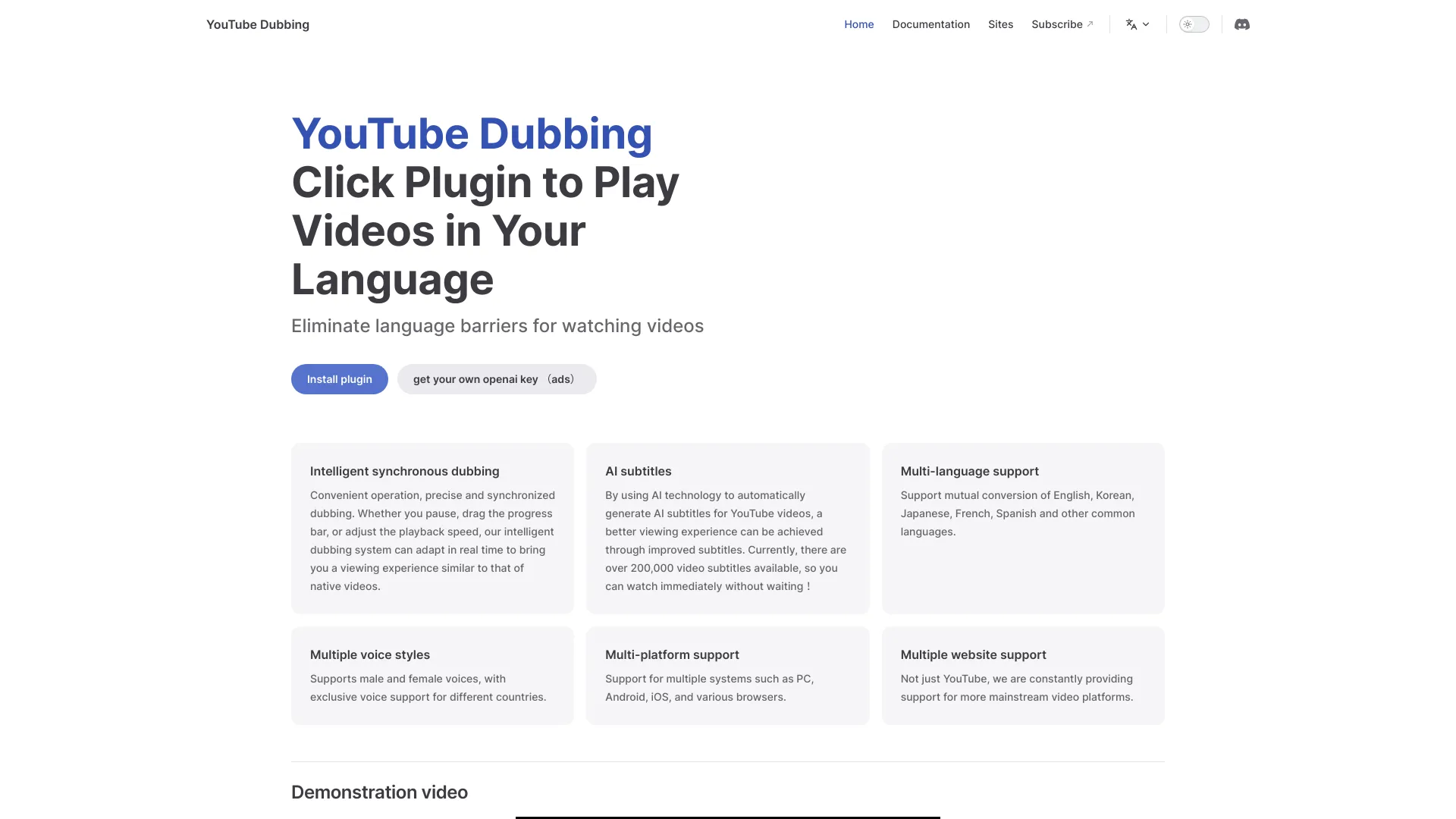
YouTube Dubbing is a browser plugin that translates foreign subtitles and reads them aloud, enhancing the viewing experience by eliminating language barriers. It combines AI subtitle translation and online dubbing, supporting GPT and Claude models. Compatible with multiple browsers and devices, it works on platforms such as YouTube, Udemy, Bilibili, and gamedev.tv. Key features include multiple voice options, playback speed control, background sound preservation, speaker recognition, translated subtitle display, and webpage text dubbing. It offers both free and membership modes for enhanced features.

YouTube Dubbing screenshot

Best for

Short scenarios where YouTube Dubbing tends to shine.

  • Watch foreign language videos on YouTube without reading subtitles.

    Best for Language learners

  • Learn new languages by listening to dubbed content.

    Best for International students

  • Access educational content on Udemy and gamedev.tv in your native language.

    Best for Content consumers

  • Convert webpage text into spoken audio for a hands-free reading experience.

    Best for Video enthusiasts

Example outputs 1

Sample generations and before/after results for YouTube Dubbing.

Access & connections

Where you can use YouTube Dubbing.

Platforms

Web

Capabilities

What this tool accepts, produces, and is strongest at.

Highlights

  • AI Real-Time Translation & Dubbing
  • Intelligent Dubbing with playback control
  • AI Subtitles generation and caching
  • Multi-Platform support
  • Multiple Voice options
  • Speaker Detection
  • Webpage Text-to-Speech

FAQ 6

What is YouTube Dubbing?
YouTube Dubbing is a browser plugin that translates foreign subtitles and reads them aloud, enhancing the viewing experience by eliminating language barriers. It combines AI subtitle translation and online dubbing, supporting GPT and Claude models. Compatible with multiple browsers and devices, it works on platforms such as YouTube, Udemy, Bilibili, and gamedev.tv. Key features include multiple voice options, playback speed control, background sound preservation, speaker recognition, translated subtitle display, and webpage text dubbing. It offers both free and membership modes for enhanced features.
How to use YouTube Dubbing?
Install the YouTube Dubbing extension. Click the play button to translate and listen to foreign-language videos without reading subtitles. Select text on any webpage to convert it into speech.
What are optimized subtitles?
Optimized subtitles are AI-enhanced subtitles that address issues with YouTube's default subtitles, such as errors, disordered timelines, and audio-video sync problems. They are classified by color: Red (auto-generated), Yellow (uploaded by creator), and Green (AI-optimized).
How are subtitles optimized?
The plugin automatically optimizes subtitles in the background based on your viewing history. Once complete, you'll receive an email notification, and the plugin will use the optimized subtitles (green button).
What's the difference between free and paid users?
Free users have a daily limit on videos, while paid users have no limit. Paid users access AI-optimized subtitles with background audio, speaker identification, and Gemini model translation. Free users use Google Translate and Edge TTS.
Why is AI translation not supported for red button subtitles?
AI translation is not supported for auto-generated (red button) subtitles because they are often of lower quality, potentially leading to wasted translation quota. AI translation is available for yellow or green button subtitles.
YouTube Dubbing