Verdict

A quick read before you dig into the full page.

Best if
You are entrepreneurs and need: Client portals
Skip if
You need enterprise SLAs or a fully managed team plan right away
Pick this when
Free · Free

Overview

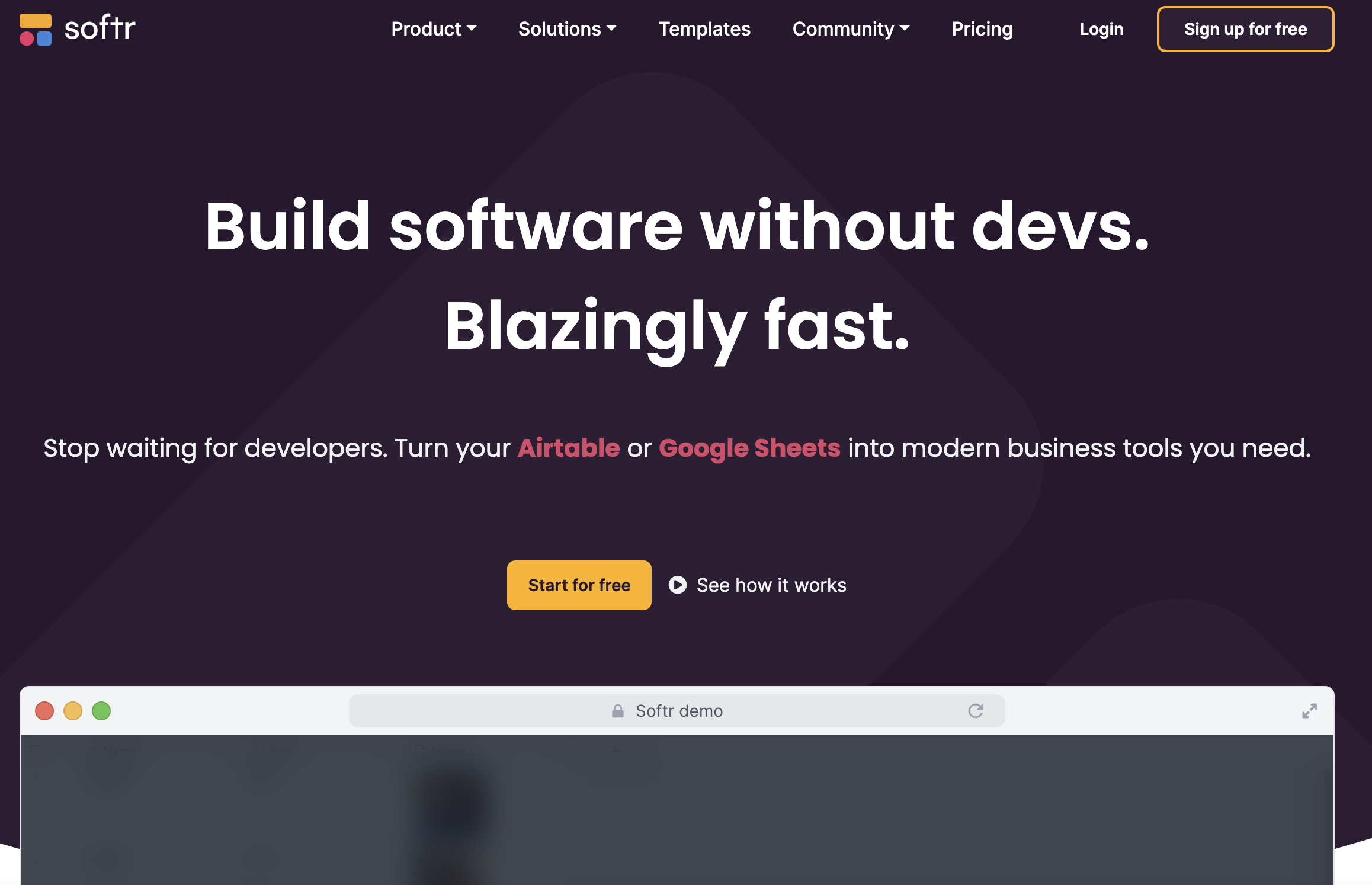
Softr is a no-code app builder that allows users to create custom web apps, client portals, and internal tools from Airtable, Google Sheets, and other data sources. It offers a range of pre-built blocks, integrations, and features to streamline workflows and consolidate data without requiring coding knowledge.

Softr screenshot

Best for

Short scenarios where Softr tends to shine.

  • Client portals

    Best for Entrepreneurs

  • Employee portals

    Best for Small businesses

  • Vendor portals

    Best for Non-profits

  • Inventory management

    Best for Educational institutions

  • Team intranet

    Best for Project managers

  • Knowledge base

    Best for Business operations teams

  • Business operations dashboards

    Best for HR departments

How it works

Connect your existing data sources like Airtable or Google Sheets, customize the layout and logic using drag-and-drop building blocks, manage user permissions, and publish your app in minutes. Softr also offers templates to quickly create apps for various use cases.

Example outputs 1

Sample generations and before/after results for Softr.

Access & connections

Where you can use Softr, and what it plugs into.

Platforms

Web

Integrations

Capabilities

What this tool accepts, produces, and is strongest at.

Highlights

  • Drag-and-drop interface builder
  • Integration with multiple data sources (Airtable, Google Sheets, SQL, etc.)
  • User and permission management
  • Pre-built blocks for internal tools and customer portals
  • Workflow automation
  • Mobile app conversion
  • AI App Generator

People also view

Tools that often show up alongside Softr in collections and comparisons.

FAQ 6

What is Softr?
Softr is a no-code app builder that allows users to create custom web apps, client portals, and internal tools from Airtable, Google Sheets, and other data sources. It offers a range of pre-built blocks, integrations, and features to streamline workflows and consolidate data without requiring coding knowledge.
How to use Softr?
Connect your existing data sources like Airtable or Google Sheets, customize the layout and logic using drag-and-drop building blocks, manage user permissions, and publish your app in minutes. Softr also offers templates to quickly create apps for various use cases.
What data sources does Softr integrate with?
Softr integrates with Airtable, Google Sheets, Notion, SmartSuite, Xano, Monday, Supabase, HubSpot, ClickUp, BigQuery, PostgreSQL, MySQL, SQL Server, MariaDB, and Rest API.
Can I use my own domain with Softr?
Yes, you can connect your Softr app to your own custom domain.
What is an App User?
An App User is someone who can log into the Softr app you've built. We will only count users that are in your published apps. If you have public pages that doesn't require login, anonymous users who visit those pages will not count.
Do you offer discounts for non-profits and educational institutions?
Yes! If you're a non-profit or an educational institution, you are eligible to receive any plan for a 30% discount. To apply for a discount please fill out the form, and we will get back to you soon.
Softr Free

