From $13 per month, billed annually

Verdict

A quick read before you dig into the full page.

Best if
AI-powered tool for instant home renovation visualization
Skip if
You need a free plan with no credit card
Pick this when
Paid · From $13 per month, billed annually

Overview

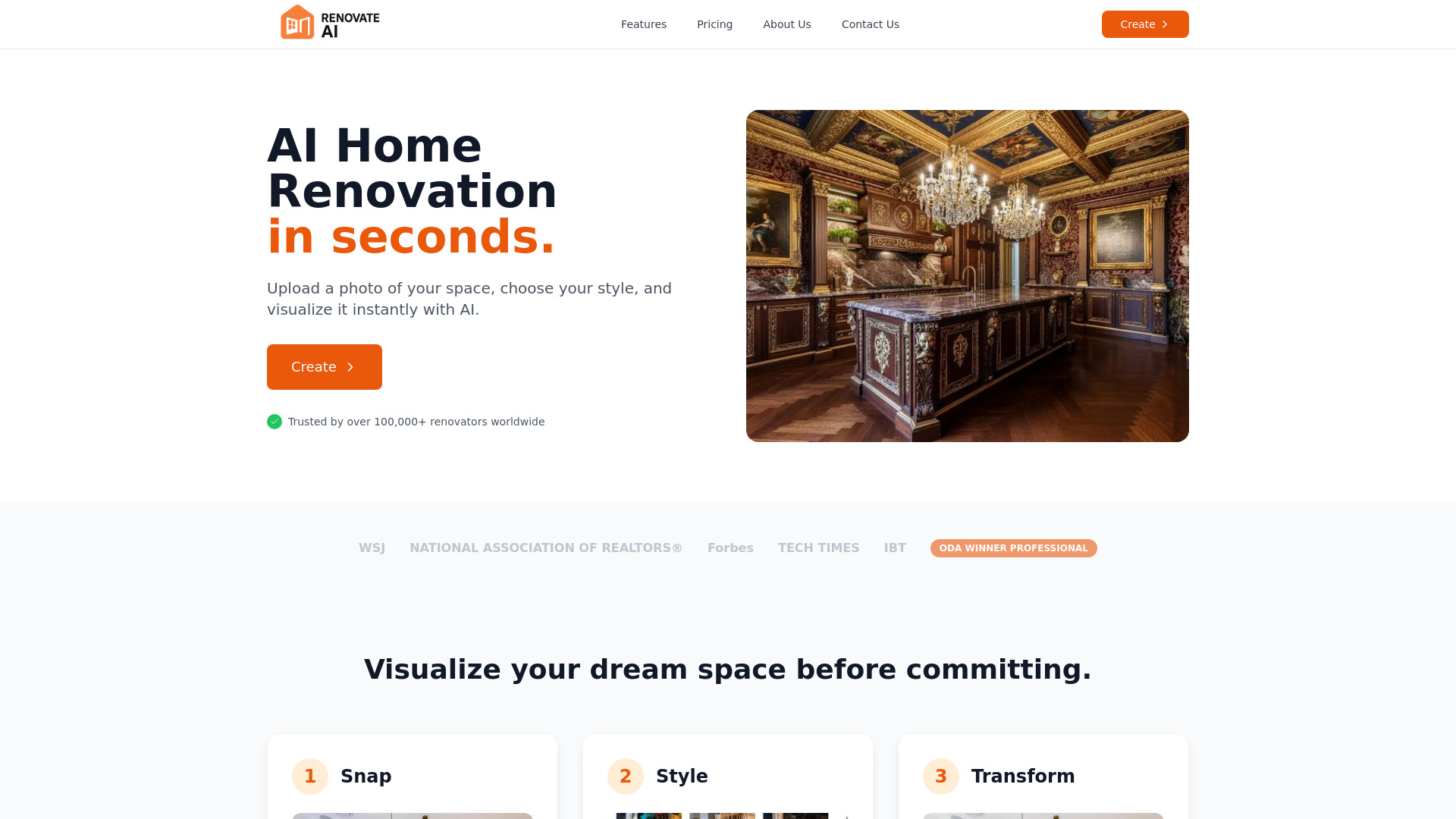
Renovate AI is an AI-powered design tool that enables users to transform their spaces by uploading a photo and instantly visualizing renovations. It offers a comprehensive suite of AI tools for both interior and exterior design, including virtual staging, wall paint changes, object removal, 2D elevation to realistic 3D renders, image upscaling to 4K, landscaping, and converting sketches to stunning renders. The platform aims to help homeowners, real estate agents, and interior designers visualize potential changes and make informed decisions before committing to actual renovation projects.

Renovate AI screenshot

Access & connections

Where you can use Renovate AI, and what it plugs into.

Platforms

Web

Integrations

Capabilities

What this tool accepts, produces, and is strongest at.

Highlights

  • AI Home Renovation (transform any room)
  • Virtual Staging (add furniture, light, fixtures)
  • Wall Paint (change wall paint and material)
  • Clean Up (remove unwanted objects)
  • Elevation (transform 2D elevations to realistic 3D renders)
  • Upscaling (upscale blurry images to 4K resolution)
  • Transform Exteriors (renovate exteriors)
  • Landscaping (create stunning images)
Show 2 more
  • Sketch (from sketch to stunning renders)
  • Exterior Paint (change exterior paint color and texture)

FAQ 7

What is Renovate AI?
Renovate AI is an AI-powered design tool that enables users to transform their spaces by uploading a photo and instantly visualizing renovations. It offers a comprehensive suite of AI tools for both interior and exterior design, including virtual staging, wall paint changes, object removal, 2D elevation to realistic 3D renders, image upscaling to 4K, landscaping, and converting sketches to stunning renders. The platform aims to help homeowners, real estate agents, and interior designers visualize potential changes and make informed decisions before committing to actual renovation projects.
How to use Renovate AI?
Using Renovate AI involves three simple steps: 1. Snap: Upload an image of your room or exterior. 2. Style: Choose from a wide range of curated design styles. 3. Transform: Watch as AI magic instantly transforms your space according to the chosen style.
How quickly can Renovate AI transform my space?
Renovate AI can transform your space in approximately 10 seconds with its AI magic.
What types of spaces can I renovate with Renovate AI?
You can renovate various interior spaces such as living rooms, bedrooms, dining areas, kitchens, bathrooms, and also exteriors.
Does Renovate AI offer a free plan?
The Starter plan mentions 'Everything in Free, plus:', which implies there is a basic free tier available, though its specific features and limitations are not detailed in the provided content.
Can I use Renovate AI for commercial projects?
Yes, the Pro plan includes a Commercial License and access to Commercial Spaces and Styles, making it suitable for professional use.
What is the difference between the Starter and Pro plans?
The Starter plan offers 50 credits/month with a watermark on designs, while the Pro plan (most popular) provides 250 credits/month, no watermark, commercial license, and early access to new features, along with commercial spaces and styles.
Renovate AI From $13 per month, billed annually

