Verdict

A quick read before you dig into the full page.

Best if
You are content creators and need: Remove strangers or photobombers from travel videos
Skip if
You need enterprise SLAs or a fully managed team plan right away
Pick this when
Freemium · Free + from $3.23

Overview

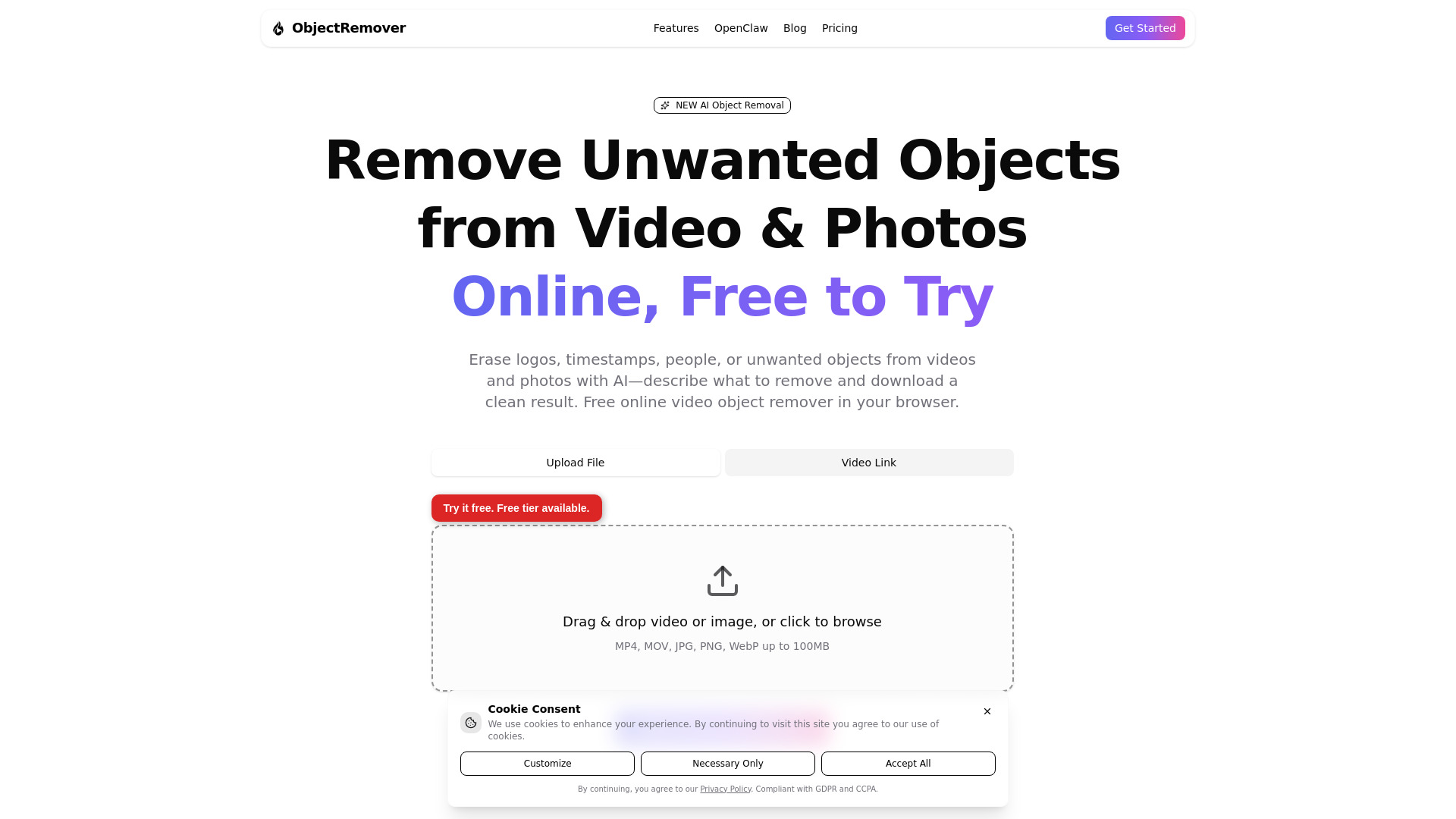
ObjectRemover is an online AI tool for removing unwanted objects, people, logos, timestamps, text, and background distractions from videos and photos. Users can upload MP4, MOV, JPG, PNG, or WebP files, describe what should be removed, and let AI detect, track, and restore the surrounding area. The tool also supports extracting subjects with transparent backgrounds and provides browser-based downloads for edited media.

ObjectRemover screenshot

Best for

Short scenarios where ObjectRemover tends to shine.

  • Remove strangers or photobombers from travel videos

    Best for Content creators

  • Erase logos, signs, timestamps, and watermarks from media the user owns or may edit

    Best for Video editors

  • Clean unwanted objects and clutter from event footage

    Best for Social media managers

  • Remove background distractions from social media videos

    Best for Travel videographers

  • Extract subjects from videos or photos as transparent PNGs

    Best for Event videographers

  • Prepare clean video plates for CapCut, Premiere Pro, or DaVinci Resolve

    Best for Marketing professionals

  • Remove unwanted objects from product photos and still images

    Best for Photographers

Example outputs 1

Sample generations and before/after results for ObjectRemover.

Access & connections

Where you can use ObjectRemover.

Platforms

Web

Capabilities

What this tool accepts, produces, and is strongest at.

Highlights

  • AI-powered object removal from videos and photos
  • Natural-language object selection and removal
  • People, logos, timestamps, text, and clutter removal
  • Geometry-aware tracking across video frames
  • AI background inpainting for clean results
  • Subject extraction with transparent PNG output
  • Browser-based processing with no desktop installation
  • Support for CapCut, Premiere Pro, and DaVinci Resolve workflows
Show 2 more
  • Video and image upload support
  • OpenClaw integration for automated object-removal workflows

People also view

Tools that often show up alongside ObjectRemover in collections and comparisons.

FAQ 12

What is ObjectRemover?
ObjectRemover is an online AI tool for removing unwanted objects, people, logos, timestamps, text, and background distractions from videos and photos. Users can upload MP4, MOV, JPG, PNG, or WebP files, describe what should be removed, and let AI detect, track, and restore the surrounding area. The tool also supports extracting subjects with transparent backgrounds and provides browser-based downloads for edited media.
How to use ObjectRemover?
Upload a video or image, then describe or select the object, person, logo, or distraction to remove. The AI identifies and tracks the object, restores the surrounding background, and generates a preview. Review and download the processed result. Videos can be uploaded as MP4 or MOV files up to 100MB, while images can be uploaded as JPG, JPEG, PNG, or WebP files.
How do I remove an object from a video?
Upload your video, describe or select the unwanted object, and let the AI detect, track, and remove it. Preview the result and download the processed video.
Can ObjectRemover remove people from videos?
Yes. It can remove individuals, groups, strangers, photobombers, and other background distractions from videos you own or are allowed to edit.
Is ObjectRemover free?
Yes. ObjectRemover offers a free tier for short videos and images. Free usage includes daily limits and low-quality previews.
Do I need an account to start?
You can upload and process media without an account on the free plan. Signing up unlocks HD output and additional credits.
What file formats are supported?
Videos must be MP4 or MOV files. Supported image formats are JPG, JPEG, PNG, and WebP.
What is the maximum video upload size?
The maximum supported video upload size is 100MB.
Can I remove logos and timestamps?
Yes. You can describe logos, timestamps, signs, text, or other unwanted elements for AI removal, provided you own the media or have permission to edit it.
How does AI object removal work?
For videos, the AI tracks the selected object across frames and inpaints the background. For photos, it creates a mask and removes or extracts the selected object.
Does ObjectRemover support object extraction?
Yes. It can extract subjects from videos or photos and export them with transparency, including transparent PNG output.
Do purchased credits expire?
Yes. Purchased credits remain valid for 12 months after purchase.
ObjectRemover Free + from $3.23