
Meshy
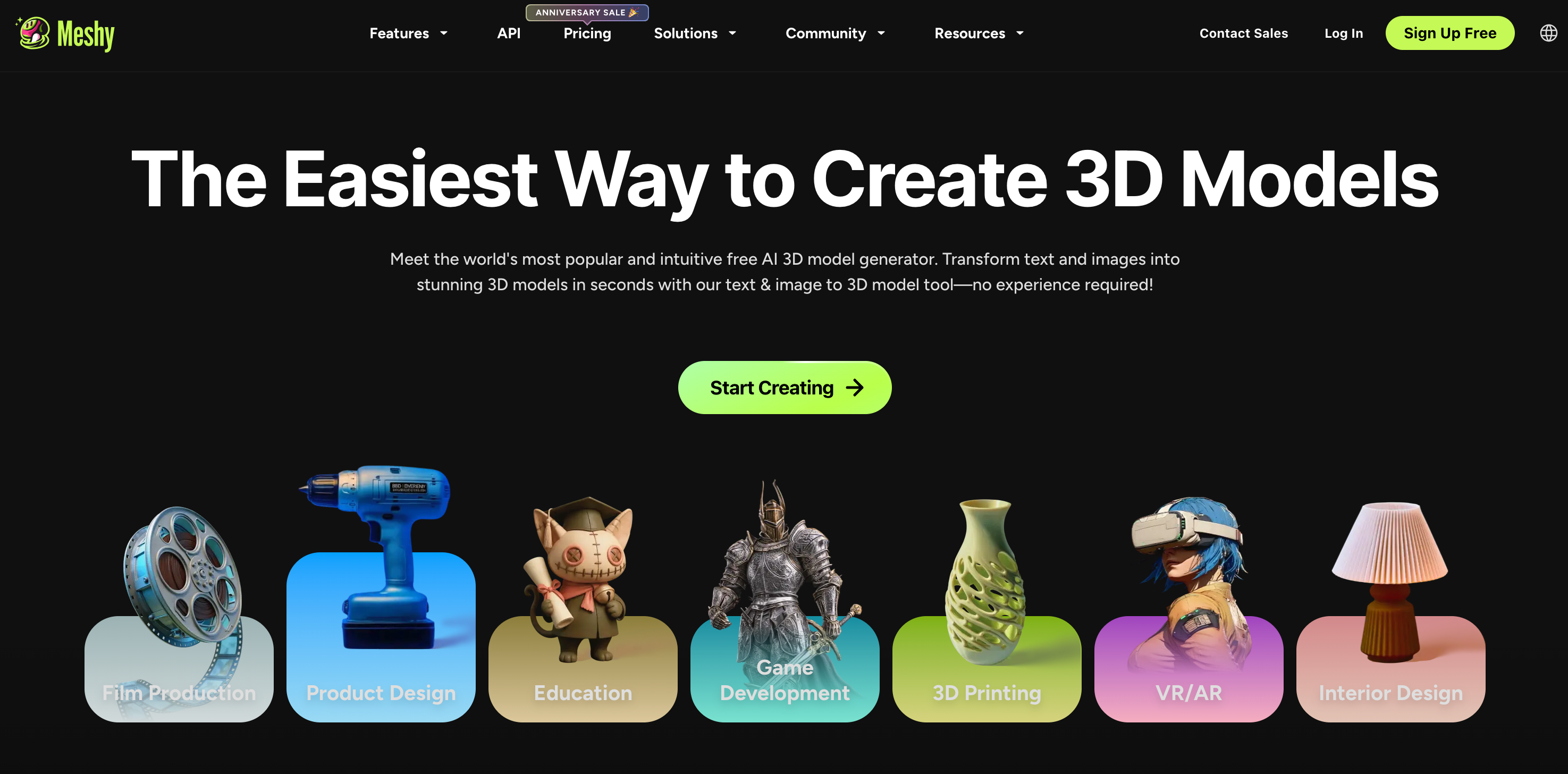
Meshy is a 3D AI platform for generating 3D models from text or images.
Free + from $16
Verdict
A quick read before you dig into the full page.
- Best if
- You are game developers and need: Generating 3D models for game development
- Skip if
- You need enterprise SLAs or a fully managed team plan right away
- Pick this when
- Freemium · Free + from $16
Overview
Meshy is an AI platform that allows three-dimensional (3D) content creation from text data and two-dimensional images. Users can leverage Meshy's features to convert text into a textured rendering, develop compelling 3D models from textual prompts, and transform an image into a 3D model with minimal effort. It has an AI-powered texture feature that lets users apply textures to 3D models seamlessly. Meshy offers a variety of art styles, including realistic, cartoon, and sculpture formats. Its interface is simple and intuitive, which makes it user-friendly, enabling non-experts to utilize it effectively. Meshy supports multiple languages and offers an Application Programming Interface (API) that allows its integration into other applications to expand its functionality. Users also have the advantage of previewing their work on a browser immediately after completion. It allows users to export their 3D models in various formats like FBX, OBJ, STL, BLEND, and USDZ for easy compatibility with other software applications.
Best for
Short scenarios where Meshy tends to shine.
-
Generating 3D models for game development
Best for Game developers
-
Creating textures for existing 3D models
Best for 3D artists
-
Animating 3D characters for virtual reality experiences
Best for AR/VR developers
-
Converting 3D files between different formats
Best for Content creators
-
Quickly prototyping 3D assets for AR/VR applications
Best for 3D printing enthusiasts
How it works
Getting Started
• Sign up at https://www.meshy.ai
• Free tier available; paid plans unlock more generations & downloads
Main Features
• Text to 3D — describe what you want, get a 3D model
• Image to 3D — upload a reference image, convert to 3D
• Text to Texture — apply AI-generated textures to existing meshes
• AI Animate — rig and animate 3D characters
Workflow
1. Pick a mode (Text/Image to 3D)
2. Enter your prompt or upload an image
3. Generate a draft preview (fast, low-poly)
4. Refine → generate the textured final model
5. Download in formats like GLB, FBX, OBJ, STL, USDZ
API Access
• Available via REST API — models generated via API don't appear in the Workspace UI (intentional). Use the List Tasks API to retrieve them.
Docs: https://docs.meshy.ai
Example outputs 1
Sample generations and before/after results for Meshy.
Access & connections
Where you can use Meshy.
Platforms
Capabilities
What this tool accepts, produces, and is strongest at.
Highlights
- Text to 3D
- Image to 3D
- Text to Texture
- Animation
- 3D File Converter
- Online 3D Viewer
- Plugins for Blender, Godot, and Unity
- Game Asset
Show 2 more
- 3D Texturing
- 3D Modeling
People also view
Tools that often show up alongside Meshy in collections and comparisons.


FAQ 5
What is Meshy?
How to use Meshy?
Getting Started
• Sign up at https://www.meshy.ai
• Free tier available; paid plans unlock more generations & downloads
Main Features
• Text to 3D — describe what you want, get a 3D model
• Image to 3D — upload a reference image, convert to 3D
• Text to Texture — apply AI-generated textures to existing meshes
• AI Animate — rig and animate 3D characters
Workflow
1. Pick a mode (Text/Image to 3D)
2. Enter your prompt or upload an image
3. Generate a draft preview (fast, low-poly)
4. Refine → generate the textured final model
5. Download in formats like GLB, FBX, OBJ, STL, USDZ
API Access
• Available via REST API — models generated via API don't appear in the Workspace UI (intentional). Use the List Tasks API to retrieve them.
Docs: https://docs.meshy.ai