
LuminaBrush
AI-powered lighting tool for image editing with interactive light painting technology.
Source rating 5.0
(59)
0 views
0 saves
Unknown
Verdict
A quick read before you dig into the full page.
- Best if
- AI-powered lighting tool for image editing with interactive light painting technology
- Pick this when
- AI-powered lighting tool for image editing with interactive light painting technology
Overview
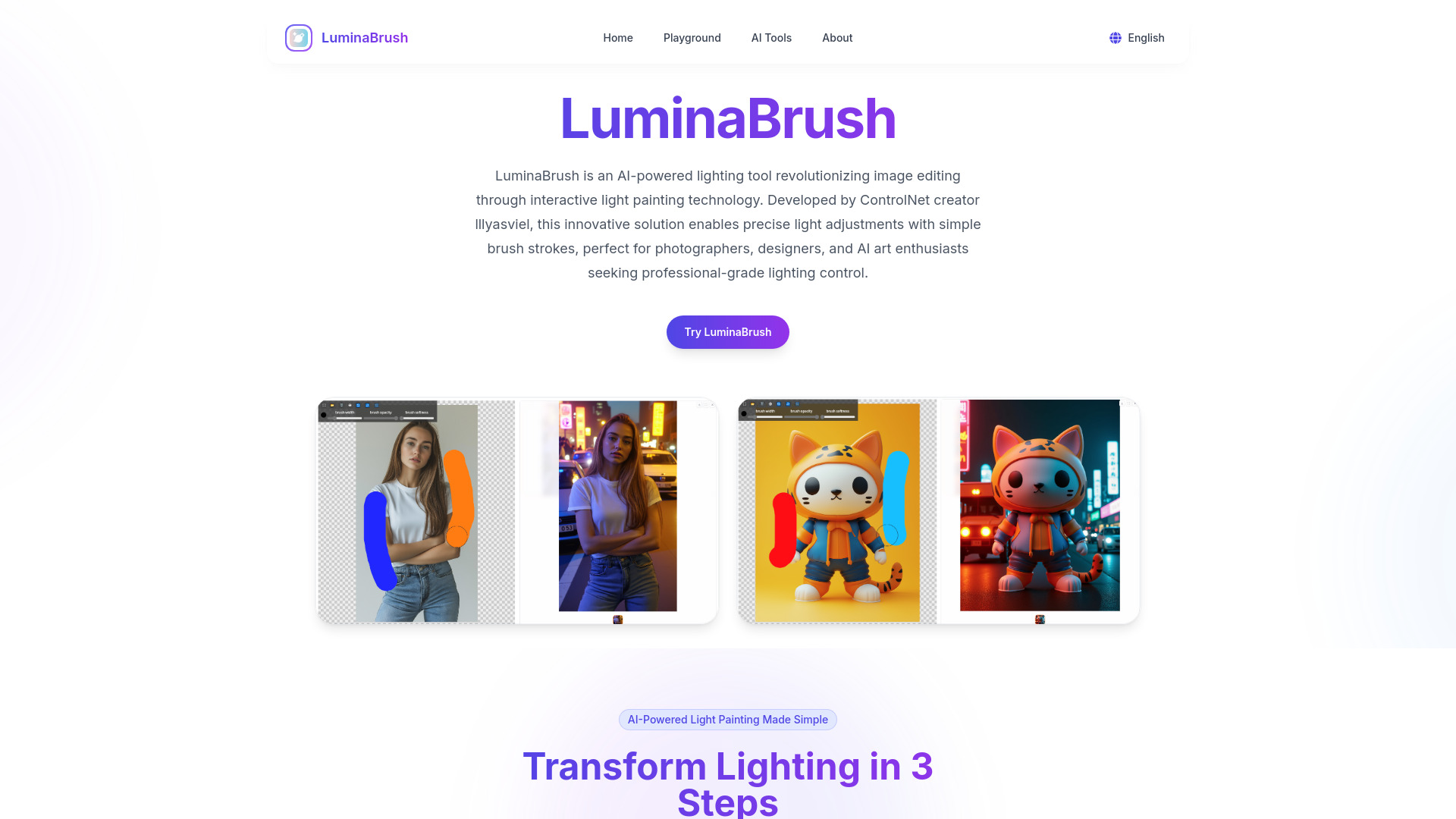
LuminaBrush is an AI-powered lighting tool revolutionizing image editing through interactive light painting technology. Developed by ControlNet creator lllyasviel, it enables precise light adjustments with simple brush strokes, perfect for photographers, designers, and AI art enthusiasts seeking professional-grade lighting control. It enhances photography, fixes lighting errors, and perfects AI-generated images with real-time preview.
Access & connections
Where you can use LuminaBrush.
Platforms
Capabilities
What this tool accepts, produces, and is strongest at.
Highlights
- AI-powered light painting
- Two-stage AI processing for lighting neutralization and custom light application
- Smart brush system simulating real-world lighting physics
- Cross-platform compatibility with Stable Diffusion, Flux models, and Photoshop
- Real-time previews with GPU-accelerated engine
FAQ 8
What is LuminaBrush?
LuminaBrush is an AI-powered lighting tool revolutionizing image editing through interactive light painting technology. Developed by ControlNet creator lllyasviel, it enables precise light adjustments with simple brush strokes, perfect for photographers, designers, and AI art enthusiasts seeking professional-grade lighting control. It enhances photography, fixes lighting errors, and perfects AI-generated images with real-time preview.
How to use LuminaBrush?
1. Upload an image to LuminaBrush. 2. Use color-coded brush tools to apply lighting effects. 3. Preview in real-time and export the enhanced image.
What is LuminaBrush?
LuminaBrush is an AI-powered lighting tool that revolutionizes photo enhancement through interactive light painting technology. Developed by ControlNet's creators, it enables professional-grade lighting control using simple brush strokes, perfect for photographers, designers, and AI art creators.
How does LuminaBrush's AI lighting work?
Our two-stage AI process first analyzes image lighting conditions, then applies your custom light painting while preserving critical details. The intelligent brush system interprets color codes: warm tones for sunlight effects, cool hues for moonlight/neon simulations.
Can I use LuminaBrush with Photoshop/Stable Diffusion?
Yes! LuminaBrush supports cross-platform workflows. Export lighting layers as PNG masks for Photoshop editing, or enhance AI-generated images from Stable Diffusion/DALL-E while maintaining original resolution and detail integrity.
What are the system requirements?
The web version works on modern browsers (Chrome/Firefox/Safari) with WebGL 2.0 support. For 4K+ image processing, we recommend devices with 8GB+ RAM and dedicated GPUs for optimal light painting performance.
Is LuminaBrush suitable for commercial photography?
Absolutely. Professional plans include commercial licenses for product photography, real estate visualization, and advertising. Our AI preserves skin textures and material reflectivity crucial for professional use cases.
Does it support HDR lighting effects?
Yes, LuminaBrush's advanced algorithms handle high dynamic range lighting. Combine multiple light sources with adjustable intensity (0-200%) for realistic shadows and highlights without overexposure.
Related tools
Recommended


LuminaBrush