
Lore
macOS playground for LLMs with versioning, search, and cost awareness.
Source rating 5.0
(94)
0 views
0 saves
Unknown
Verdict
A quick read before you dig into the full page.
- Best if
- macOS playground for LLMs with versioning, search, and cost awareness
- Pick this when
- macOS playground for LLMs with versioning, search, and cost awareness
Overview
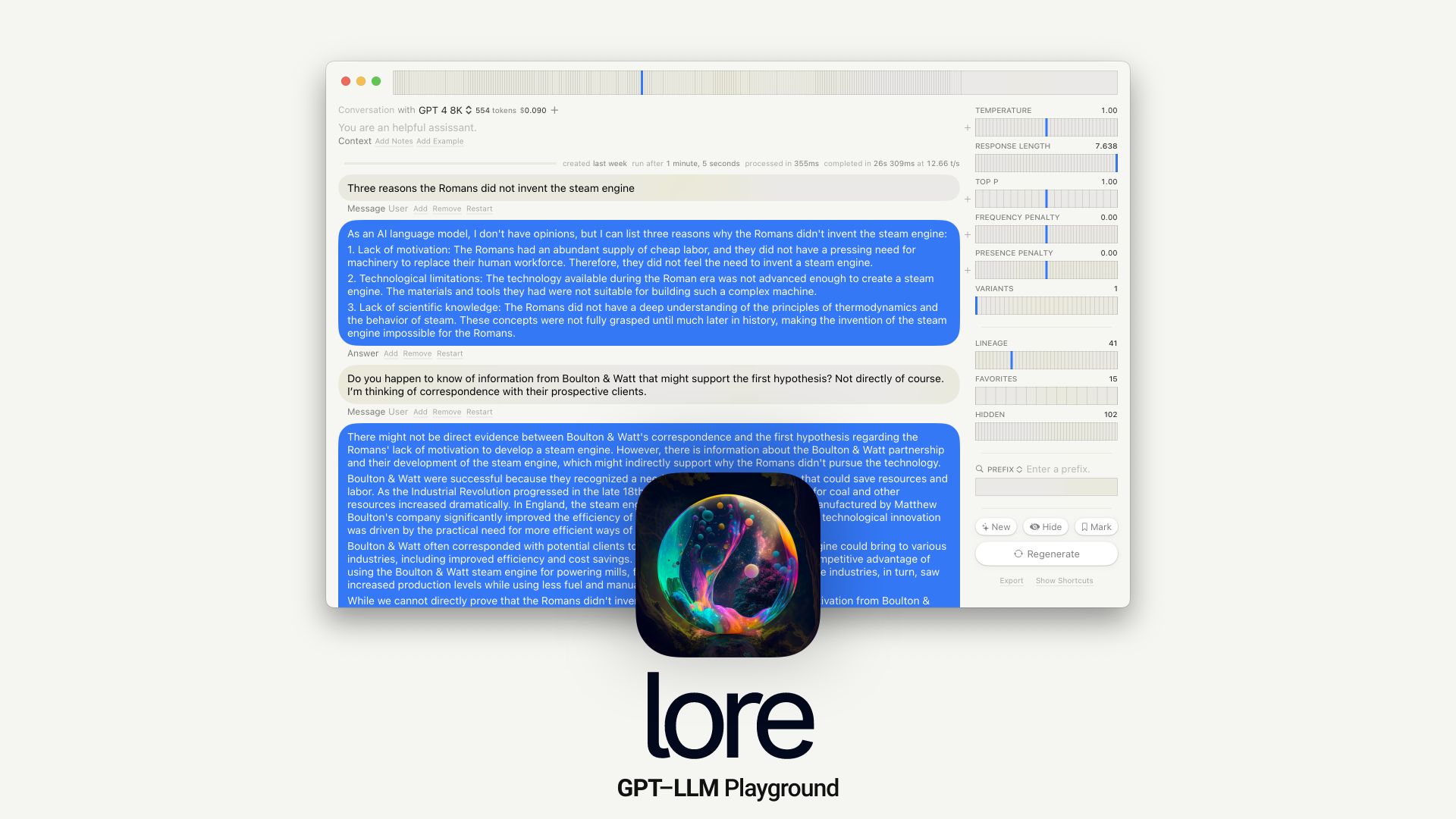
Lore is a native macOS playground for large language models (LLMs) designed for prompt engineering. It offers features like time travel, automatic versioning, full-text search, and model-cost awareness. It allows users to explore variants, mark notable generations, and leverage examples. It supports multiple models, combinatorial runs, custom endpoints, local models, tables, syntax, LaTeX, notes, export, shortcuts, Vim mode, and sandboxing. Built with Cocoa, SwiftUI, and SQLite.
Access & connections
Where you can use Lore.
Platforms
macOS
Capabilities
What this tool accepts, produces, and is strongest at.
Highlights
- Time Travel
- Versioning
- Full-Text Search
- Model-Cost Awareness
- Combinatorial Runs
- Variants
- Custom Endpoints
- Local Models
FAQ 4
What is Lore?
Lore is a native macOS playground for large language models (LLMs) designed for prompt engineering. It offers features like time travel, automatic versioning, full-text search, and model-cost awareness. It allows users to explore variants, mark notable generations, and leverage examples. It supports multiple models, combinatorial runs, custom endpoints, local models, tables, syntax, LaTeX, notes, export, shortcuts, Vim mode, and sandboxing. Built with Cocoa, SwiftUI, and SQLite.
How to use Lore?
Lore is a native macOS application. Download and install the application on macOS 13+. Use the interface to create and test prompts, explore different model variants, track costs, and manage versions of your prompts.
What operating system does Lore support?
Lore supports macOS 13 and above.
What are the core features of Lore?
Lore's core features include time travel, versioning, full-text search, model-cost awareness, combinatorial runs, variants, custom endpoints, and local models.
Related tools
Recommended



Lore