Verdict

A quick read before you dig into the full page.

Best if
You are marketing teams and need: Creating marketing videos for social media
Skip if
You need a free plan with no credit card
Pick this when
Paid · Price needs confirmation

Overview

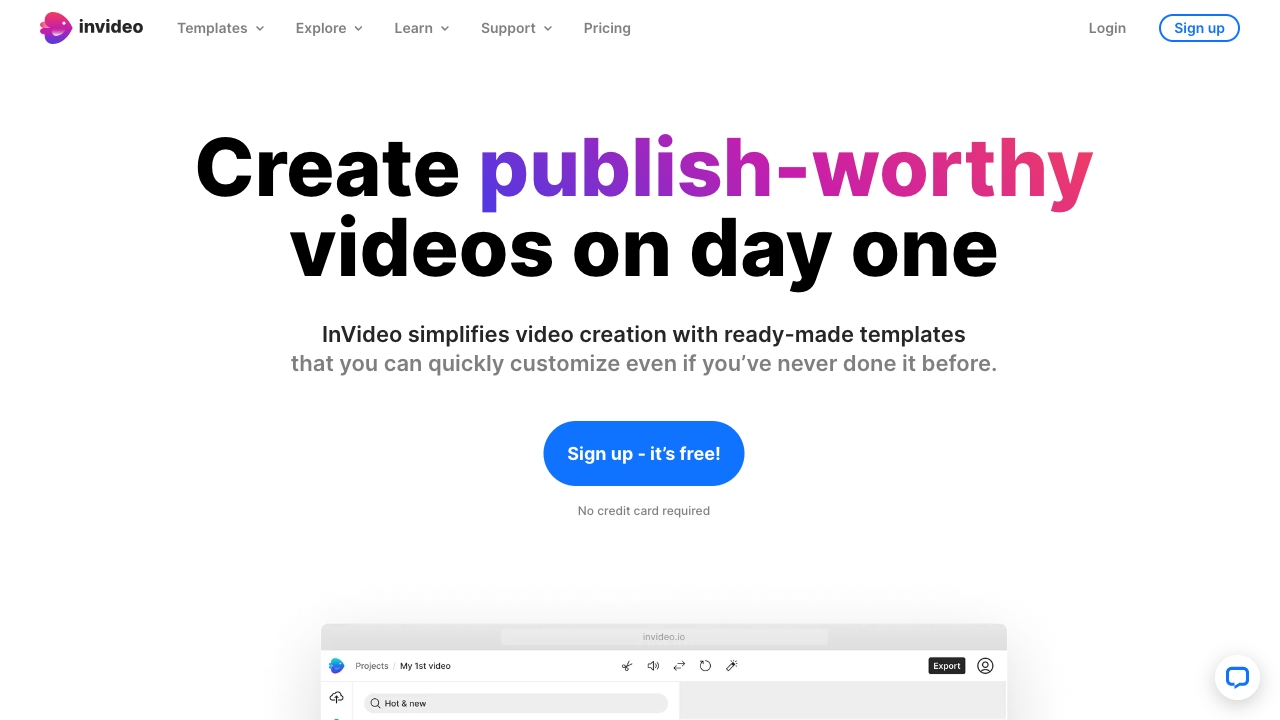
InVideo is an online video editor and video creator that empowers users to create professional-looking videos with ease. It offers a library of over 5000 templates, transitions, and effects to help users create engaging videos quickly and efficiently, without requiring any downloads. InVideo simplifies video creation with ready-made templates that can be easily customized, even for users with no prior experience. It provides AI tools to boost productivity, such as AI script generation and text-to-video conversion. InVideo also offers access to 8M+ stock media assets, single-click shortcuts, and collaboration features.

InVideo screenshot

Best for

Short scenarios where InVideo tends to shine.

  • Creating marketing videos for social media

    Best for Marketing teams

  • Turning blog posts into engaging video content

    Best for Social media managers

  • Creating intro and outro videos for YouTube channels

    Best for Content creators

  • Making promotional videos for businesses

    Best for Small business owners

  • Designing Facebook and Instagram video ads

    Best for Educators

How it works

To use InVideo, select a template, upload images and logos, edit and animate, and add your team for collaboration. You can also use AI tools to generate scripts or convert text to video. The platform offers single-click shortcuts to remove backgrounds, add stock media, and apply brand colors and fonts.

Example outputs 1

Sample generations and before/after results for InVideo.

Access & connections

Where you can use InVideo.

Platforms

Web

Capabilities

What this tool accepts, produces, and is strongest at.

Highlights

  • 5000+ professionally-created templates
  • AI-powered text to video editor
  • Access to 8M+ stock media assets
  • Single-click shortcuts for editing
  • Team collaboration features
  • Mobile app for editing on the go

People also view

Tools that often show up alongside InVideo in collections and comparisons.

FAQ 6

What is InVideo?
InVideo is an online video editor and video creator that empowers users to create professional-looking videos with ease. It offers a library of over 5000 templates, transitions, and effects to help users create engaging videos quickly and efficiently, without requiring any downloads. InVideo simplifies video creation with ready-made templates that can be easily customized, even for users with no prior experience. It provides AI tools to boost productivity, such as AI script generation and text-to-video conversion. InVideo also offers access to 8M+ stock media assets, single-click shortcuts, and collaboration features.
How to use InVideo?
To use InVideo, select a template, upload images and logos, edit and animate, and add your team for collaboration. You can also use AI tools to generate scripts or convert text to video. The platform offers single-click shortcuts to remove backgrounds, add stock media, and apply brand colors and fonts.
Is InVideo AI included with my existing InVideo Studio plan?
No, InVideo AI and InVideo Studio function as separate products with individual pricing plans. Lifetime deal holders of InVideo Studio purchased before August 15, 2023, may qualify for free InVideo AI credits. Other InVideo Studio subscribers may receive benefits to help them get started on InVideo AI.
What happens after I cancel my subscription?
You can enjoy the benefits of your current plan until the end of your billing cycle, after which you will be downgraded to the free plan. Only videos exported on a paid plan can be re-downloaded without a watermark.
What should I do if I run out of my quotas mid-month?
You can upgrade to a higher plan or add more seats at any point. You will receive a full month's worth of additional quota for the rest of the month, charged only for the remainder of the billing cycle.
Will my exports, generation & iStock credits roll-over into the next month or billing cycle?
No, these quotas do not roll over. All quotas (generations, iStock, exports) will reset and renew every month based on the date your plan was activated.
InVideo Price needs confirmation
