Verdict

A quick read before you dig into the full page.

Best if
You are gamers and need: Change voice in games like Fortnite, GTA, or Minecraft
Skip if
You need a free plan with no credit card
Pick this when
Paid · From $9.95

Overview

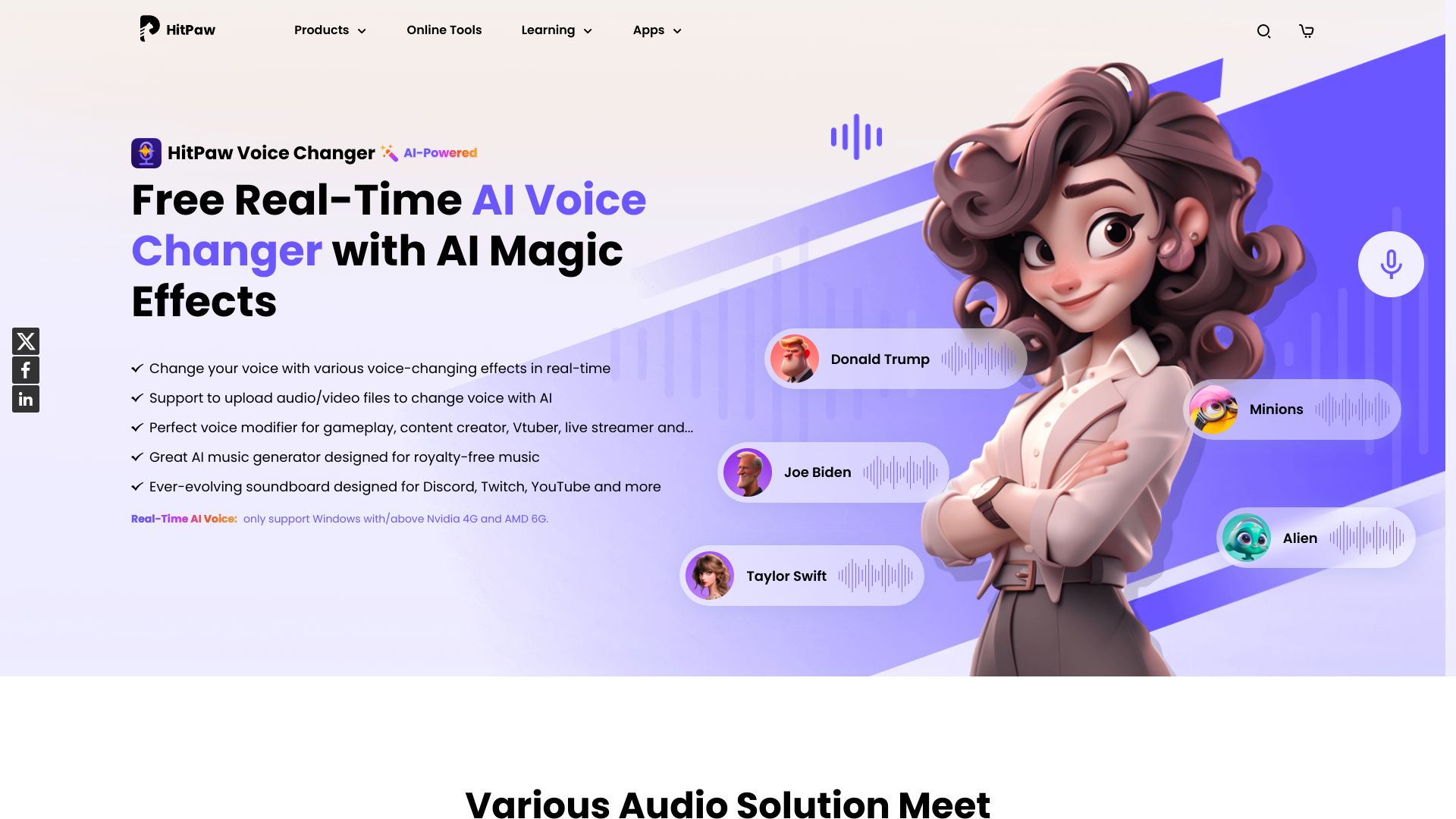
HitPaw VoicePea is a real-time AI voice changer for PC and Mac that allows users to change their voice with various voice-changing effects in real-time. It features an ever-evolving soundboard designed for Discord, Twitch, and YouTube, and uses cutting-edge AI to create dynamic AI covers of popular songs. It also includes an AI music generator designed for royalty-free music and Sora AI, and an efficient AI audio enhancer built for higher quality and clearer sound. Additionally, it offers AI-powered text to speech, effortlessly converting text into natural speech.

HitPaw Voice Changer screenshot

Best for

Short scenarios where HitPaw Voice Changer tends to shine.

  • Change voice in games like Fortnite, GTA, or Minecraft

    Best for Gamers

  • Engage audiences on Twitch, YouTube, or Kick with real-time effects

    Best for Streamers

  • Enhance professionalism and privacy in Zoom, Teams, and Discord meetings

    Best for Vtubers

  • Spice up gaming or streams with meme soundboard effects

    Best for Meeting participants

  • Create AI covers of songs in your favorite singers' voices

    Best for Content creators

  • Generate personalized royalty-free music

    Best for Musicians

  • Enhance audio quality with noise reduction and volume adjustment

    Best for Gamers

How it works

To use HitPaw VoicePea, select your input and output settings, choose 'HitPaw Virtual Audio Input' in the application you want to change your voice in, and then select your favorite voice and sound effects. For the soundboard, open a third-party platform like Discord or Steam, choose 'HitPaw Virtual Audio' as the input, select sound effects, and preview and enjoy with customized shortcuts. For AI Cover, import audio/video files or paste YouTube links, choose singer models, and then cover and download.

Example outputs 1

Sample generations and before/after results for HitPaw Voice Changer.

Access & connections

Where you can use HitPaw Voice Changer, and what it plugs into.

Platforms

Web

Integrations

Capabilities

What this tool accepts, produces, and is strongest at.

Highlights

  • Real-time AI voice changing
  • Soundboard with meme sounds
  • AI song cover creation
  • File voice changing
  • AI music generation
  • AI audio enhancement
  • Text to speech

People also view

Tools that often show up alongside HitPaw Voice Changer in collections and comparisons.

FAQ 7

What is HitPaw VoicePea?
HitPaw VoicePea is a real-time AI voice changer for PC and Mac that allows users to change their voice with various voice-changing effects in real-time. It features an ever-evolving soundboard designed for Discord, Twitch, and YouTube, and uses cutting-edge AI to create dynamic AI covers of popular songs. It also includes an AI music generator designed for royalty-free music and Sora AI, and an efficient AI audio enhancer built for higher quality and clearer sound. Additionally, it offers AI-powered text to speech, effortlessly converting text into natural speech.
How to use HitPaw VoicePea?
To use HitPaw VoicePea, select your input and output settings, choose 'HitPaw Virtual Audio Input' in the application you want to change your voice in, and then select your favorite voice and sound effects. For the soundboard, open a third-party platform like Discord or Steam, choose 'HitPaw Virtual Audio' as the input, select sound effects, and preview and enjoy with customized shortcuts. For AI Cover, import audio/video files or paste YouTube links, choose singer models, and then cover and download.
What is the best voice changer?
HitPaw VoicePea is a popular voice changer software that allows you to modify your voice in real-time during voice calls, online meetings, or while playing games. It offers a range of voice effects and is compatible with various devices and platforms. It also has a user-friendly interface suitable for both amateurs and professionals.
Can I try HitPaw voice changer for free?
Yes! HitPaw VoicePea offers a free voice changer experience, allowing you to explore its powerful real-time voice transformation features. With high-quality voice output and a variety of sound effects, you can seamlessly change your voice in real-time on platforms like Discord, Twitch, Zoom, and popular games.
Is there a voice changer for discord?
HitPaw VoicePea is an AI Discord voice changer. It is a popular and easy-to-use voice modifier that allows you to change your voice in real-time while using Discord. It offers a wide range of voice effects to choose from and can be used with other communication apps as well.
Why I cannot find AI real-time voice effects on my computer?
For better experience, real-time AI voice effects are currently only available and displayed on Windows devices with/above Nvidia 4G and AMD 6G. We'll be updating our product soon to support all devices.
Can I change voice to a celebrity?
Yes, you can use HitPaw VoicePea to change your voice to that of a celebrity. It offers a wide range of celebrity voice effects, that you can use to transform your voice in real-time. With HitPaw VoicePea, you can sound like your favorite celebrity and have fun creating unique content. It can help you add a new dimension to your creative projects.
HitPaw Voice Changer From $9.95


