BrowserAI
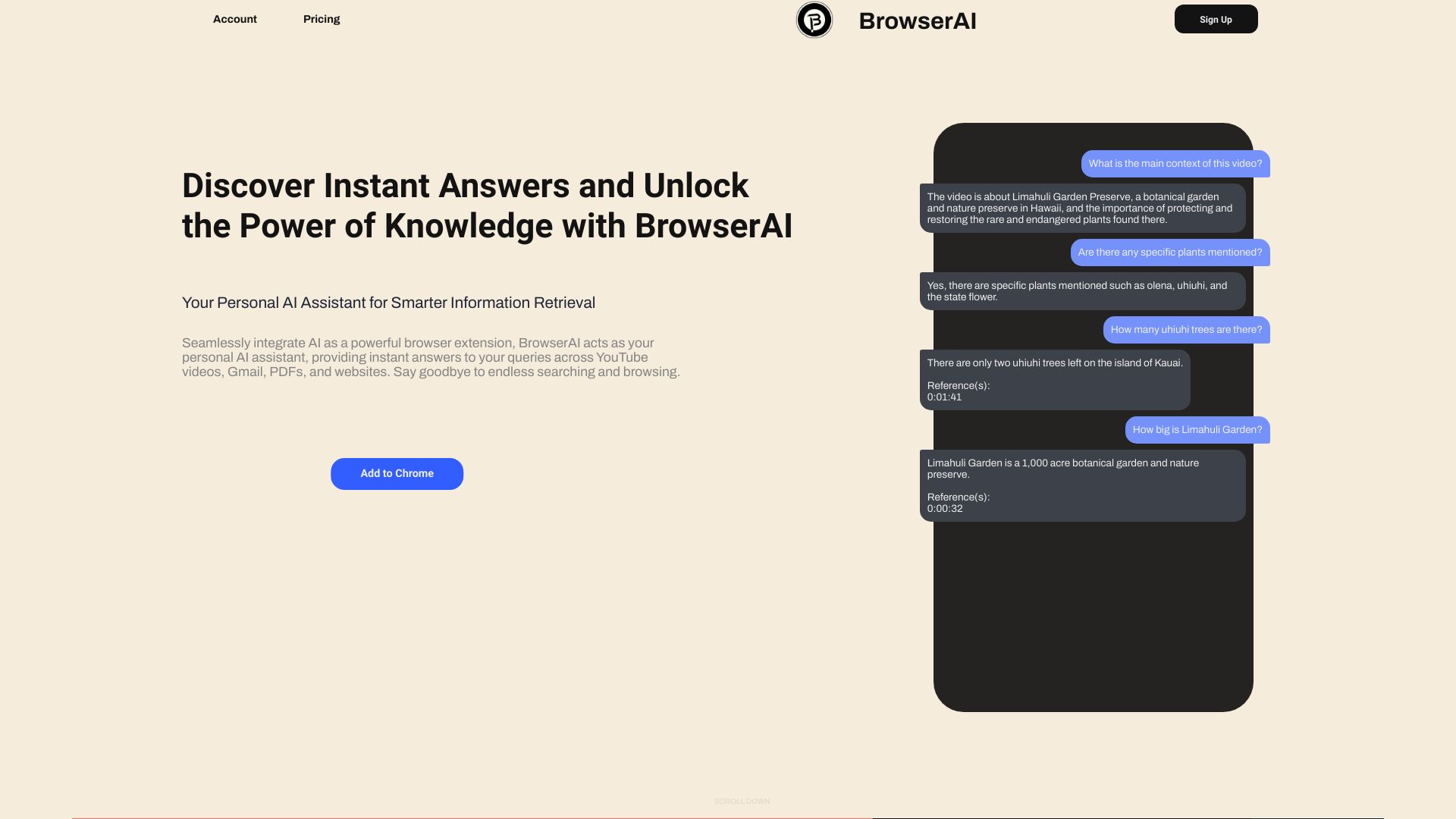
AI browser extension for instant answers from videos, emails, PDFs, and websites.
Source rating 5.0
(63)
0 views
0 saves
Paid
From $0.0000200 / Token
Verdict
A quick read before you dig into the full page.
- Best if
- AI browser extension for instant answers from videos, emails, PDFs, and websites
- Skip if
- You need a free plan with no credit card
- Pick this when
- Paid · From $0.0000200 / Token
Overview
BrowserAI is an AI-powered browser extension that acts as a personal AI assistant. It provides instant answers to queries across various platforms including YouTube videos, Gmail emails, PDF files, and general website text content. It aims to eliminate endless searching and browsing by seamlessly integrating AI into the user's workflow.
Access & connections
Where you can use BrowserAI, and what it plugs into.
Platforms
Integrations
Capabilities
What this tool accepts, produces, and is strongest at.
Highlights
- Chat with YouTube videos
- Reply to Gmail emails
- Query PDF files
- Get general answers from website text content
- Multi-Language support (English, Mandarin, Hindi, Spanish, French, Arabic, Tamil)
- Personal AI chatbot assistant
FAQ 12
What is BrowserAI?
BrowserAI is an AI-powered browser extension that acts as a personal AI assistant. It provides instant answers to queries across various platforms including YouTube videos, Gmail emails, PDF files, and general website text content. It aims to eliminate endless searching and browsing by seamlessly integrating AI into the user's workflow.
How to use BrowserAI?
BrowserAI is used as a browser extension on desktop devices. Users can interact with it by sending messages or asking queries related to YouTube videos, Gmail emails, PDF files (by uploading them), or the text content of any webpage they are viewing. The AI will then provide instant answers or assist with tasks like summarizing videos or drafting email responses.
How many languages does BrowserAI support?
Currently BrowserAI supports English, Mandarin, Hindi, Spanish, French, Arabic & Tamil.
What is a token?
A token is used to access the AI service, and is calculated based on the usage of the service. Each time you send a message or ask a query, the words/letters in your message will be converted into tokens. Approximately 100 tokens could contain 75 words.
How does token usage calculated?
Total Token Usage = Your Query Tokens + Previous Chats Tokens + Browsing Content Tokens + AI Response Tokens. Examples are provided for YouTube video queries and reading a blog.
How to save more tokens?
Clearing your previous chats can reduce token usage, but will result in inaccurate AI responses from the previous queries.
What consumes more tokens?
Asking for a summary of a YouTube video consumes more tokens, especially if the video length is too long (e.g., 25K-50K tokens for a 3-hour video summary). General queries consume less.
Does the purchased tokens have an expiration?
No, tokens will remain as they are unless you use them.
What happens if I purchase tokens multiple times?
Your token balance will keep on increasing until you stop purchasing.
Can I get a refund for the tokens if I did not use any?
No, as mentioned in the 'Terms & Privacy' section, tokens once purchased cannot be exchanged, refunded or transferred to another account.
Does BrowserAI read any data even though I'm not using it?
No, BrowserAI won't access or read any data unless you want to use it.
When and what kind of data does BrowserAI access?
BrowserAI only has access to data when you send it a message or ask it any queries. For YouTube videos, it gets video title, category, and video ID. For Gmail emails, it expands and reads all text. For PDF files, you upload it to their servers temporarily for reading. For webpages, it reads all text on the page you are viewing.
BrowserAI
From $0.0000200 / Token

