
TextPhoto
TextPhoto creates typographic artwork from your pictures using words and fonts.
Source rating 5.0
(84)
857 views
857/mo traffic
0 saves
Unknown
Verdict
A quick read before you dig into the full page.
- Best if
- TextPhoto creates typographic artwork from your pictures using words and fonts
- Pick this when
- TextPhoto creates typographic artwork from your pictures using words and fonts
Overview
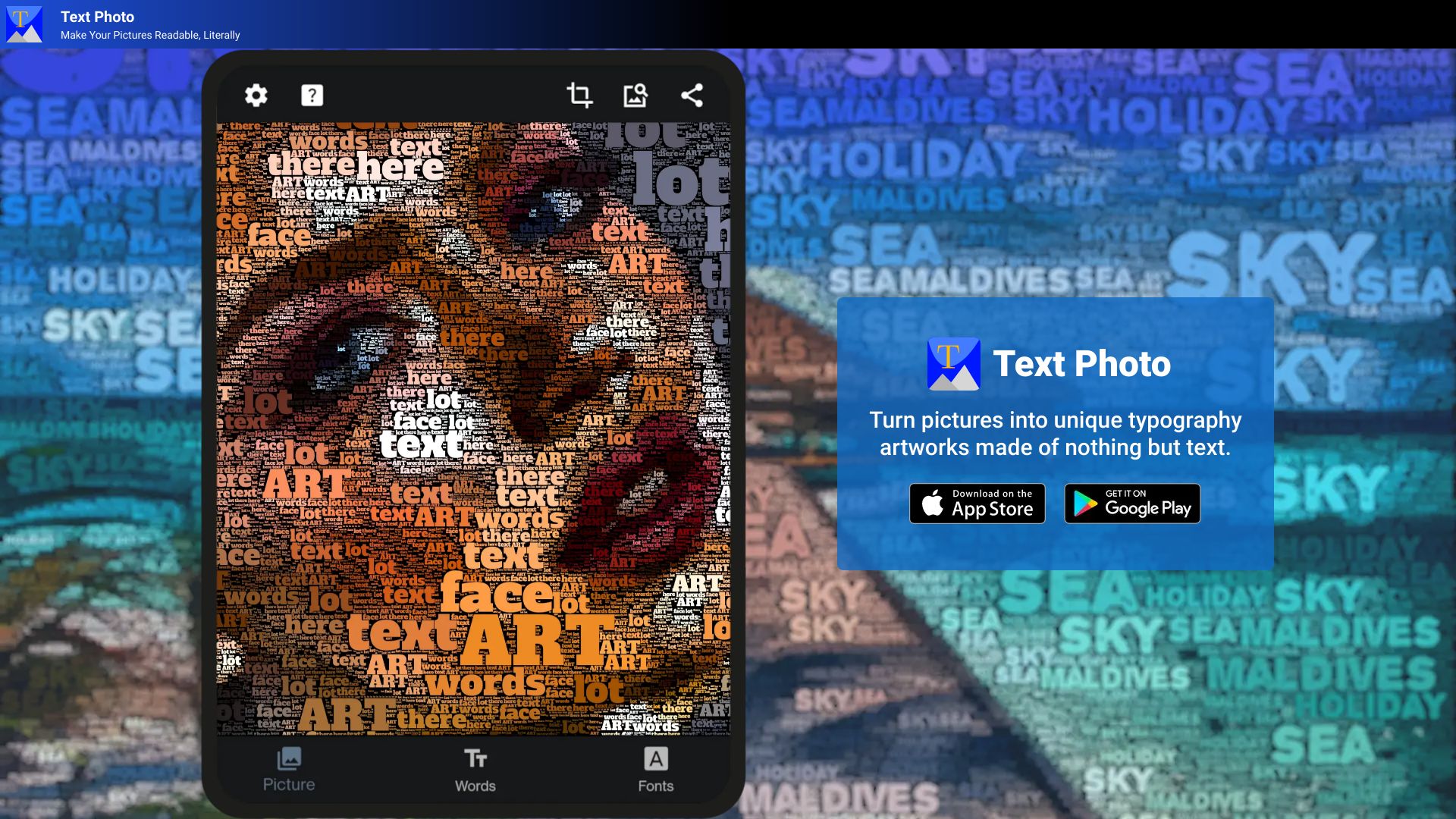
TextPhoto is an application that creates unique typographic artwork from your pictures. You choose the words, the font, and the picture you want to convert, and the app will do the rest. It easily creates word cloud-like images from your album or camera, turning pictures into unique typography artworks made of nothing but text.
Access & connections
Where you can use TextPhoto.
Platforms
Capabilities
What this tool accepts, produces, and is strongest at.
Highlights
- Create unique typography effects from pictures
- Easily create word cloud-like images
- Choose from over a thousand open fonts or provide your own TTF font
- Control the output with adjustable parameters
- Apply post-processing effects
- Supports multiple languages (limited by font)
- Alpha channel support for blending images
FAQ 7
What is TextPhoto?
TextPhoto is an application that creates unique typographic artwork from your pictures. You choose the words, the font, and the picture you want to convert, and the app will do the rest. It easily creates word cloud-like images from your album or camera, turning pictures into unique typography artworks made of nothing but text.
How to use TextPhoto?
Choose a picture, words (up to 20), and a font. The app will transform the picture into words using your selected font. You can also control the result by changing parameters and applying post-processing effects.
What is TextPhoto?
TextPhoto is an application that creates unique typographic artwork from your pictures by converting them into words using your selected font.
How many words can I use?
You can provide up to 20 words for creating your typography art.
Can I use my own fonts?
Yes, you can choose from over a thousand open fonts or provide your own TTF font.
Does TextPhoto support multiple languages?
Yes, TextPhoto supports multiple languages, and it is limited entirely by the font of your choice.
Can I blend images using TextPhoto?
Yes, a fully transparent background is ignored, allowing you to blend images and create a partial typography effect.
Related tools
Recommended


TextPhoto