
Text to Calendar
Browser extension to create calendar events from highlighted text.
Free + from $2.99 / year
Verdict
A quick read before you dig into the full page.
- Best if
- You are professionals and need: Quickly create calendar events from emails containing meeting details
- Skip if
- You need enterprise SLAs or a fully managed team plan right away
- Pick this when
- Freemium · Free + from $2.99 / year
Overview
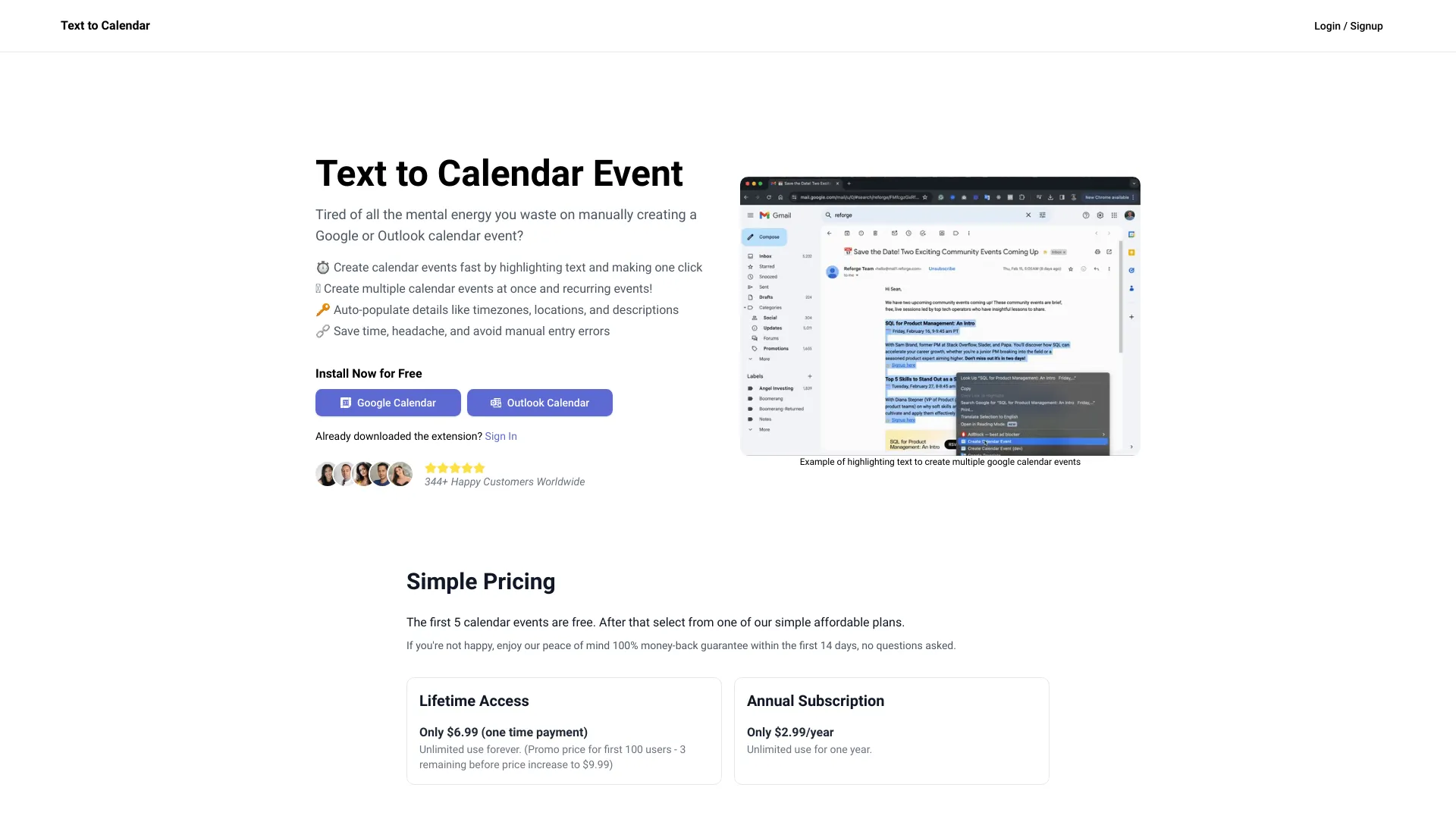
Text to Calendar is a browser extension designed to streamline the process of creating Google or Outlook calendar events. It allows users to highlight text containing event details and automatically populate the calendar event creation form, saving time and reducing manual entry errors. The extension supports creating single and recurring events, as well as populating location, timezone, and event descriptions.
Best for
Short scenarios where Text to Calendar tends to shine.
-
Quickly create calendar events from emails containing meeting details.
Best for Professionals
-
Easily schedule events based on information found on websites or documents.
Best for Students
-
Efficiently create multiple calendar events for a series of meetings or appointments.
Best for Administrators
Example outputs 1
Sample generations and before/after results for Text to Calendar.
Access & connections
Where you can use Text to Calendar, and what it plugs into.
Platforms
Integrations
Capabilities
What this tool accepts, produces, and is strongest at.
Highlights
- Create Google or Outlook calendar events from highlighted text
- Create multiple events at once
- Create recurring events
- Auto-populate event details (location, timezone, description)
People also view
Tools that often show up alongside Text to Calendar in collections and comparisons.
