
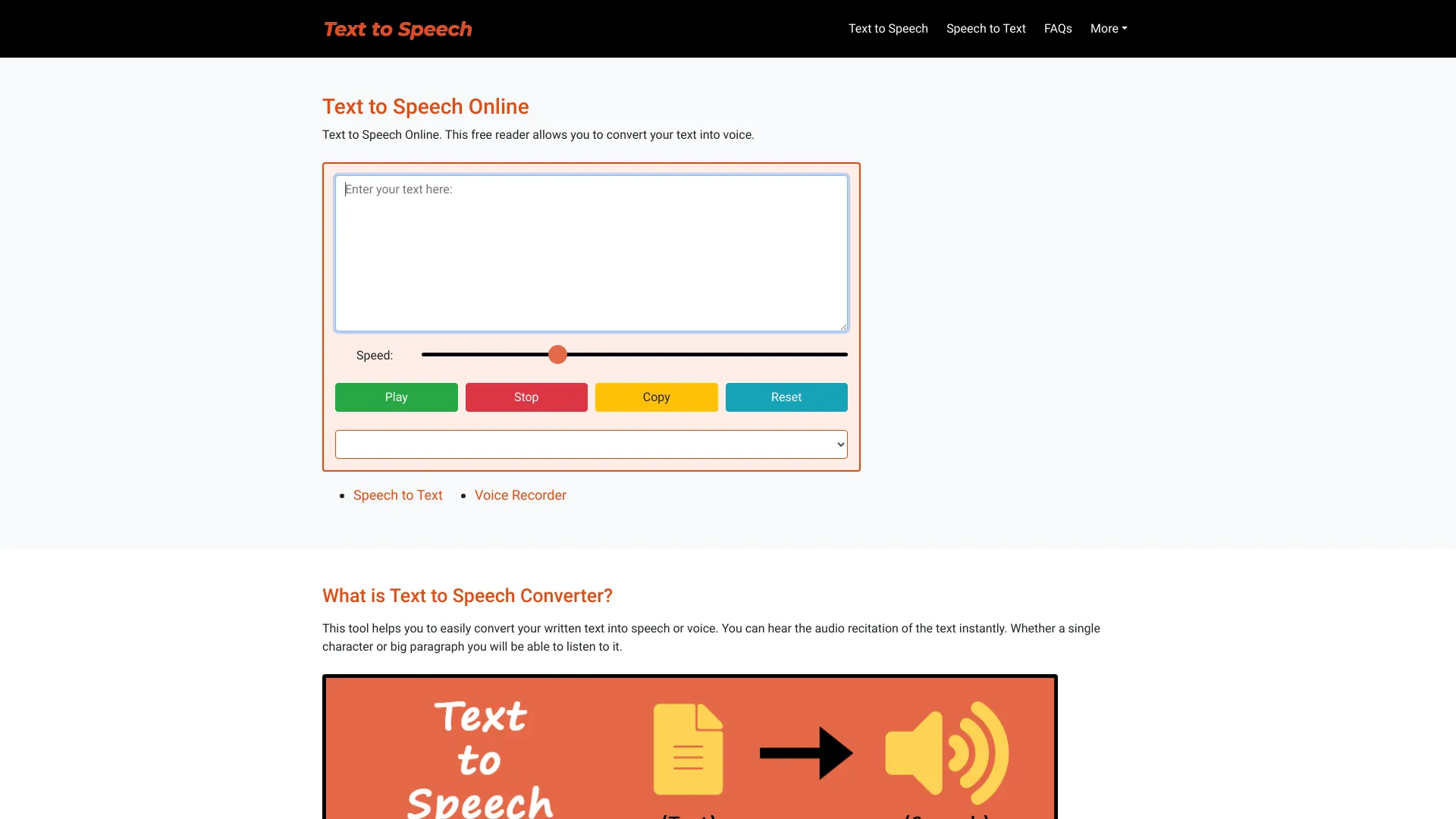
text-speech.net
Free online text-to-speech converter with natural-sounding voices and no restrictions.
Verdict
A quick read before you dig into the full page.
- Best if
- You are students and need: Alternative to reading for those who prefer listening
- Pick this when
- Free online text-to-speech converter with natural-sounding voices and no restrictions
Overview
Free Text to Speech Online is a free reader and text-to-voice converter that allows you to convert your text into a natural-sounding voice. It uses a speech synthesizing technique to convert written text into realistic speech. The tool supports various languages and genders, offering options to choose the voice's accent. It is designed to be easy to use, requiring no login or signup, and is compatible with most web browsers and mobile devices.
Best for
Short scenarios where text-speech.net tends to shine.
-
Alternative to reading for those who prefer listening
Best for Students
-
Learning proper pronunciation of words in different accents
Best for Teachers
-
Assisting visually impaired persons with reading
Best for Visually impaired persons
-
Decreasing linguistic dialect barriers
Best for Content creators
-
Creating natural voiceovers for videos
Best for Language learners
Example outputs 1
Sample generations and before/after results for text-speech.net.
Access & connections
Where you can use text-speech.net.
Platforms
Capabilities
What this tool accepts, produces, and is strongest at.
Highlights
- Text to natural-sounding voice conversion
- Adjustable speech speed
- Multiple language and gender options
- Simple and easy-to-use interface
- No login or signup required
- Browser and mobile compatibility
People also view
Tools that often show up alongside text-speech.net in collections and comparisons.

